
 STM32CubeMX2

Uninstallation 
Uninstallation process 
Uninstall on Windows 
To uninstall STM32CubeMX2 using the uninstaller.exe utility:
Navigate to the STM32CubeMX2 installation directory.
Locate and run uninstaller.exe.
Follow the on-screen instructions to complete the uninstallation. The process removes files and shortcut
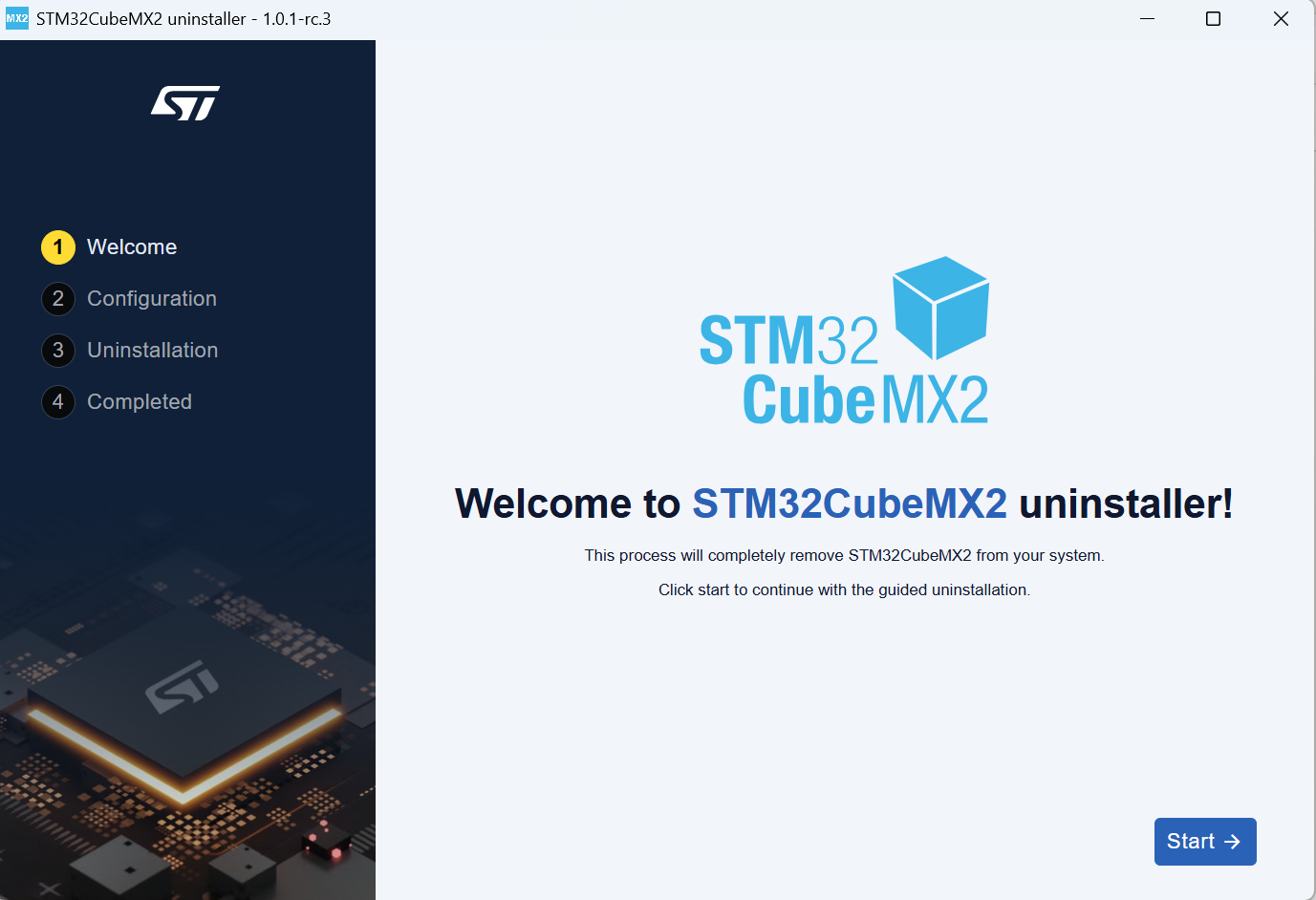
STM32CubeMX2 uninstaller start on Windows 
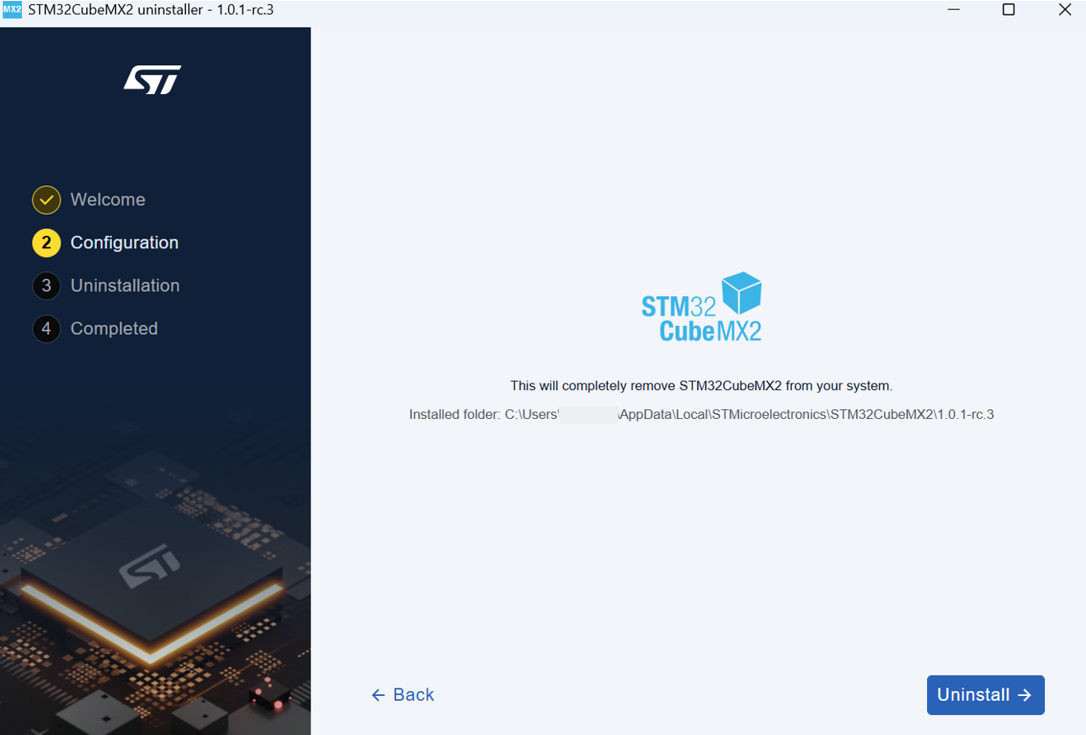
STM32CubeMX2 uninstaller on Windows 
Uninstall on Linux 
To uninstall STM32CubeMX2 from Linux:
Open a terminal and navigate to the installation folder.
Enter ./uninstall to launch the uninstallation process.
Follow the on-screen instructions to complete the uninstallation.
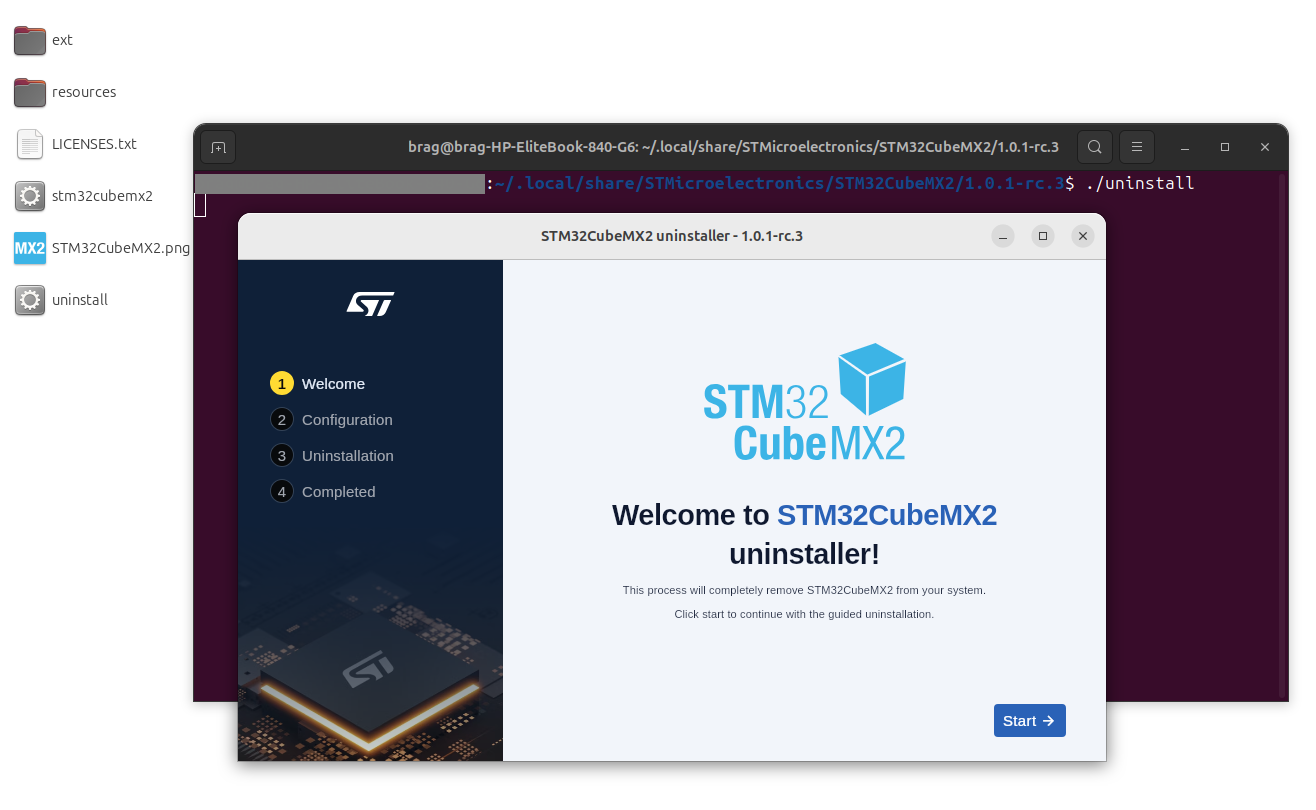
STM32CubeMX2 uninstaller on Linux 
Uninstall on MacOS 
To uninstall STM32CubeMX2 from MacOS:
Open a terminal and navigate to the installation folder.
Enter ./uninstall to start the uninstallation process.
Follow the on-screen instructions to complete the uninstallation.
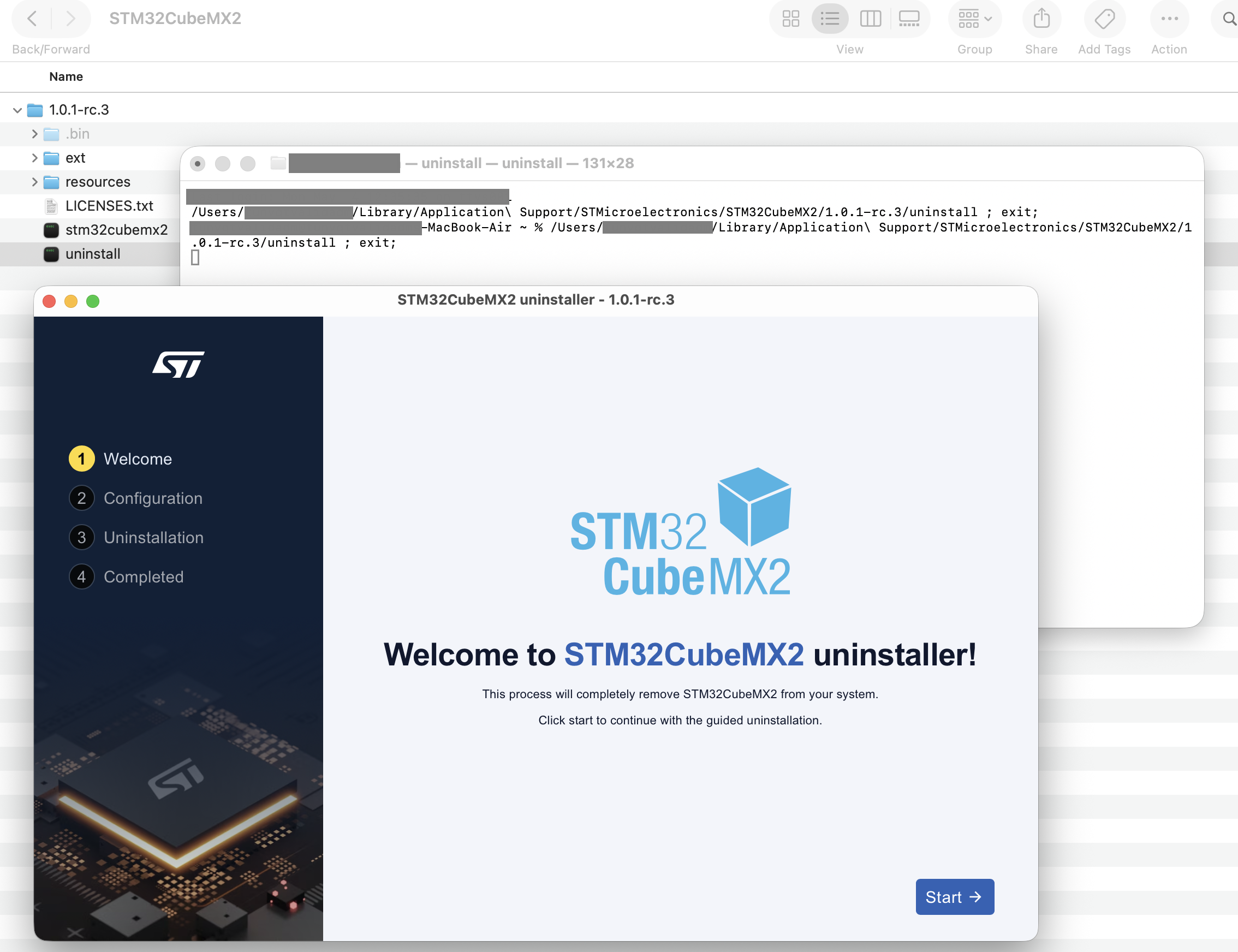
STM32CubeMX2 uninstaller on MacOS 
Uninstallation Status and Error Handling 
If the uninstallation does not complete with 100% success, an uninstallation status summary is displayed.
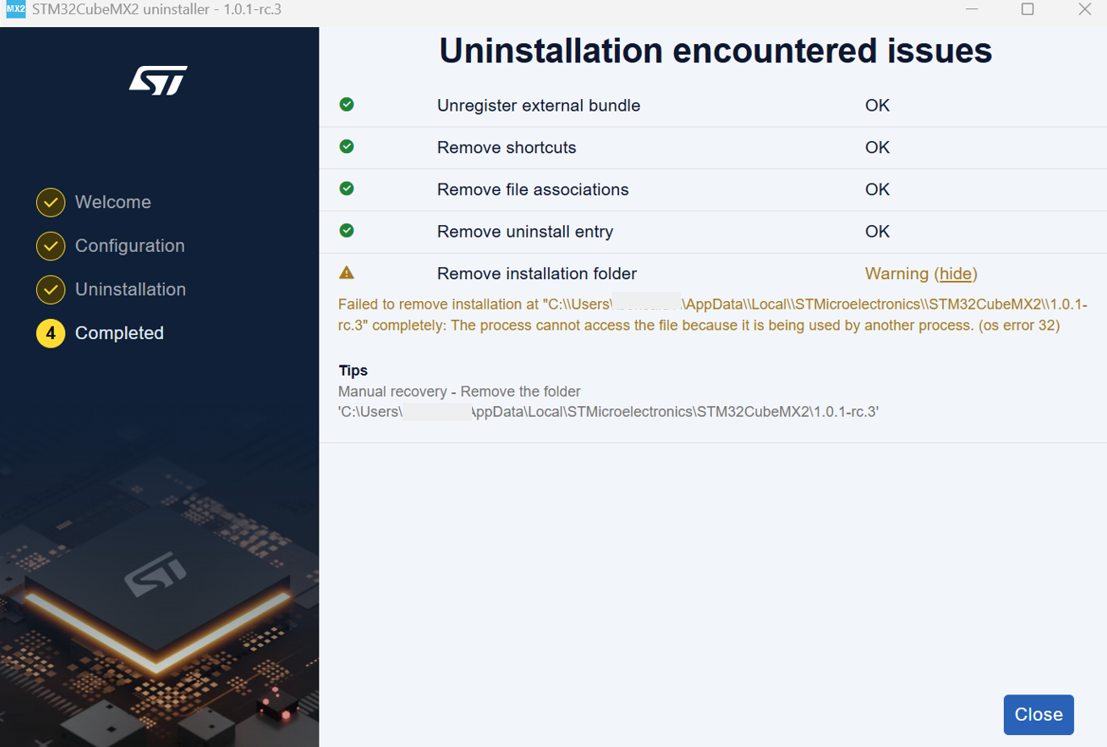
Uninstallation status summary 