STM32CubeMX

Revision history 
Table 30. Document revision history
|
Date |
Revision |
STM32CubeMX release number |
Changes |
|---|---|---|---|
|
17-Feb-2014 |
1 |
4.1 |
Initial release. |
|
04-Apr-2014 |
2 |
4.2 |
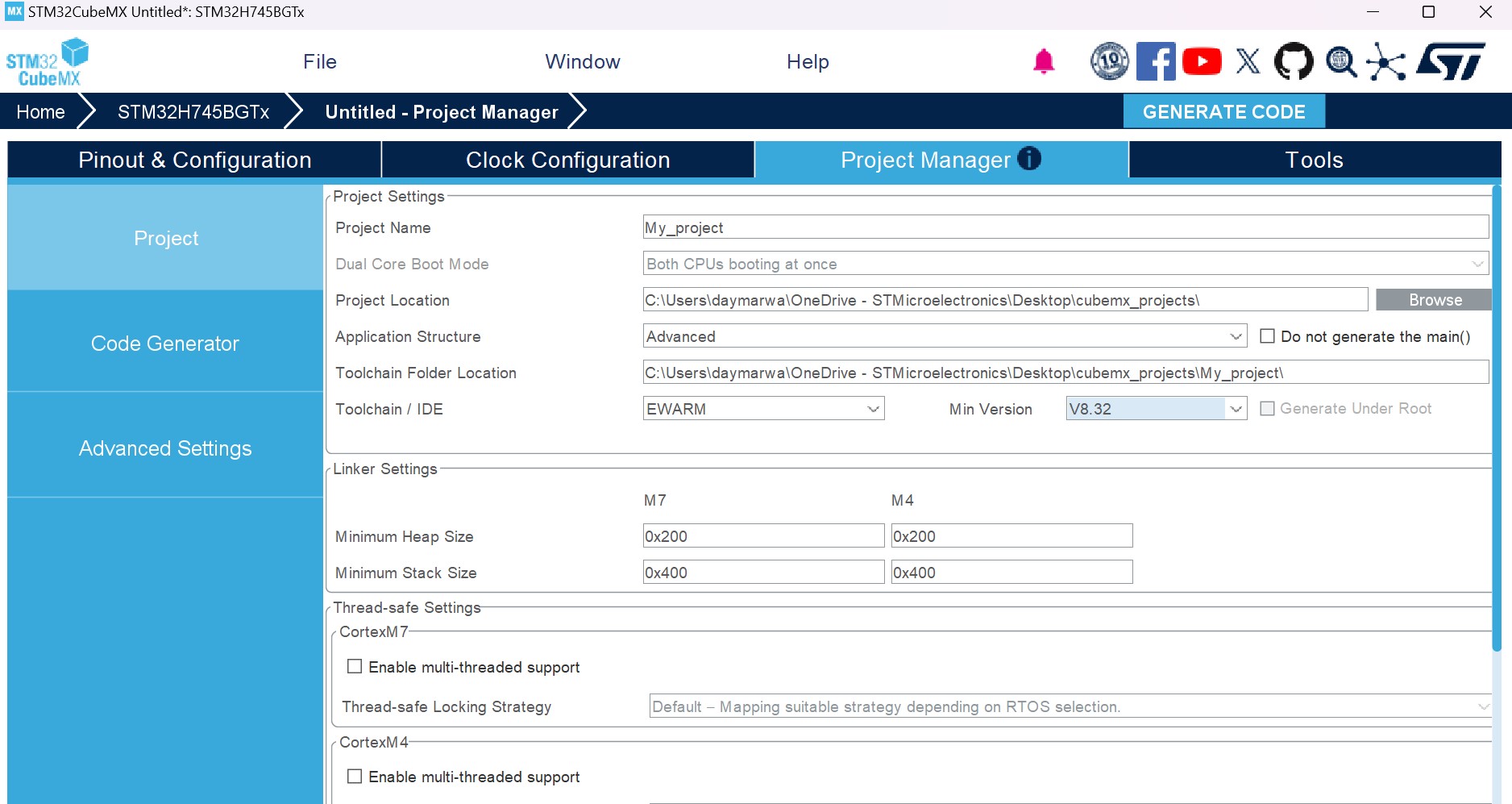
Added support of STM32CubeF2 and STM32F2 Series in cover page, Section 2.2: Key features, Section 5.14.1: Peripherals and Middleware Configuration window, and Appendix D: STM32Cube embedded software packages. Updated Section 11.1: Creating a new STM32CubeMX project, Section 11.2: Configuring the MCU pinout, Section 11.6: Configuring the MCU initialization parameters. Section “Generating GPIO initialization C code move to Section 8: Tutorial 3- Generating GPIO initialization C code (STM32F1 Series only) and content updated. Added Section 18.6: Why do I get the error “Java 8 update 45” when installing “Java 8 update 45” or a more recent version of the JRE?. |
|
24-Apr-2014 |
3 |
4.3 |
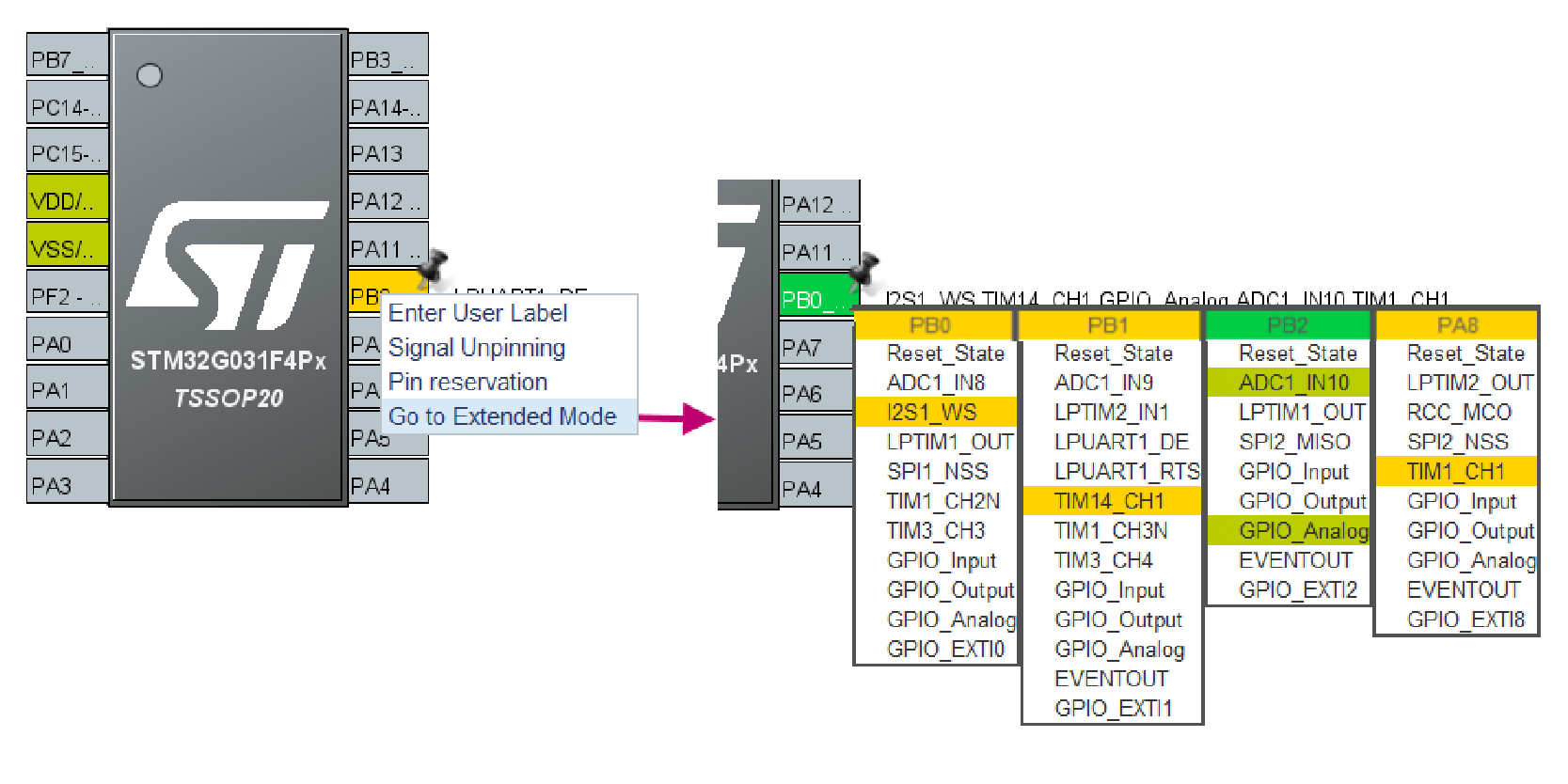
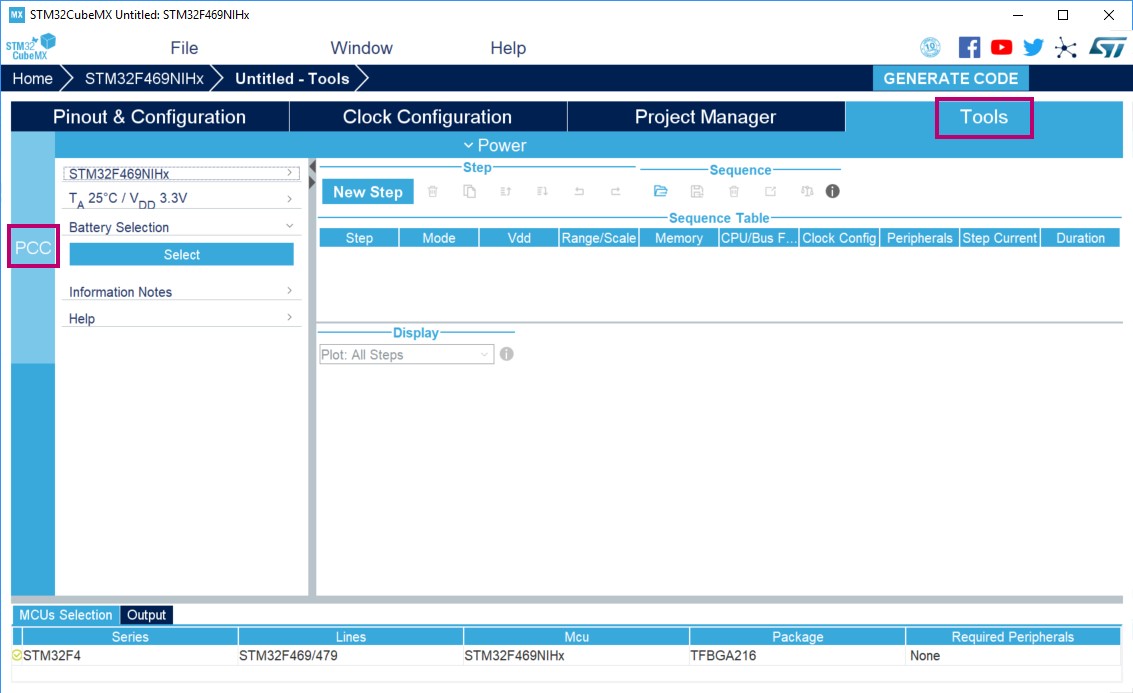
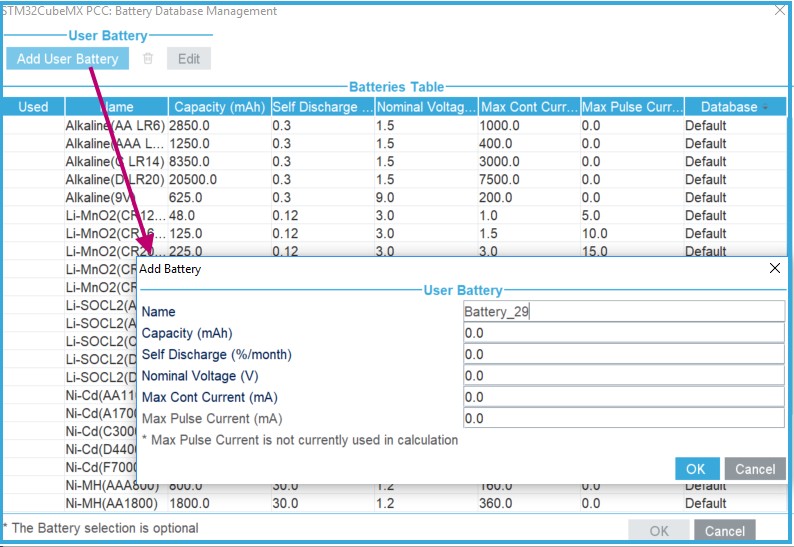
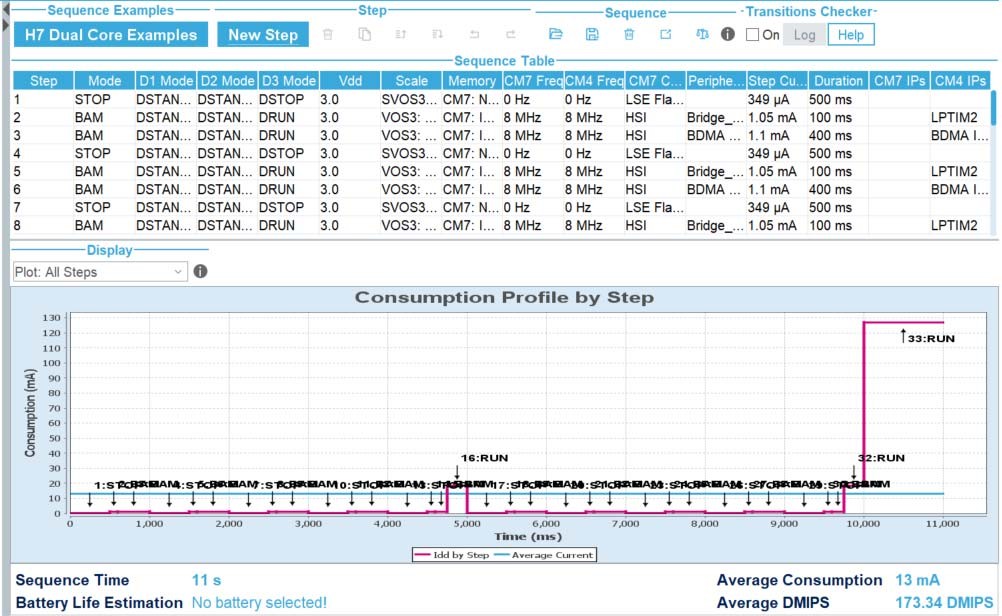
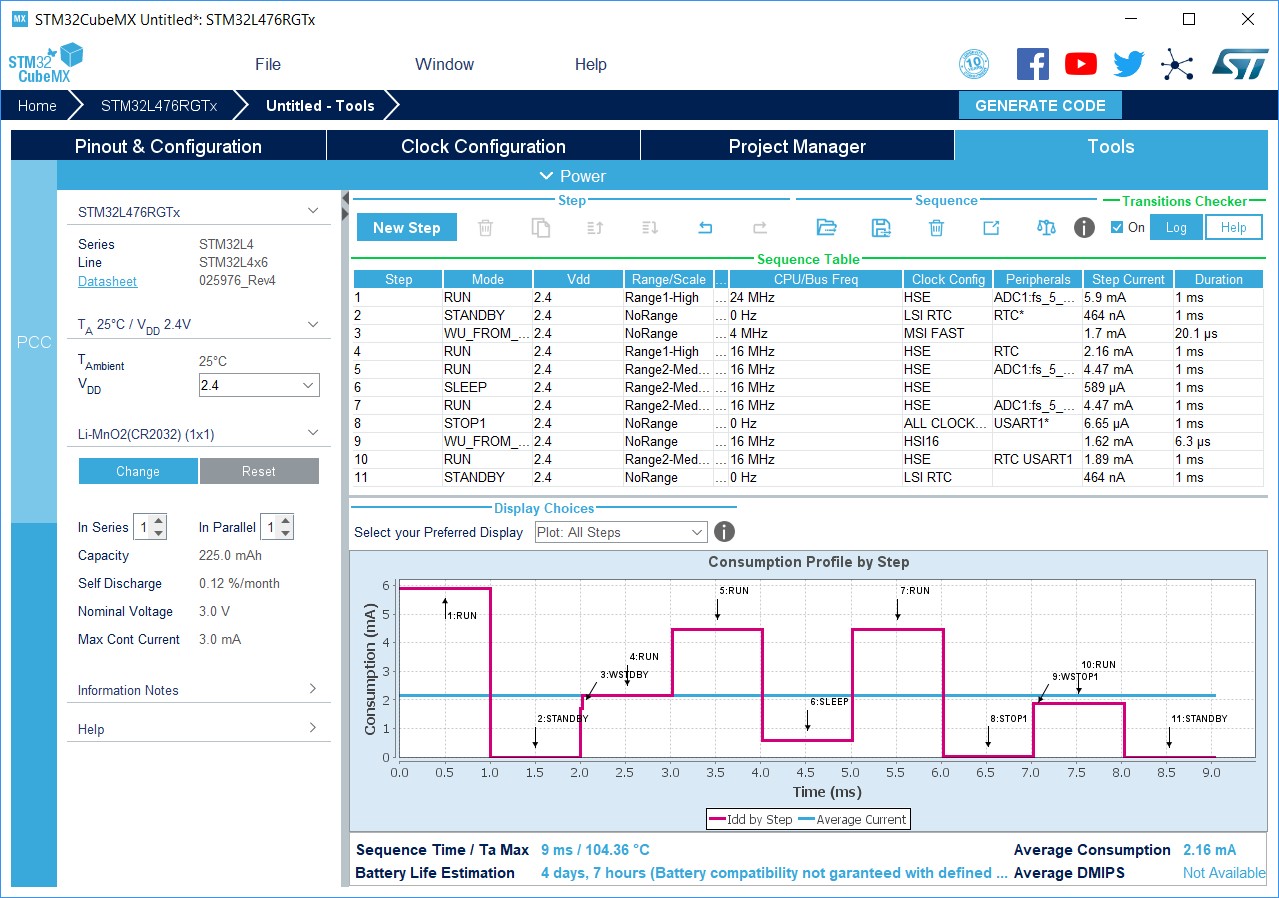
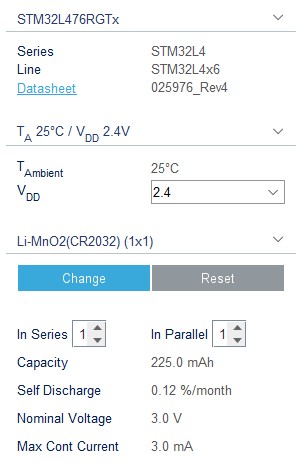
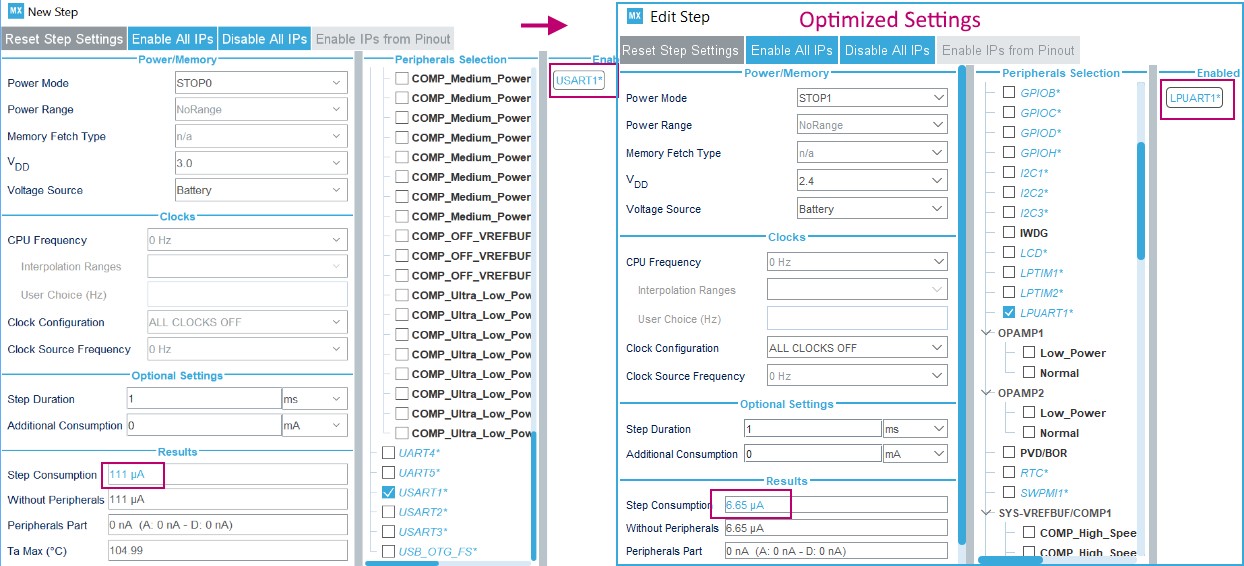
Added support of STM32CubeL0 and STM32L0 Series in cover page, Section 2.2: Key features, Section 2.3: Rules and limitations and Section 5.14.1: Peripherals and Middleware Configuration window Added board selection in Table 13: File menu functions, Section 5.7.3: Pinout menu and Section 4.2: New Project window. Updated Table 15: Pinout menu. Updated Figure 374: Power Consumption Calculator default view and added battery selection in Section 5.3.1: Building a power consumption sequence. Updated note in Section 5.3: Power Consumption Calculator view Updated Section 11.1: Creating a new STM32CubeMX project. Added Section 19.7: Why does the RTC multiplexer remain inactive on the Clock tree view?, Section 19.8: How can I select LSE and HSE as clock source and change the frequency?, and Section 19.9: Why STM32CubeMX does not allow me to configure PC13, PC14, PC15, and PI8 as outputs when one of them is already configured as an output?. |
|
Date |
Revision |
STM32CubeMX release number |
Changes |
|---|---|---|---|
|
19-Jun-2014 |
4 |
4.4 |
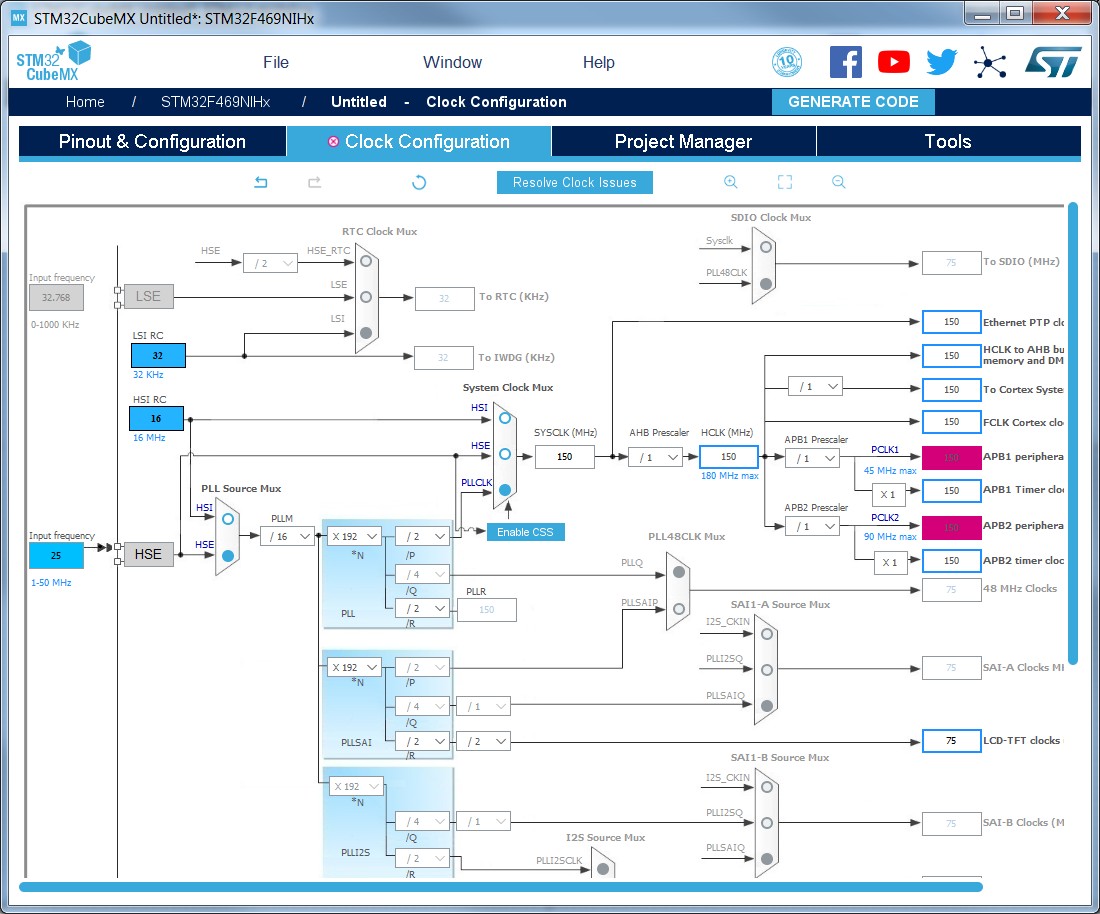
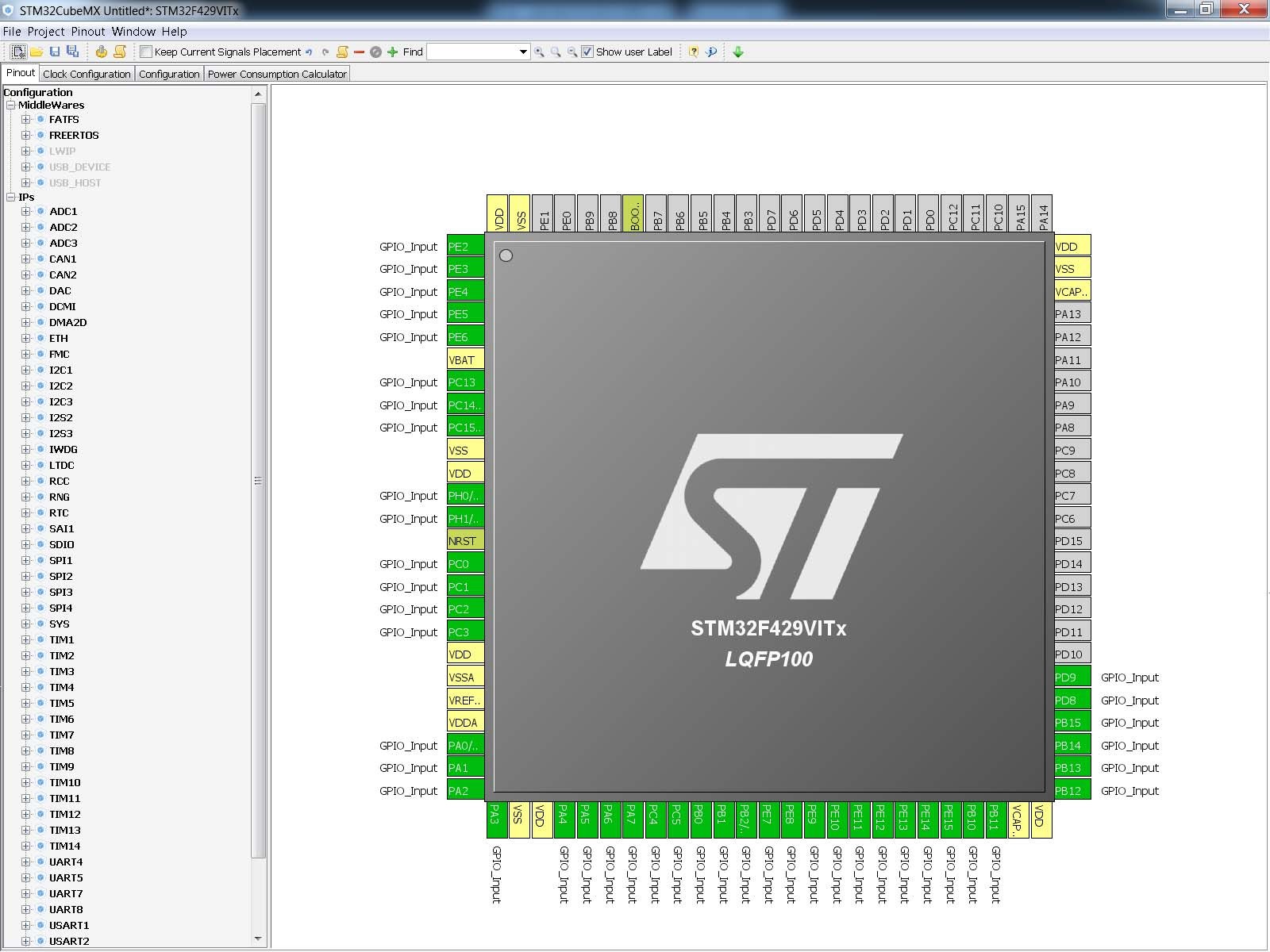
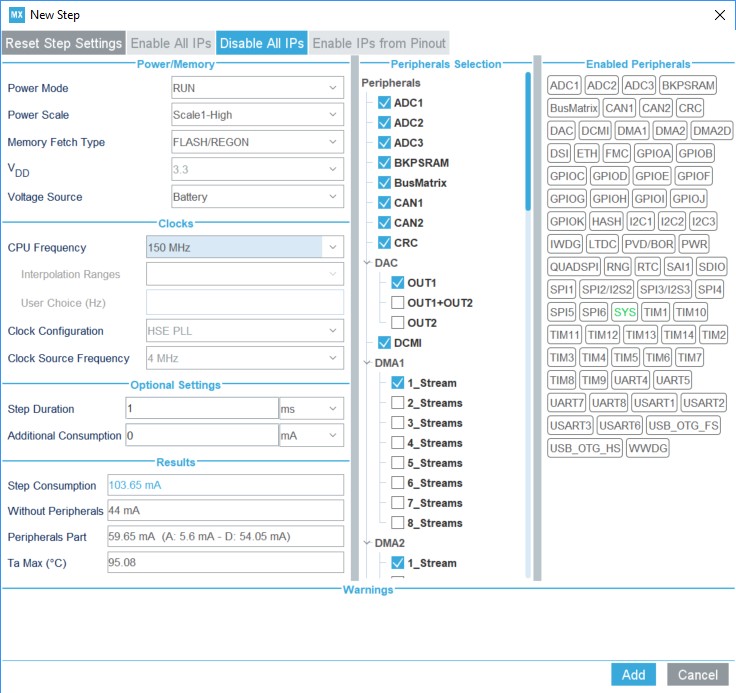
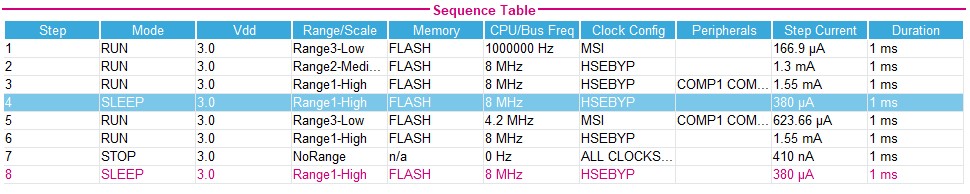
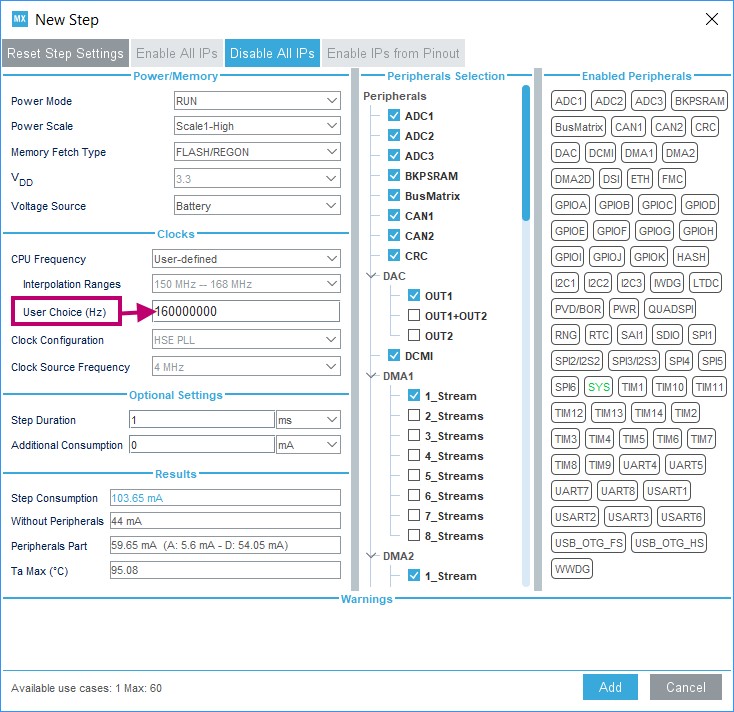
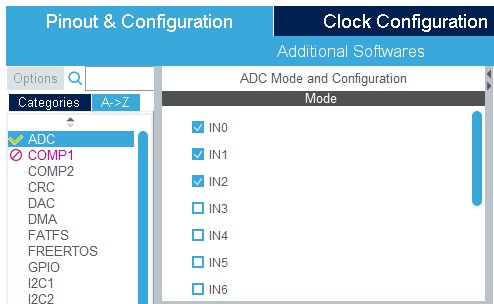
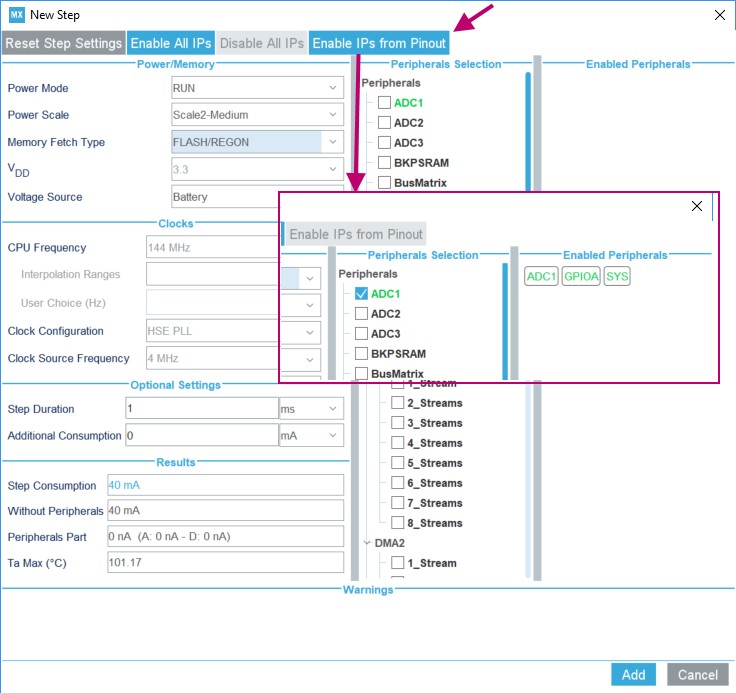
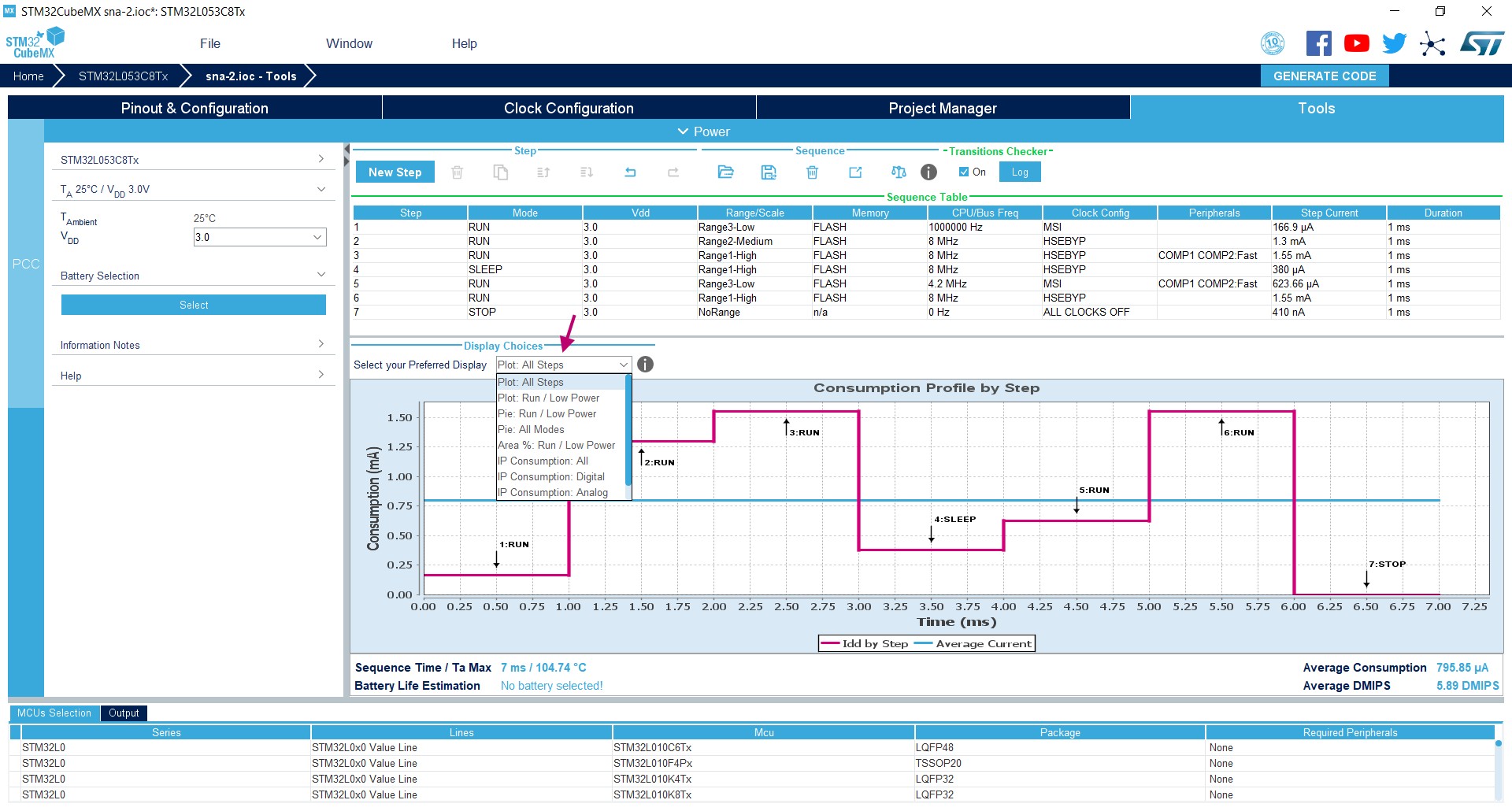
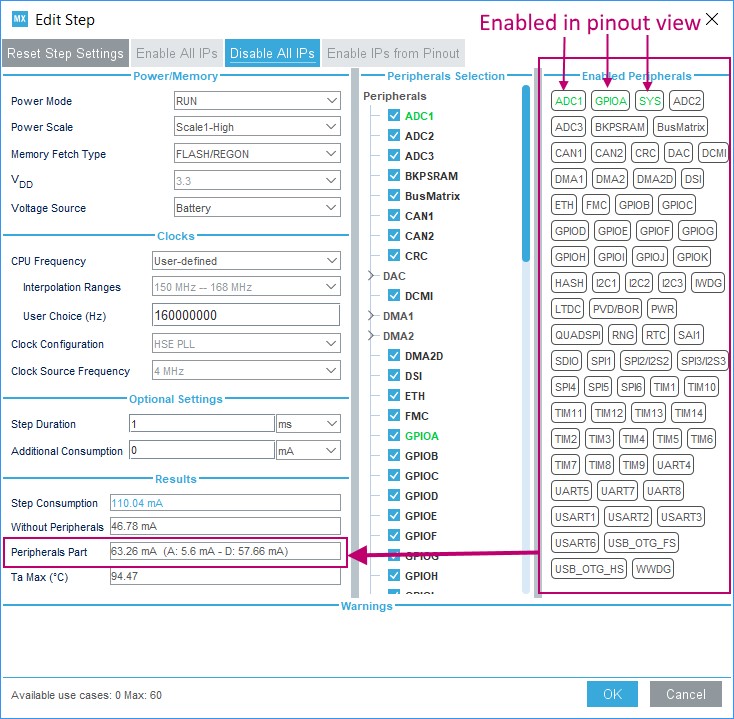
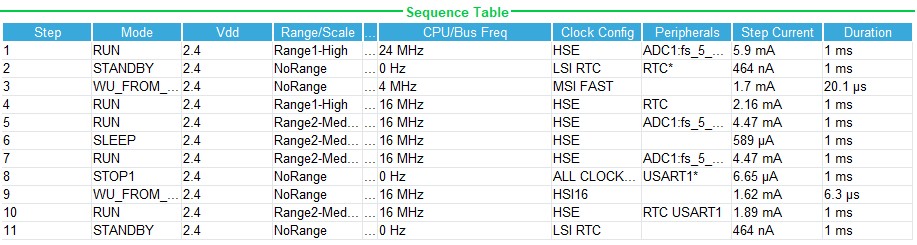
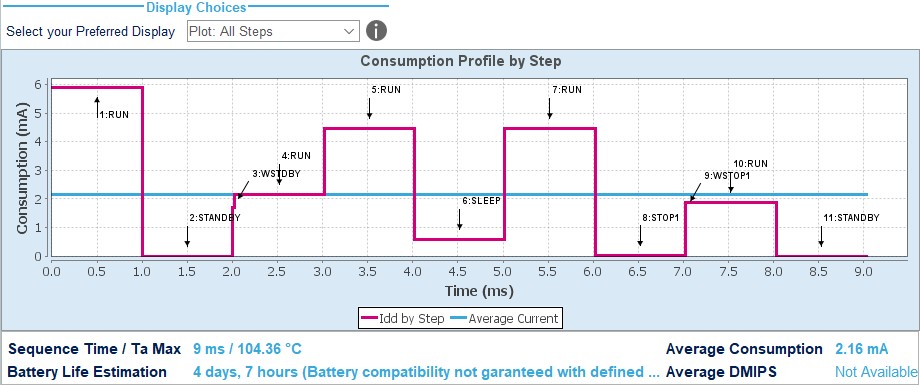
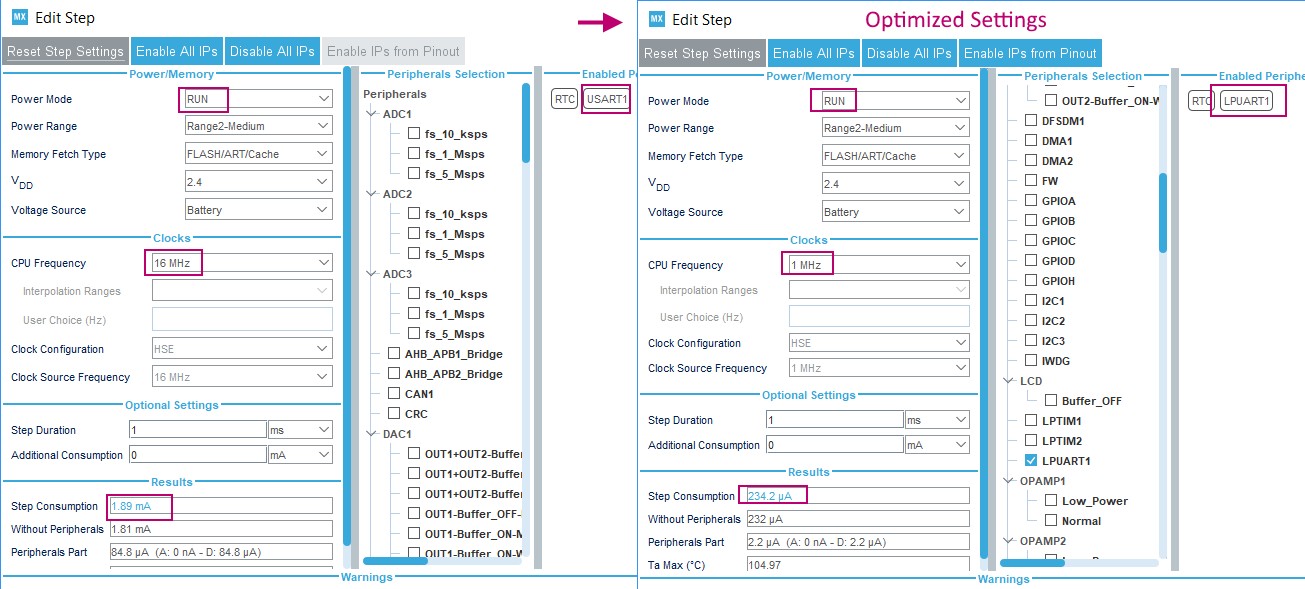
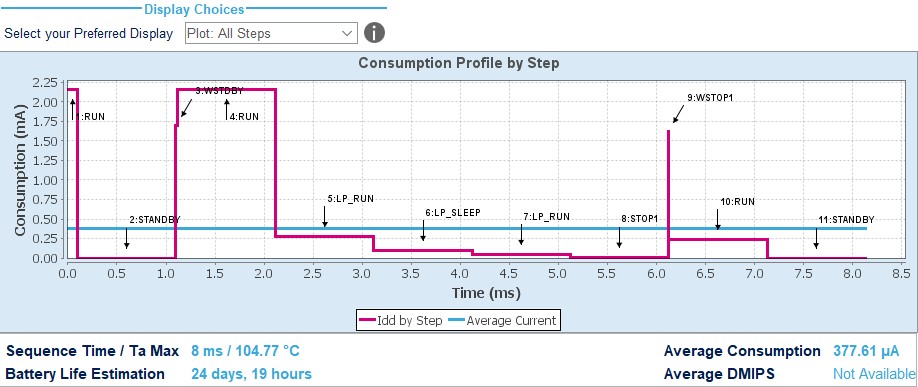
Added support of STM32CubeF0, STM32CubeF3, STM32F0 and STM32F3 Series in cover page, Section 2.2: Key features, Section 2.3: Rules and limitations, Added board selection capability and pin locking capability in Section 2.2: Key features, Table 2: Home page shortcuts, Section 4.2: New Project window, Section 5.7: Toolbar and menus, Section 4.13: Set unused/reset used GPIOs windows, Section 4.11: Project Manager view, and Section 5.15: Pinout view. Added Section 5.15.1: Pinning and labeling signals on pins. Updated Section 5.16: Configuration view and Section 4.10: Clock Configuration view and Section 5.3: Power Consumption Calculator view. Updated Figure 50: STM32CubeMX Main window upon MCU selection, Figure 187: Project Settings window, Figure 355: About window, Figure 140: STM32CubeMX Pinout view, Figure 120: Chip view, Figure 374: Power Consumption Calculator default view, Figure 375: Battery selection, Figure 87: Building a power consumption sequence, Figure 377: Power consumption sequence: New Step default view, Figure 384: Power Consumption Calculator view after sequence building, Figure 385: Sequence table management functions, Figure 88: PCC Edit Step window, Figure 83: Power consumption sequence: new step configured (STM32F4 example), Figure 382: ADC selected in Pinout view, Figure 383: Power Consumption Calculator configuration window: ADC enabled using import pinout, Figure 387: Description of the Results area, Figure 100: Peripheral power consumption tooltip, Figure 651: Power Consumption Calculation example, Figure 155: Sequence table and Figure 156: Power Consumption Calculation results. Updated Figure 142: STM32CubeMX Configuration view and Figure 39: STM32CubeMX Configuration view - STM32F1 Series titles. Added STM32L1 in Section 5.3: Power Consumption Calculator view. Removed Figure Add a new step using the PCC panel from Section 8.1.1: Adding a step. Removed Figure Add a new step to the sequence from Section 5.3.2: Configuring a step in the power sequence. Updated Section 8.2: Reviewing results. Updated appendix B.3.4: FatFs and Appendix C: STM32 microcontrollers power consumption parameters. Added Appendix C.1.3: STM32L0 series and C.2.3: STM32L0 series features three VCORE ranges. |
|
Date |
Revision |
STM32CubeMX release number |
Changes |
|---|---|---|---|
|
19-Sep-2014 |
5 |
4.5 |
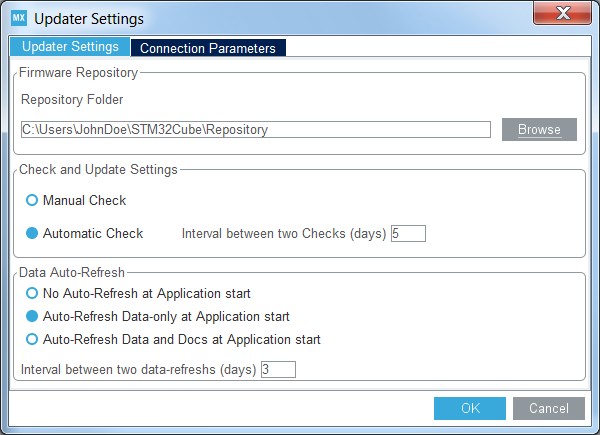
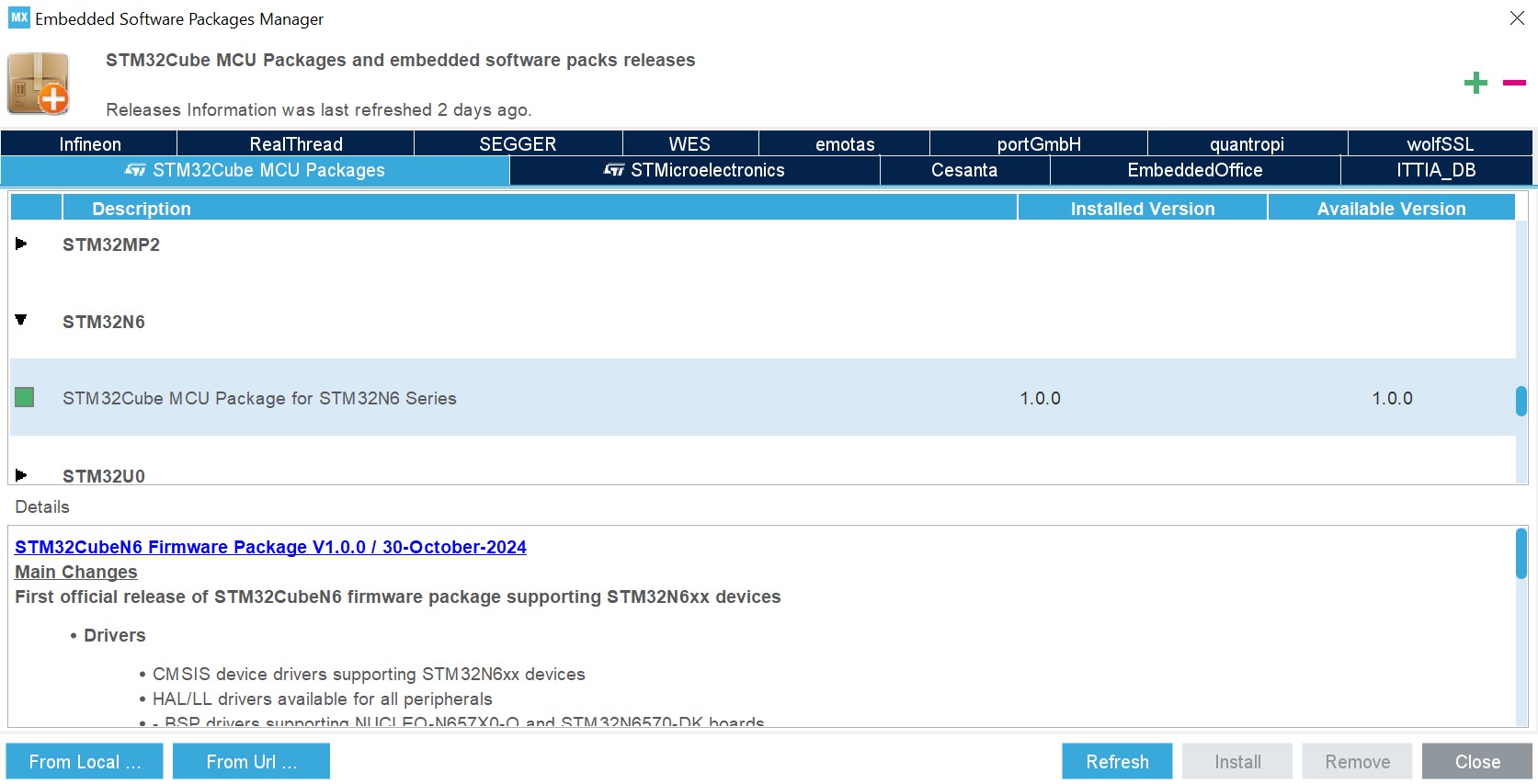
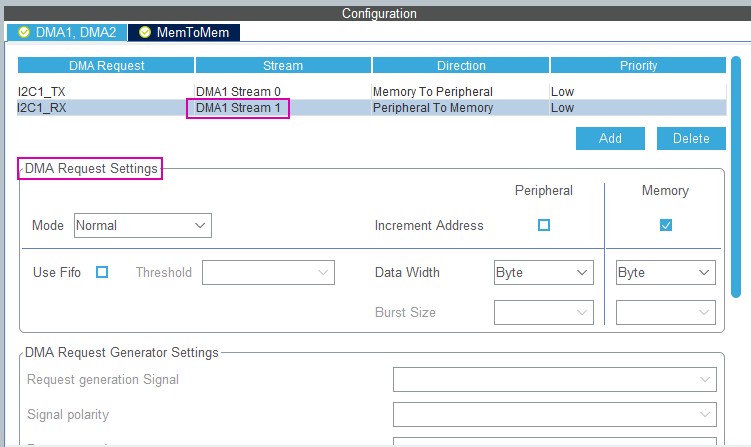
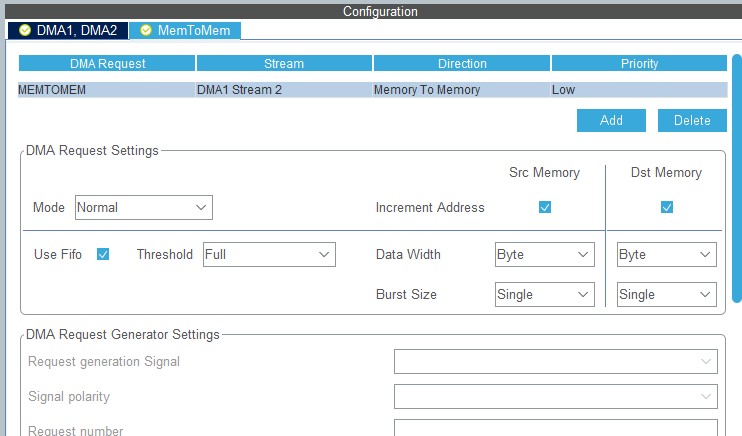
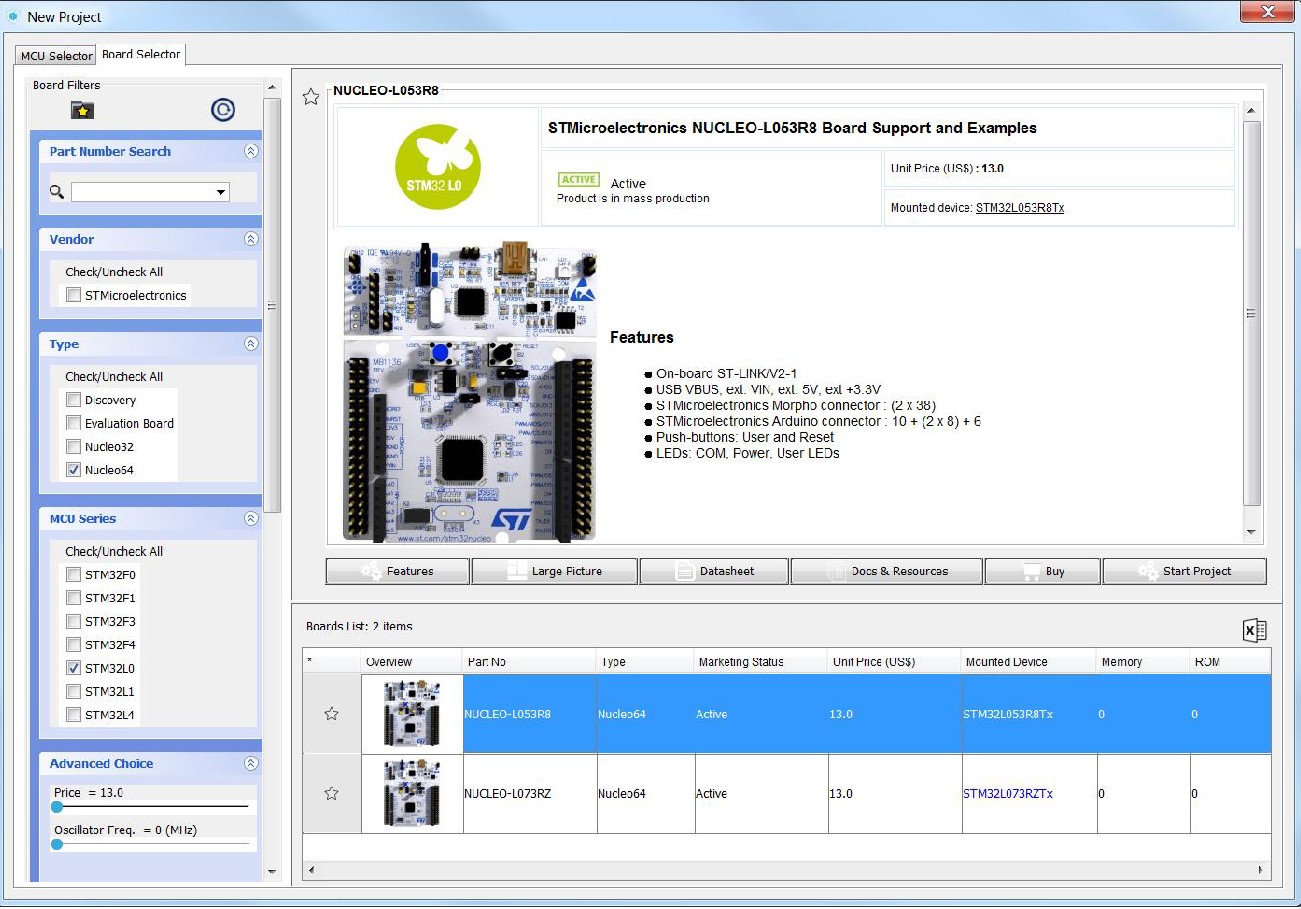
Added support of STM32CubeL1 Series in cover page, Section 2.2: Key features, Section 2.3: Rules and limitations, Updated Section 3.2.3: Uninstalling STM32CubeMX standalone version. Added off-line updates in Section 3.4: Getting updates using STM32CubeMX, modified Figure 21: Embedded Software Packages Manager window, and Section 3.4.3: Installing STM32 MCU packages. Updated Section 4: STM32CubeMX user interface introduction, Table 2: Home page shortcuts and Section 4.2: New Project window. Added Figure 42: New Project window - Board selector. Updated Figure 196: Project Settings code generator. Modified step 3 in Section 4.11: Project Manager view. Updated Figure 39: STM32CubeMX Configuration view - STM32F1 Series. Added STM32L1 in Section 5.14.1: Peripherals and Middleware Configuration window. Updated Figure 83: GPIO configuration window - GPIO selection; Section 4.5.12: GPIO configuration window and Figure 88: DMA MemToMem configuration. Updated introduction of Section 4.10: Clock Configuration view. Updated Section 4.10.1: Clock tree configuration functions and Section 4.10.3: Recommendations, Section 5.3: Power Consumption Calculator view, Figure 377: Power consumption sequence: New Step default view, Figure 384: Power Consumption Calculator view after sequence building, Figure 83: Power consumption sequence: new step configured (STM32F4 example), and Figure 383: Power Consumption Calculator configuration window: ADC enabled using import pinout. Added Figure 386: Power Consumption: Peripherals consumption chart and updated Figure 100: Peripheral power consumption tooltip. Updated Section 5.3.4: Power sequence step parameters glossary. Updated Section 6: STM32CubeMX C Code generation overview. Updated Section 11.1: Creating a new STM32CubeMX project and Section 11.2: Configuring the MCU pinout. Added Section 12: Tutorial 2 - Example of FatFs on an SD card using STM32429I-EVAL evaluation board and updated Section 8: Tutorial 3- Generating GPIO initialization C code (STM32F1 Series only). Updated Section 5.3.2: Configuring a step in the power sequence. |
|
Date |
Revision |
STM32CubeMX release number |
Changes |
|---|---|---|---|
|
19-Jan-2015 |
6 |
4.6 |
Complete project generation, power consumption calculation and clock tree configuration now available on all STM32 Series. Updated Section 2.2: Key features and Section 2.3: Rules and limitations. Updated Eclipse IDEs in Section 3.1.3: Software requirements. Updated Figure 18: Updater Settings window, Figure 21: Embedded Software Packages Manager window and Figure 42: New Project window - Board selector, Updated Section 4.11: Project Manager view and Section 4.14: Update Manager windows. Updated Figure 355: About window. Removed Figure STM32CubeMX Configuration view - STM32F1 Series. Updated Table 17: STM32CubeMX Chip view - Icons and color scheme. Updated Section 5.14.1: Peripherals and Middleware Configuration window. Updated Figure 86: Adding a new DMA request and Figure 88: DMA MemToMem configuration. Updated Section 4.10.1: Clock tree configuration functions. Updated Figure 375: Battery selection, Figure 87: Building a power consumption sequence, Figure 88: PCC Edit Step window. Added Section 6.3: Custom code generation. Updated Figure 600: Clock tree view and Figure 605: Pinout & Configuration view. Updated peripheral configuration sequence and Figure 607: Timer 3 configuration window in Section 11.6.2: Configuring the peripherals. Removed Tutorial 3: Generating GPIO initialization C code (STM32F1 Series only). Updated Figure 611: GPIO mode configuration. Updated Figure 651: Power Consumption Calculation example and Figure 155: Sequence table. Updated Appendix A.1: Block consistency, A.2: Block interdependency and A.3: One block = one peripheral mode. Appendix A.4: Block remapping (STM32F10x only): updated Section : Example. Appendix A.6: Block shifting (only for STM32F10x and when “Keep Current Signals placement” is unchecked): updated Section : Example Updated Appendix A.8: Mapping a function individually. Updated Appendix B.3.1: Overview. Updated Appendix C.1.3: STM32L0 series. |
|
Date |
Revision |
STM32CubeMX release number |
Changes |
|---|---|---|---|
|
19-Mar-2015 |
7 |
4.7 |
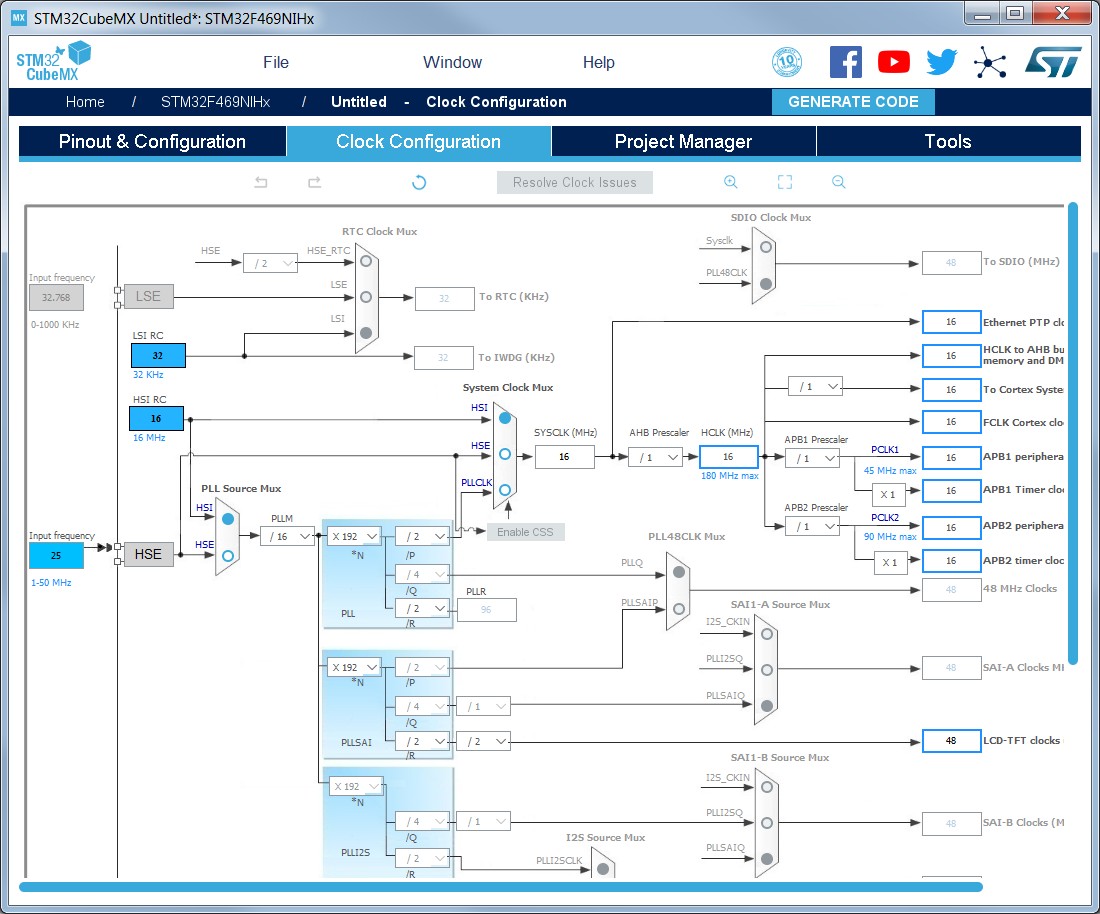
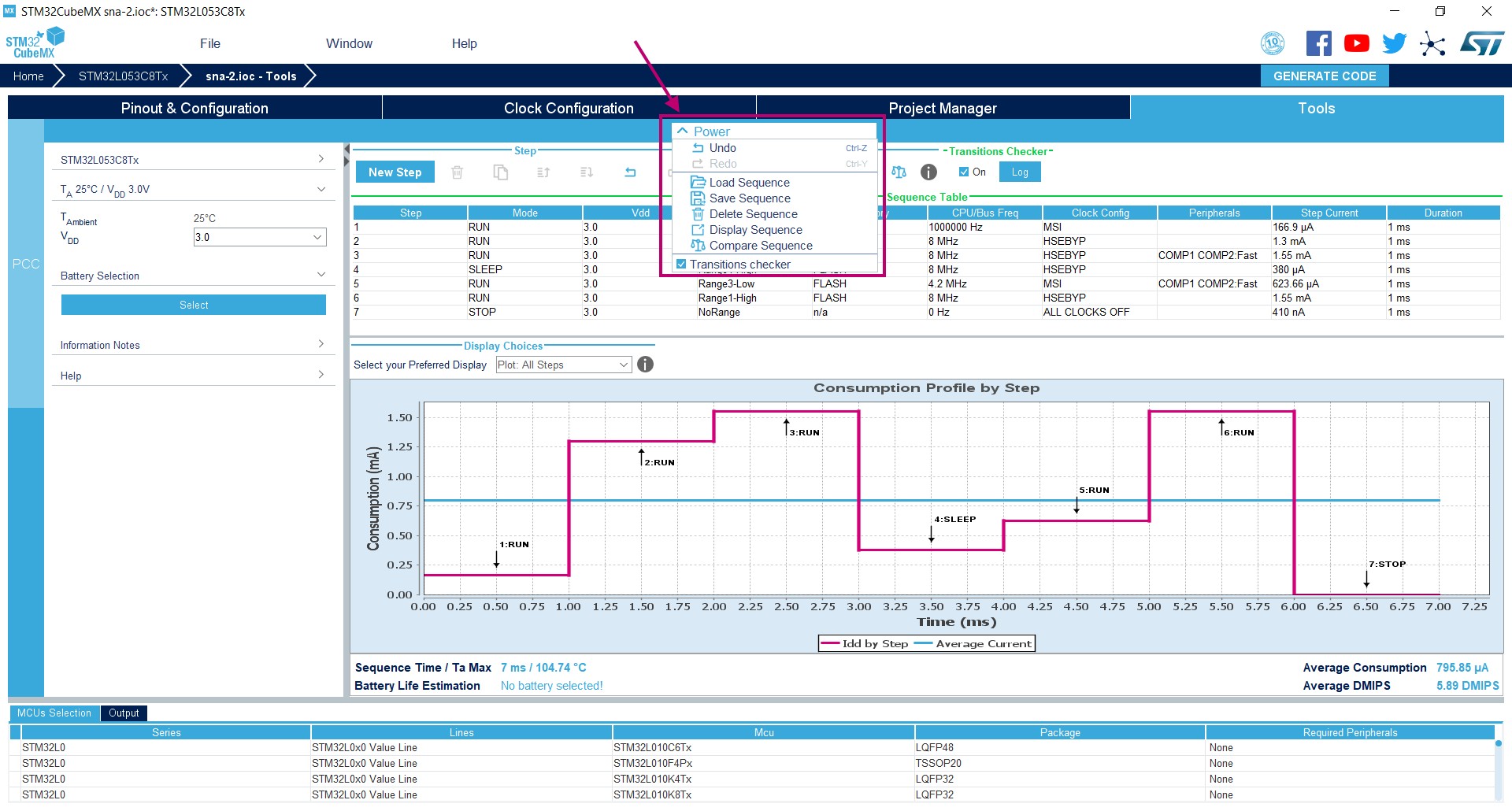
Section 2.2: Key features: removed Pinout initialization C code generation for STM32F1 Series from; updated Complete project generation. Updated Figure 21: Embedded Software Packages Manager window, Figure 42: New Project window - Board selector. Updated IDE list in Section 4.11: Project Manager view and modified Figure 187: Project Settings window. Updated Section 4.10.1: Clock tree configuration functions. Updated Figure 183: STM32F469NIHx clock tree configuration view. Section 5.3: Power Consumption Calculator view: added transition checker option. Updated Figure 374: Power Consumption Calculator default view, Figure 375: Battery selection and Figure 87: Building a power consumption sequence. Added Figure 378: Enabling the transition checker option on an already configured sequence - All transitions valid, Figure 379: Enabling the transition checker option on an already configured sequence - At least one transition invalid and Figure 380: Transition checker option - Show log. Updated Figure 384: Power Consumption Calculator view after sequence building. Updated Section : Managing sequence steps, Section : Managing the whole sequence (load, save and compare). Updated Figure 88: PCC Edit Step window and Figure 387: Description of the Results area. Updated Figure 651: Power Consumption Calculation example, Figure 155: Sequence table, Figure 156: Power Consumption Calculation results and Figure 158: Power consumption results - IP consumption chart. Updated Appendix B.3.1: Overview and B.3.5: FreeRTOS. |
|
28-May-2015 |
8 |
4.8 |
Added Section 3.2.2: Installing STM32CubeMX from command line and Section 3.3.2: Running STM32CubeMX in command-line mode. |
|
09-Jul-2015 |
9 |
4.9 |
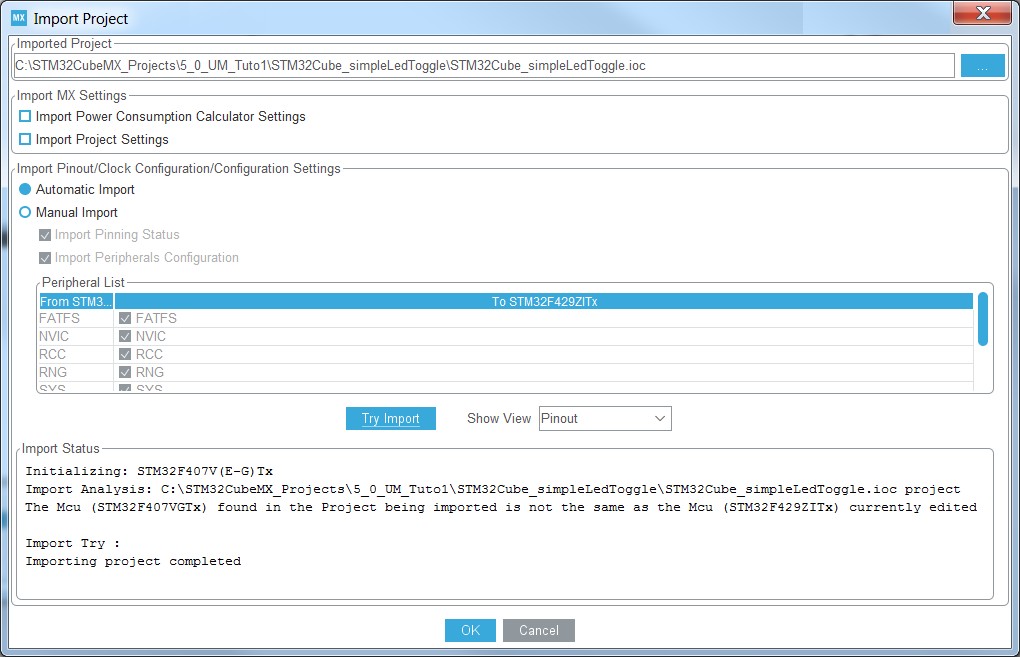
Added STLM32F7 and STM32L4 microcontroller Series. Added Import project feature. Added Import function in Table 13: File menu functions. Added Section 4.12: Import Project window. Updated Figure 377: Power consumption sequence: New Step default view, Figure 88: PCC Edit Step window, Figure 83: Power consumption sequence: new step configured (STM32F4 example), Figure 383: Power Consumption Calculator configuration window: ADC enabled using import pinout and Figure 87: Peripheral power consumption tooltip. Updated command line to run STM32CubeMX in Section 3.3.2: Running STM32CubeMX in command-line mode. Updated note in Section 5.16: Configuration view. Added new clock tree configuration functions in Section 4.10.1. Updated Figure 613: Middleware tooltip. Modified code example in Appendix B.1: STM32CubeMX generated C code and user sections. Updated Appendix B.3.1: Overview. Updated generated .h files in Appendix B.3.4: FatFs. |
|
Date |
Revision |
STM32CubeMX release number |
Changes |
|---|---|---|---|
|
27-Aug-2015 |
10 |
4.10 |
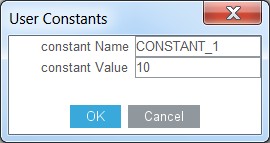
Replace UM1742 by UM1940 in Section : Introduction. Updated command line to run STM32CubeMX in command-line mode in Section 3.3.2: Running STM32CubeMX in command-line mode. Modified Table 1: Command line summary. Updated board selection in Section 4.2: New Project window. Updated Section 5.16: Configuration view overview. Updated Section 5.14.1: Peripherals and Middleware Configuration window, Section 4.5.12: GPIO configuration window and Section 4.5.13: DMA configuration window. Added Section 4.5.11: User Constants configuration window. Updated Section 4.10: Clock Configuration view and added reserve path. Updated Section 11.1: Creating a new STM32CubeMX project, Section 11.5: Configuring the MCU clock tree, Section 11.6: Configuring the MCU initialization parameters, Section 11.7.2: Downloading firmware package and generating the C code, Section 11.8: Building and updating the C code project. Added Section 11.9: Switching to another MCU. Updated Section 12: Tutorial 2 - Example of FatFs on an SD card using STM32429I-EVAL evaluation board and replaced STM32F429IEVAL by STM32429I-EVAL. |
|
16-Oct-2015 |
11 |
4.11 |
Updated Figure 21: Embedded Software Packages Manager window and Section 3.4.7: Checking for updates. Character string constant supported in Section 4.5.11: User Constants configuration window. Updated Section 4.10: Clock Configuration view. Updated Section 5.3: Power Consumption Calculator view. Modified Figure 651: Power Consumption Calculation example. Updated Section 13: Tutorial 3 - Using the Power Consumption Calculator to optimize the embedded application consumption and more. Added Eclipse Mars in Section 3.1.3: Software requirements |
|
03-Dec-2015 |
12 |
4.12 |
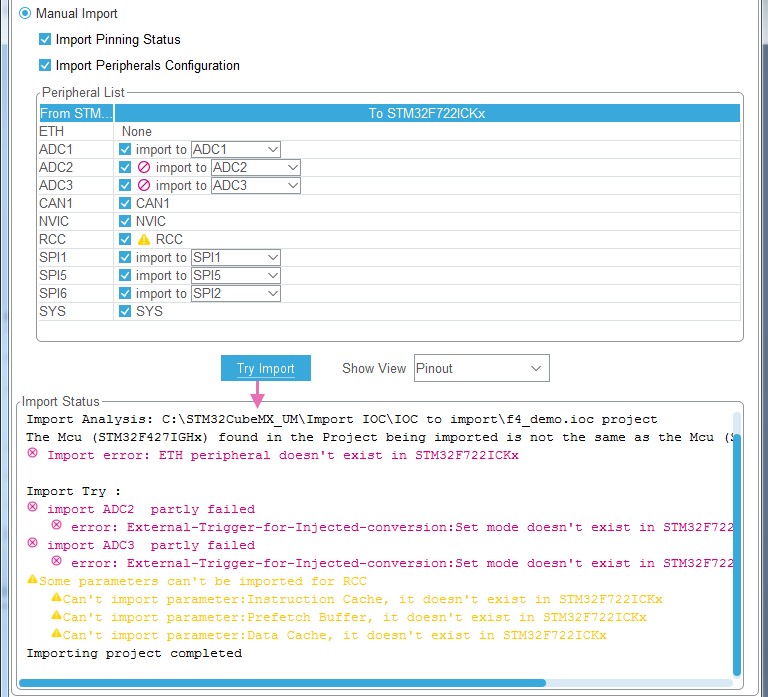
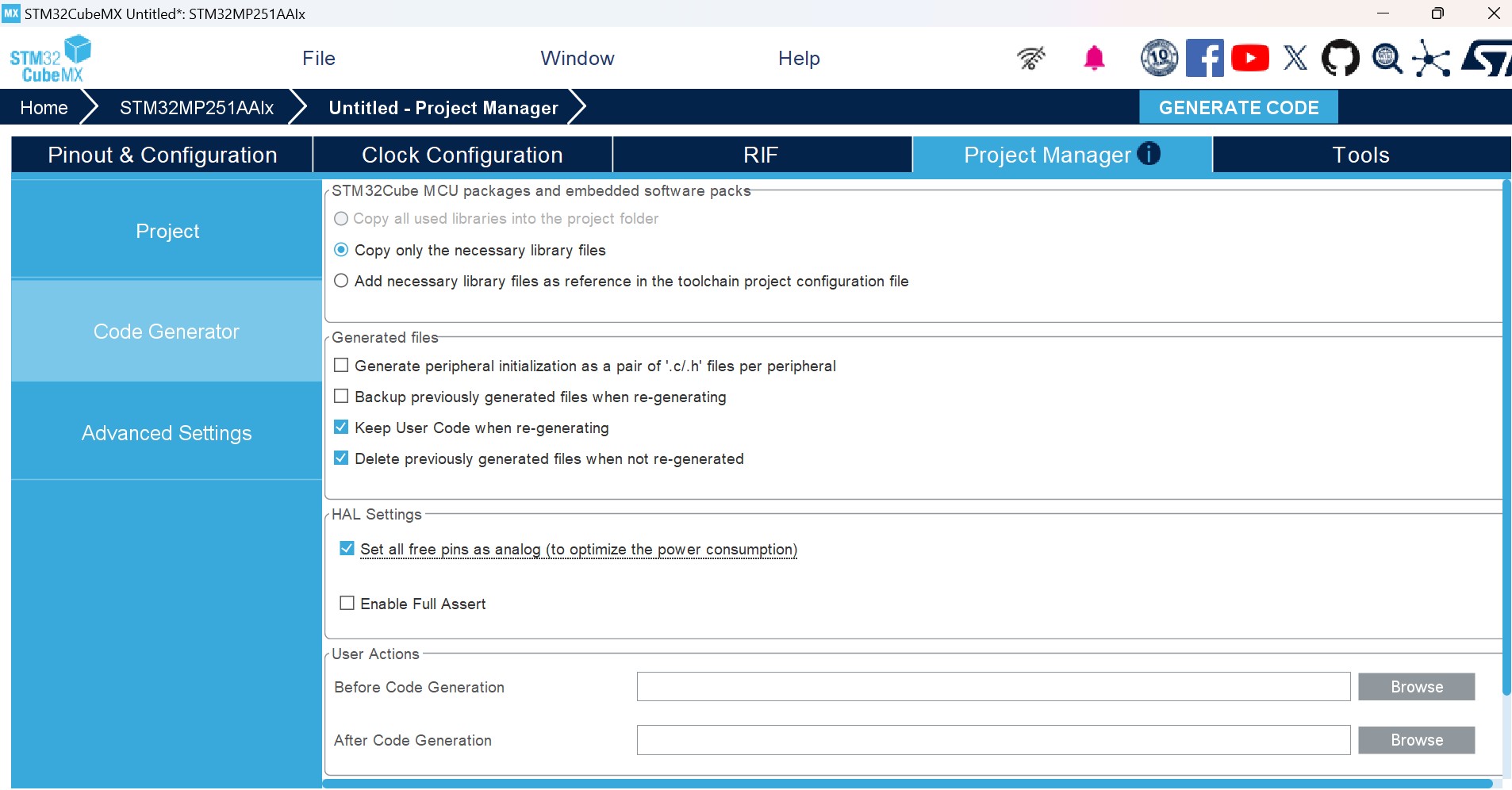
Code generation options now supported by the Project Settings menu. Updated Section 3.1.3: Software requirements. Added Project Settings in Section 4.12: Import Project window. Updated Figure 201: Automatic project import; modified Manual project import step and updated Figure 202: Manual project import and Figure 203: Import Project menu - Try Import with errors; modified third step of the import sequence. Updated Figure 83: Clock Tree configuration view with errors. Added mxconstants.h in Section 6.1: STM32Cube code generation using only HAL drivers (default mode). Updated Figure 651: Power Consumption Calculation example to Figure 660: Step 10 optimization. Updated Figure 661: Power sequence results after optimizations. |
|
Date |
Revision |
STM32CubeMX release number |
Changes |
|---|---|---|---|
|
03-Feb-2016 |
13 |
4.13 |
Updated Section 2.2: Key features: Information related to .ioc files. Clock tree configuration Automatic updates of STM32CubeMX and STM32Cube. Updated limitation related to STM32CubeMX C code generation in Section 2.3: Rules and limitations. Added Linux in Section 3.1.1: Supported operating systems and architectures. Updated Java Run Time Environment release number in Section 3.1.3: Software requirements. Updated Section 3.2.1: Installing STM32CubeMX standalone version, Section 3.2.3: Uninstalling STM32CubeMX standalone version and Section 3.3.1: Downloading STM32CubeMX plug-in installation package. Updated Section 3.3.1: Running STM32CubeMX as a standalone application. Updated Section 4.11: Project Manager view and Section 4.14: Update Manager windows. Updated Section 5.15.1: Pinning and labeling signals on pins. Added Section 4.5.16: Setting HAL timebase source Updated Figure 143: Configuration window tabs for GPIO, DMA and NVIC settings (STM32F4 Series). Added note related to GPIO configuration in output mode in Section 4.5.12: GPIO configuration window; updated Figure 83: GPIO configuration window - GPIO selection. Modified Figure 374: Power Consumption Calculator default view, Figure 86: Building a power consumption sequence, Figure 376: Step management functions, Figure 378: Enabling the transition checker option on an already configured sequence - All transitions valid, Figure 379: Enabling the transition checker option on an already configured sequence - At least one transition invalid. Added import pinout button icon in Section : Importing pinout. Added Section : Selecting/deselecting all peripherals. Modified Figure 384: Power Consumption Calculator view after sequence building. Updated Section : Managing the whole sequence (load, save and compare). Updated Figure 387: Description of the Results area and Figure 100: Peripheral power consumption tooltip. Updated Figure 651: Power Consumption Calculation example and Figure 653: Sequence table. Updated Section 6.3: Custom code generation. Updated Figure 592: Pinout view with MCUs selection and Figure 593: Pinout view without MCUs selection window in Section 11.1: Creating a new STM32CubeMX project. Updated Section 11.6.2: Configuring the peripherals. Updated Figure 618: Project Settings and toolchain selection and Figure 619: Project Manager menu - Code Generator tab in Section 11.7.1: Setting project options, and Figure 620: Warning message for missing firmware package in Section 11.7.2: Downloading firmware package and generating the C code. |
|
Date |
Revision |
STM32CubeMX release number |
Changes |
|---|---|---|---|
|
15-Mar-2016 |
14 |
4.14 |
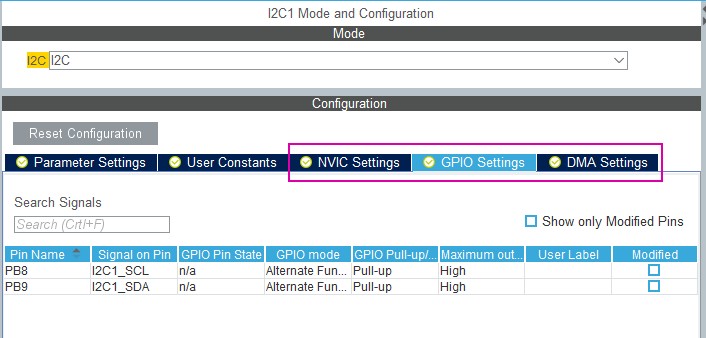
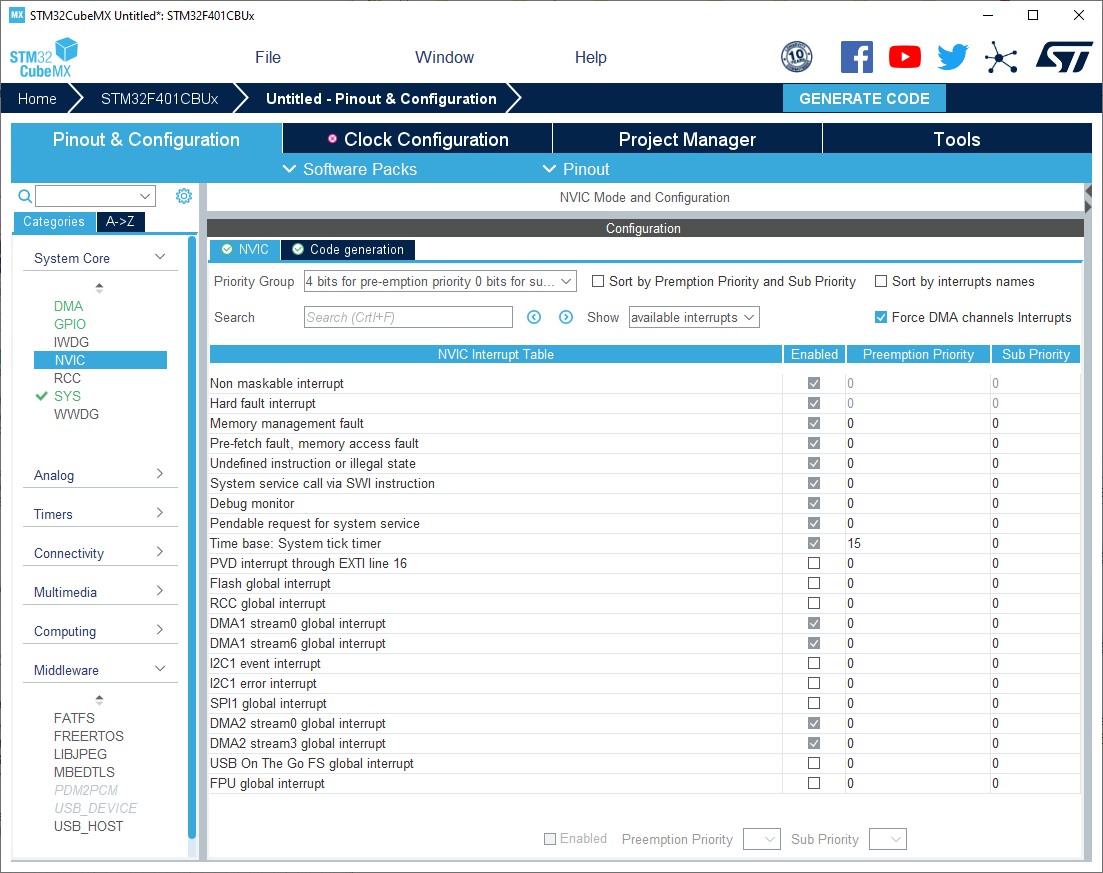
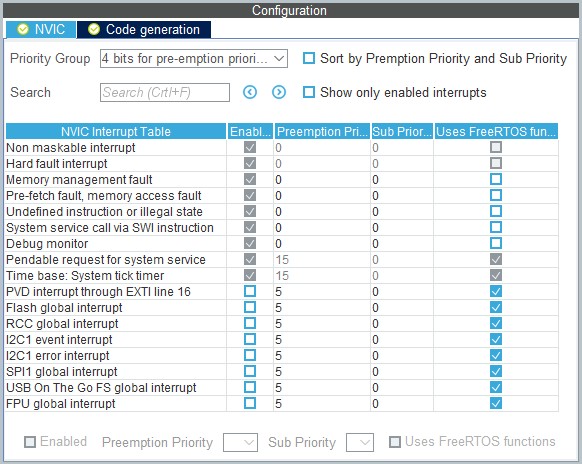
Upgraded STM32CubeMX released number to 4.14.0. Added import of previously saved projects and generation of user files from templates in Section 2.2: Key features. Added MacOS in Section 3.1.1: Supported operating systems and architectures, Section 3.2.1: Installing STM32CubeMX standalone version, Section 3.2.3: Uninstalling STM32CubeMX standalone version and Section 3.4.3: Running STM32CubeMX plug-in from Eclipse IDE. Added command lines allowing the generation of user files from templates in Section 3.3.2: Running STM32CubeMX in command-line mode. Updated new library installation sequence in Section 3.4.2: Updater configuration. Updated Figure 107: Pinout menus (Pinout tab selected) and Figure 108: Pinout menus (Pinout tab not selected) in Section 5.7.3: Pinout menu. Modified Table 16: Window menu. Updated Section 5.7: Output windows. Updated Figure 187: Project Settings window and Section 4.11.1: Project tab. Updated Figure 101: NVIC settings when using SysTick as HAL timebase, no FreeRTOS and Figure 102: NVIC settings when using FreeRTOS and SysTick as HAL timebase in Section 4.5.16: Setting HAL timebase source. Updated Figure 74: User Constants tab and Figure 75: Extract of the generated main.h file in Section 4.5.11: User Constants configuration window. Section 4.5.12: GPIO configuration window: updated Figure 83: GPIO configuration window - GPIO selection, Figure 84: GPIO configuration grouped by peripheral and Figure 85: Multiple pins configuration. Updated Section 4.5.14: NVIC configuration window. |
|
18-May-2016 |
15 |
4.15 |
Import project function is no more limited to MCUs of the same Series (see Section 2.2: Key features, Section 5.7.1: File menu and Section 4.12: Import Project window). Updated command lines in Section 3.3.2: Running STM32CubeMX in command-line mode. Table 1: Command line summary: modified all examples related to config comands as well as set dest_path <path> example. Added caution note for Load Project menu in Table 13: File menu functions. Updated Generate Code menu description in Table 14: Project menu. Updated Set unused GPIOs menu in Table 15: Pinout menu. Added case where FreeRTOS in enabled in Section : Enabling interruptions using the NVIC tab view. Added Section 4.5.15: FreeRTOS configuration panel. Updated Appendix B.3.5: FreeRTOS and B.3.6: LwIP. |
|
Date |
Revision |
STM32CubeMX release number |
Changes |
|---|---|---|---|
|
23-Sep-2016 |
16 |
4.17 |
Replaced mxconstants.h by main.h in the whole document. Updated Introduction, Section 3.1.1: Supported operating systems and architectures and Section 3.1.3: Software requirements. Added Section 3.4.4: Installing STM32 MCU package patches. Updated Load project description in Table 2: Home page shortcuts. Updated Clear Pinouts function in Table 15: Pinout menu. Updated Section 4.11.3: Advanced Settings tab to add Low Layer driver. Added No check and Decimal and hexadecimal check options in Table 17: Peripheral and Middleware Configuration window buttons and tooltips. Updated Section : Tasks and Queues tab and Figure 98: FreeRTOS heap usage. Updated Figure 83: GPIO configuration window - GPIO selection. Replaced PCC by Power Consumption Calculator in the whole document. Added Section 6.2: STM32Cube code generation using Low Layer drivers; updated Table 26: LL versus HAL: STM32CubeMX generated source files and Table 27: LL versus HAL: STM32CubeMX generated functions and function calls. Updated Figure 561: Pinout view - Enabling the RTC. Added Section 14: Tutorial 4 - Example of UART communications with an STM32L053xx Nucleo board. Added correspondence between STM32CubeMX release number and document revision. |
|
21-Nov-2016 |
17 |
4.18 |
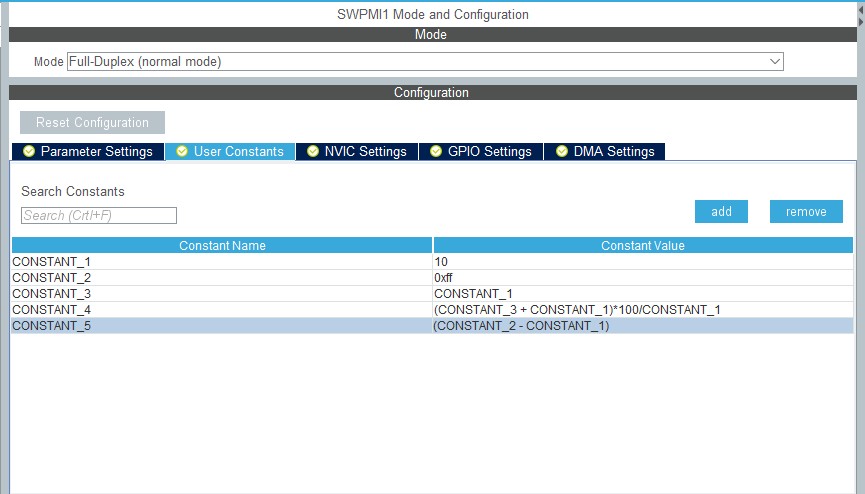
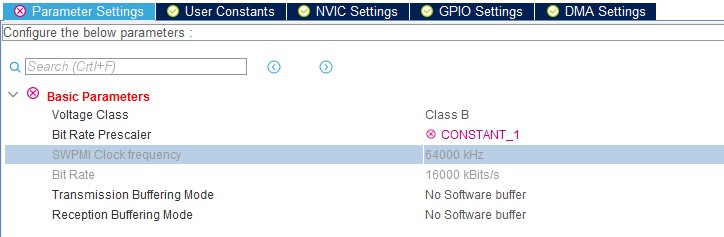
Removed Windows XP and added Windows 10 in Section 3.1.3: Software requirements. Updated Section 3.2.3: Uninstalling STM32CubeMX standalone version. Added setDriver command line in Table 1: Command line summary. Added List pinout compatible MCUs feature: Updated Table 15: Pinout menu. Added Section 15: Tutorial 5: Exporting current project configuration to a compatible MCU Added Firmware location selection option in Section 4.11.1: Project tab and Figure 187: Project Settings window. Added Restore Default feature: Updated Table 8: Peripheral and Middleware configuration window buttons and tooltips Updated Figure 76: Using constants for peripheral parameter settings. |
|
Date |
Revision |
STM32CubeMX release number |
Changes |
|---|---|---|---|
|
12-Jan-2017 |
18 |
4.19 |
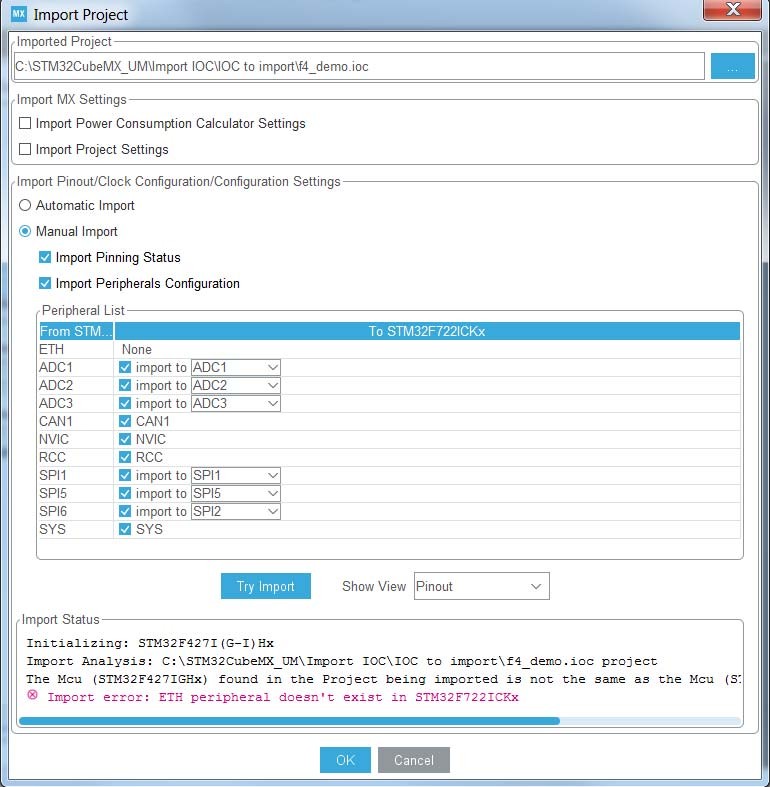
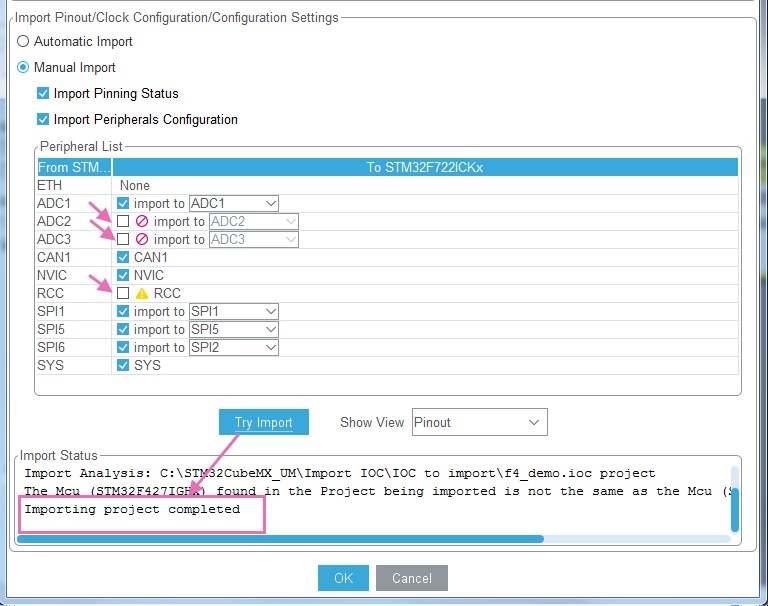
Project import no more limited to microcontrollers belonging to the same Series: updated Introduction, Figure 201: Automatic project import, Figure 202: Manual project import, Figure 203: Import Project menu - Try Import with errors and Figure 204: Import Project menu - Successful import after adjustments. Modified Appendix B.3.4: FatFs, B.3.5: FreeRTOS and B.3.6: LwIP. Added Appendix B.3.7: Libjpeg. |
|
02-Mar-2017 |
19 |
4.20 |
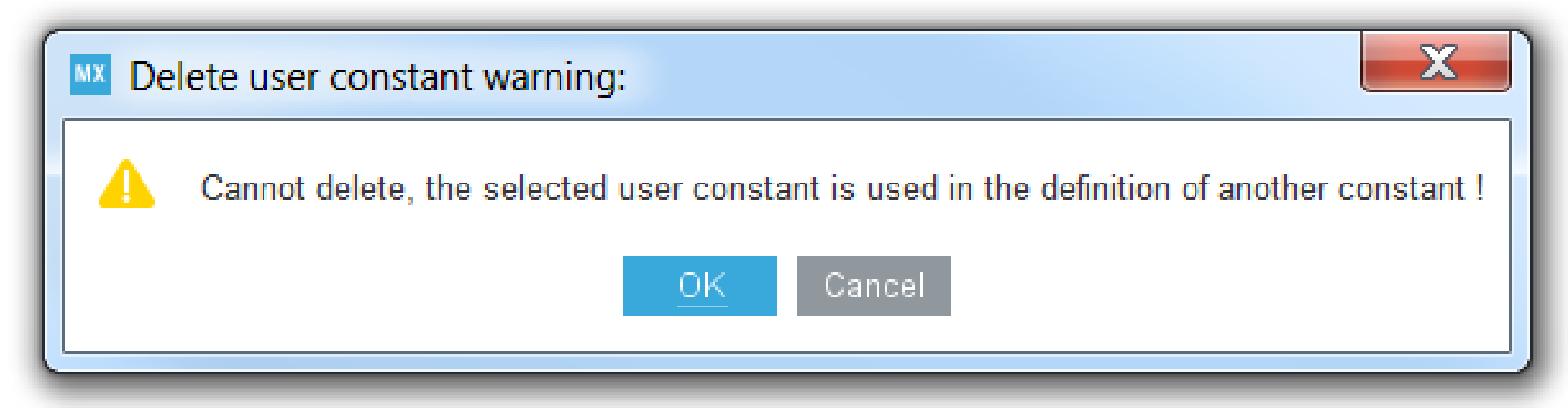
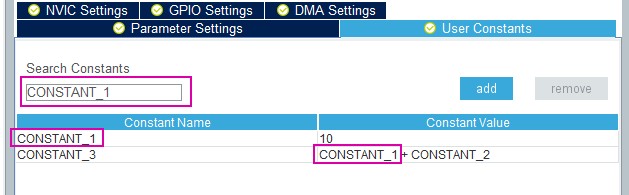
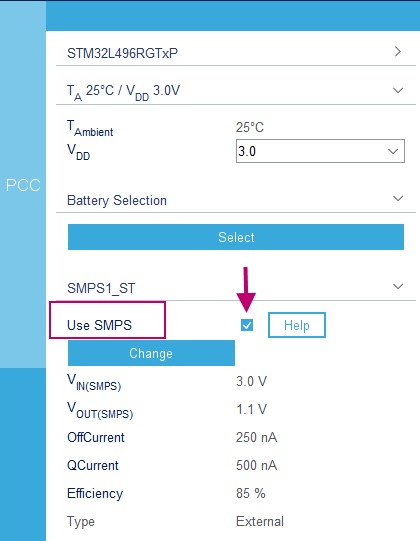
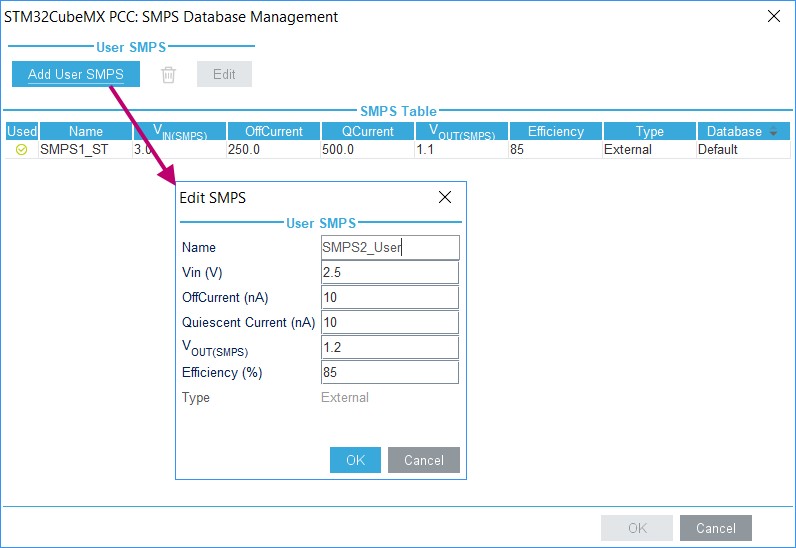
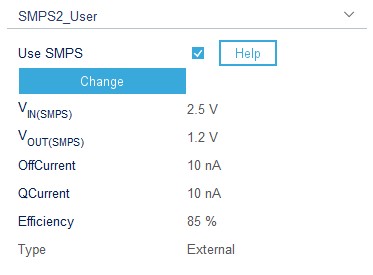
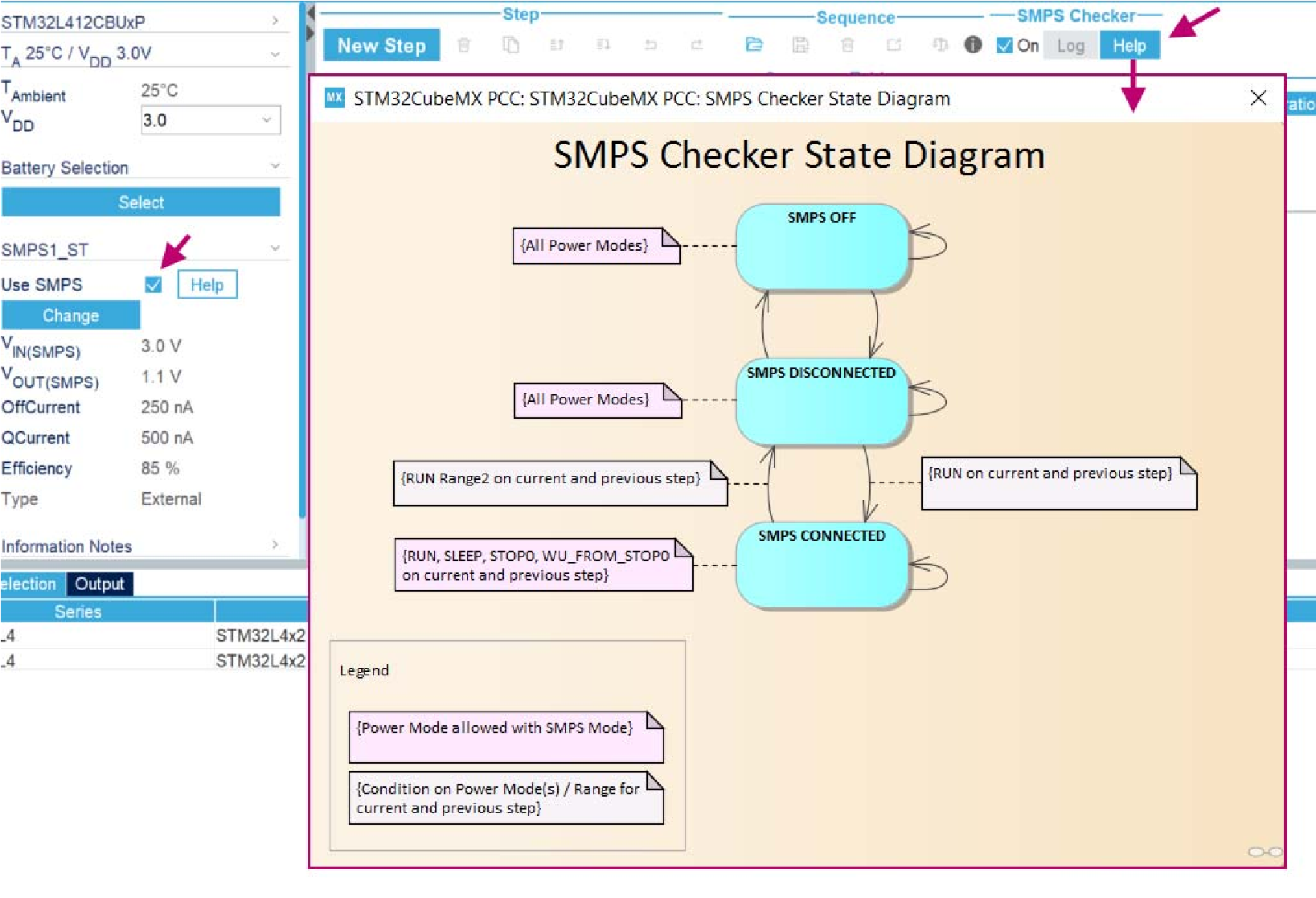
Table 17: STM32CubeMX Chip view - Icons and color scheme: Updated list of alternate function example. Updated example and description corresponding to function mapping on a pin. Added example and description for analog signals sharing the same pin. Updated Figure 87: Peripheral Configuration window (STM32F4 Series), Figure 74: User Constants tab, Figure 80: Consequence when deleting a user constant for peripheral configuration, Figure 81: Searching for a name in a user constant list and Figure 82: Searching for a value in a user constant list. Added Section 5.3.6: SMPS feature. Added Section 6.4: Additional settings for C project generation. Added STM32CubeF4 to the list of packages that include Libjpeg in Appendix B.3.7: Libjpeg. |
|
05-May-2017 |
20 |
4.21 |
Minor modifications in Section 1: STM32Cube overview. Updated Figure 40: New Project window - MCU selector and Figure 187: Project Settings window. Updated description of Project Settings in Section 4.11.1: Project tab. Updated Figure 199: Advanced Settings window. In Appendix B.3.7: Libjpeg, added STM32CubeF2 and STM32CubeH7 in the list of software packages in which Libjpeg is embedded. Modified Figure 758: STM32Cube Embedded Software package lookand-feel. |
|
Date |
Revision |
STM32CubeMX release number |
Changes |
|---|---|---|---|
|
06-Jul-2017 |
21 |
4.22 |
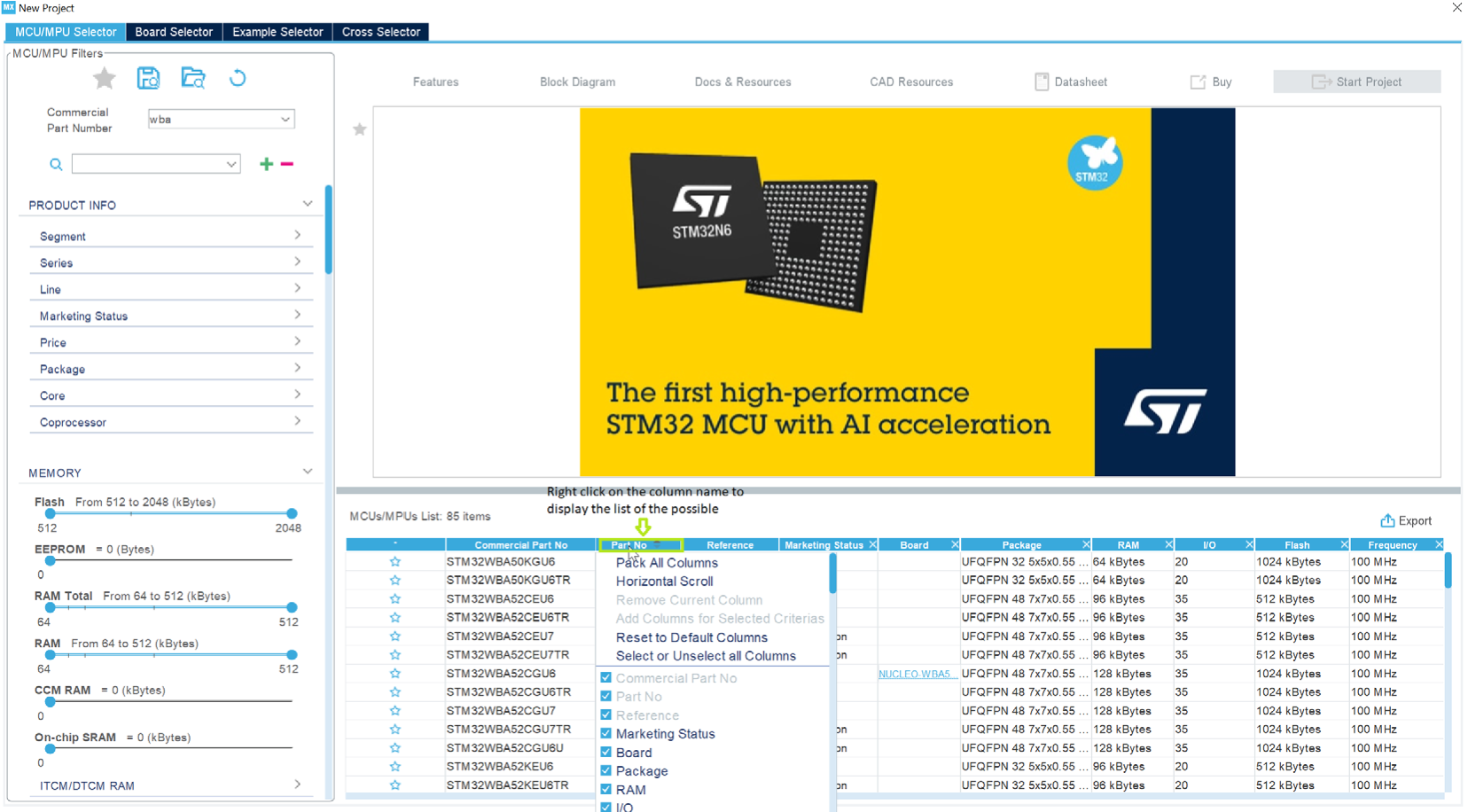
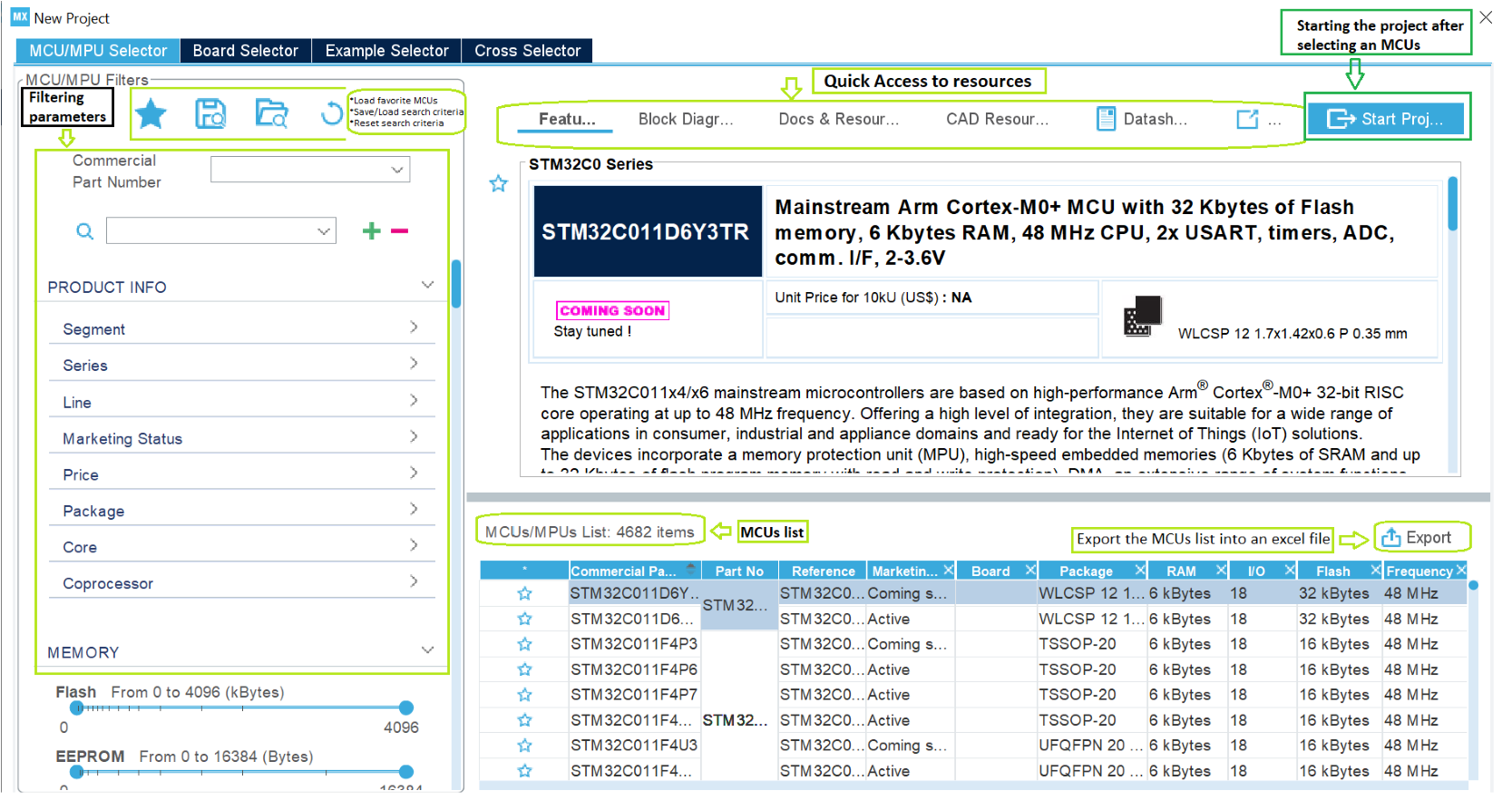
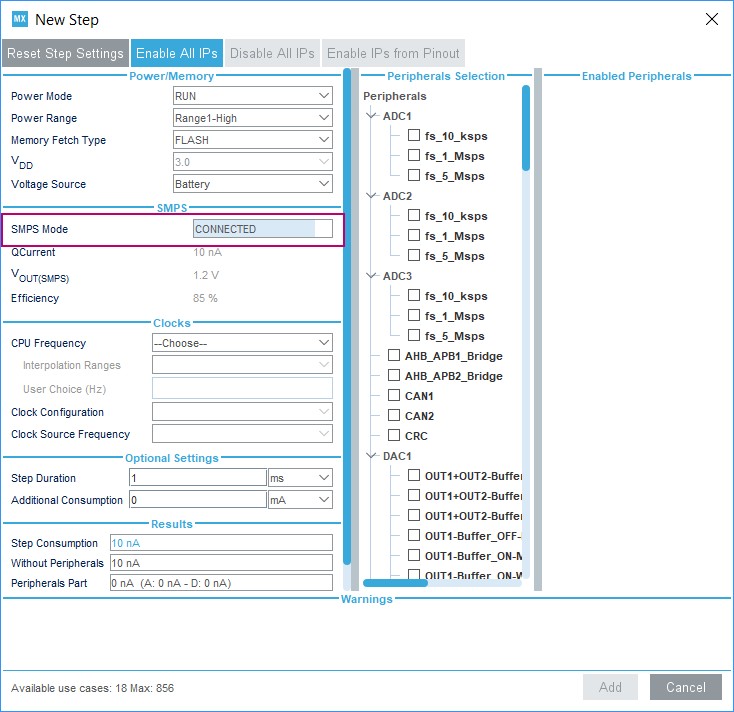
Added STM32H7 to the list of supported STM32 Series. Added MCU data and documentation refresh capability in Section 3.4: Getting updates using STM32CubeMX and updated Figure 18: Updater Settings window. Added capability to identify close MCUs in Section 4.2: New Project window, updated Figure 40: New Project window - MCU selector, added Figure 29: New Project window - MCU list with close function and Figure 30: New Project window - List showing close MCUs., updated Figure 591: MCU selection. Updated Figure 50: STM32CubeMX Main window upon MCU selection. Added Rotate clockwise/Counter clockwise and Top/Bottom view in Table 15: Pinout menu. Added Section 4.1.4: Social links. Updated Figure 395: Configuring the SMPS mode for each step. Updated Section 6.2: STM32Cube code generation using Low Layer drivers. Updated Figure 618: Project Settings and toolchain selection. |
|
05-Sep-2017 |
22 |
4.22.1 |
Added STM32L4+ Series in Introduction, Section 5.3: Power Consumption Calculator view and Section 6.2: STM32Cube code generation using Low Layer drivers. Added guidelines to run STM32CubeMX on MacOS in Section 3.3.1: Running STM32CubeMX as a standalone application. Removed MacOS from Section 3.4.3: Running STM32CubeMX plug-in from Eclipse IDE. Added Section 19.10: Ethernet configuration: why cannot I specify DP83848 or LAN8742A in some cases? |
|
18-Oct-2017 |
23 |
4.23 |
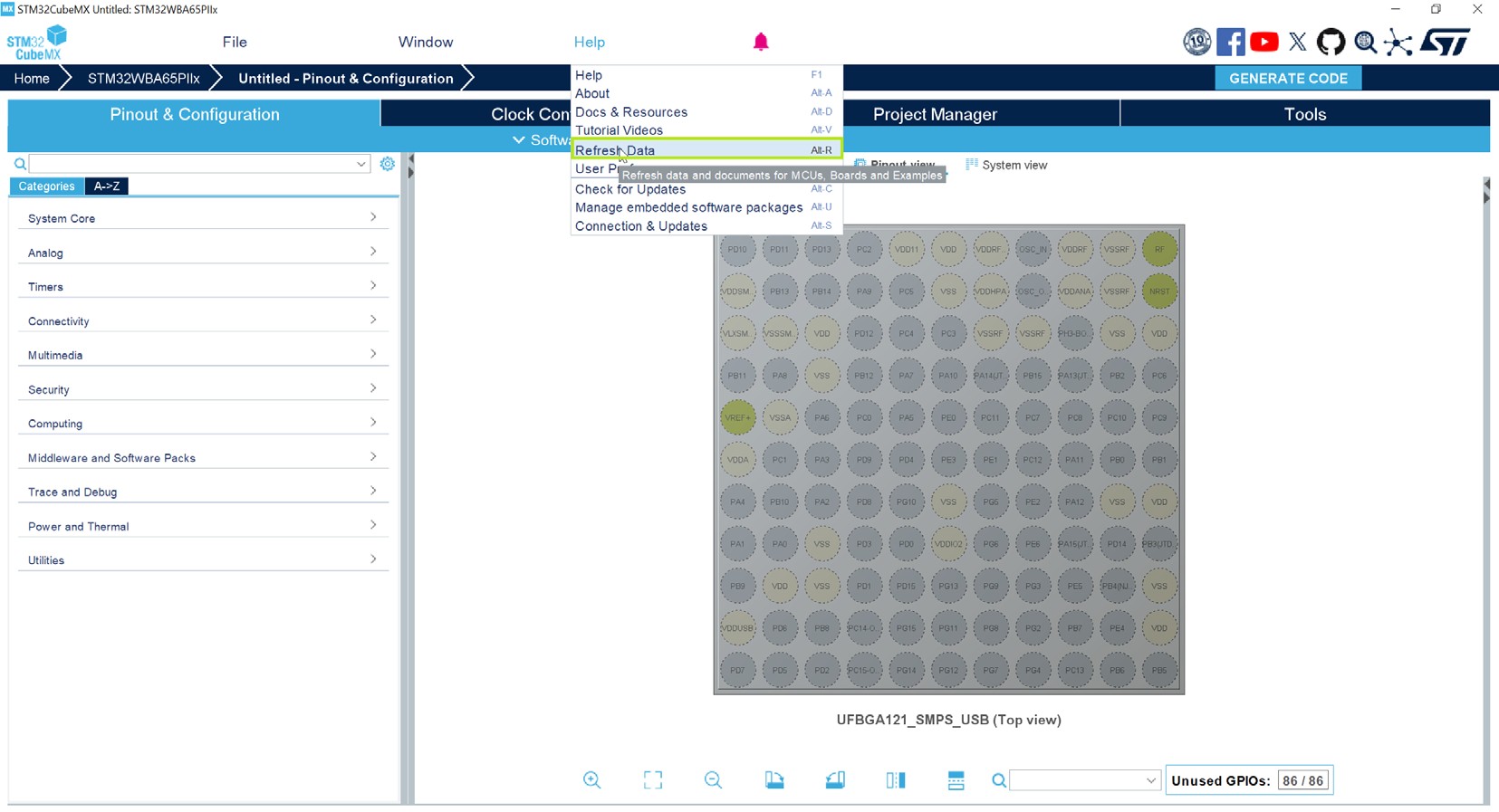
Added Section 1: General information. Renamed Display close button into Display similar items in Section 4.2: New Project window. Added Refresh Data and Docs & Resources menus in Section 5.7.5: Help menu. Added STM32F2, STM32F4 and STM32F7 Series in Section 6.2: STM32Cube code generation using Low Layer drivers. Added Appendix B.3.8: Mbed TLS. Updated STM32CubeMX release number corresponding to user manual revision 22. |
|
Date |
Revision |
STM32CubeMX release number |
Changes |
|---|---|---|---|
|
16-Jan-2018 |
24 |
4.24 |
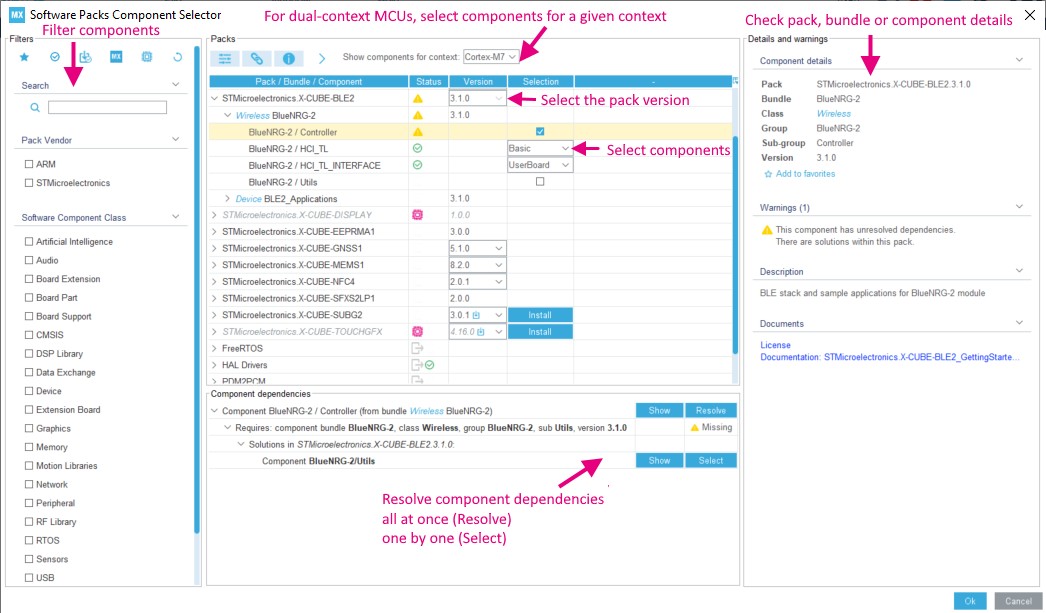
Replaced “STM32Cube firmware package” by “STM32Cube MCU package”. Updated Section 1: STM32Cube overview. Updated MacOS in Section 3.1.1: Supported operating systems and architectures. Updated Eclipse requirements in Section 3.1.3: Software requirements. Section 3.4: Getting updates using STM32CubeMX: updated section introduction updated Figure 13: Connection Parameters tab - No proxy Section 3.4.3 renamed into “Installing STM32 MCU packages” and updated. renamed Section 3.4.4 into “Installing STM32 MCU package patches” added Section 3.4.5: Installing embedded software packs updated Section 3.4.7: Checking for updates Updated Figure 42: New Project window - Board selector. Updated Figure 51: STM32CubeMX Main window upon board selection (peripherals not initialized) and introductory sentence. Updated Figure 52: STM32CubeMX Main window upon board selection (peripherals initialized with default configuration) and introductory sentence. Added “Select additional software components” menu in Table 14: Project menu. “Install new libraries” menu renamed “Manage embedded software packages” and corresponding description updated in Table 17: Help menu. Updated Section 3.4.6: Removing already installed embedded software packages. Updated Section 4.14: Update Manager windows Added Section 4.15: Software Packs component selection window. Added pin stacking function in Table 17: STM32CubeMX Chip view - Icons and color scheme. Section 6.2: STM32Cube code generation using Low Layer drivers: added STM32F0, STM32F3, STM32L0 in the list of product Series supporting low-level drivers. Section 12: Tutorial 2 - Example of FatFs on an SD card using STM32429I-EVAL evaluation board: updated Figure 643: Board selection and modified step 6 of the sequence for generating a project and running tutorial 2. Section 14: Tutorial 4 - Example of UART communications with an STM32L053xx Nucleo board: updated Figure 662: Selecting NUCLEO_L053R8 board. Added Section 16: Tutorial 6 – Adding embedded software packs to user projects. |
|
16-Jan-2018 |
24 (cont’d) |
4.24 |
Added Appendix B.3.9: TouchSensing and B.3.10: PDM2PCM. Section 4.5.14: NVIC configuration window /Default initialization sequence of interrupts: changed color corresponding to interrupt enabling code from green to black bold. |
|
Date |
Revision |
STM32CubeMX release number |
Changes |
|---|---|---|---|
|
07-Mar-2018 |
25 |
4.25 |
Updated Introduction, Section 1: STM32Cube overview, Section 2.3: Rules and limitations, Section 3.2.1: Installing STM32CubeMX standalone version, Section 4: STM32CubeMX user interface, Section 4.11.1: Project tab and Section 5.13.1: Peripheral and Middleware tree panel. Minor text edits across the whole document. Updated Table 13: File menu functions and Table 12: Relations between power over-drive and HCLK frequency. Updated Figure 40: New Project window - MCU selector, Figure 27: Enabling graphics choice in MCU selector, Figure 187: Project Settings window, Figure 193: Selecting a different firmware location, Figure 77: Enabling STemWin framework, Figure 116: Configuration view for Graphics, Figure 562: Pinout view - Enabling LSE and HSE clocks and Figure 563: Pinout view - Setting LSE/HSE clock frequency. Added Export to Excel, Show favorite MCUs and Section 4.4.16: Graphics frameworks and simulator. Added Section 17: Tutorial 8 – Using STemWin Graphics framework, Section 18: Tutorial 9: Using STM32CubeMX Graphics simulator and their subsections. Added Section B.3.11: Graphics. |
|
Date |
Revision |
STM32CubeMX release number |
Changes |
|---|---|---|---|
|
05-Sep-2018 |
26 |
4.27 |
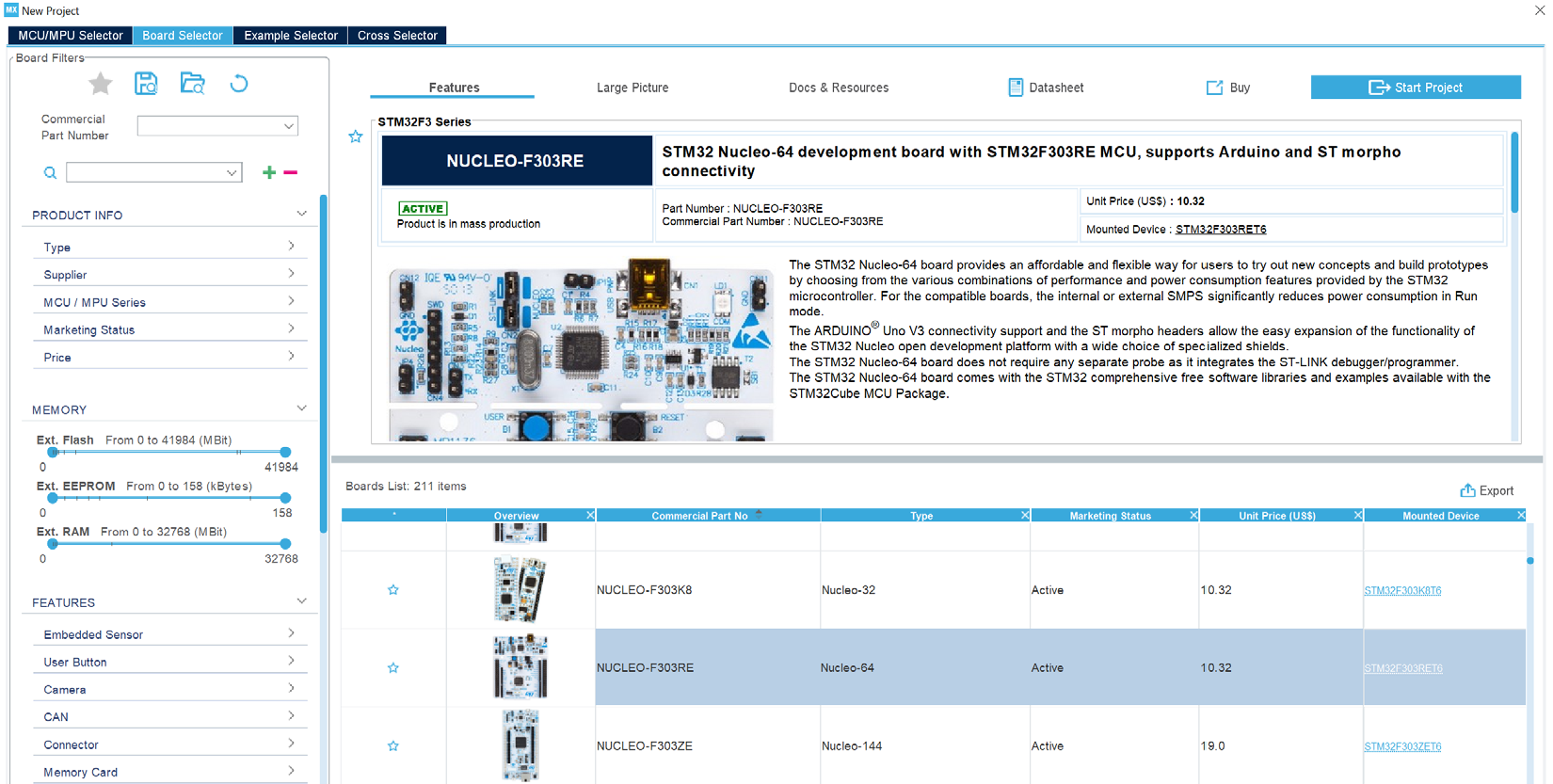
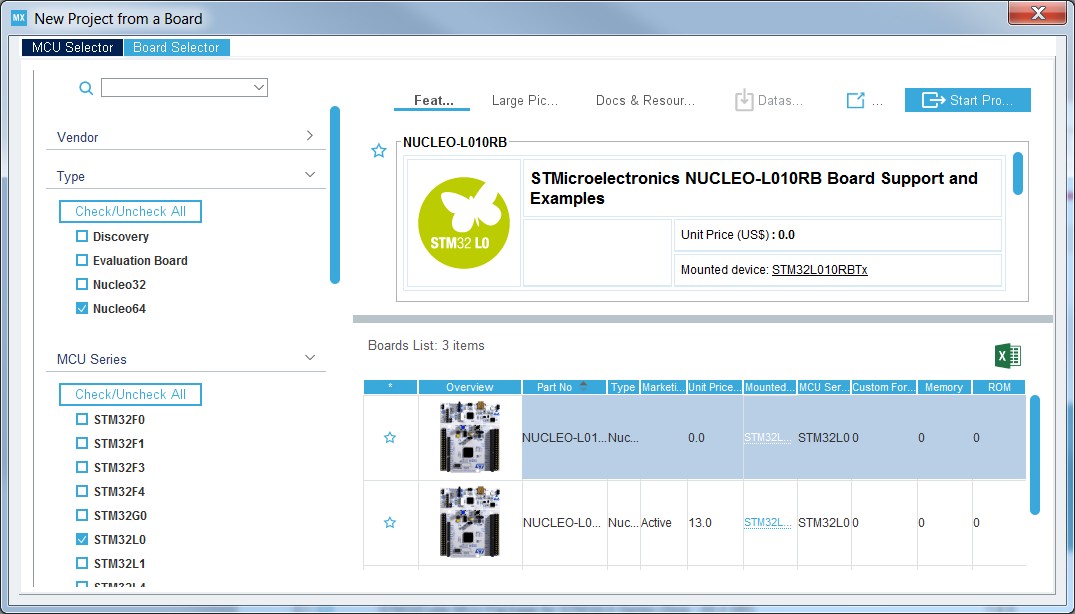
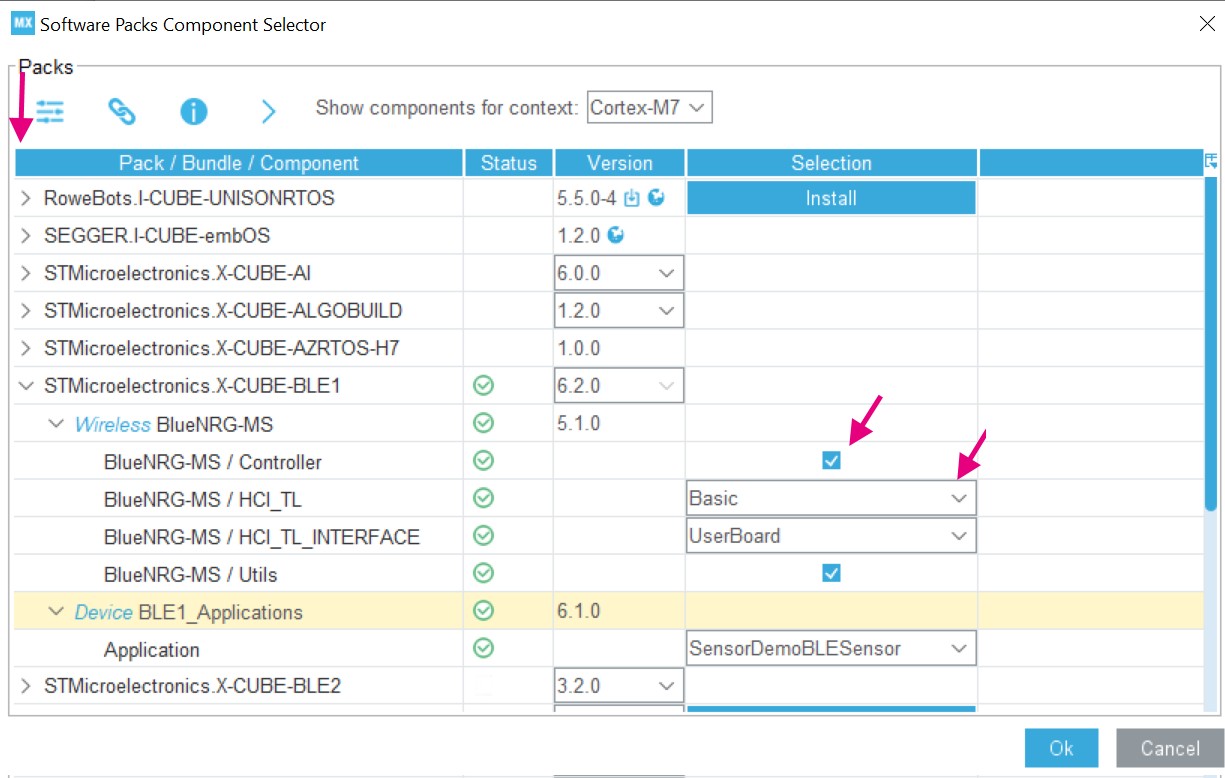
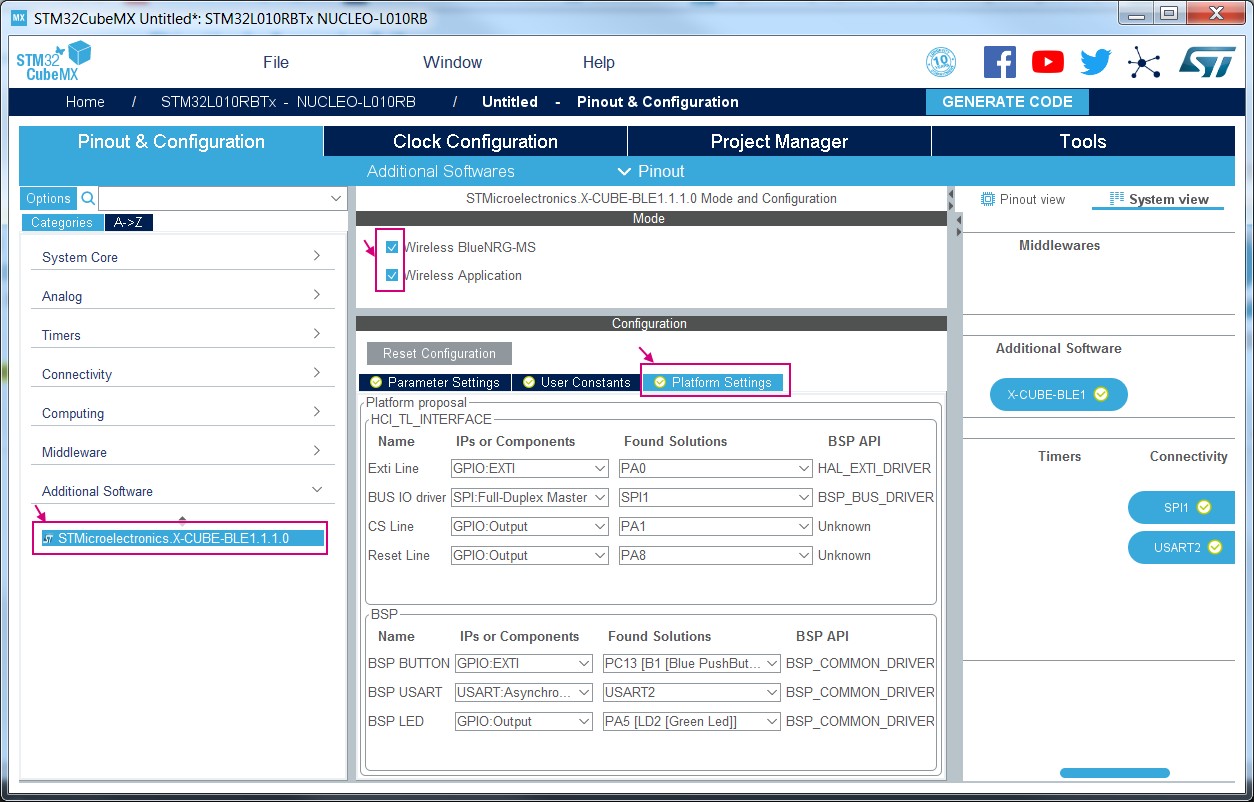
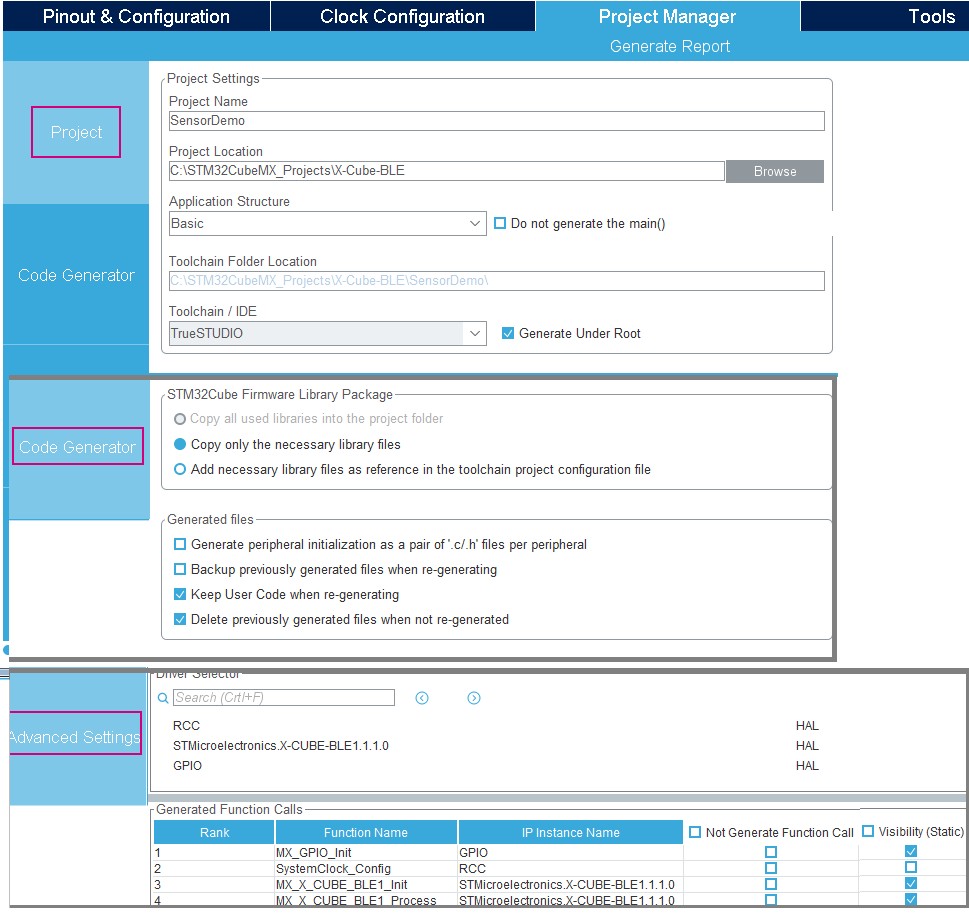
Updated STM32Cube logo on cover page. Replaced STMCube™ by STM32Cube™ in the whole document. Updated Section 1: STM32Cube overview. Updated Figure 1: Overview of STM32CubeMX C code generation flow. Updated Section 2.2: Key features to add new features: graphic simulator feature, Support of embedded software packages in CMSIS-Pack format and Contextual Help. Changed Section 3.4 title into “Getting updates using STM32CubeMX”. Suppressed figures Connection Parameters tab - No proxy and Connection Parameters tab - Use System proxy parameters. Updated Figure 22: Managing embedded software packages - Help menu. In Section 3.4.5: Installing embedded software packs, updated step 3f of the embedded software pack installation sequence and added Figure 27: License agreement acceptance. Section 4.2: New Project window: updated Figure 40: New Project window - MCU selector, Figure 41: Marking an MCU as favorite and Figure 42: New Project window - Board selector. Section 5.7.1: File menu: added caution note for New Project in Table 13: File menu functions. Updated Figure 107: Pinout menus (Pinout tab selected) and Figure 108: Pinout menus (Pinout tab not selected). Section 4.11: Project Manager view: Added note related to project saving (step 3). Updated Figure 187: Project Settings window Updated Section 4.11.1: Project tab and Figure 193: Selecting a different firmware location. Added Section 4.15.4: Component dependencies panel, Contextual help, Section 10: Support of additional software components using CMSIS-Pack standard and Section 17: Tutorial 7 – Using the X-CubeBLE1 software pack. |
|
12-Nov-2018 |
27 |
4.28 |
Updated Section 3.4.3: Installing STM32 MCU packages, Section 3.4.5: Installing embedded software packs, Section 3.4.6: Removing already installed embedded software packages, Section 3.4.7: Checking for updates and the figures in it. Updated Section 4: STM32CubeMX user interface, its subsections and the figures and the tables in them. Updated Section 10: Support of additional software components using CMSIS-Pack standard, sections 11.6.1 to 11.6.5, Section 11.7.1: Setting project options, Section 11.7.2: Downloading firmware package and generating the C code, Section 11.8: Building and updating the C code project, Section 11.9: Switching to another MCU, Section 12: Tutorial 2 - Example of FatFs on an SD card using STM32429I-EVAL evaluation board and the figures in it, Section 15: Tutorial 5: Exporting current project configuration to a compatible MCU and the figures in it, Section 16: Tutorial 6 – Adding embedded software packs to user projects and Section 17: Tutorial 7 – Using the X-Cube-BLE1 software pack. |
|
Date |
Revision |
STM32CubeMX release number |
Changes |
|---|---|---|---|
|
12-Nov-2018 |
27 (cont’d) |
5.0 |
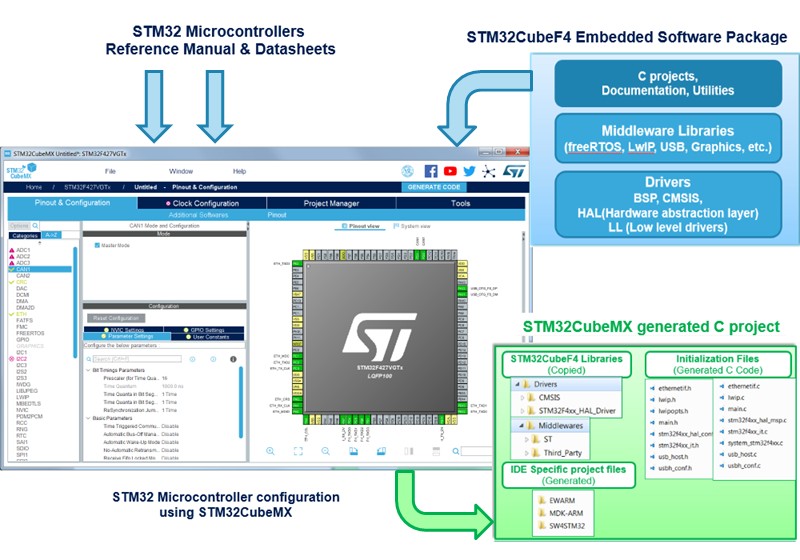
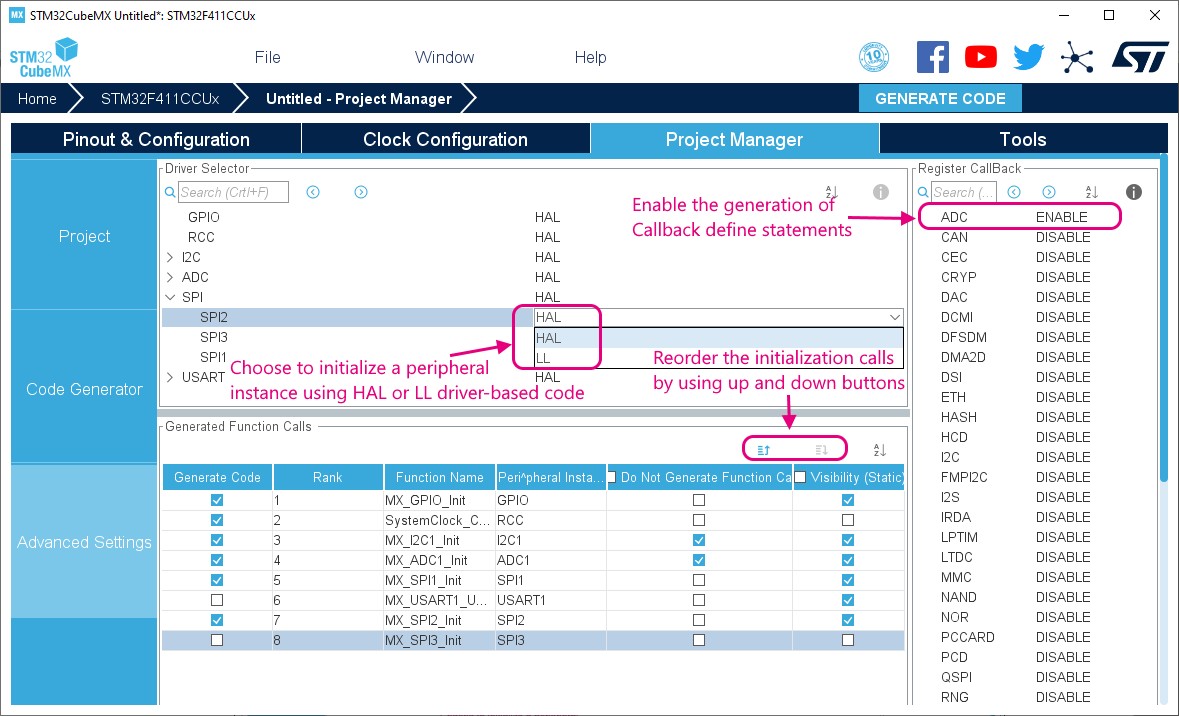
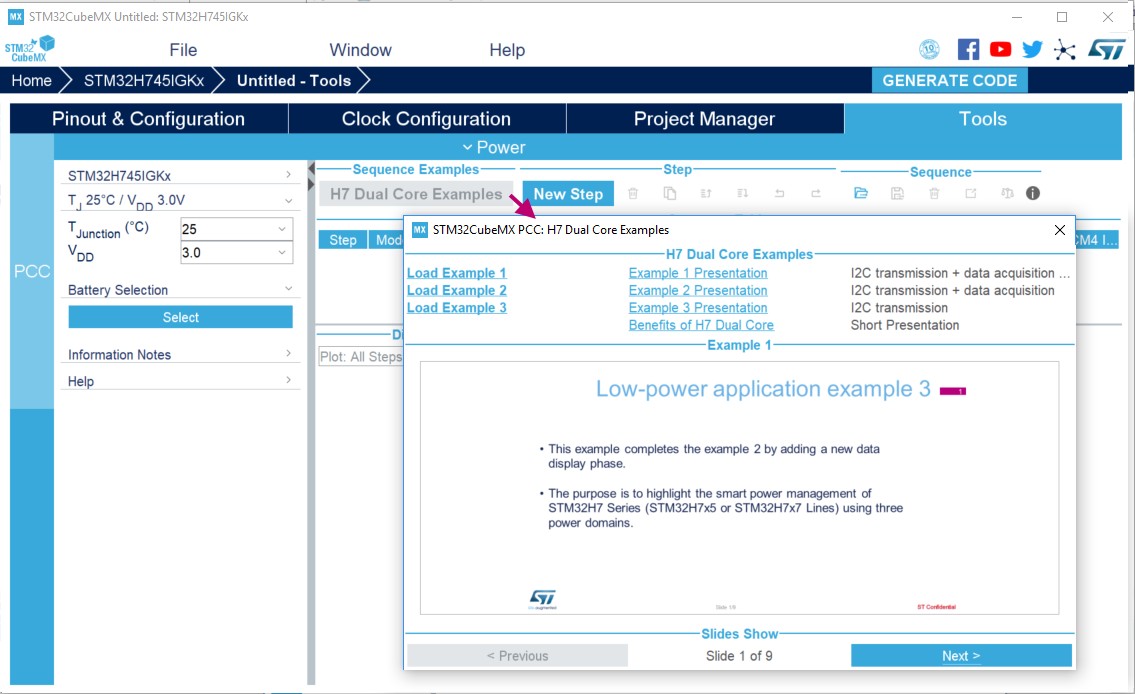
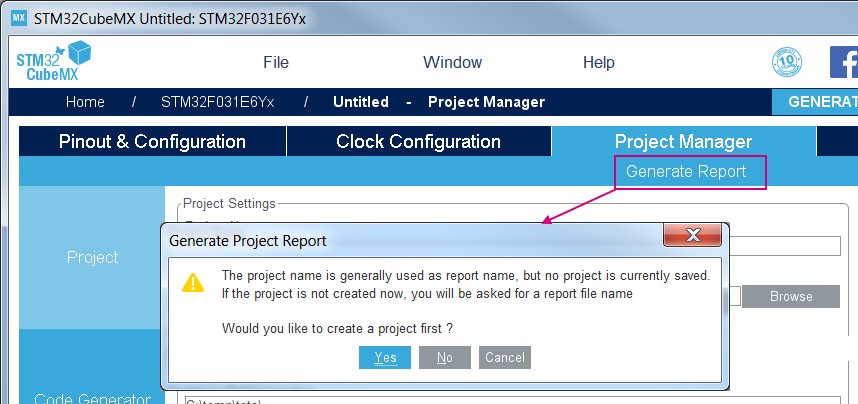
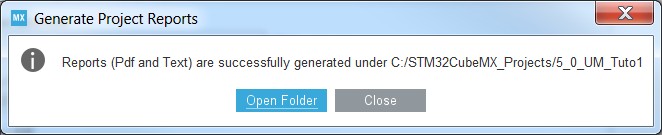
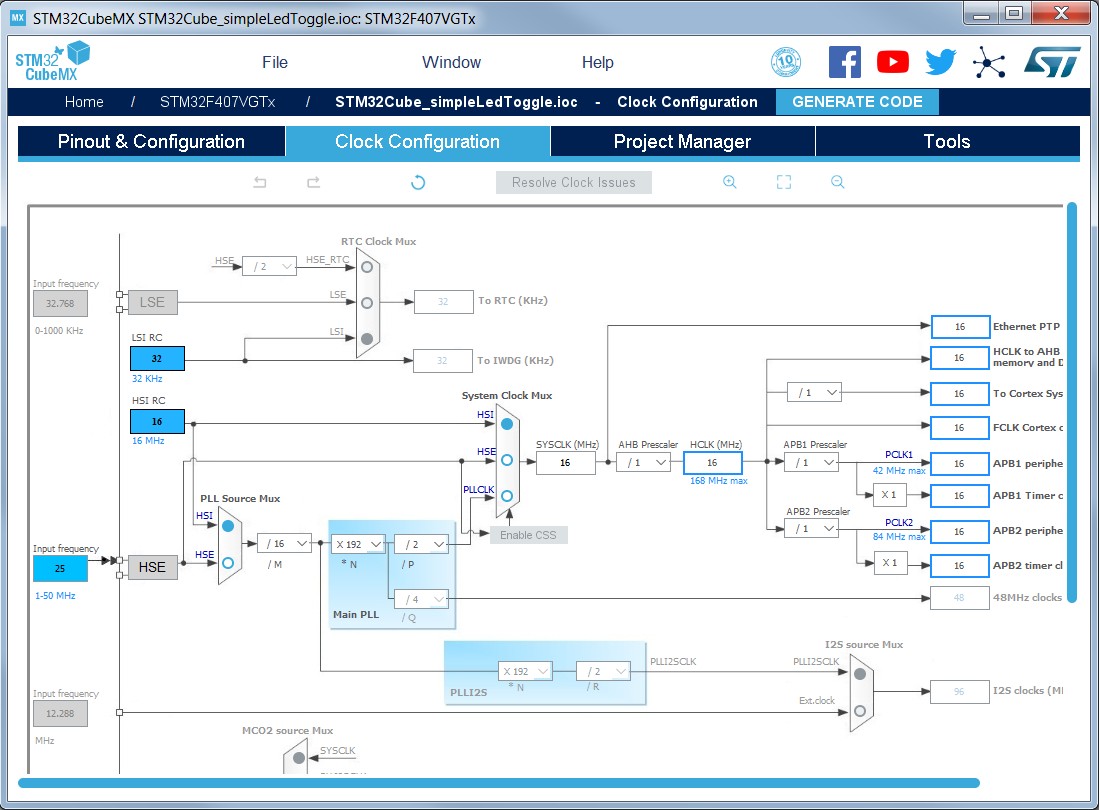
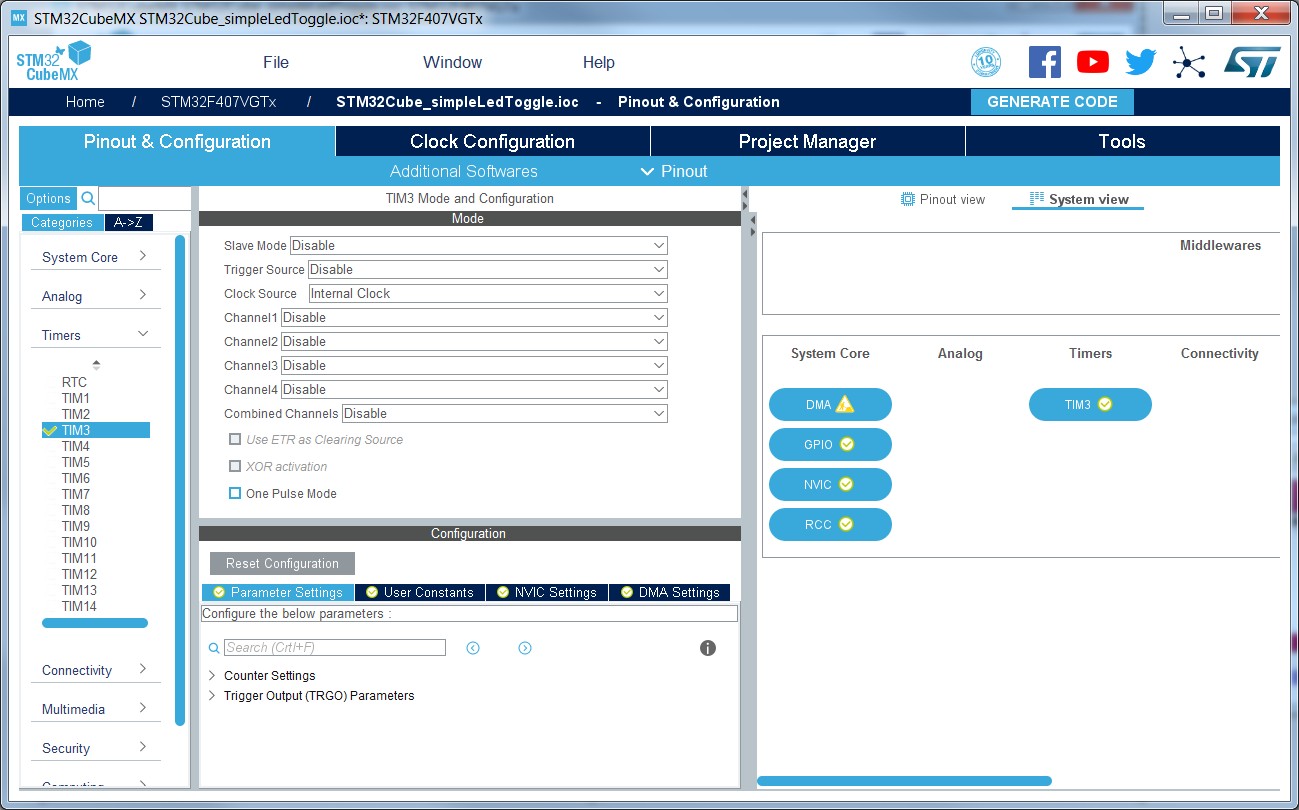
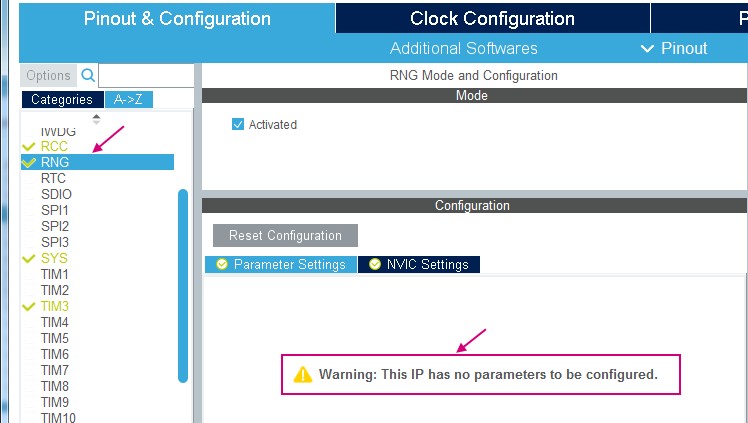
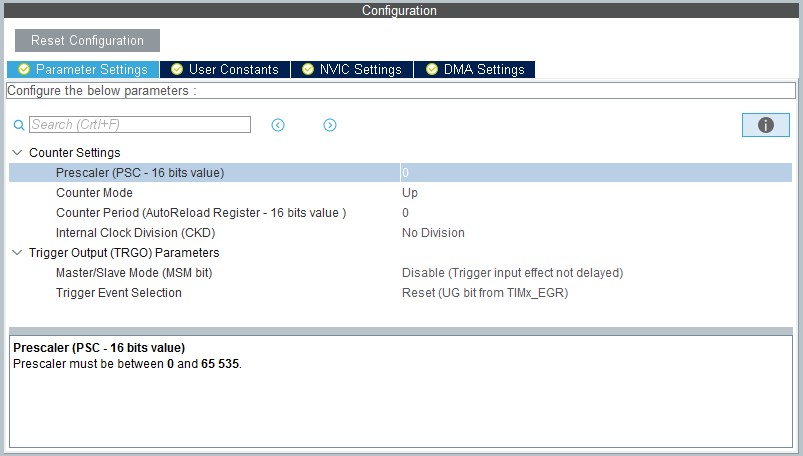
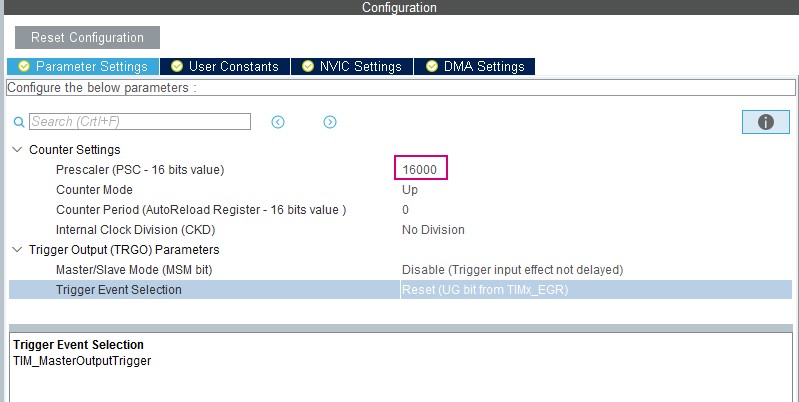
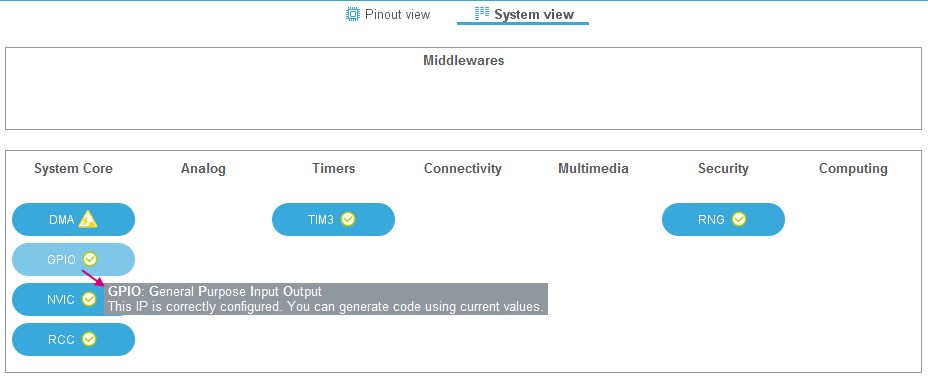
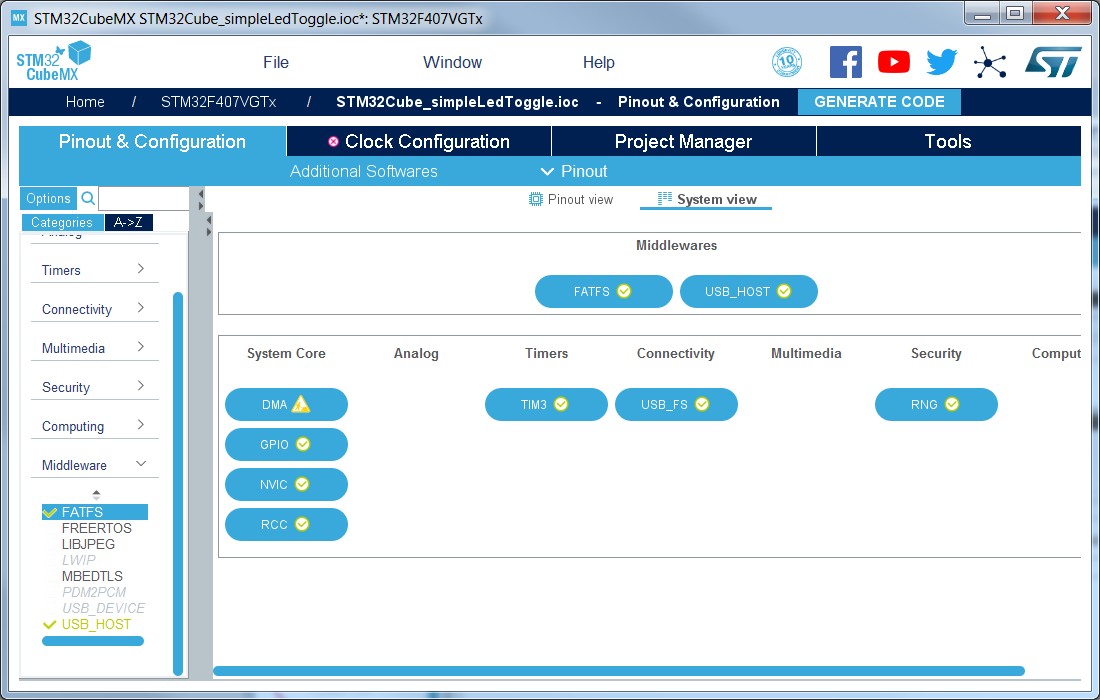
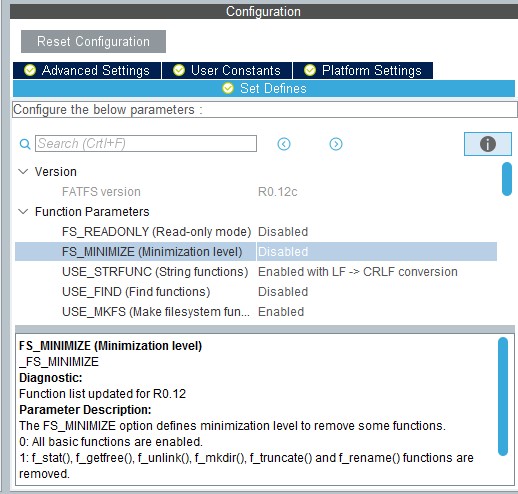
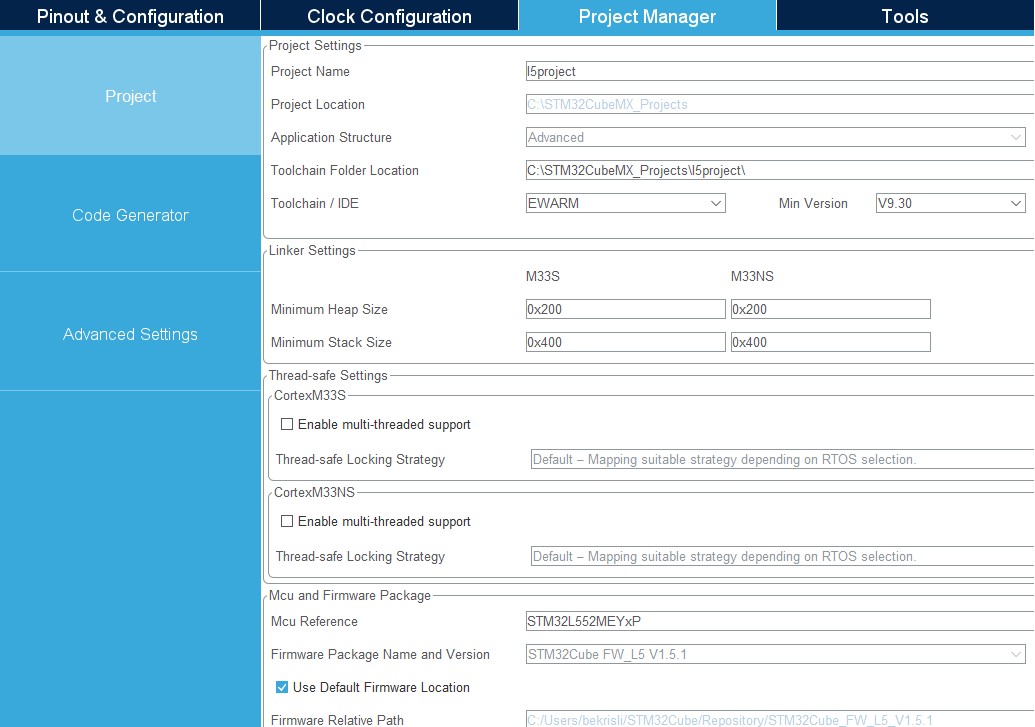
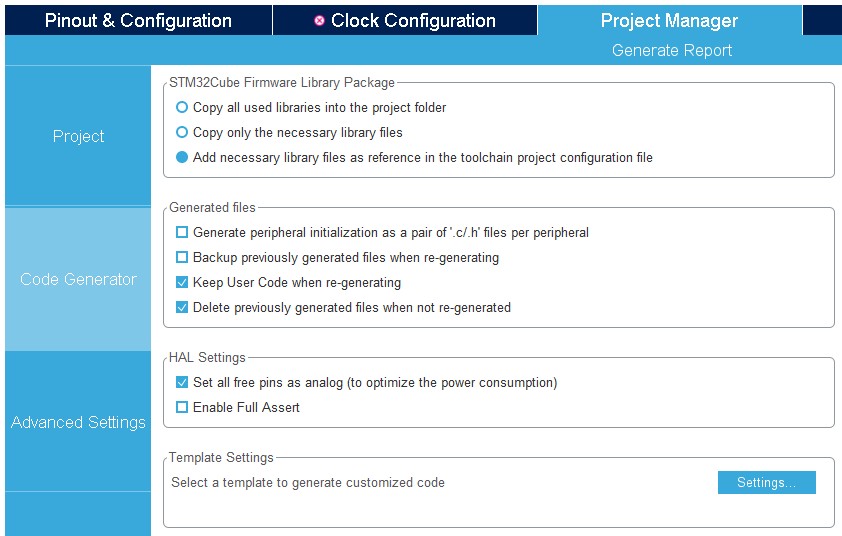
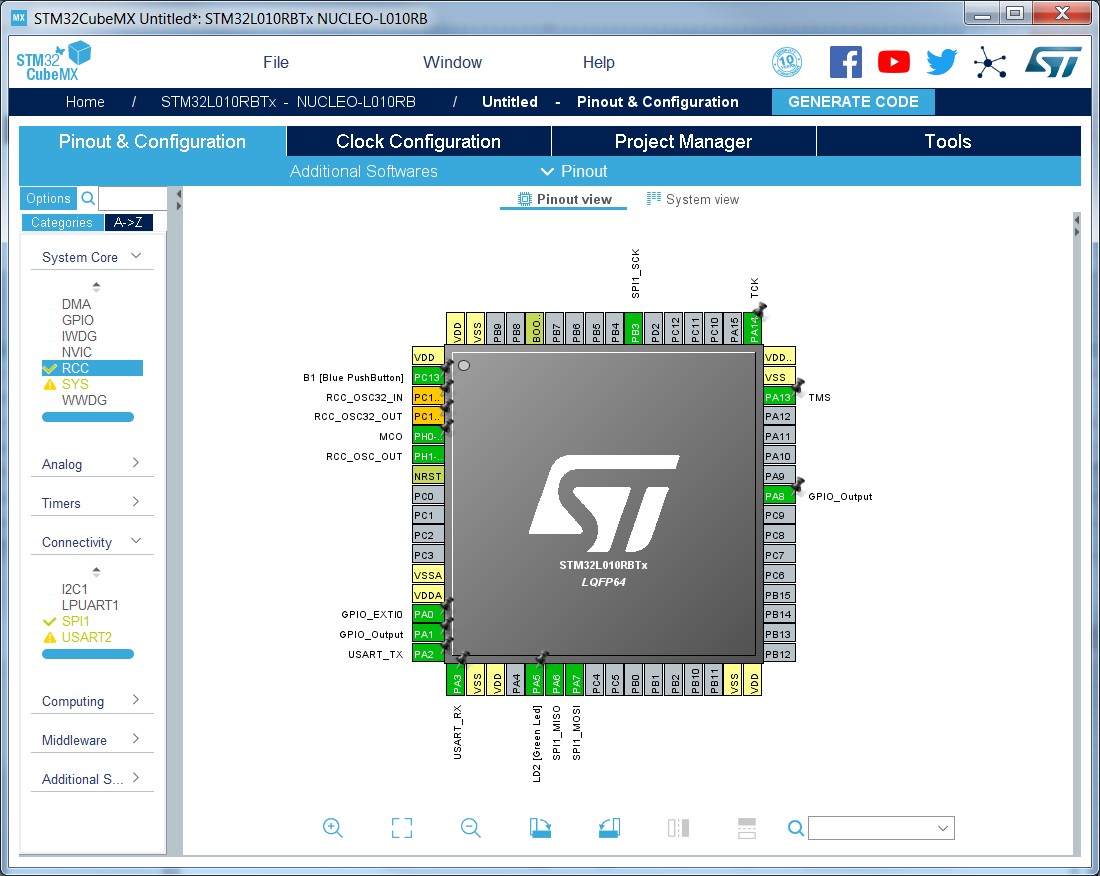
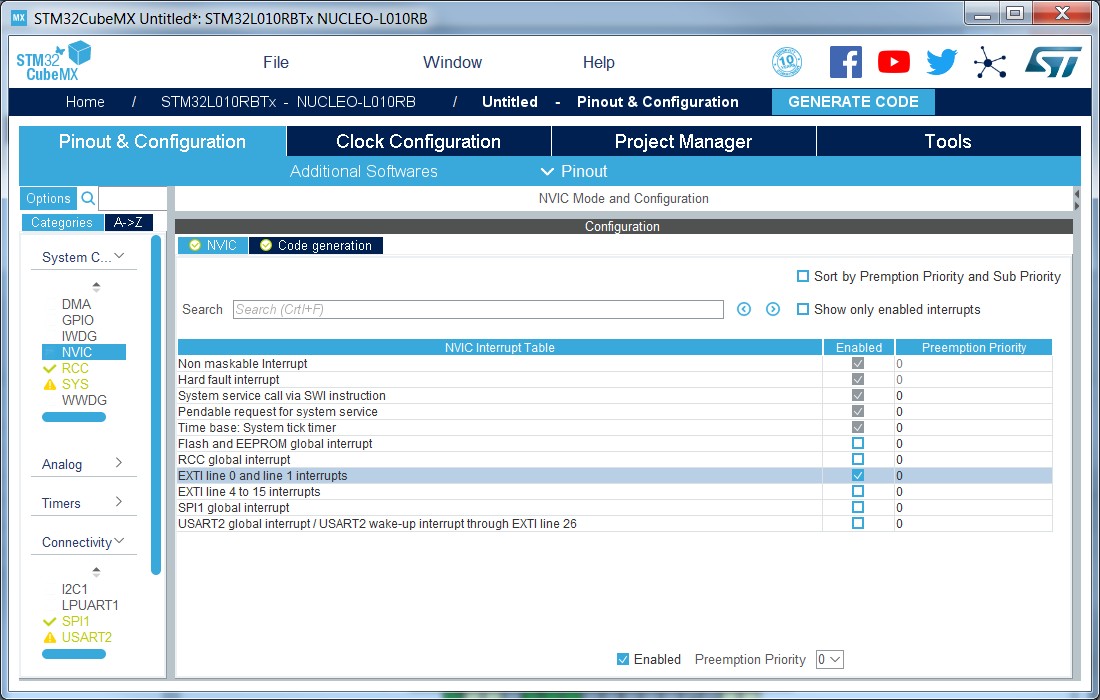
Added Section 19: Tutorial 10: Using ST-TouchGFX framework and its subsections. Updated Table 27: LL versus HAL: STM32CubeMX generated functions and function calls. Removed former Figure 164: Enabling and configuring a CMSISPack software component, Figure 192: FatFs peripheral instances, Figure 213: Project Import status, Figure 254: Saving software component selection as user preferences and Figure 268: Configuring X-Cube-BLE1. Updated Figure 1: Overview of STM32CubeMX C code generation flow, Figure 16: STM32Cube installation wizard, Figure 7: Closing STM32CubeMX perspective, Figure 9: Opening Eclipse plug-in, Figure 10: STM32CubeMX perspective, Figure 388: Overall peripheral consumption, Figure 565: User constant generating define statements, Figure 588: Selecting a CMSIS-Pack software component, Figure 589: Enabling and configuring a CMSIS-Pack software component, Figure 590: Project generated with CMSISPack software component, Figure 591: MCU selection, Figure 592: Pinout view with MCUs selection, Figure 593: Pinout view without MCUs selection window, Figure 595: Timer configuration, Figure 596: Simple pinout configuration, Figure 597: Save Project As window, Figure 598: Generate Project Report - New project creation, Figure 599: Generate Project Report - Project successfully created, Figure 600: Clock tree view, Figure 605: Pinout & Configuration view, Figure 606: Case of Peripheral and Middleware without configuration parameters, Figure 607: Timer 3 configuration window, Figure 608: Timer 3 configuration, Figure 609: Enabling Timer 3 interrupt, Figure 610: GPIO configuration color scheme and tooltip, Figure 611: GPIO mode configuration, Figure 612: DMA parameters configuration window, Figure 613: Middleware tooltip, Figure 614: USB Host configuration, Figure 614: USB Host configuration, Figure 615: FatFs over USB mode enabled, Figure 616: System view with FatFs and USB enabled, Figure 617: FatFs define statements, Figure 618: Project Settings and toolchain selection, Figure 619: Project Manager menu - Code Generator tab, Figure 620: Warning message for missing firmware package, Figure 527: Connection Parameters tab, Figure 622: Updated settings with connection, Figure 623: Downloading the firmware package, Figure 624: Unzipping the firmware package, Figure 625: C code generation completion message, Figure 641: Import Project menu, Figure 671: Project Settings menu, Figure 682: Additional software components enabled for the current project, Figure 683: Pack software components: no configurable parameters, Figure 684: Pack tutorial: project settings, Figure 687: Embedded software packages, Figure 689: Installing Embedded software packages, Figure 690: Starting a new project - selecting the NUCLEO-L053R8 board, Figure 691: Starting a new project - initializing all peripherals, Figure 692: Selecting X-Cube- BLE1 components, Figure 693: Configuring peripherals and GPIOs, Figure 694: Configuring NVIC interrupts, Figure 695: Enabling XCube-BLE1, Figure 695: Enabling X-Cube-BLE1, Figure 696: Configuring the SensorDemo project and Figure 312: Graphics simulator user interface. |
|
Date |
Revision |
STM32CubeMX release number |
Changes |
|---|---|---|---|
|
19-Feb-2019 |
28 |
5.0 |
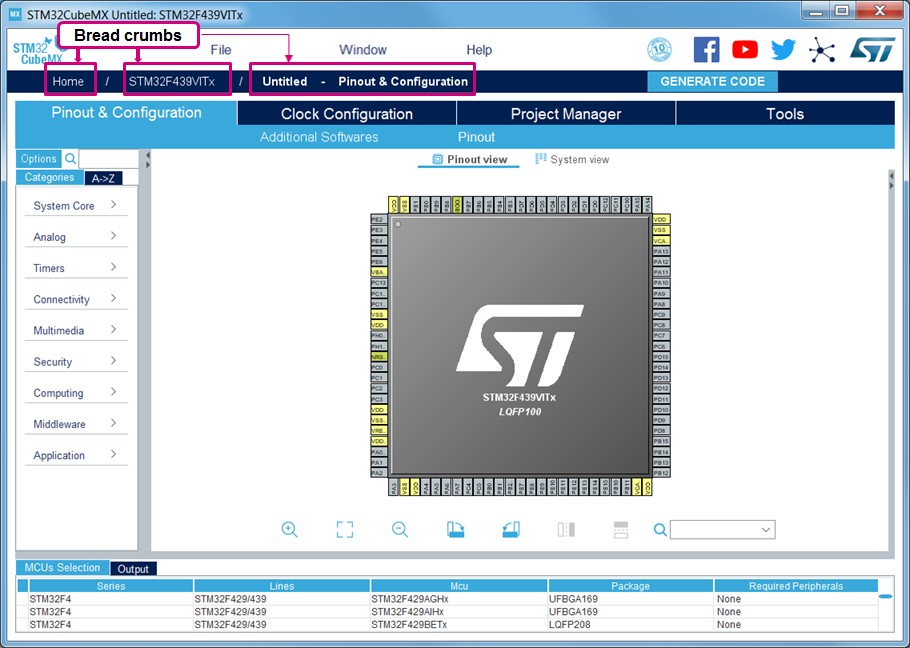
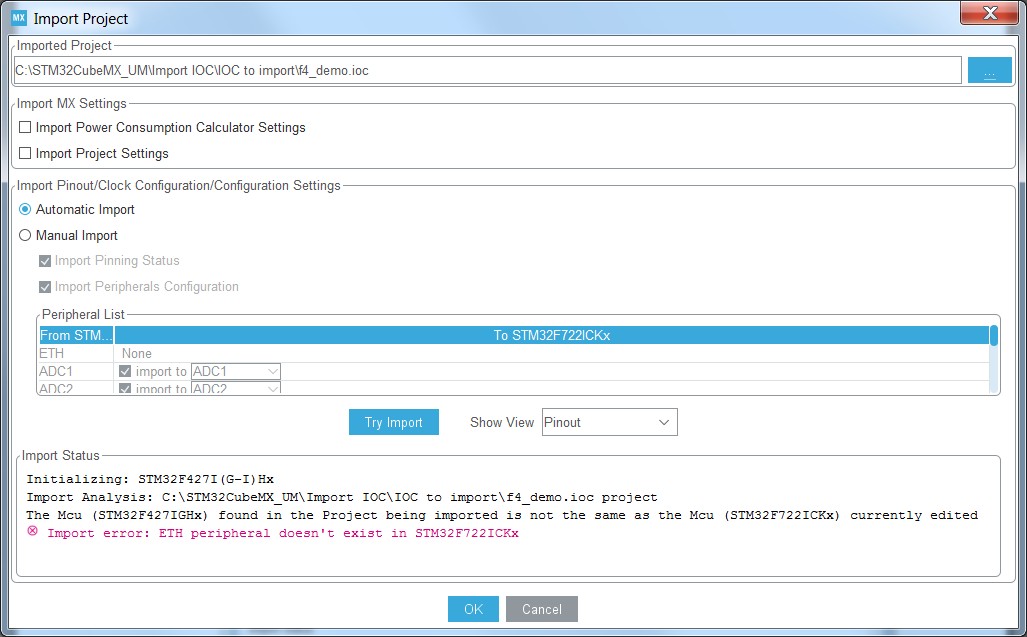
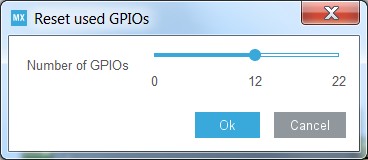
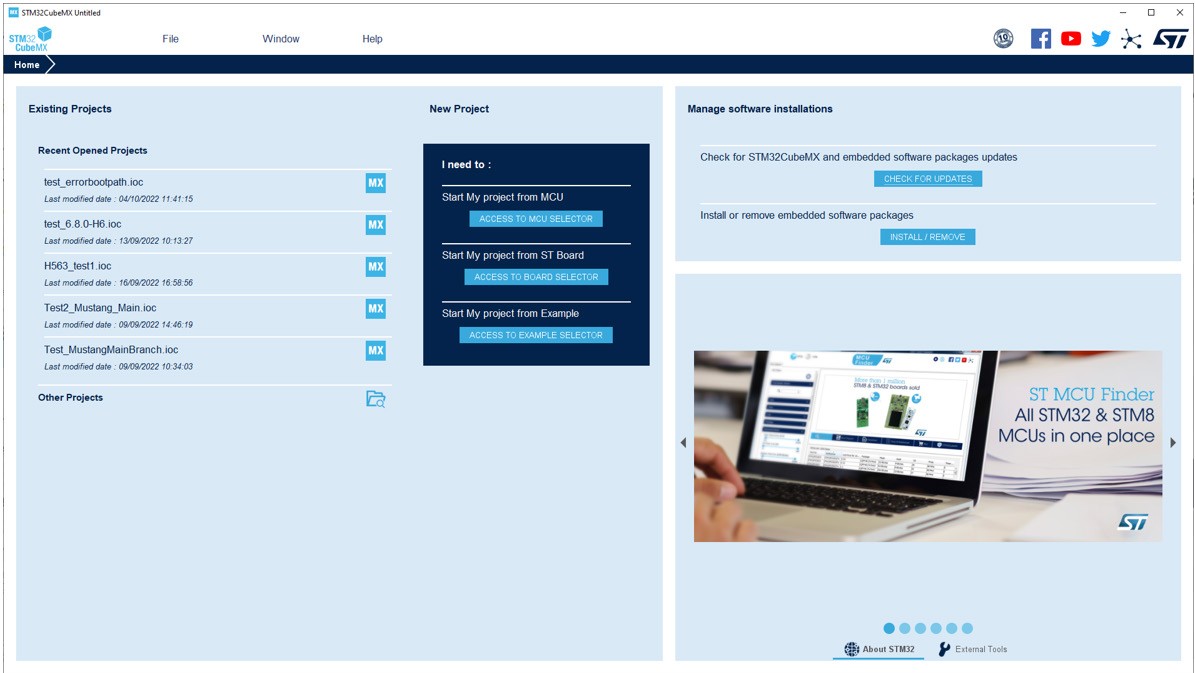
Updated Introduction, Section 1: STM32Cube overview, Section 2.2: Key features, Section 3.1.3: Software requirements, Section 3.4.3: Installing STM32 MCU packages, Section 4: STM32CubeMX user interface, Resolving pin conflicts, Section 4.5.10: Component configuration panel, Section 4.10: Clock Configuration view, Section 4.11: Project Manager view, Section 4.11.1: Project tab, Section 4.11.3: Advanced Settings tab, Using the transition checker, Section 9.2: STM32CubeMX Device tree generation, Section 6.3.2: Saving and selecting user templates, .extSettings file example and generated outcomes and Section 11.6.4: Configuring the DMAs. Added Section 4.6: Pinout & Configuration view for STM32 MPUs, Section 4.6.2: Boot stages configuration, Section 5: STM32CubeMX tools, Section 9: Device tree generation (STM32MPUs only), Section B.3.11: STM32WPAN BLE/Thread (STM32WB series only), Section B.3.13: OpenAmp and RESMGR_UTILITY (STM32MPUs and STM32H7 dual-core products) and their subsections. Removed former Section 1: General information. Updated Table 2: Home page shortcuts, Table 5: Component list, mode icons and color schemes, Table 6: Pinout menu and shortcuts and title of Table 9: Clock configuration view widgets. Updated Figure 187: Project Settings window, Figure 189: Project folder, Figure 193: Selecting a different firmware location, Figure 201: Automatic project import, Figure 202: Manual project import, Figure 203: Import Project menu - Try Import with errors, Figure 204: Import Project menu - Successful import after adjustments, Figure 215: Set unused pins window, Figure 216: Reset used pins window, Figure 355: About window, Figure 586: STM32CubeMX generated DTS – Extract 3, Figure 588: Selecting a CMSIS-Pack software component, Figure 589: Enabling and configuring a CMSISPack software component, Figure 648: FATFS tutorial - Project settings and Figure 649: C code generation completion message. |
|
16-Apr-2019 |
29 |
5.1 |
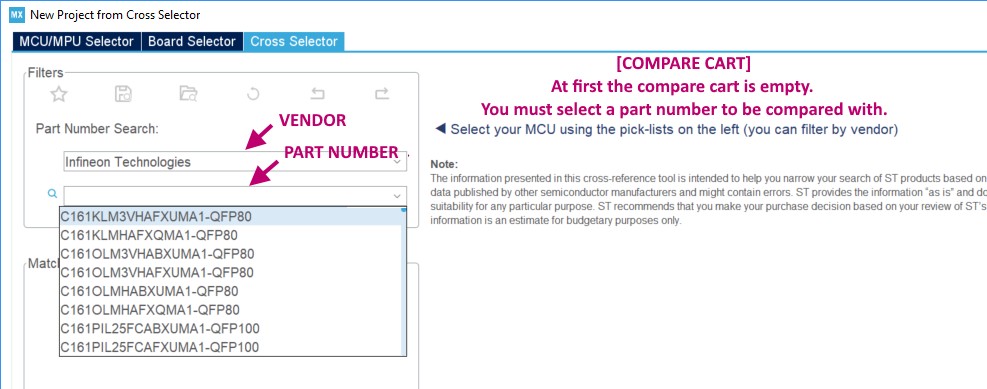
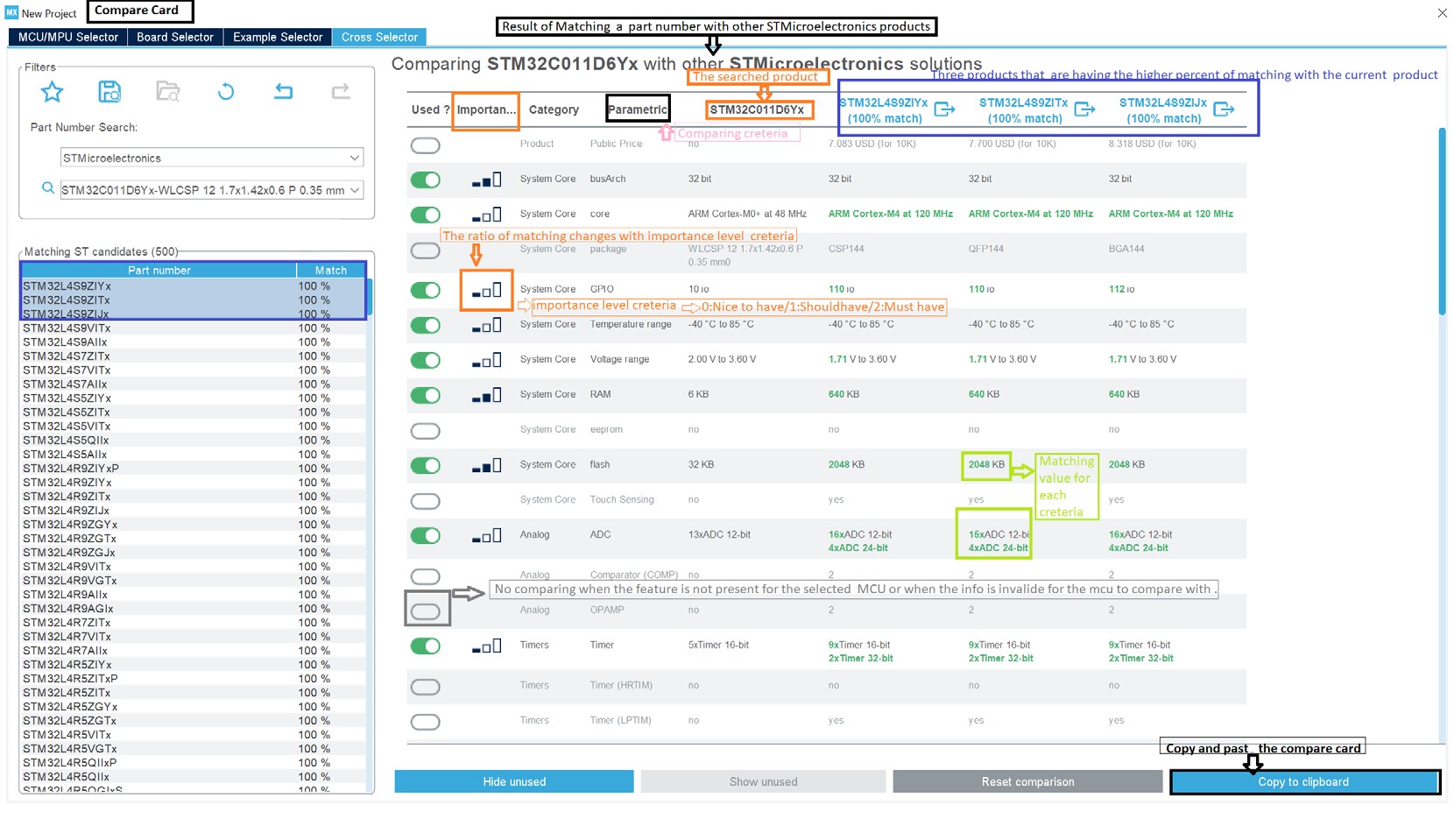
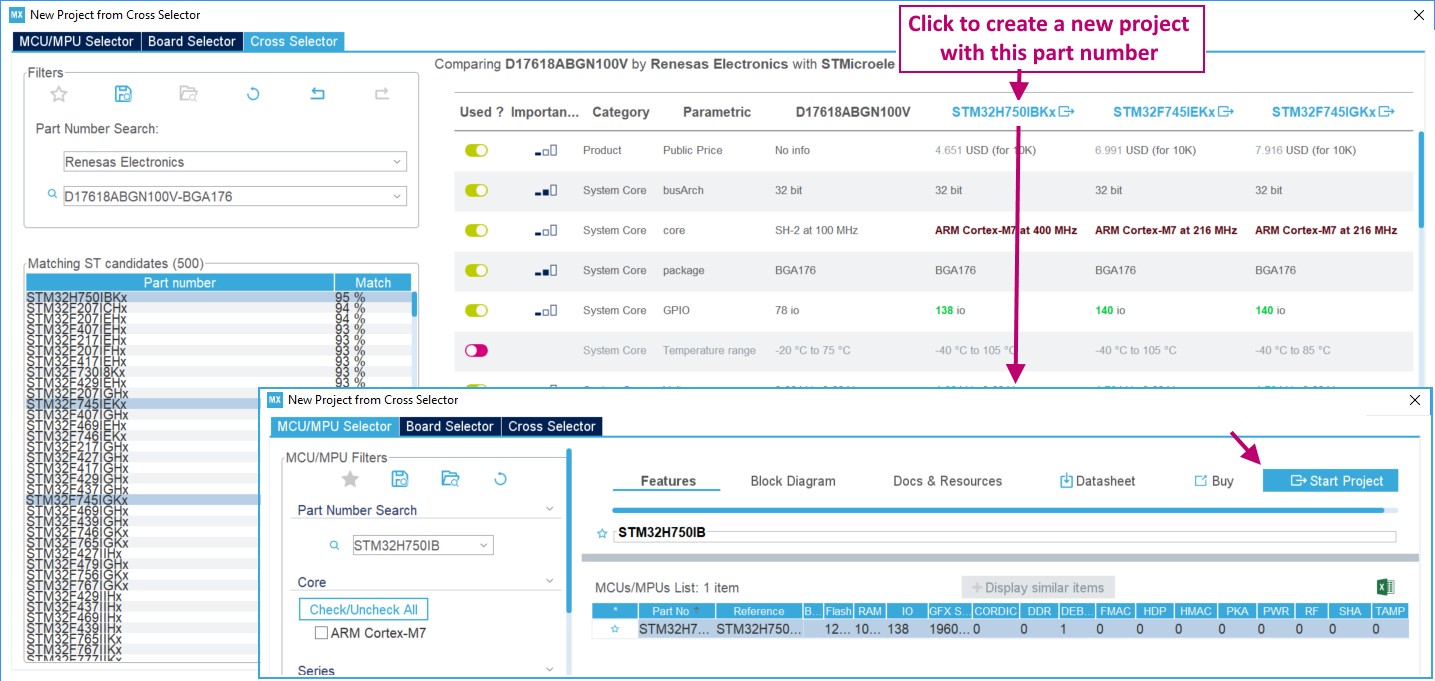
Updated Introduction. Section 3.1.3: Software requirements, Section 4.2: New Project window, MCU close selector feature, External clock sources, Importing pinout, Selecting/deselecting all peripherals, Section 4.6: Pinout & Configuration view for STM32 MPUs, Section 4.15: Software Packs component selection window, Section 5.4.1: DDR configuration, Section 6.2: STM32Cube code generation using Low Layer drivers, BLE configuration and Section B.3.13: OpenAmp and RESMGR_UTILITY (STM32MPUs and STM32H7 dual-core products). Added Section 4.2.1: MCU selector, Section 4.2.2: Board selector, Section 4.2.4: Cross selector, Section 4.8: Pinout & Configuration view for STM32H7 dual-core products, Section 5.3.9: Example feature (STM32MPUs and STM32H7 dual-core only) and Section 7: Code generation for dual-core MCUs (STM32H7 dual-core product lines only). Removed former Section 3.3: Installing STM32CubeMX plug-in version and its subsections, and former Section 3.4.3: Running STM32CubeMX plug-in from Eclipse IDE. |
|
Date |
Revision |
STM32CubeMX release number |
Changes |
|---|---|---|---|
|
16-Apr-2019 |
29 (cont’d) |
5.1 |
Updated Table 3: Window menu. Updated figures 27 to 42, Figure 199: Advanced Settings window, figures 374 to 381, 383 to 386 and 388 to 397, Figure 618: Project Settings and toolchain selection and figures 651 to 661, Added Figure 37: New Project window shortcuts, Figure 105: STM32MPUs: assignment options for GPIOs, Figure 757: Resource Manager: peripheral assignment view and Figure 758: STM32Cube Embedded Software package. |
|
01-Oct-2019 |
30 |
5.2 |
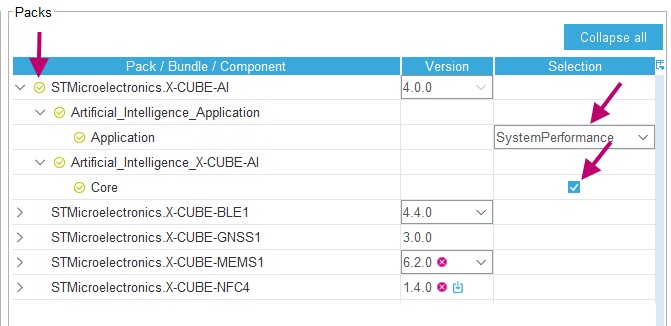
Updated Introduction. Section 2.2: Key features, Section 3.3.2: Running STM32CubeMX in command-line mode, Part number selection, Section 4.15: Software Packs component selection window, Section 4.15.1: Introduction on software components, Section 4.15.2: Filter panel, Section 4.15.3: Packs panel, Section 4.15.4: Component dependencies panel, Section 4.15.6: Updating the tree view for additional software components, Section 5.3: Power Consumption Calculator view and Section 6.2: STM32Cube code generation using Low Layer drivers. Updated Table 1: Command line summary, Table 6: Pinout menu and shortcuts, Table 19: Additional Software window – Packs panel icons and Table 20: Component dependencies panel contextual help. Updated Figure 33: STM32CubeMX home page, Figure 222: Selection of additional software components, Figure 223: Additional software components - Updated tree view, Figure 588: Selecting a CMSIS-Pack software component and Figure 692: Selecting X-CubeBLE1 components. Added Section 4.5.8: Pinout for multi-bonding packages and Section 4.15.5: Details and Warnings panel. Added Table 18: Additional Software window – Packs panel columns |
|
Date |
Revision |
STM32CubeMX release number |
Changes |
|---|---|---|---|
|
13-Dec-2019 |
31 |
5.4 |
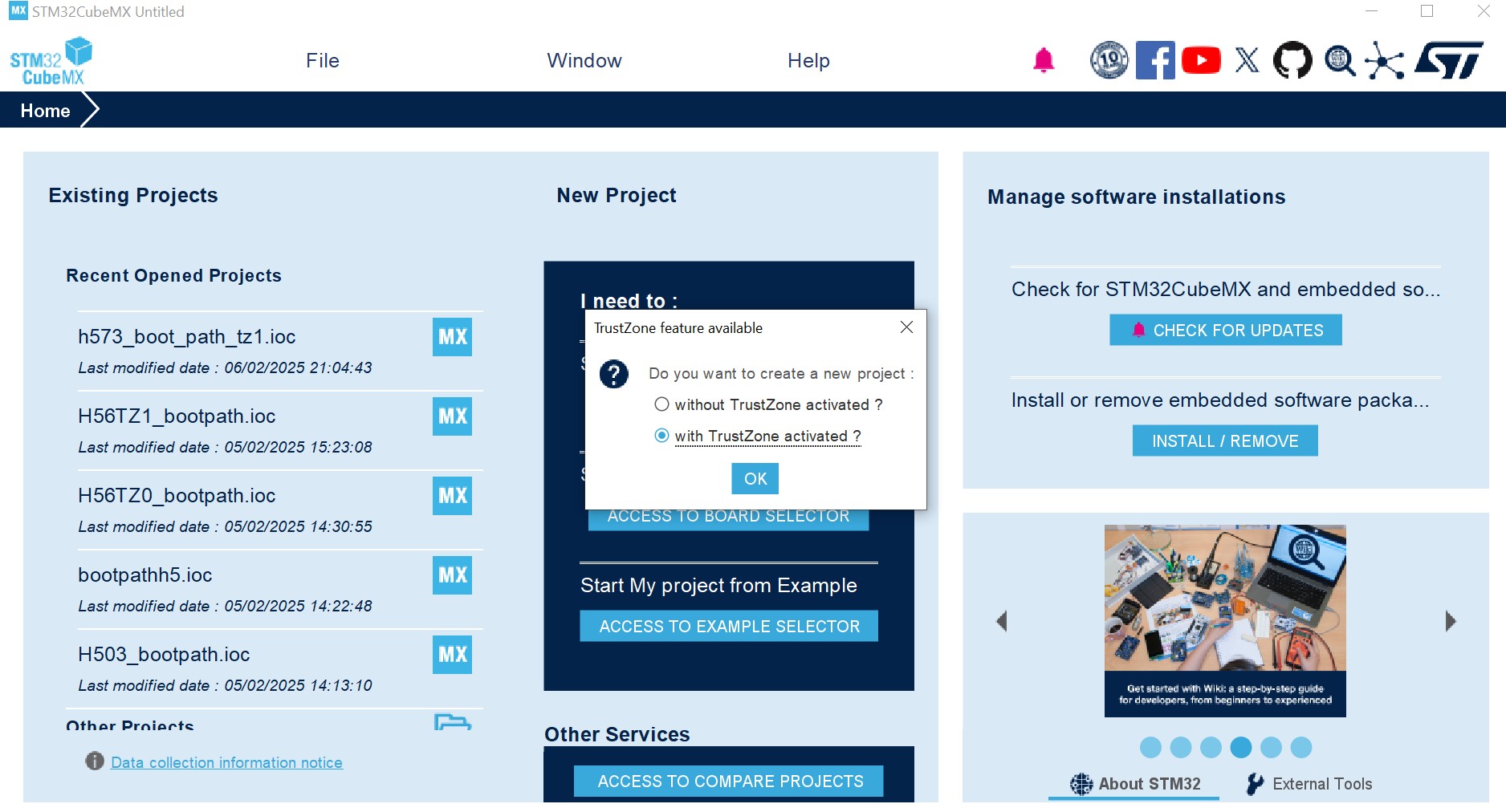
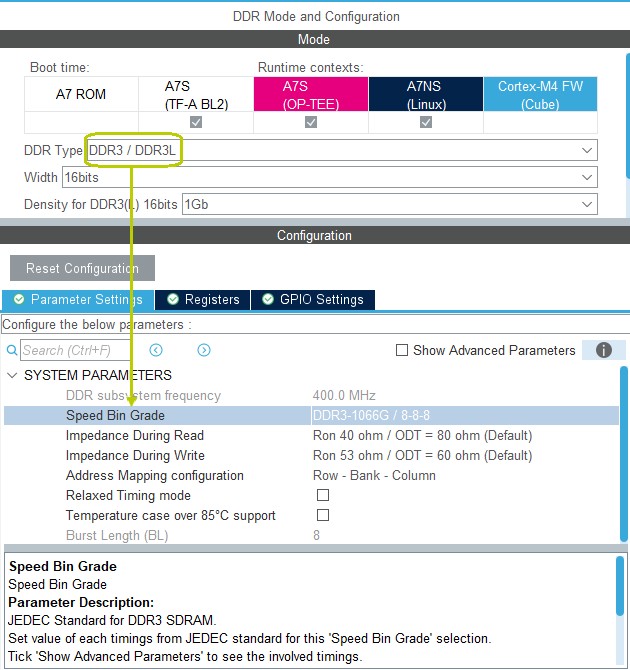
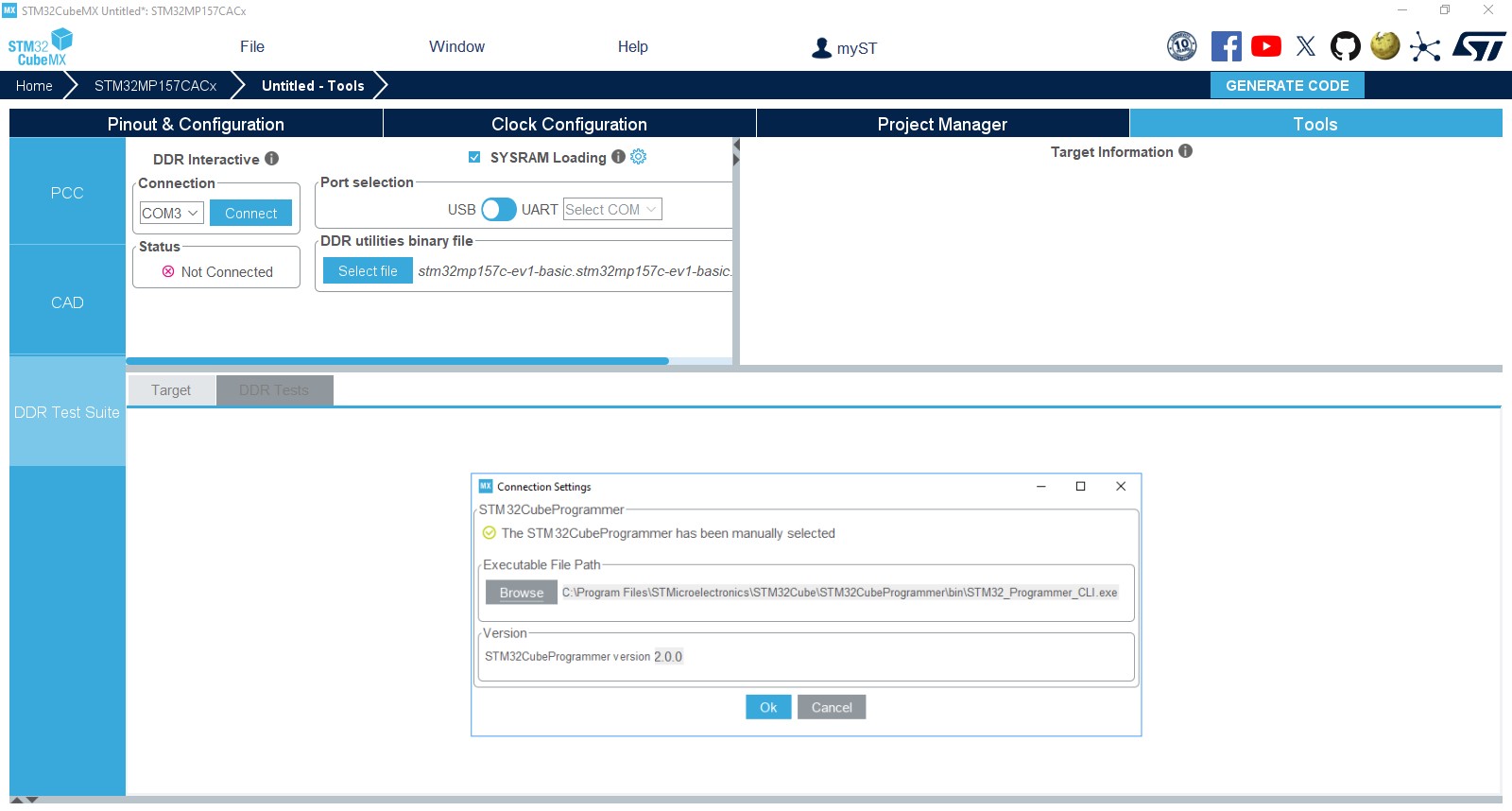
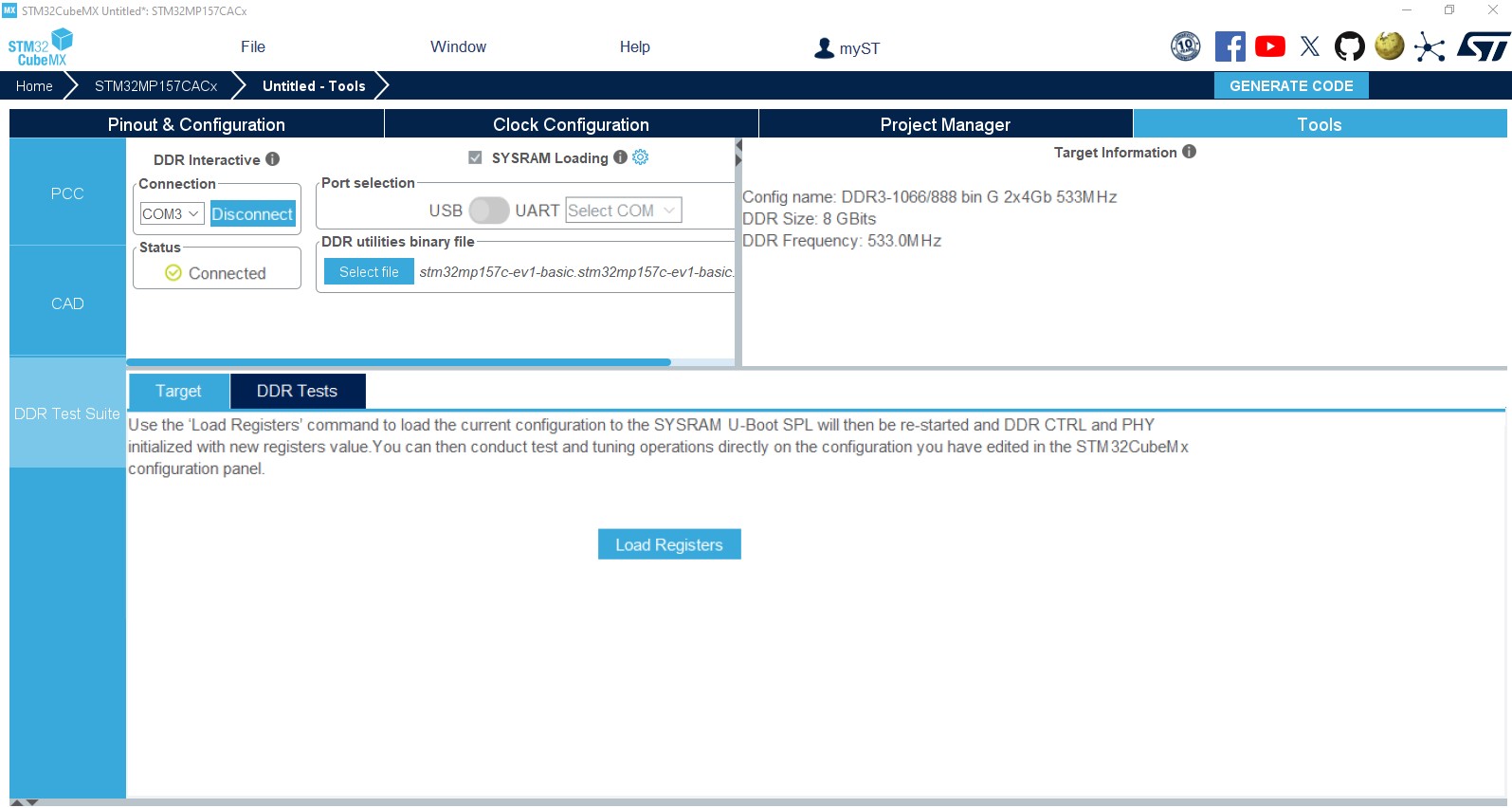
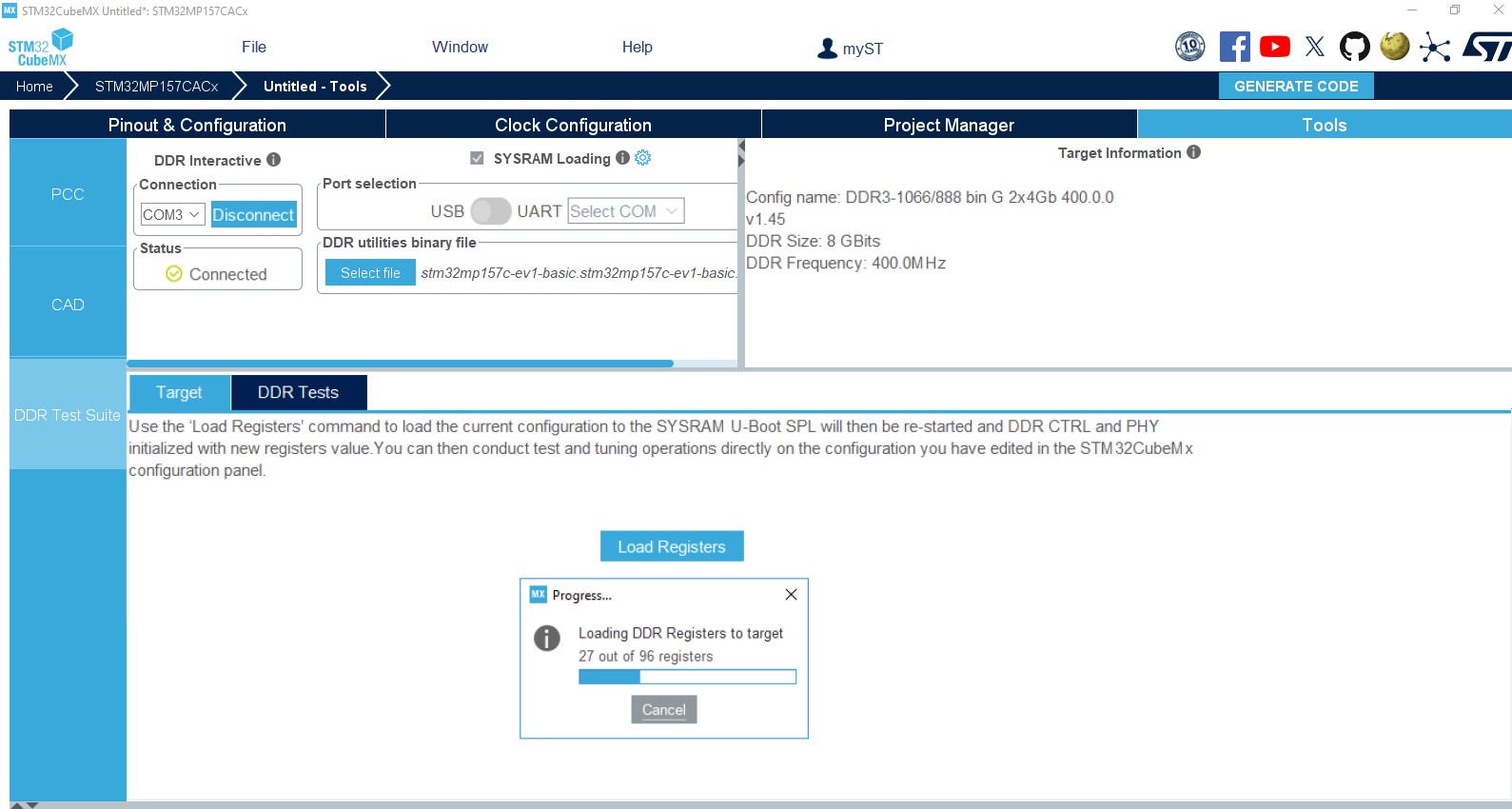
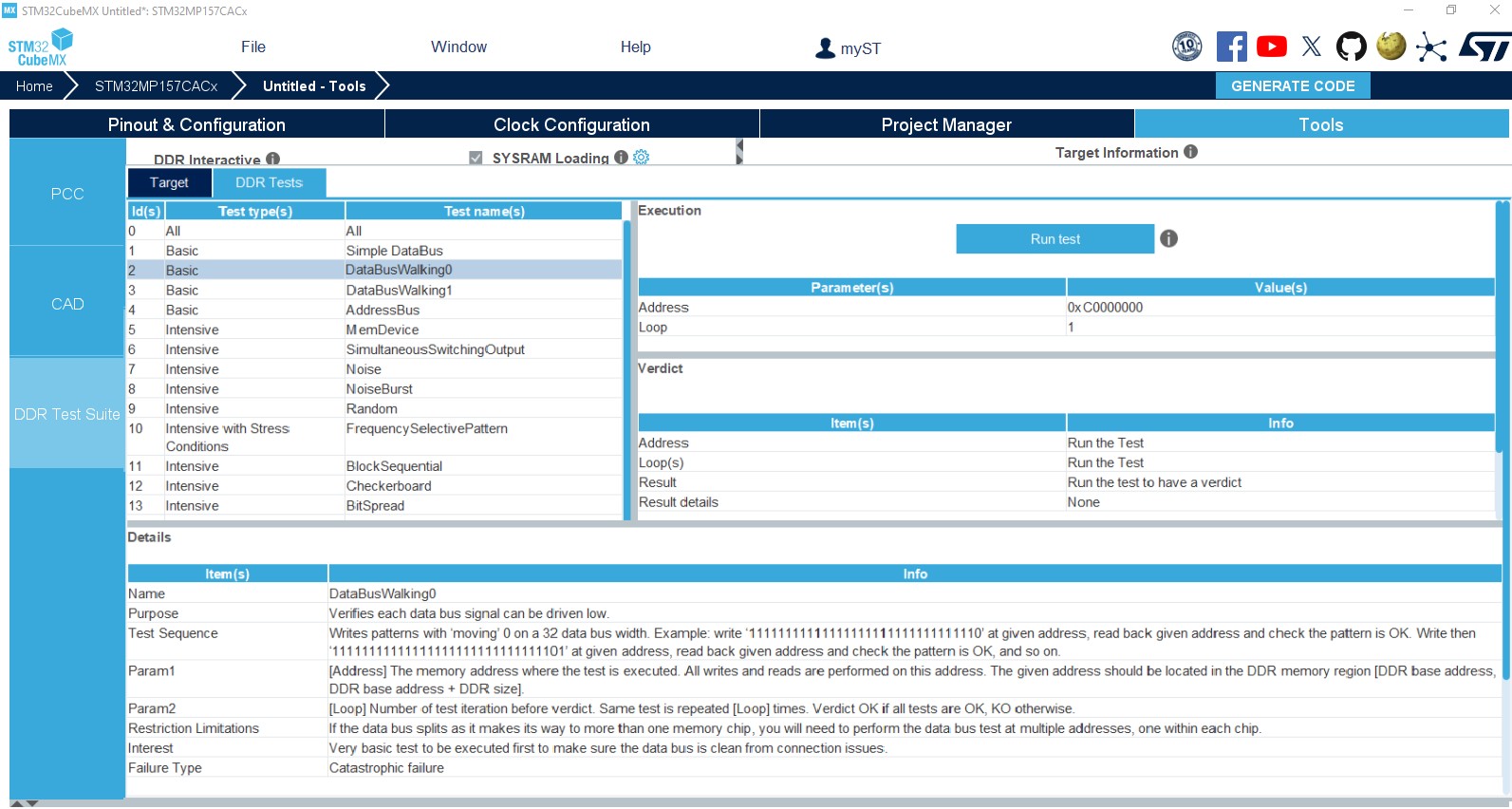
Updated Introduction, Section 1: STM32Cube overview, Section 4.2: New Project window, MCU/MPU selection for a new project and Section 11.7.1: Setting project options. Added Section 4.9: Enabling security in Pinout & Configuration view (STM32L5 and STM32U5 series only) with its subsections, Section 4.10.2: Securing clock resources (STM32L5 series only) and Section 8: Code generation with TrustZone enabled (STM32L5 series only). Removed former Section 4.4.16: Graphics frameworks and simulator, Section 17: Tutorial 8 – Using STemWin Graphics framework, Section 18: Tutorial 9: Using STM32CubeMX Graphics simulator, Section 19: Tutorial 10: Using ST-TouchGFX framework and Section B.3.11: Graphics. Minor text edits across the whole document. Updated Table 1: Command line summary. Updated Figure 68: Pinout view: MCUs with multi-bonding, Figure 69: Pinout view: multi-bonding with extended mode, Figure 105: STM32MPUs: assignment options for GPIOs, Figure 187: Project Settings window, Figure 405: DDR Suite - Connection to target, Figure 406: DDR Suite - Target connected, Figure 407: DDR activity logs, Figure 408: DDR interactive logs, Figure 409: DDR register loading, Figure 410: DDR test list from U-Boot SPL, Figure 411: DDR test suite results, Figure 412: DDR tests history, Figure 175: DDR tuning pre-requisites, Figure 176: DDR tuning process, Figure 177: Bit deskew, Figure 178: Eye training (centering) panel, Figure 179: DDR Tuning - saving to configuration, Figure 583: Project settings for STM32CubeIDE toolchain and Figure 618: Project Settings and toolchain selection. Added Figure 38: Enabling TrustZone®. |
|
Date |
Revision |
STM32CubeMX release number |
Changes |
|---|---|---|---|
|
10-Jul-2020 |
32 |
6.0 |
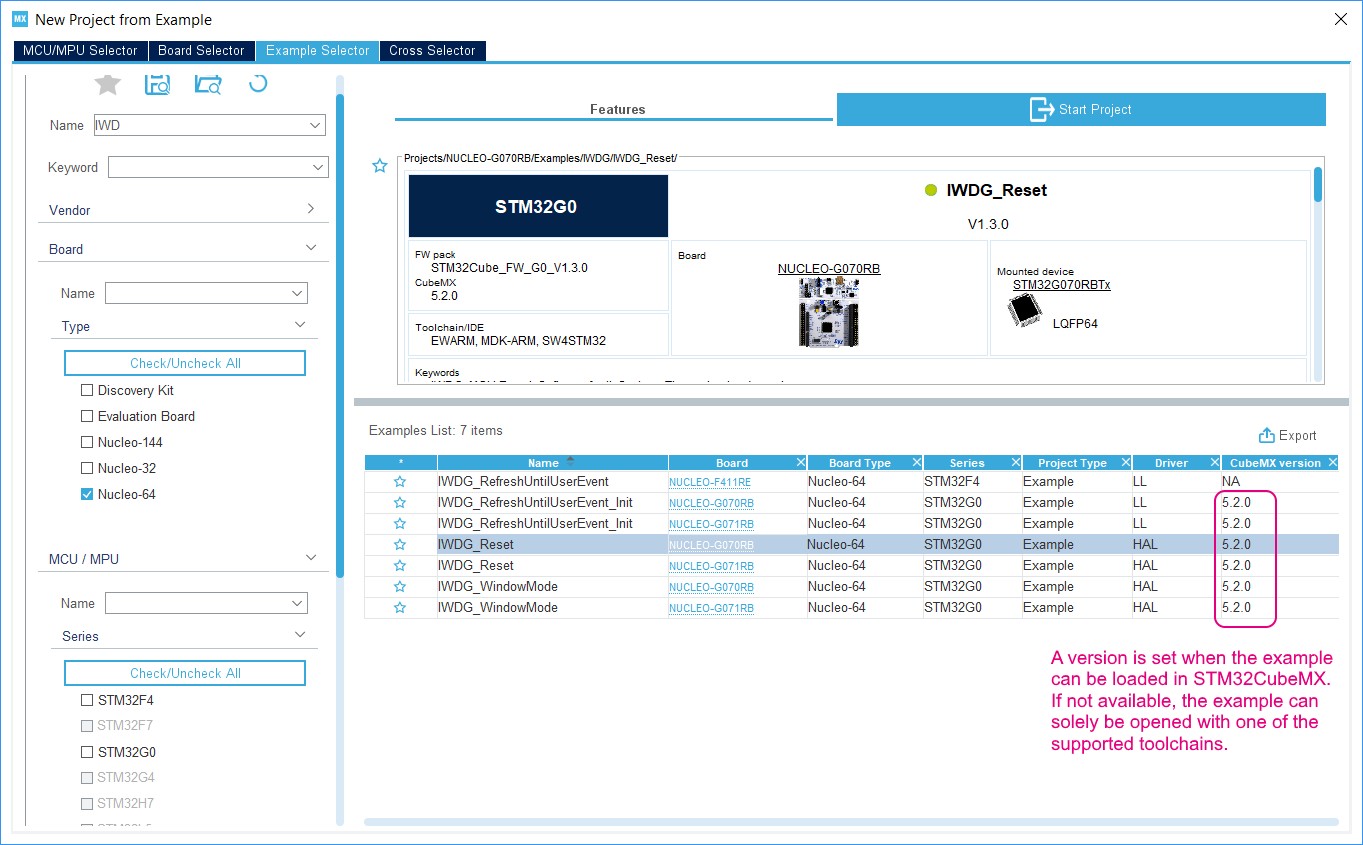
Updated Section 2.2: Key features, Section 3.1.1: Supported operating systems and architectures, Section 3.1.3: Software requirements, Section 3.2.1: Installing STM32CubeMX standalone version, Section 3.4: Getting updates using STM32CubeMX, Section 3.4.5: Installing embedded software packs, Section 4.2: New Project window, Export to Excel, Section 4.5: Pinout & Configuration view, Section 4.11.3: Advanced Settings tab and Section 18.6: Why do I get the error “Java 8 update 45” when installing “Java 8 update 45” or a more recent version of the JRE?. Added Section 4.2.3: Example selector, Section 5.1: External Tools, Section 19.2: Since I changed my login to access the Internet, some software packs appear not available. and Section 19.3: On dualcontext products, why some peripherals or middleware are not available for a given context?. Removed former MCU selection based on graphics criteria. Updated Table 4: Help menu shortcuts and Table 17: Additional software window - Filter icons. Updated Figure 33: STM32CubeMX home page, Figure 37: New Project window shortcuts, Figure 42: New Project window - Board selector, Figure 45: Cross selector - Data refresh prerequisite, Figure 199: Advanced Settings window, Figure 219: Additional software window, Figure 200: Device tree generation for the Linux kernel, Figure 201: STM32CubeMX Device tree generation for Uboot, Figure 202: STM32CubeMX Device tree generation for TF-A, Figure 692: Selecting X-Cube-BLE1 components and Figure 306: Java Control Panel. |
|
10-Nov-2020 |
33 |
6.1 |
Updated Introduction, Section 3.1.3: Software requirements, Section 3.4.7: Checking for updates, Section 4.15.3: Packs panel, Section 5.1: External Tools, Section 12: Tutorial 2 - Example of FatFs on an SD card using STM32429I-EVAL evaluation board and Section 18.6: Why do I get the error “Java 8 update 45” when installing “Java 8 update 45” or a more recent version of the JRE?. Added Choosing not to generate code for some peripherals or middlewares. Updated Table 1: Command line summary. Updated Figure 32: Help menu: checking for updates, Figure 33: STM32CubeMX home page, Figure 199: Advanced Settings window, Figure 219: Additional software window, Figure 356: ST Tools and Figure 644: SDIO peripheral configuration. |
|
Date |
Revision |
STM32CubeMX release number |
Changes |
|---|---|---|---|
|
12-Feb-2021 |
34 |
6.2 |
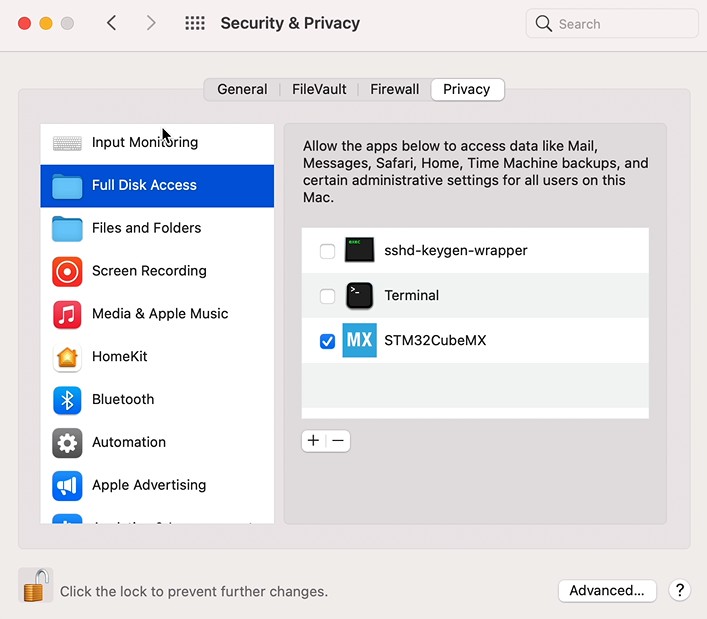
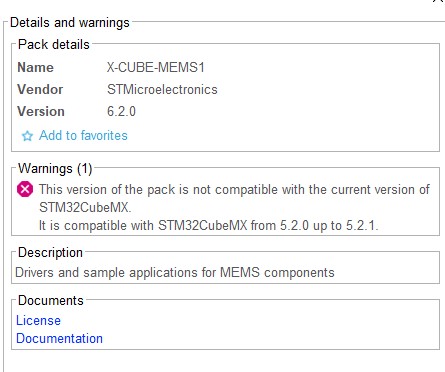
Updated Section 3.1.1: Supported operating systems and architectures, Section 3.1.3: Software requirements, Section 3.2.1: Installing STM32CubeMX standalone version, Section 3.2.2: Installing STM32CubeMX from command line, Section 3.2.3: Uninstalling STM32CubeMX standalone version, Section 3.3.2: Running STM32CubeMX in command-line mode, Warning: in Section 3.4.7: Checking for updates, Section 4.1: Home page, Section 4.15: Software Packs component selection window, Section 4.15.2: Filter panel, Section 4.15.3: Packs panel, Section 4.15.4: Component dependencies panel, Section 4.15.5: Details and Warnings panel and Section 12: Tutorial 2 - Example of FatFs on an SD card using STM32429I-EVAL evaluation board. Updated Table 6: Pinout menu and shortcuts. Added Figure 2: Full disk access for macOS and Figure 220: Component dependency resolution. Updated Figure 33: STM32CubeMX home page, Figure 38: Enabling TrustZone®, Figure 219: Additional software window. Removed former Figure 5: Auto-install command line and former Section 18.6: Why do I get the error “Java 8 update 45” when installing “Java 8 update 45” or a more recent version of the JRE?. |
|
22-Jun-2021 |
35 |
6.3 |
Updated Section 3.1.1: Supported operating systems and architectures, Section 3.1.3: Software requirements, Section 4.2: New Project window, Section 4.3: Project page, Section 4.5.5: Pinout view advanced actions, Section 4.9: Enabling security in Pinout & Configuration view (STM32L5 and STM32U5 series only) and code in Section 12: Tutorial 2 - Example of FatFs on an SD card using STM32429I-EVAL evaluation board. Added Figure 39: Adjusting selector results and Section 19.1: I encountered a network connection error during a download from STM32CubeMX. Updated Table 1: Command line summary, Table 19: Additional Software window – Packs panel icons and Table 20: Component dependencies panel contextual help. Updated Figure 588: Selecting a CMSIS-Pack software component and Figure 692: Selecting X-Cube-BLE1 components. |
|
05-Nov-2021 |
36 |
6.4 |
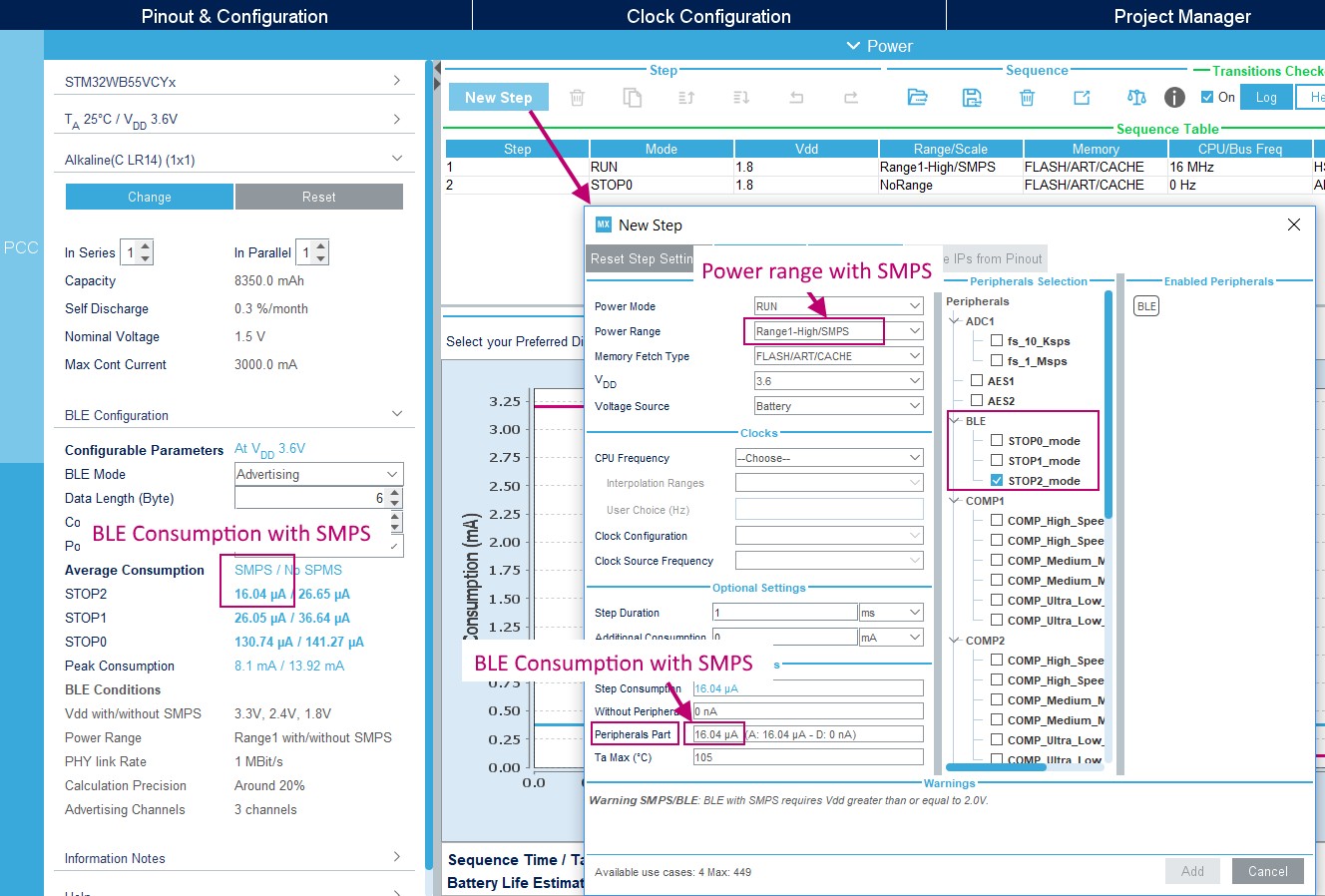
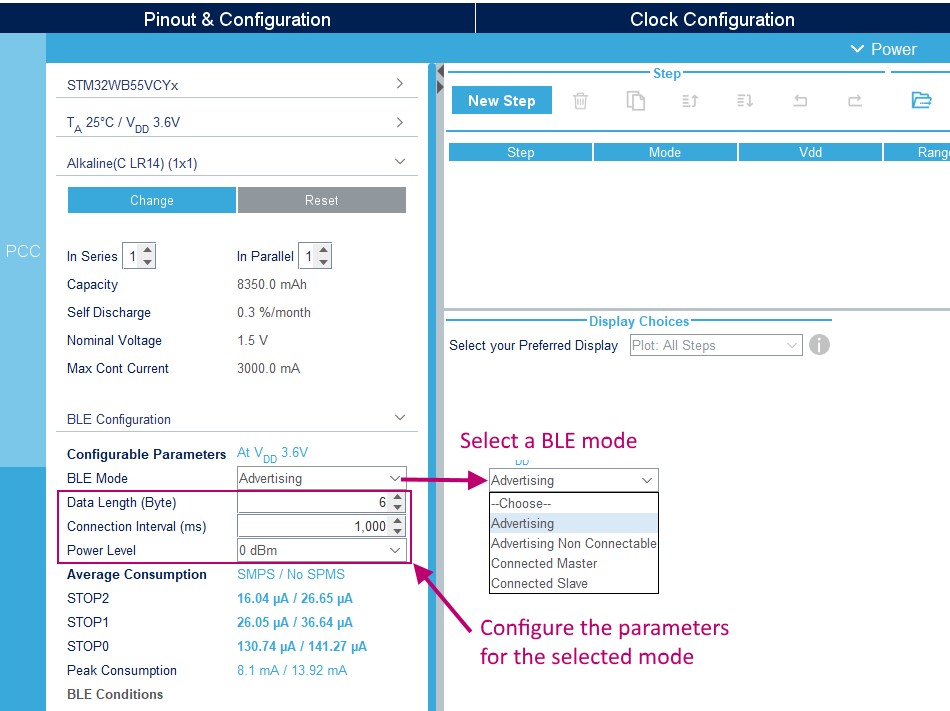
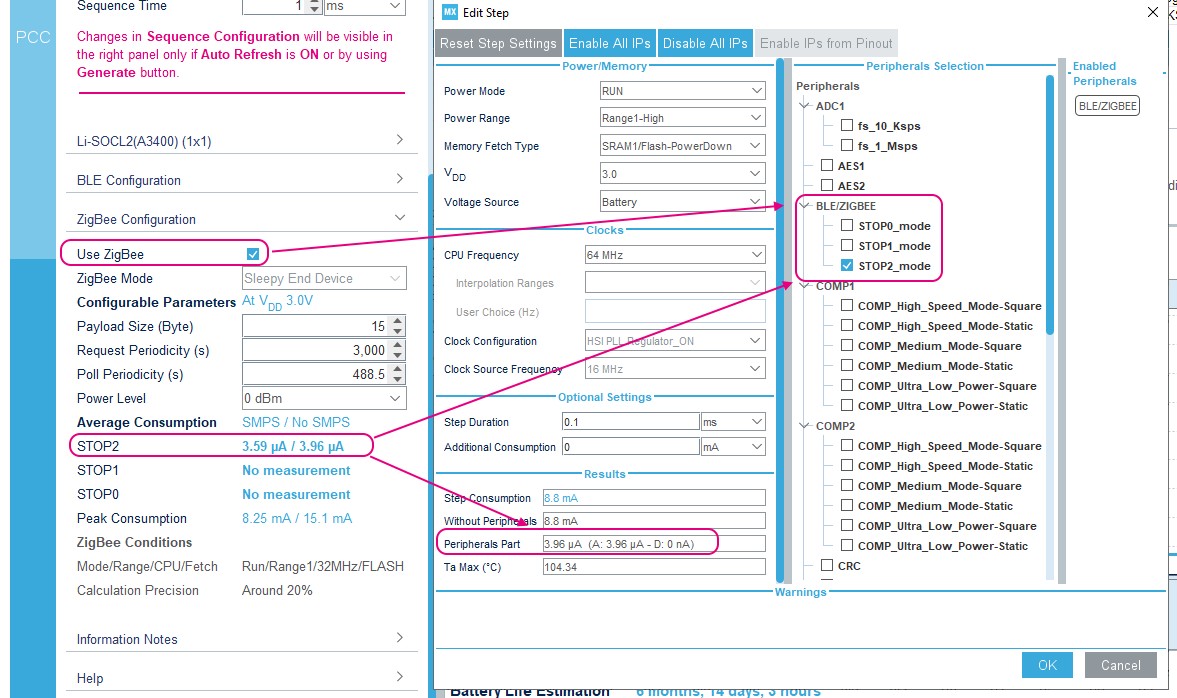
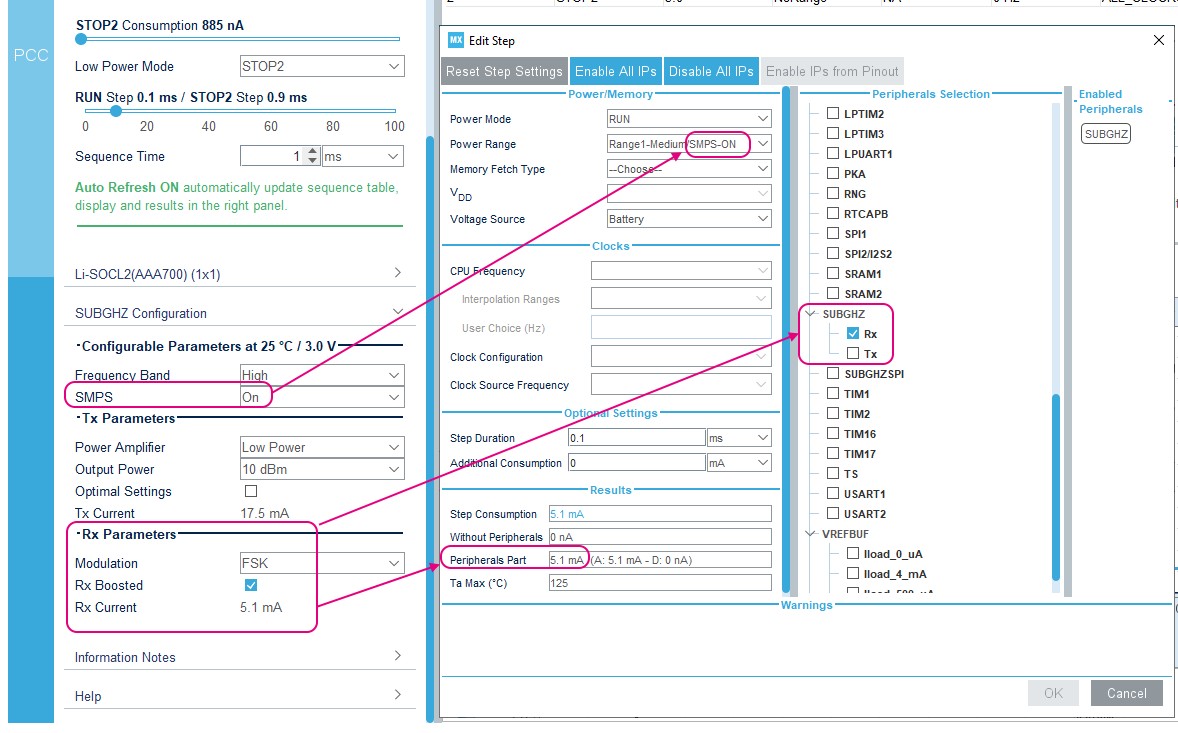
Updated Section 2.2: Key features, Section 3.3.1: Running STM32CubeMX as a standalone application, Section 3.4: Getting updates using STM32CubeMX, Section 4.2: New Project window, Enabling interruptions using the NVIC tab view, Section 4.9: Enabling security in Pinout & Configuration view (STM32L5 and STM32U5 series only), Section 4.11.1: Project tab and Section 5.3.7: Bluetooth Low-Energy®/ZigBee® support (STM32WB series only). Added Section 3.4.1: Running STM32CubeMX behind a proxy server and Section 5.3.8: Sub-GHz support (STM32WL series only). Updated Figure 89: NVIC configuration tab - FreeRTOS disabled. |
|
Date |
Revision |
STM32CubeMX release number |
Changes |
|---|---|---|---|
|
18-Feb-2022 |
37 |
6.5 |
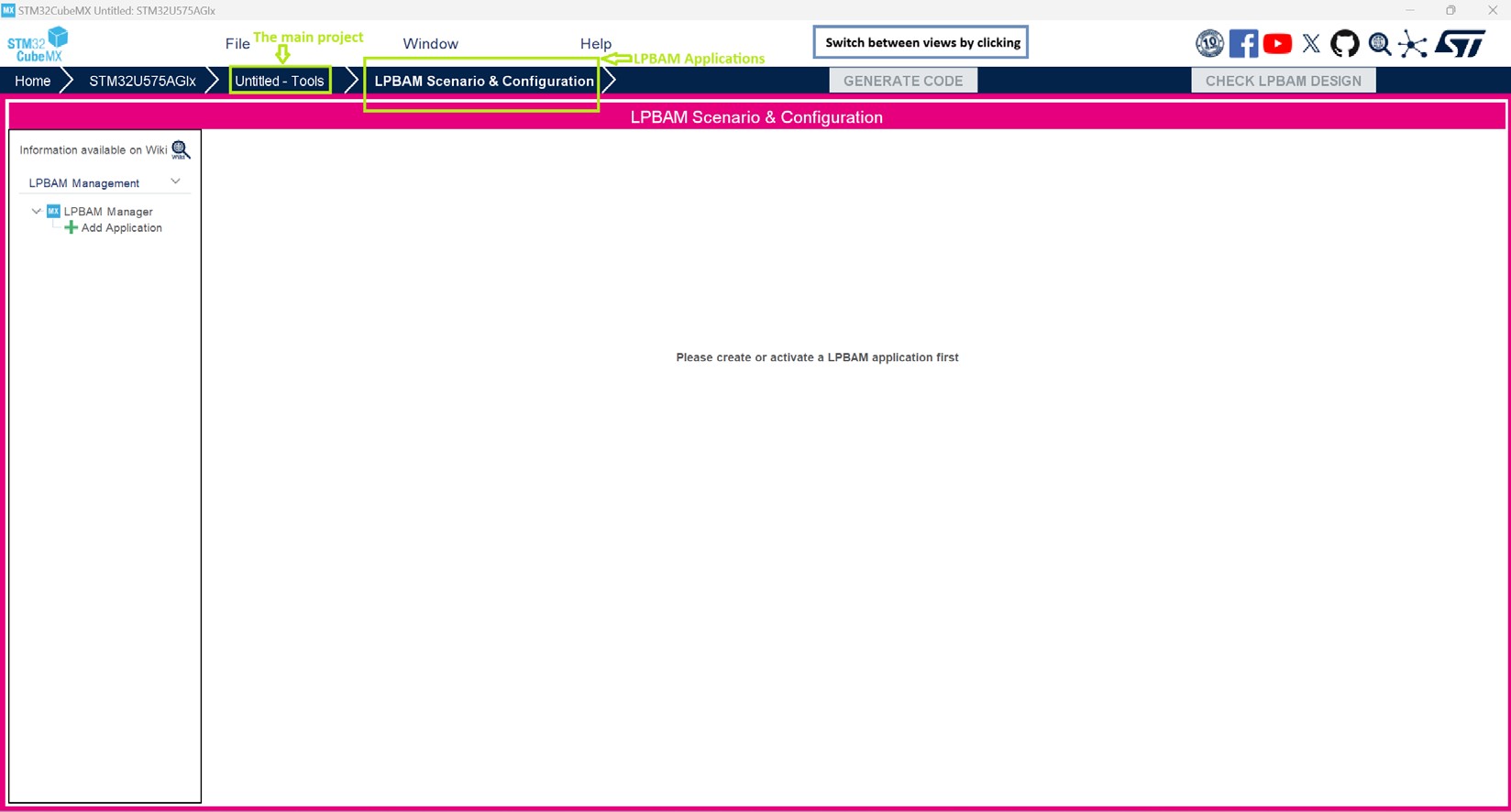
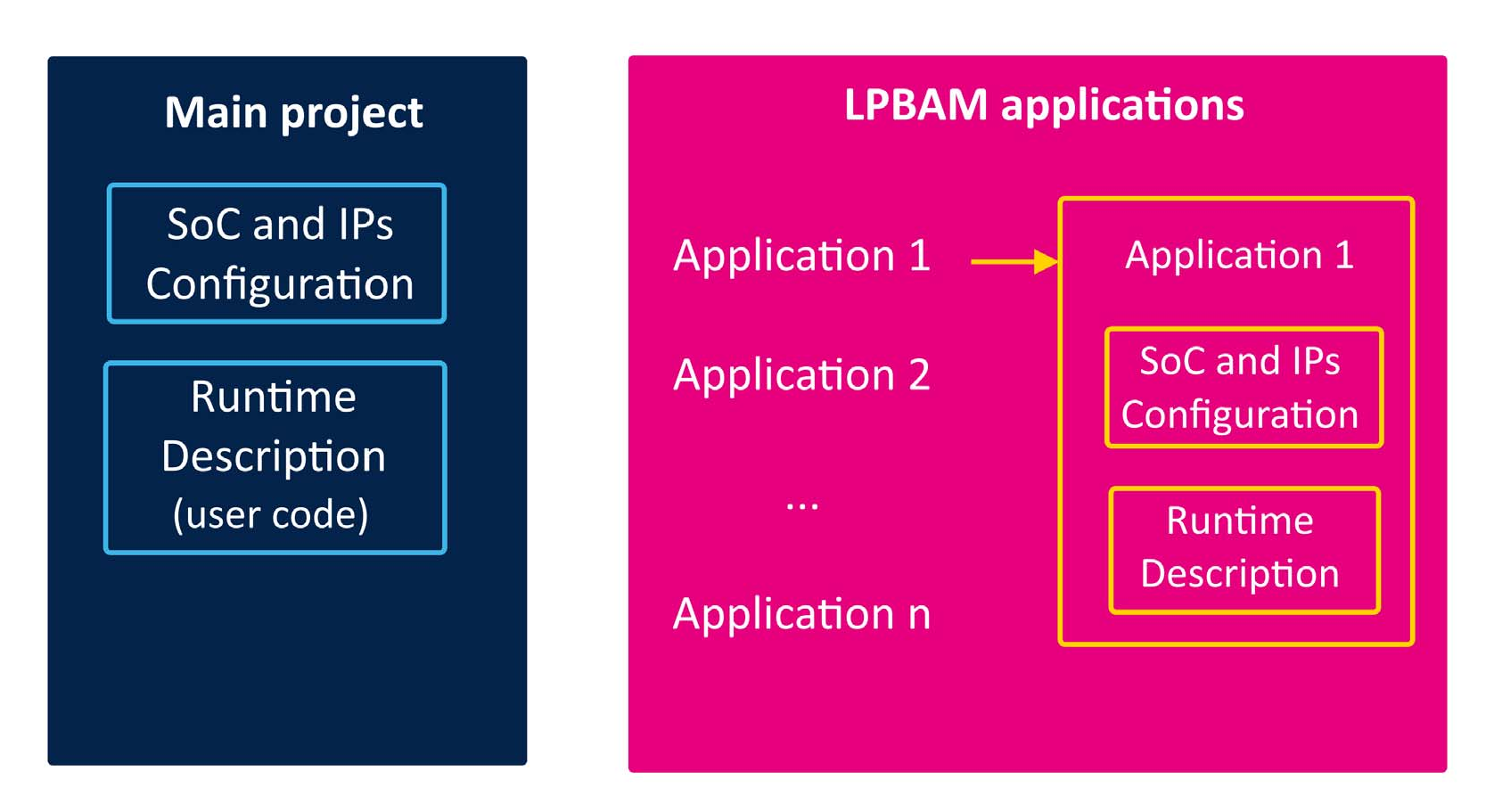
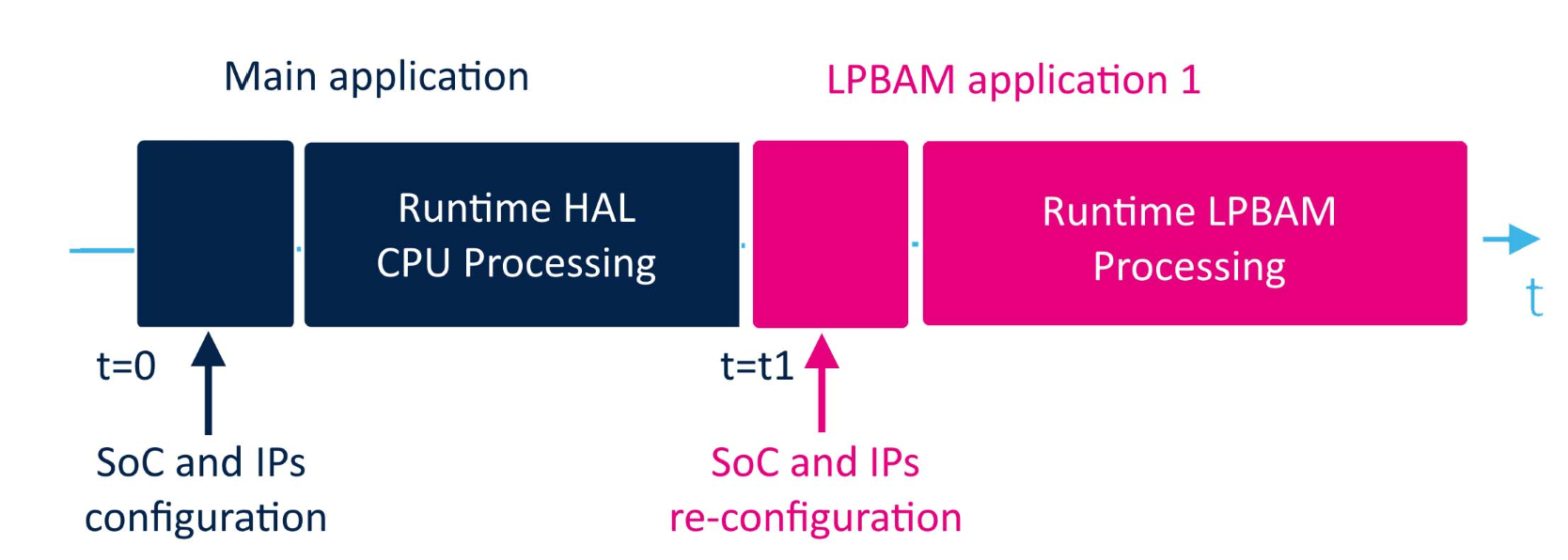
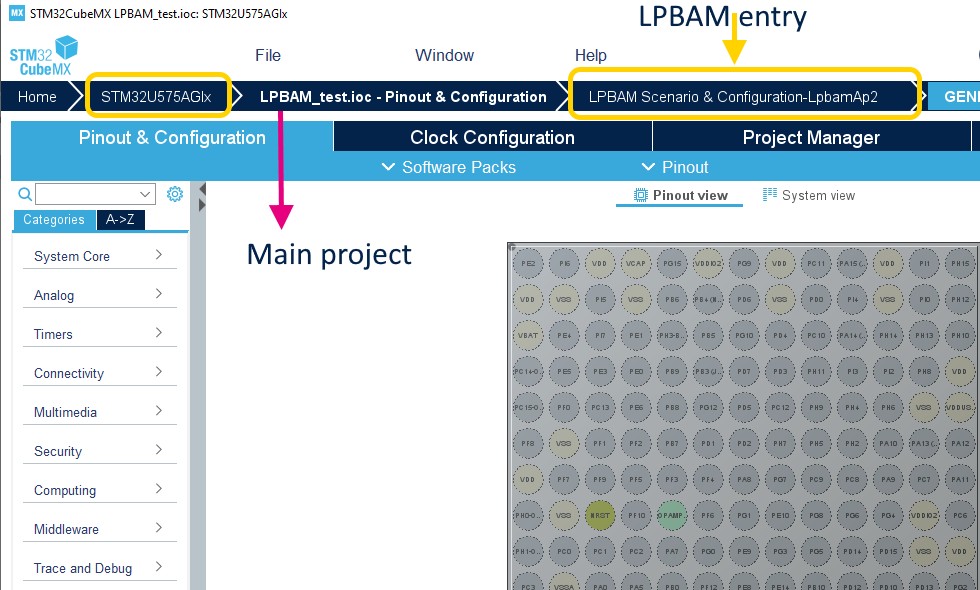
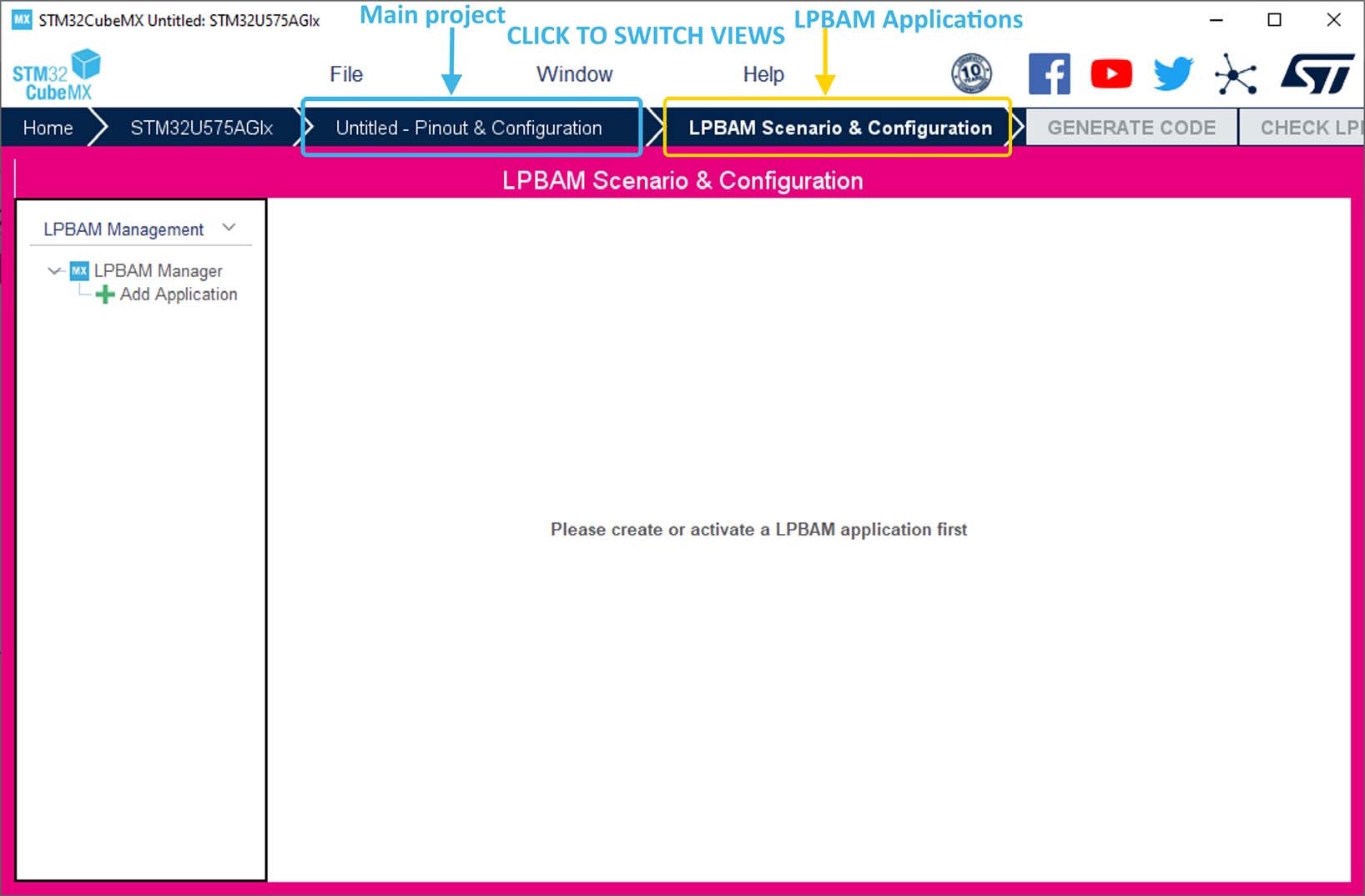
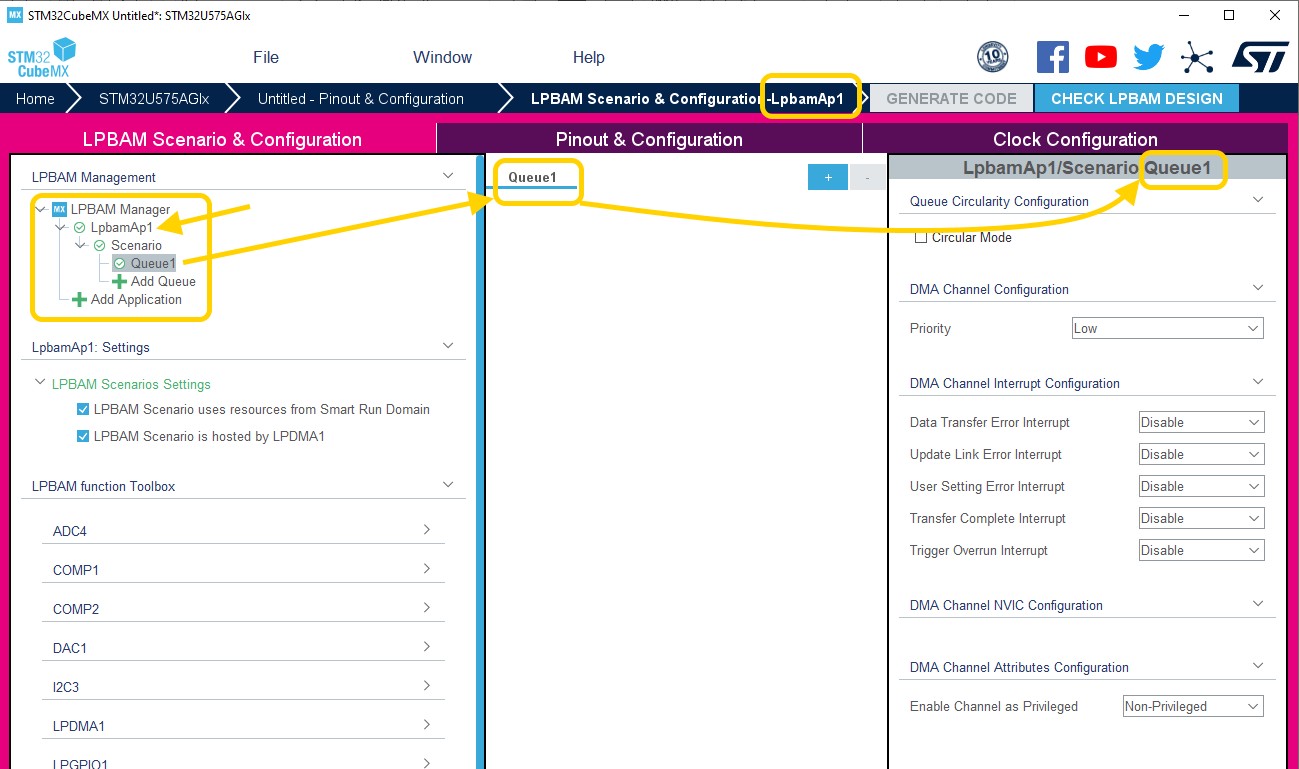
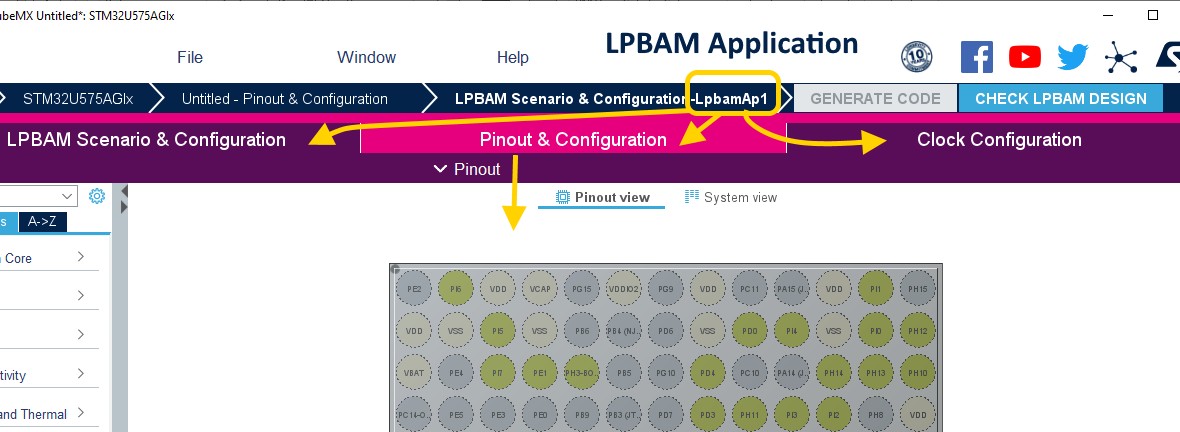
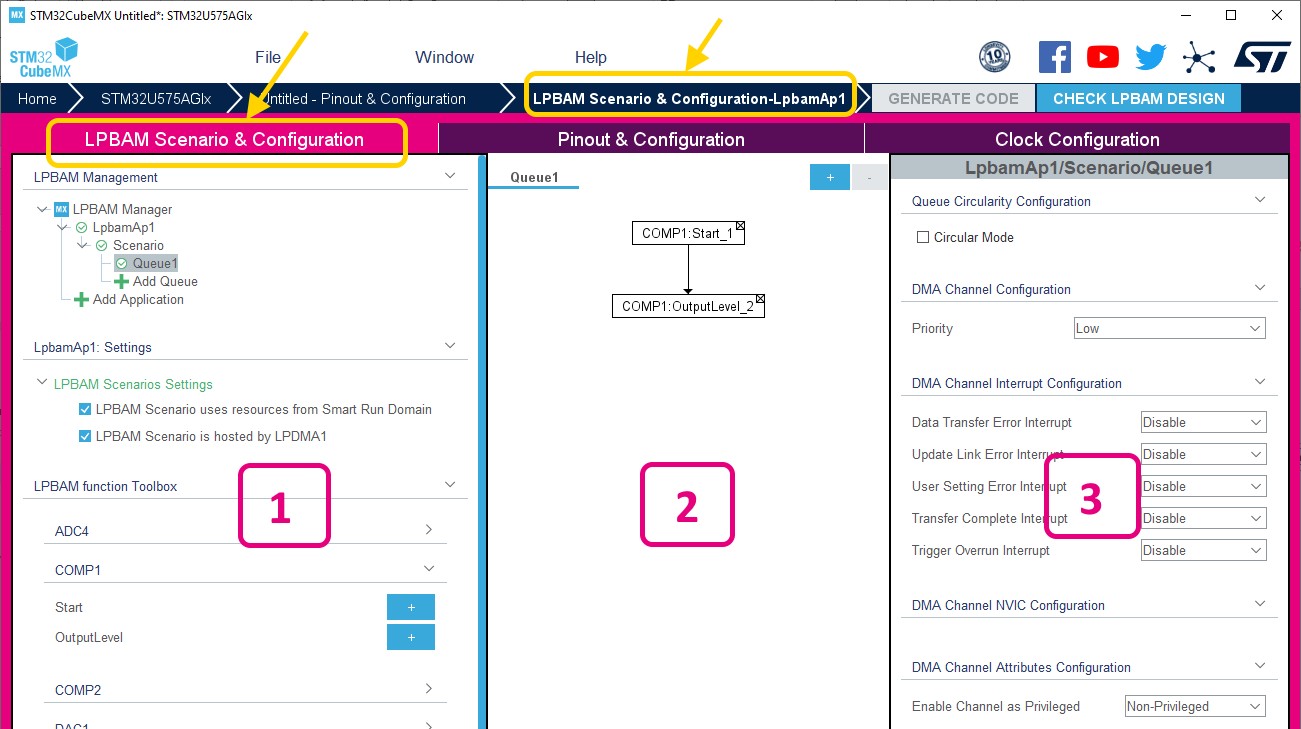
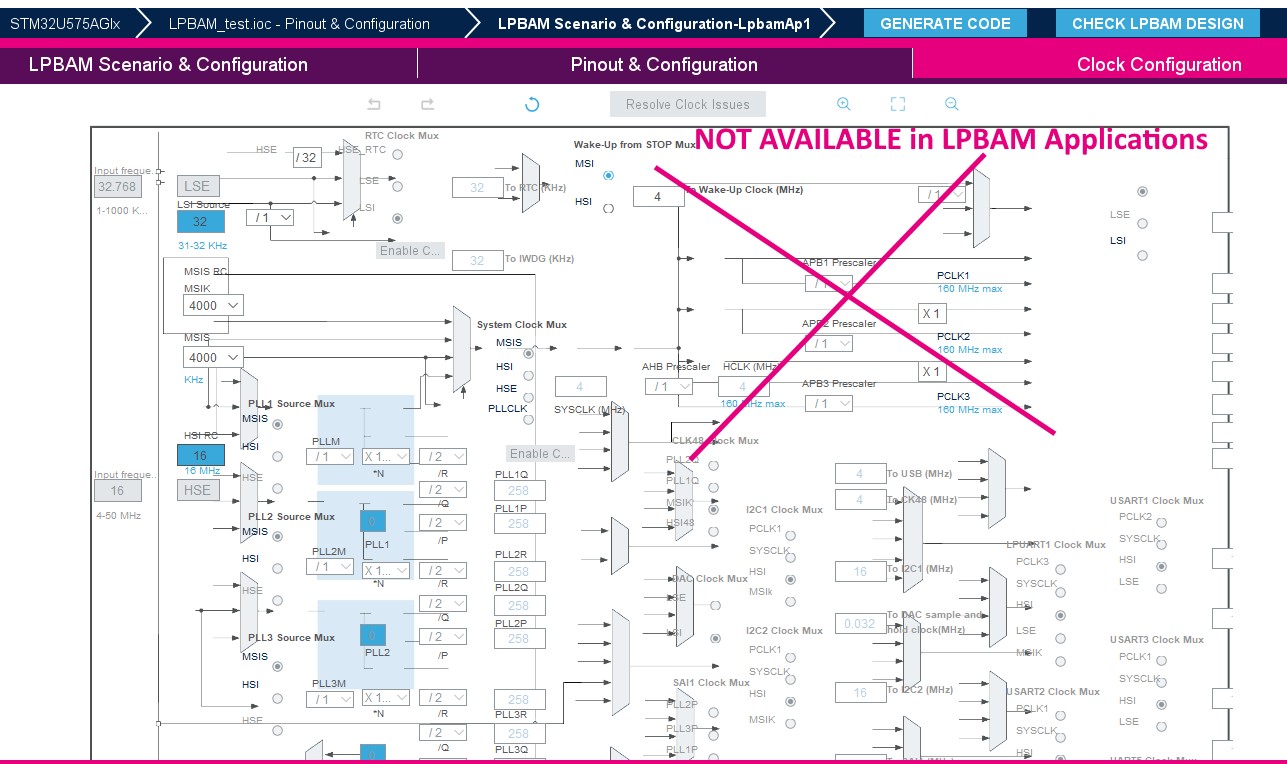
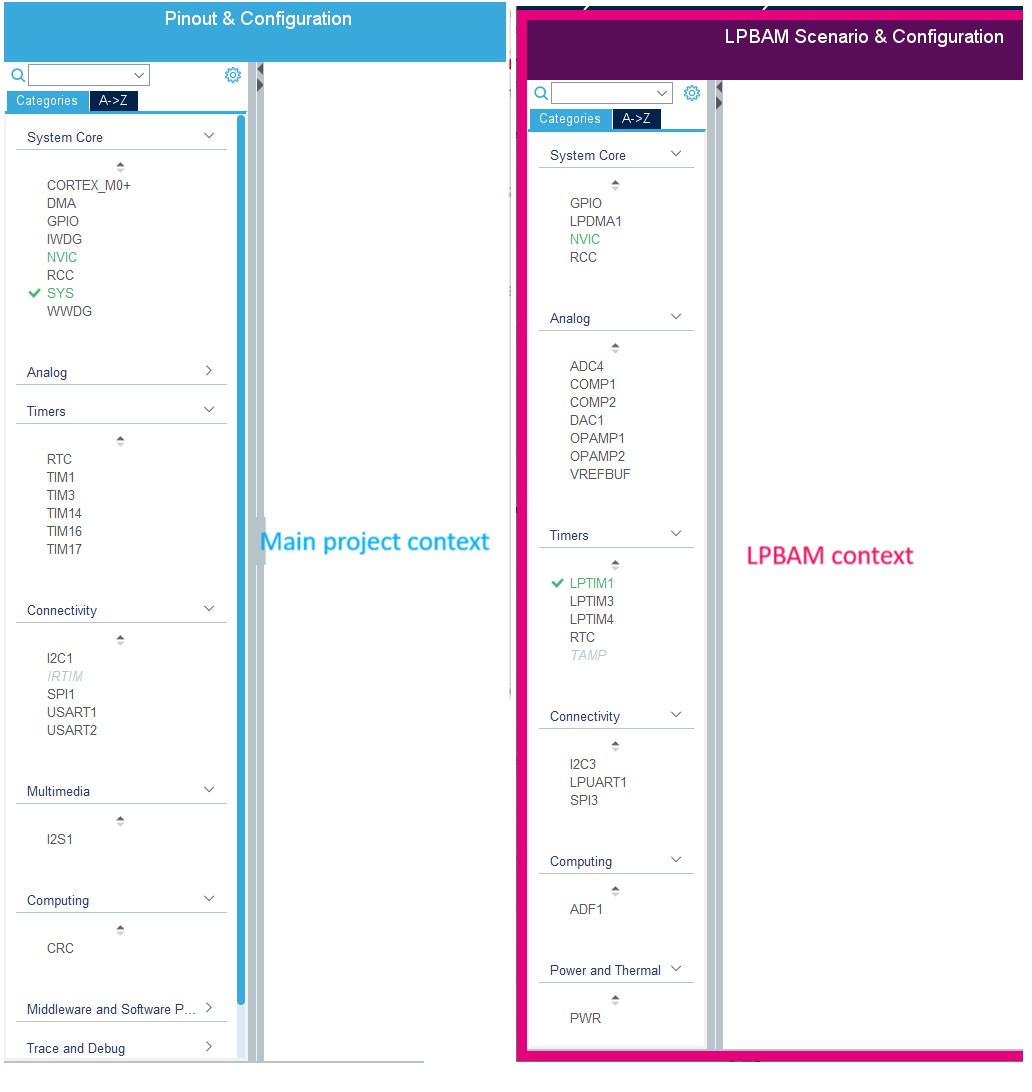
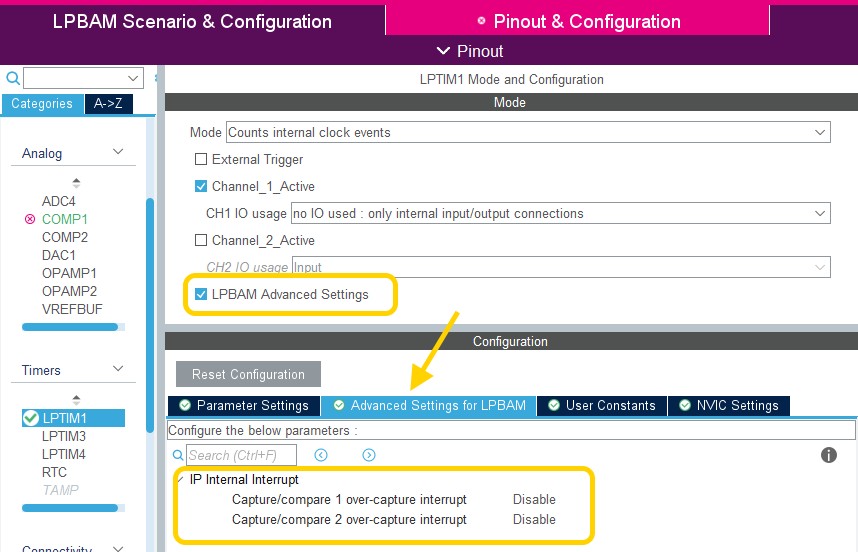
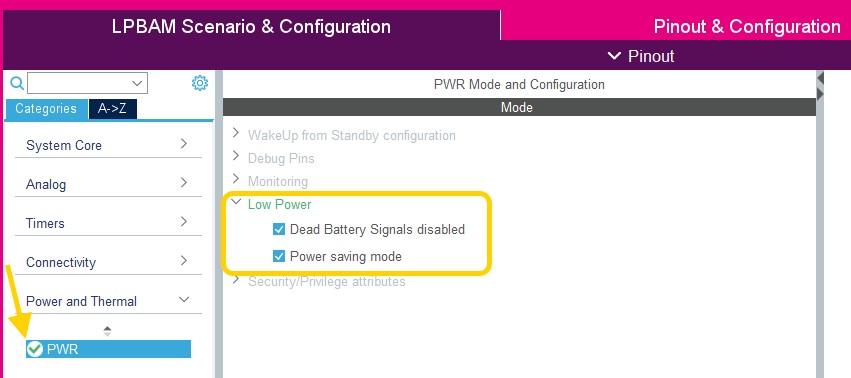
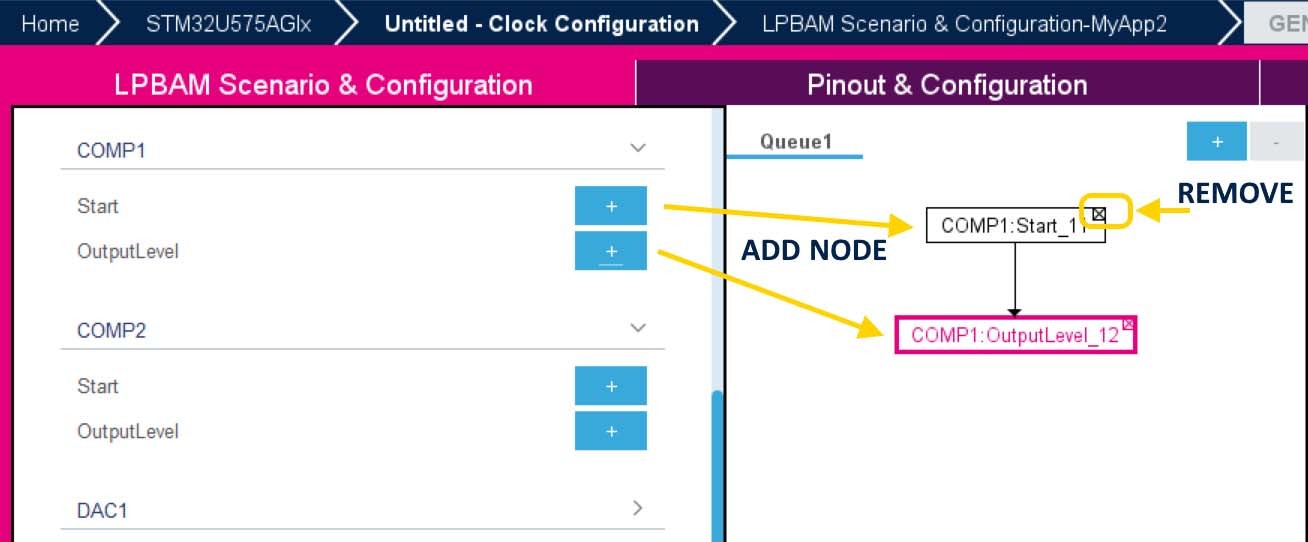
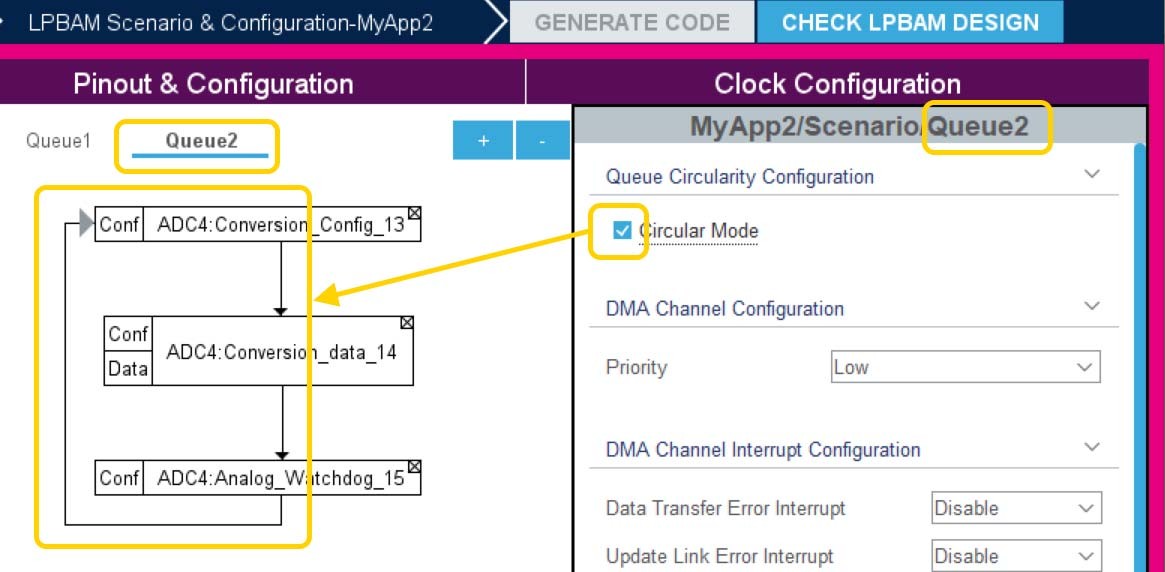
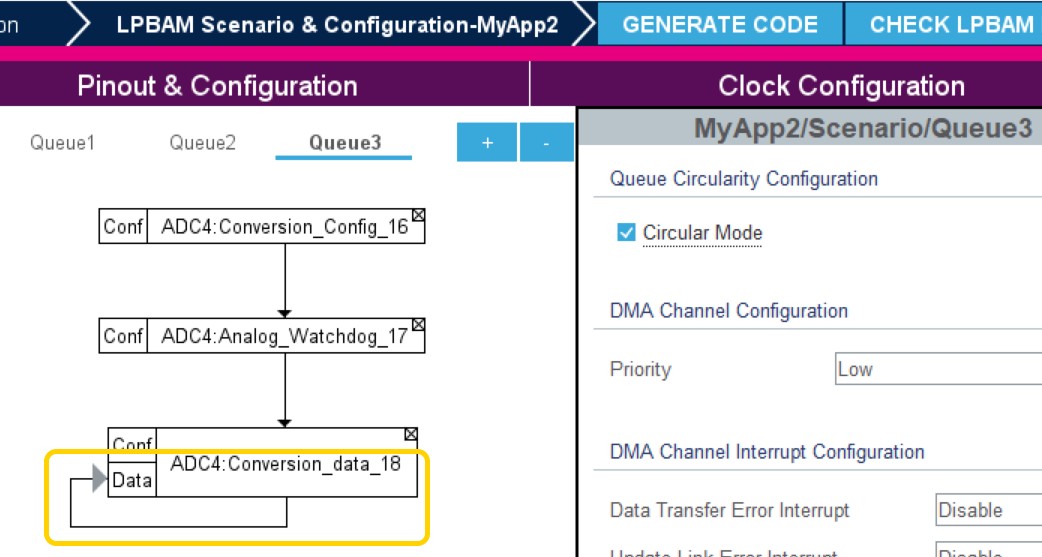
Updated Introduction and Section 3.1.1: Supported operating systems and architectures. Added Section 18: Creating LPBAM projects with its subsections, and Section 19.11: How to fix MX_DMA_Init call rank in STM32CubeMX generated projects?. Minor text edits across the whole document. |
|
14-Jun-2022 |
38 |
6.6 |
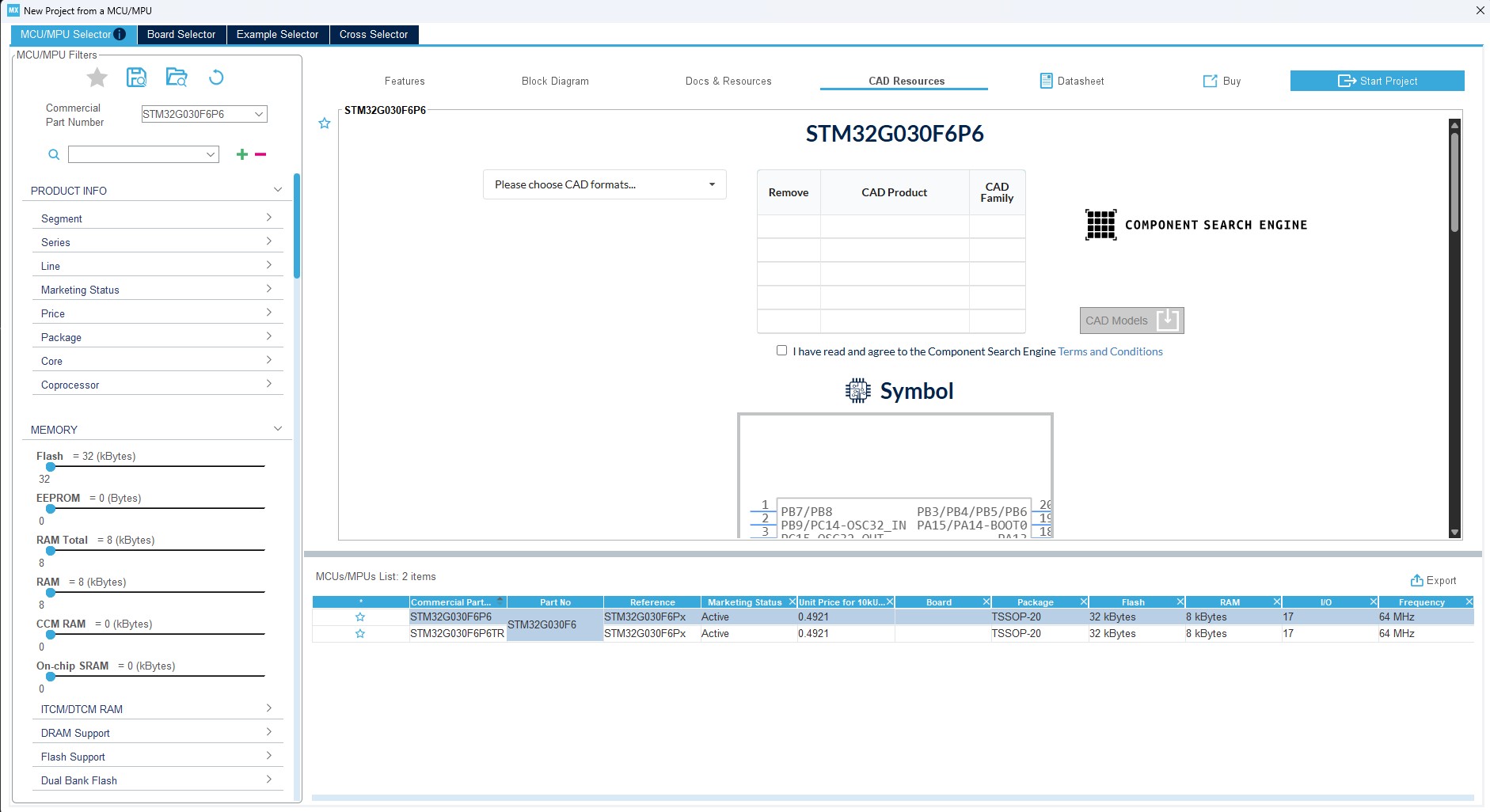
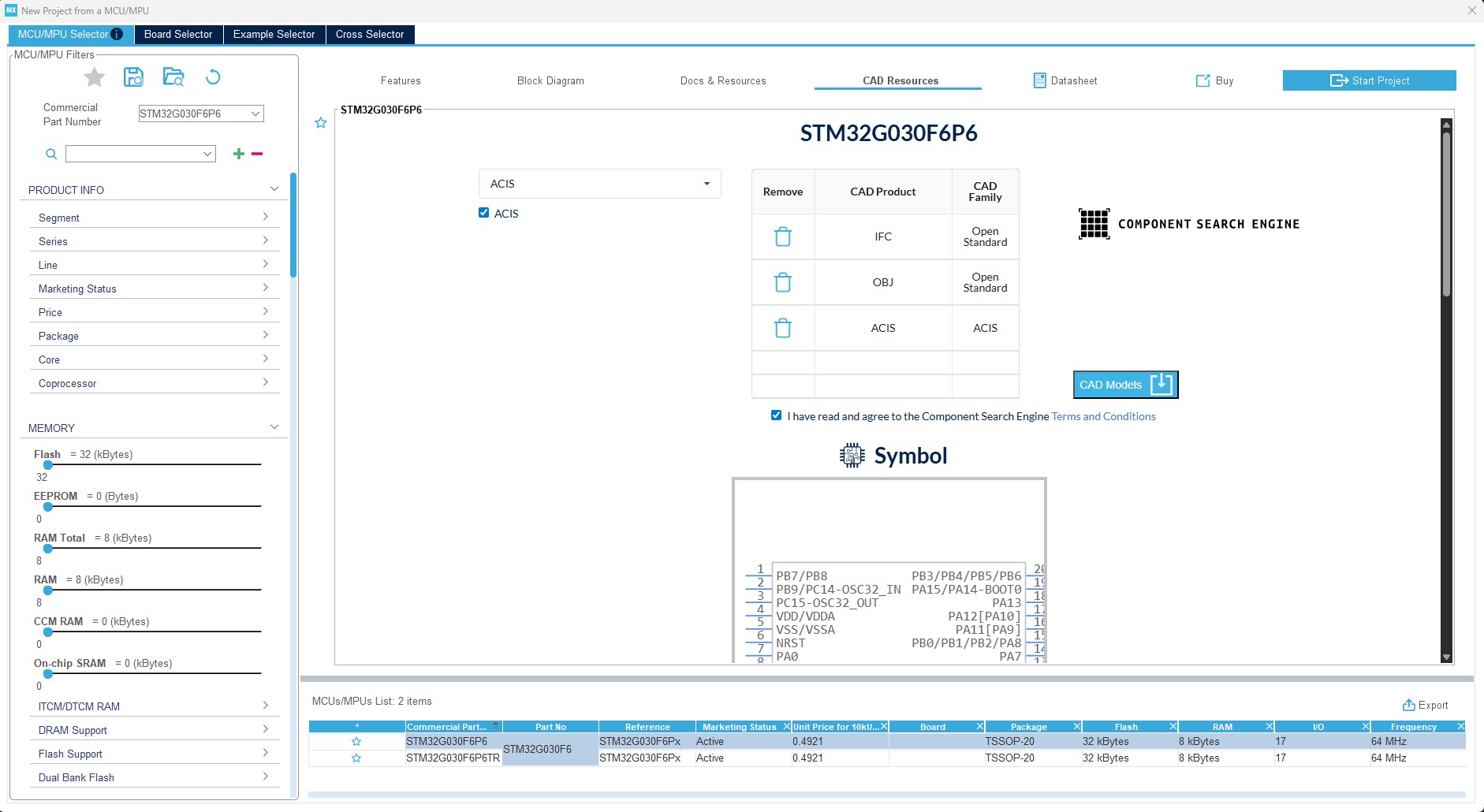
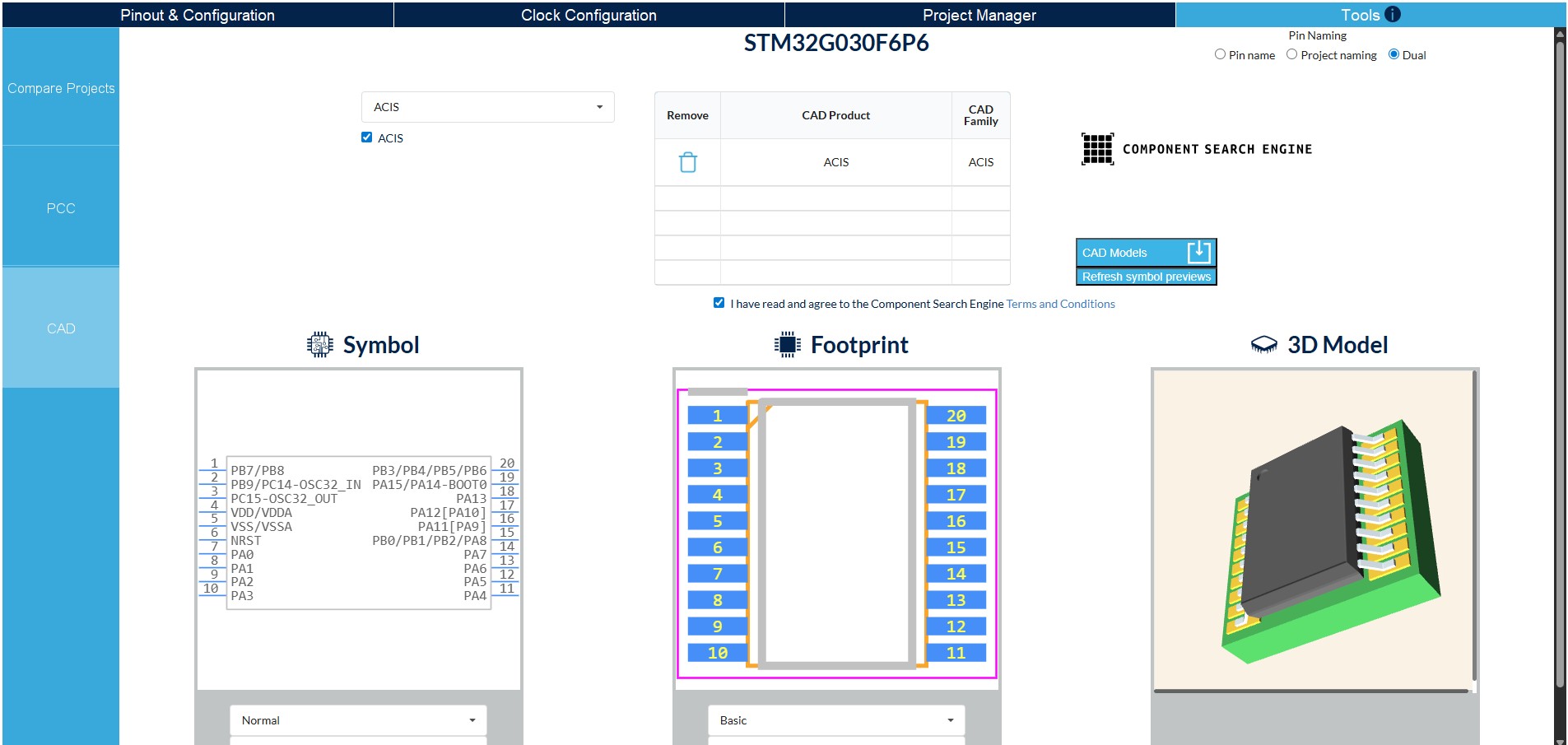
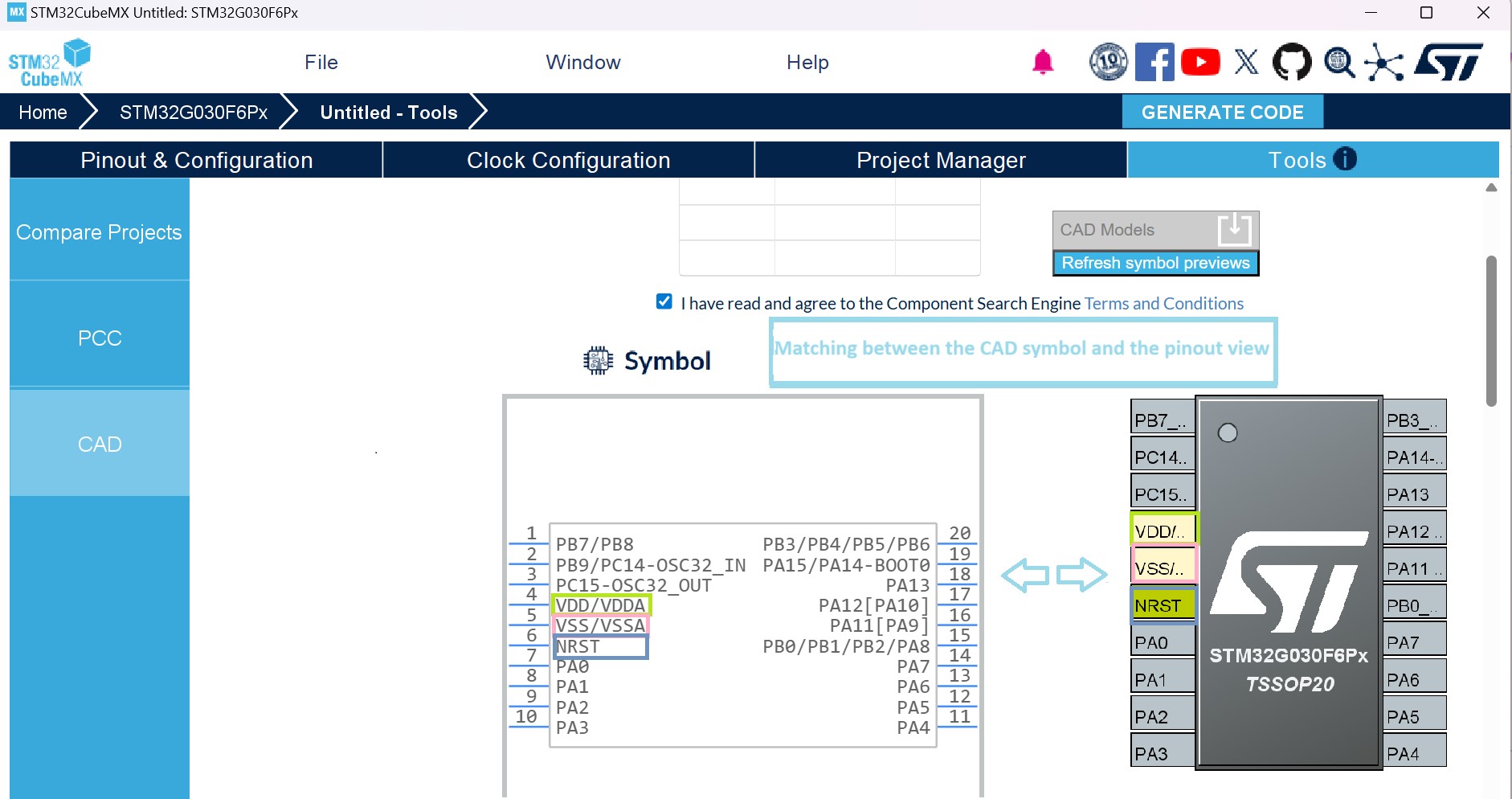
Updated Introduction, Section 2.2: Key features, Section 3.3.2: Running STM32CubeMX in command-line mode, Boot loader (A7 FSBL) peripherals selection, Section 4.11.1: Project tab, Section 4.16: LPBAM Scenario & Configuration view, Section 9.1: Device tree overview, and Section 9.2: STM32CubeMX Device tree generation. Updated Table 1: Command line summary. Updated Figure 355: About window. Added Section 4.17: CAD Resources view and Section 18.6: LPBAM application for TrustZone activated projects. Removed former Section 9.2.1: Device tree generation for Linux kernel, Section 9.2.2: Device tree generation for U-boot, and Section 9.2.3: Device tree generation for TF-A. Minor text edits across the whole document. |
|
17-Nov-2022 |
39 |
6.7 |
Updated Section 2.2: Key features and Section 17: Tutorial 7 – Using the X-Cube-BLE1 software pack. Added Section 19.12: When is the PeriphCommonClock_Config() function generated? and Section 19.13: How to handle thread-safe solution in STM32CubeMX and STM32CubeIDE?. Updated Figure 40: New Project window - MCU selector, Figure 41: Marking an MCU as favorite, Figure 29: New Project window - MCU list with close function, Figure 30: New Project window - List showing close MCUs, and Figure 355: About window. Minor text edits across the whole document. |
|
21-Feb-2023 |
40 |
6.8 |
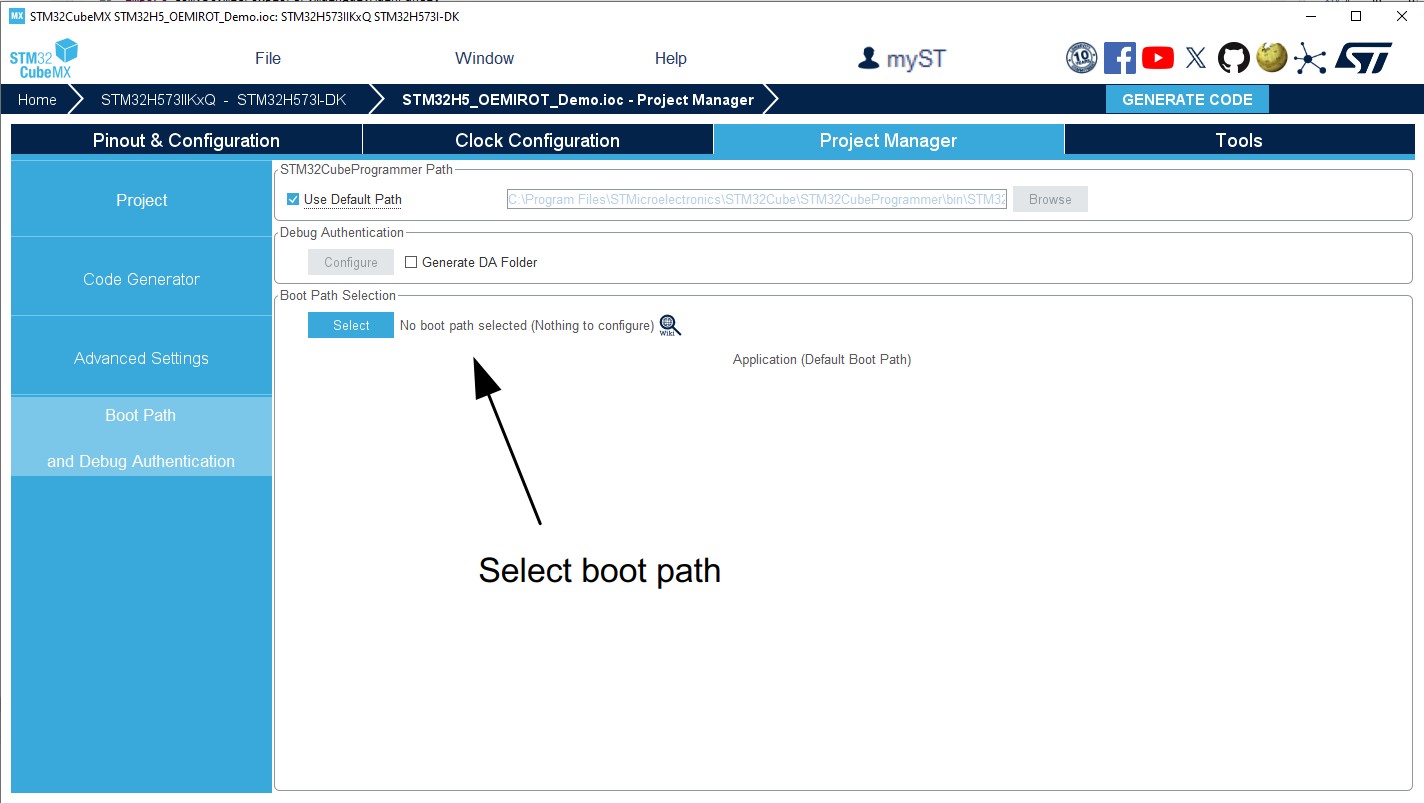
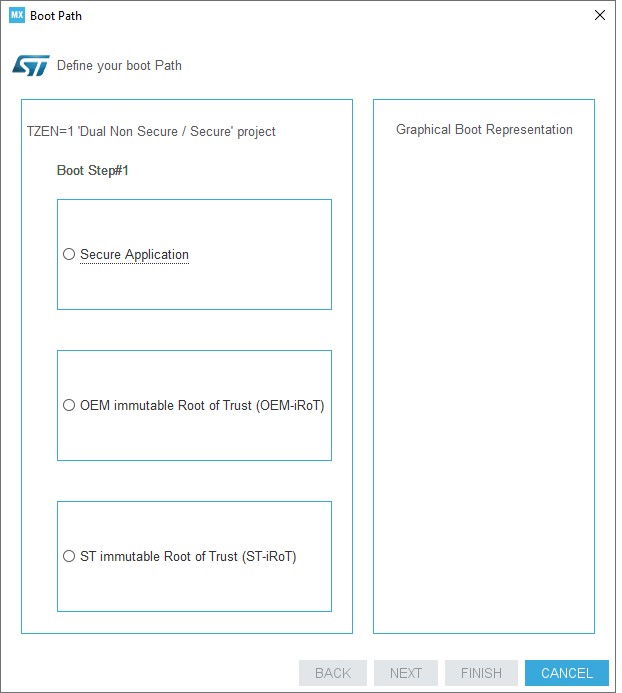
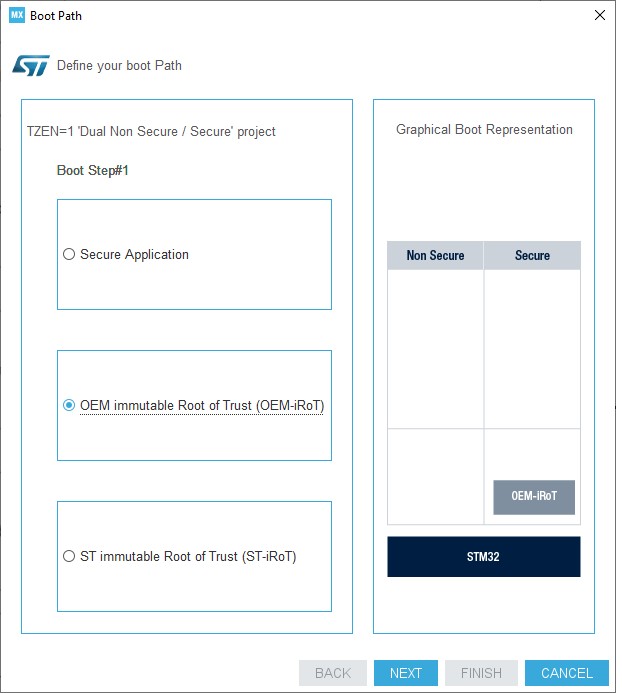
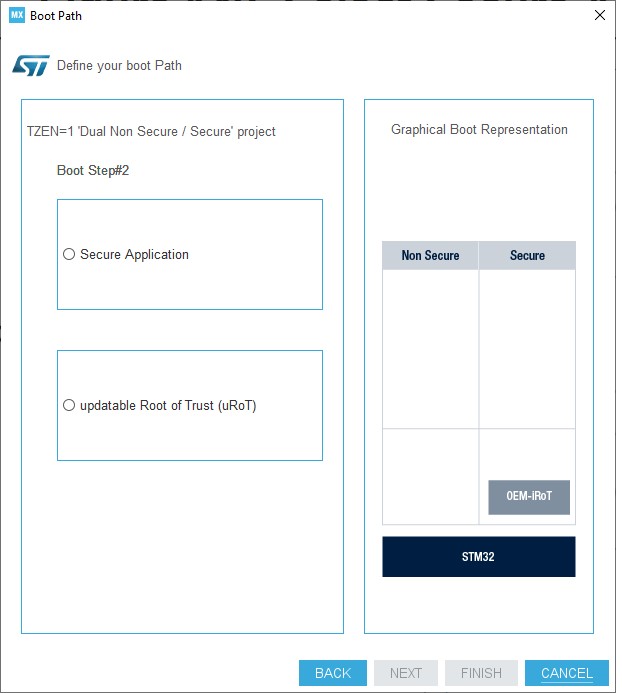
Updated Section 3.2.1: Installing STM32CubeMX standalone version, Section 3.3.2: Running STM32CubeMX in command-line mode, Section 3.4.1: Running STM32CubeMX behind a proxy server, and Section 4.11.1: Project tab. Added Section 4.18: Boot path and its subsections. Removed former Section 5.3.4: DDR tuning and DDR tuning tab (read-only). Updated Figure 40: New Project window - MCU selector, Figure 187: Project Settings window, and Figure 720: Design check. Minor text edits across the whole document. |
|
Date |
Revision |
STM32CubeMX release number |
Changes |
|---|---|---|---|
|
03-Jul-2023 |
41 |
6.9 |
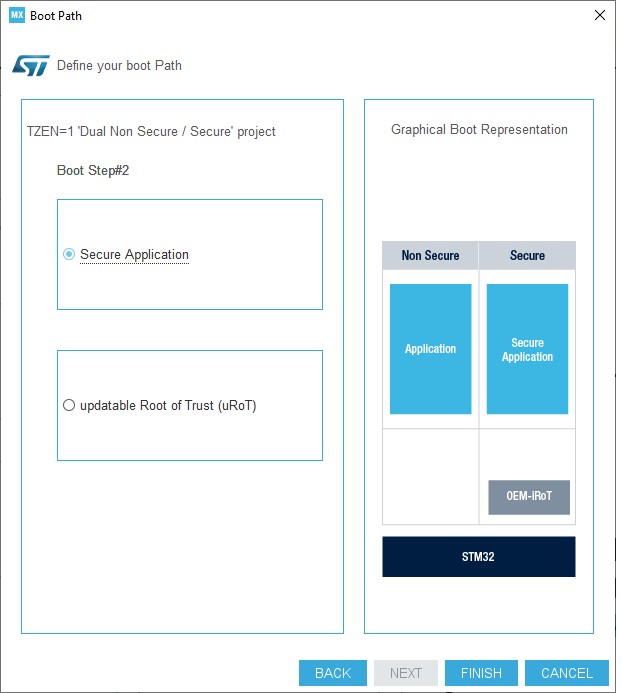
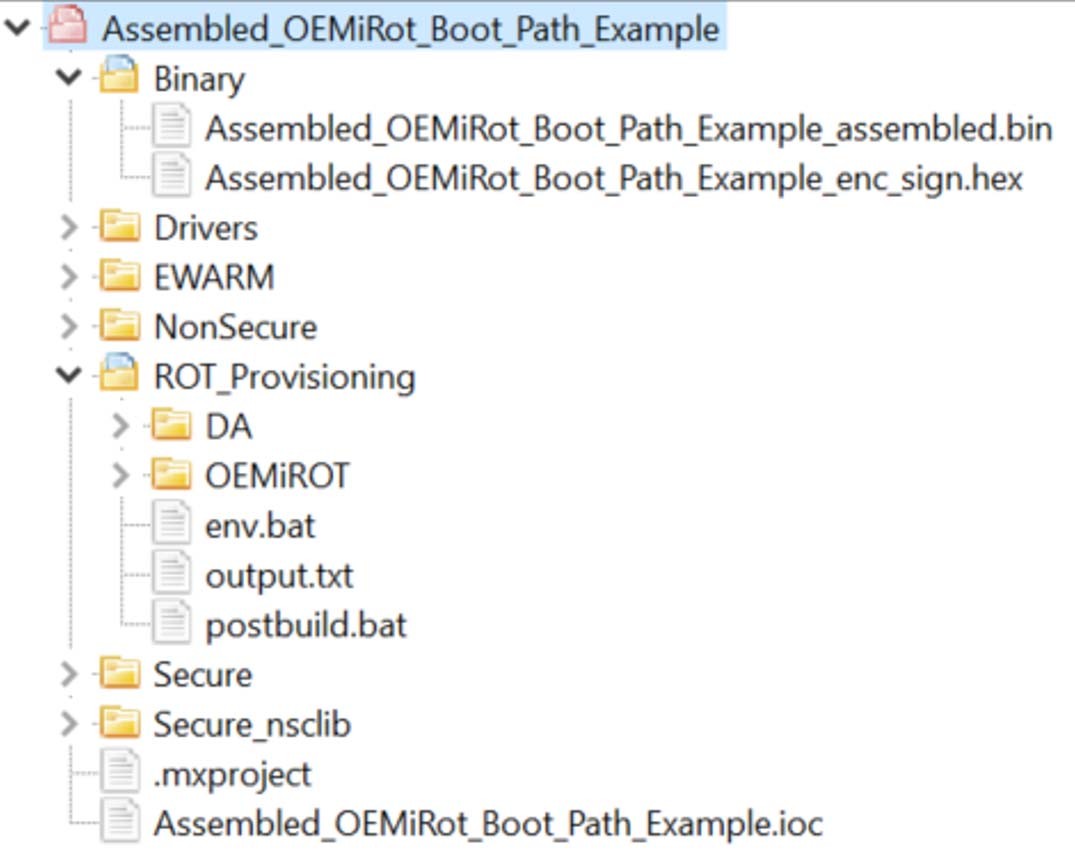
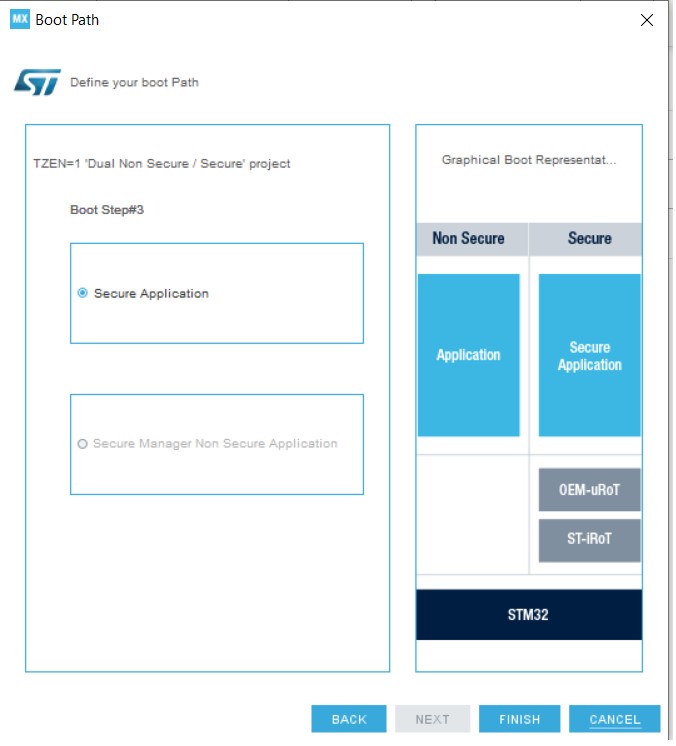
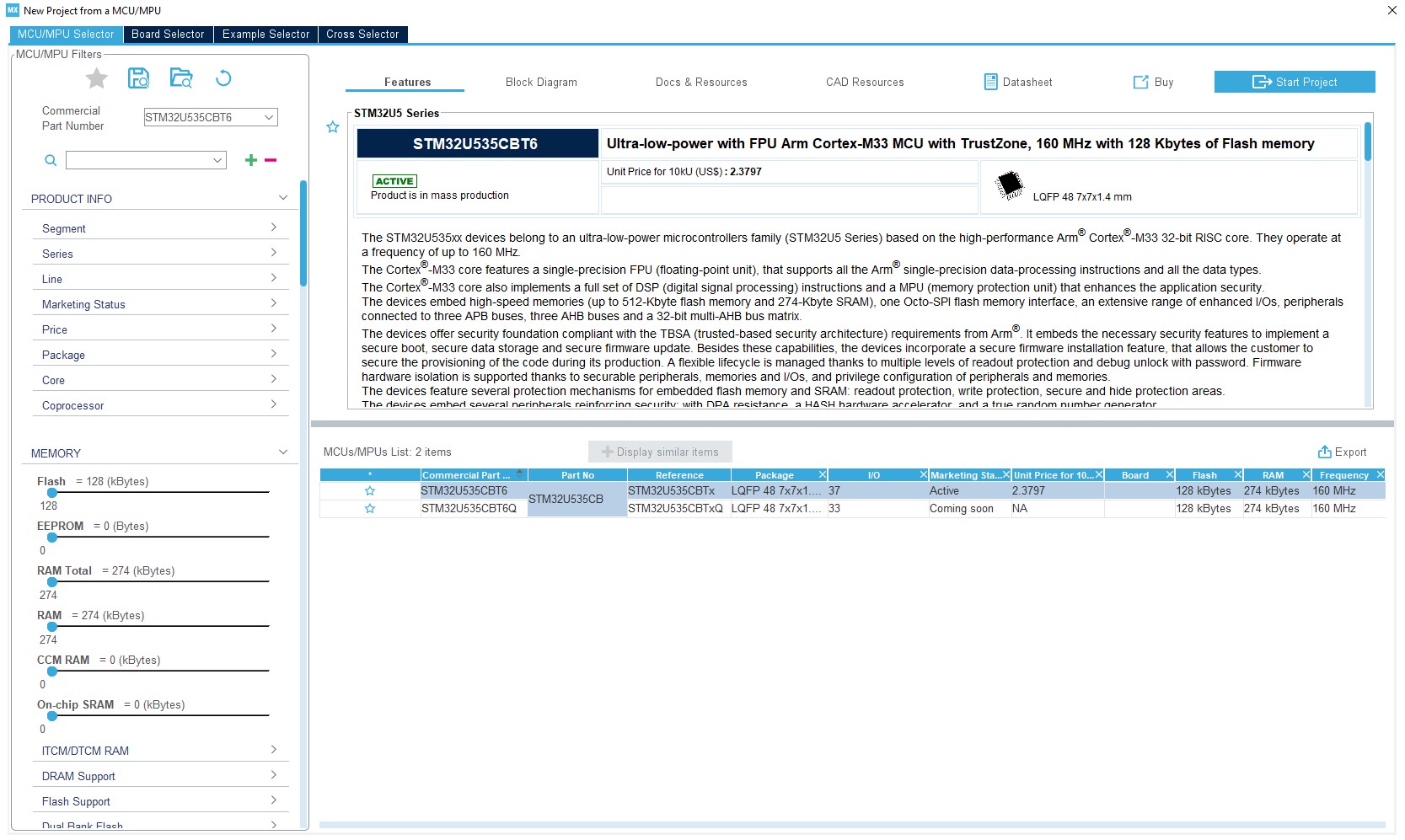
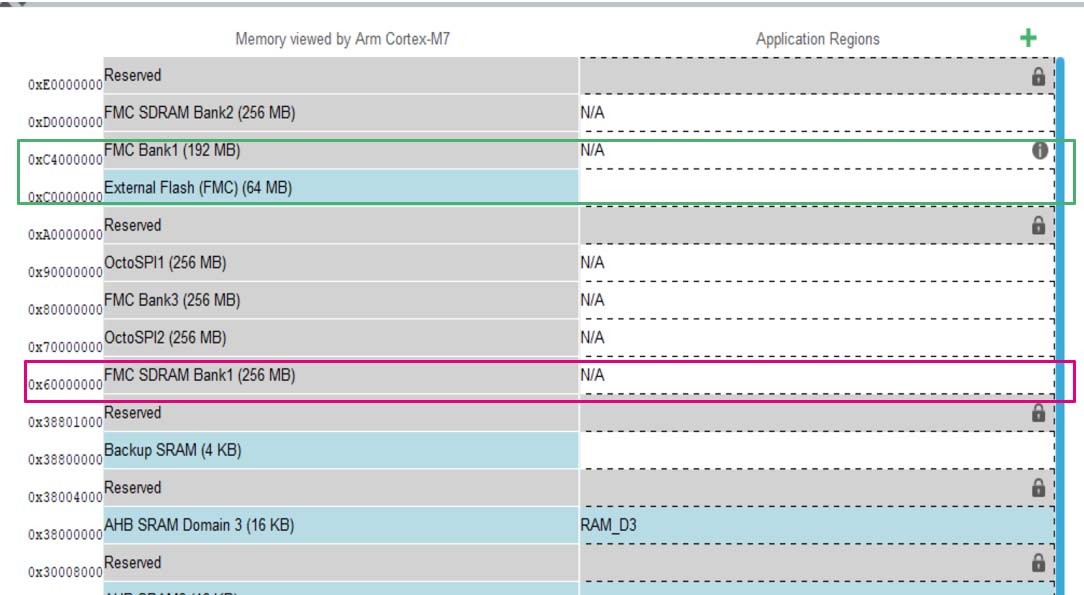
Updated Introduction, Section 3.1.1: Supported operating systems and architectures, Java™ Runtime Environment, Section 4.15: Software Packs component selection window, Section 4.18: Boot path, Section 4.18.2: Creating a boot path project: an example, Section 4.18.5: How to configure an ST-iRoT with a secure manager NS application boot path, and note in Section 18.4: Checking the LPBAM design. Updated Table 1: Command line summary. Added note to Section 9.2: STM32CubeMX Device tree generation. Added figures 236 to 240 and Figure 272: Code generated with secure manager API. Added Section 4.18.5: How to configure an assembled boot path, Section 4.19: User authentication, Section 4.18: STM32CubeMX Memory Management Tool and their subsections, and Section B.3.12: CMSIS packs selection limitation. Updated Figure 45: Cross selector - Data refresh prerequisite, Figure 231: Boot paths for STM32H57x devices, Figure 242: Select the STM32H5 device, Figure 244: Boot paths for STM32H56x devices, figures 247 to 260, figures 167 to 271, figures 273 to 275, figures 263 to 267, Figure 271: Secure manager API configuration, and Figure 355: About window. Minor text edits across the whole document. |
|
08-Sep-2023 |
42 |
6.9.2 |
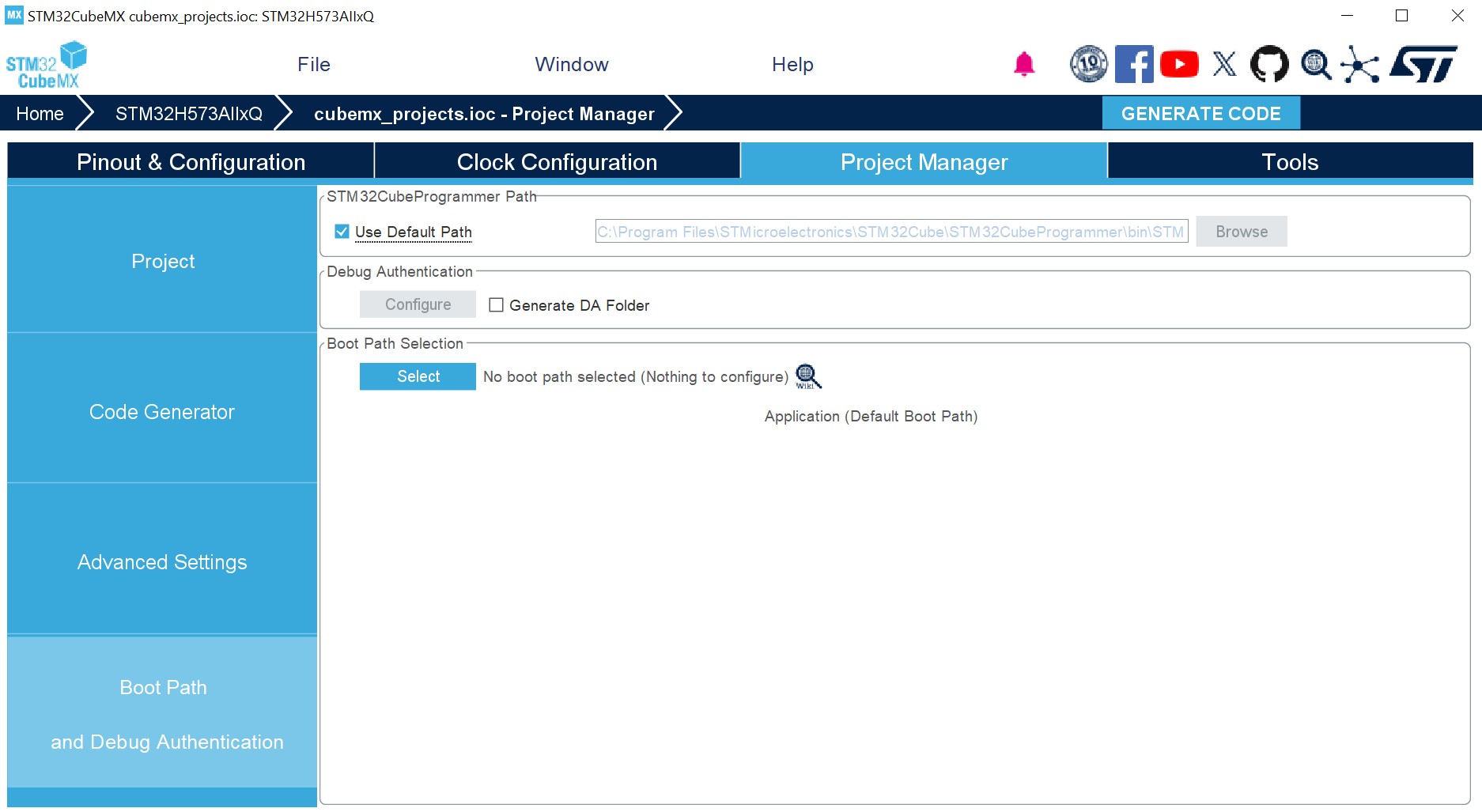
Updated for the replacement of “boot path settings” with “boot path and debug authentication” in Section 4.18.4: How to configure an ST-iRoT boot path Section 4.18.5: How to configure an ST-iRoT with a secure manager NS application boot path Figure 256, Figure 270, and Figure 266 titles Updated Figure 266: Boot path and Debug Authentication tab. Updated figures 231 to 240 in Section 4.18.1: Available boot paths. Updated Section 1: STM32Cube overview. Minor text edits across the whole document. |
|
Date |
Revision |
STM32CubeMX release number |
Changes |
|---|---|---|---|
|
20-Nov-2023 |
43 |
6.10.0 |
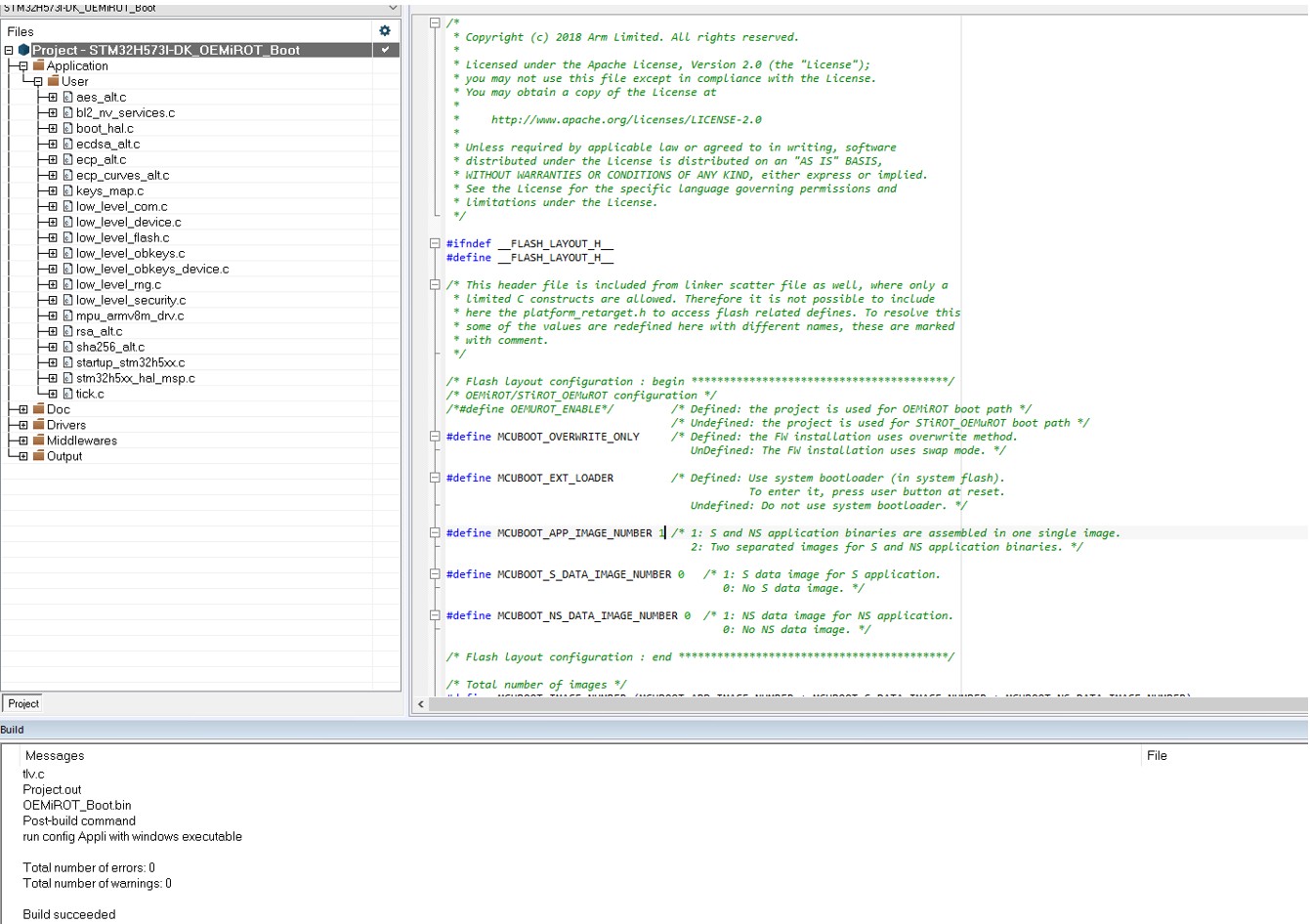
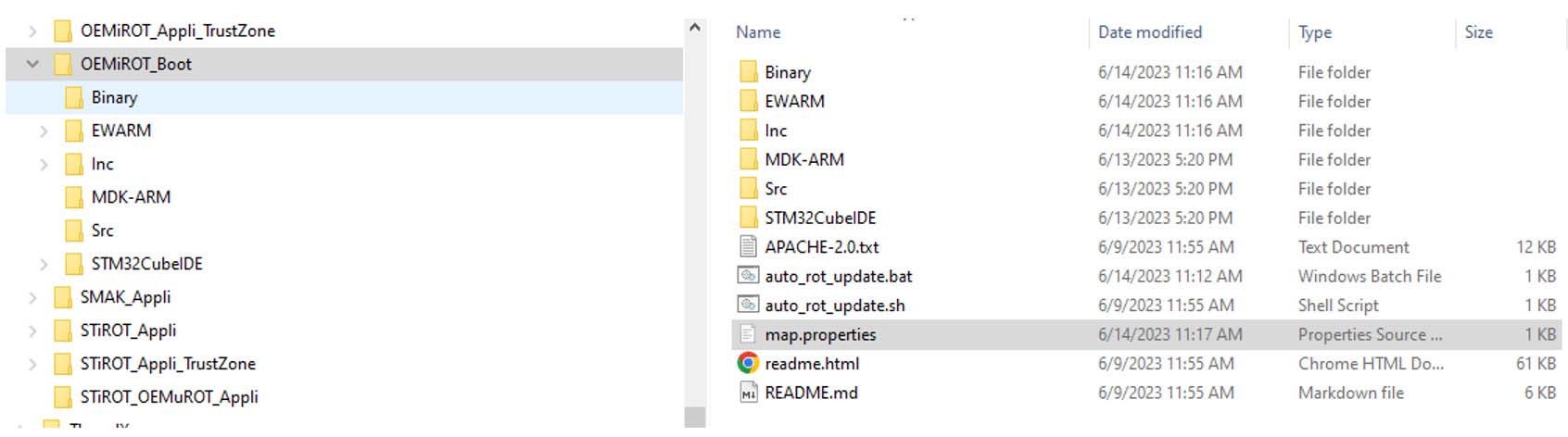
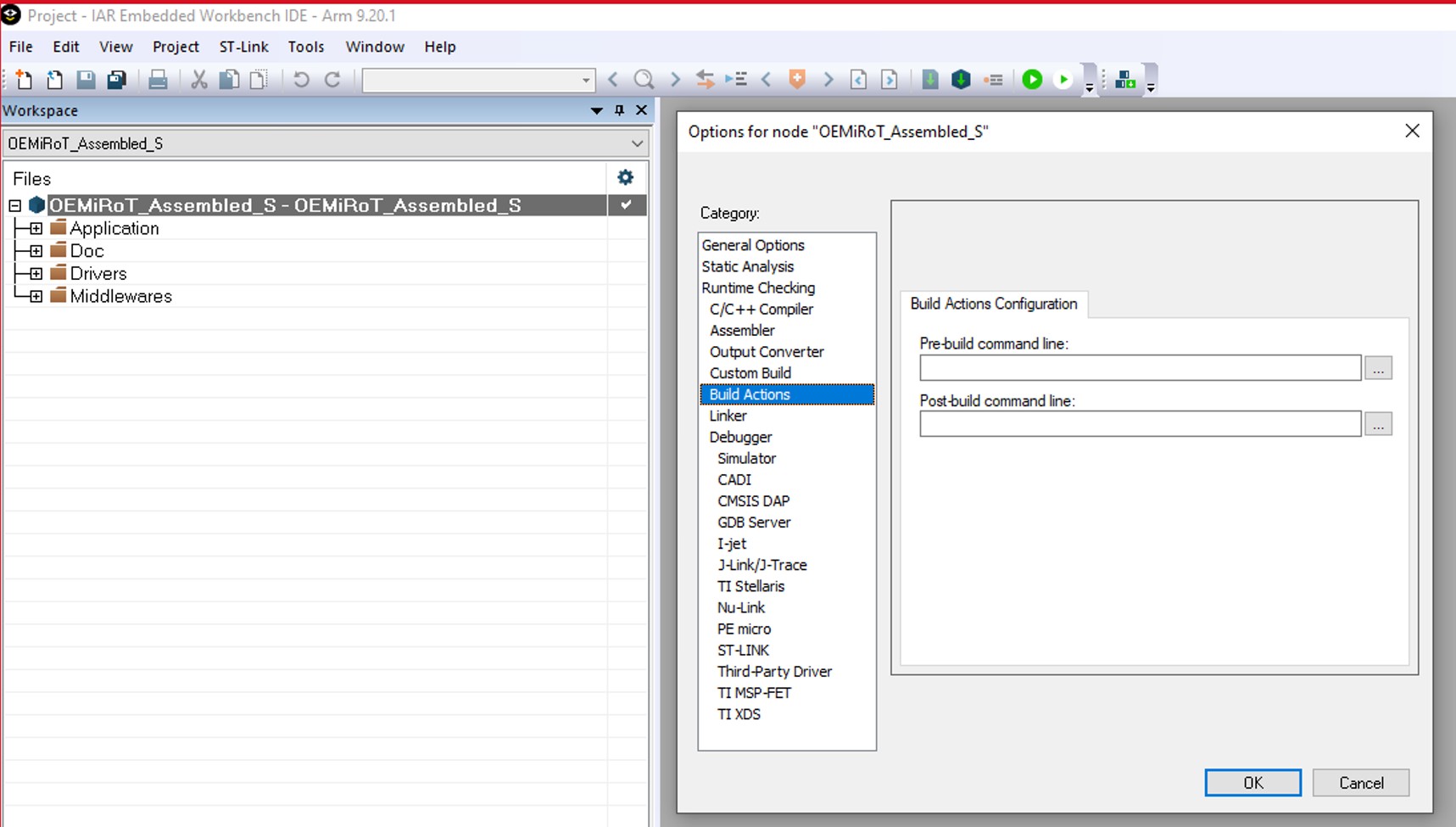
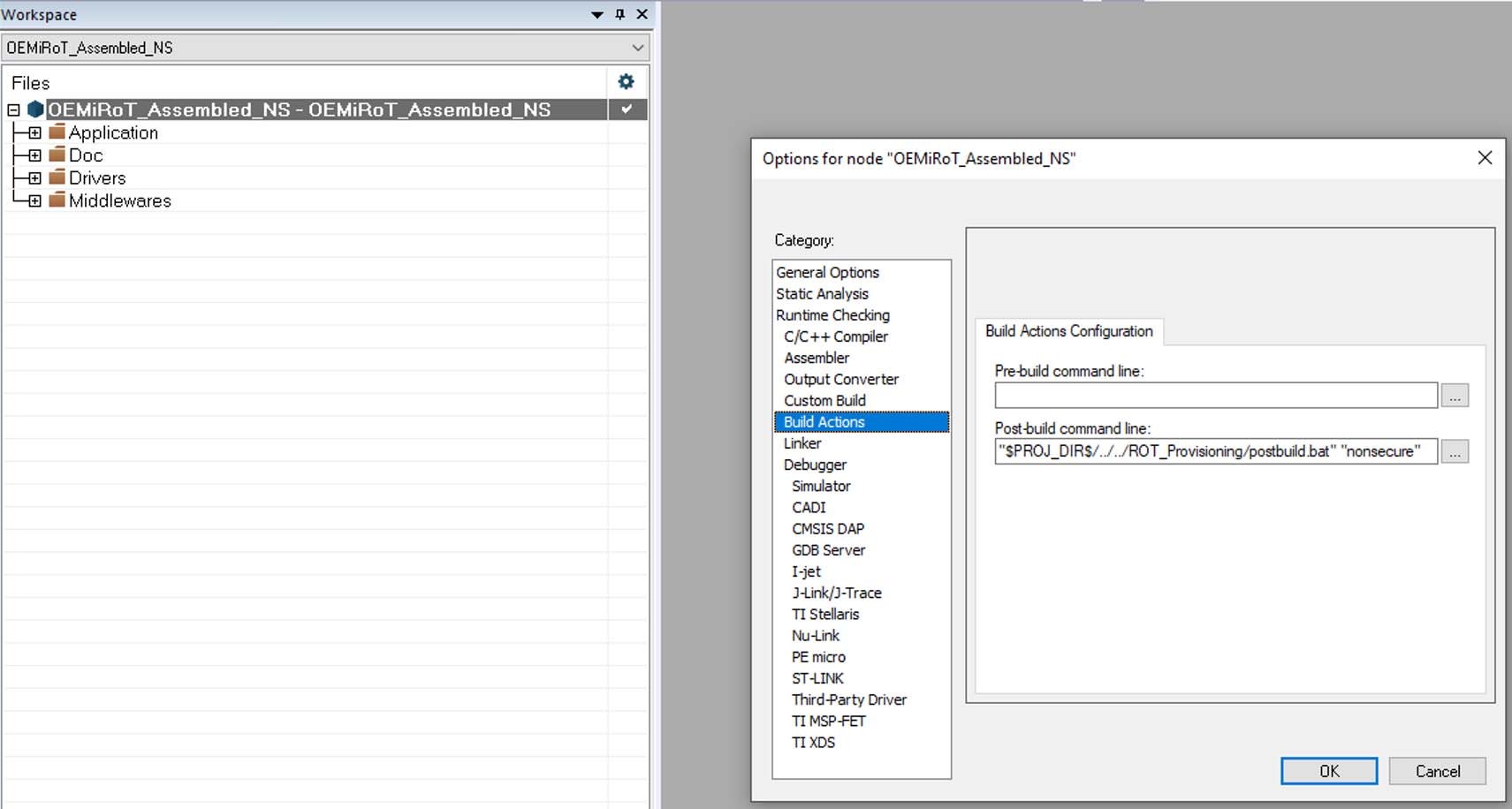
Updated Section 4.11: Project Manager view, Section 4.18.5: How to configure an ST-iRoT with a secure manager NS application boot path, Step 3: OEMiROT (assembled) code generation, Step 6: Authentication and encryption keys regeneration, option byte file generation, and Section 4.18: STM32CubeMX Memory Management Tool. Added Section 4.19.3: Password restoration. Removed former MCU close selector feature. Updated Table 21: Boot paths without TrustZone (TZEN = 0) and Table 22: Boot paths with TrustZone (TZEN = 1). Updated Figure 236: Application boot path (OEM-uRoT assembled), Figure 237: Application boot path: ST-iRoT and uRoT secure/nonsecure project, Figure 239: Application boot path: ST-iRoT dual figure, Figure 254: Project provisioning, Figure 256: Boot path and debug authentication panel, Figure 263: IDE post build commands, Figure 274: IDE post build commands, Figure 270: IDE post build commands, figures 403 to 406, Figure 409: DDR register loading, and Figure 410: DDR test list from U-Boot SPL. Removed former Figure 167: Selection of the OEMiRoT_Boot project and Figure 195: Generated project. Minor text edits across the whole document. |
|
13-Mar-2024 |
44 |
6.11.0 |
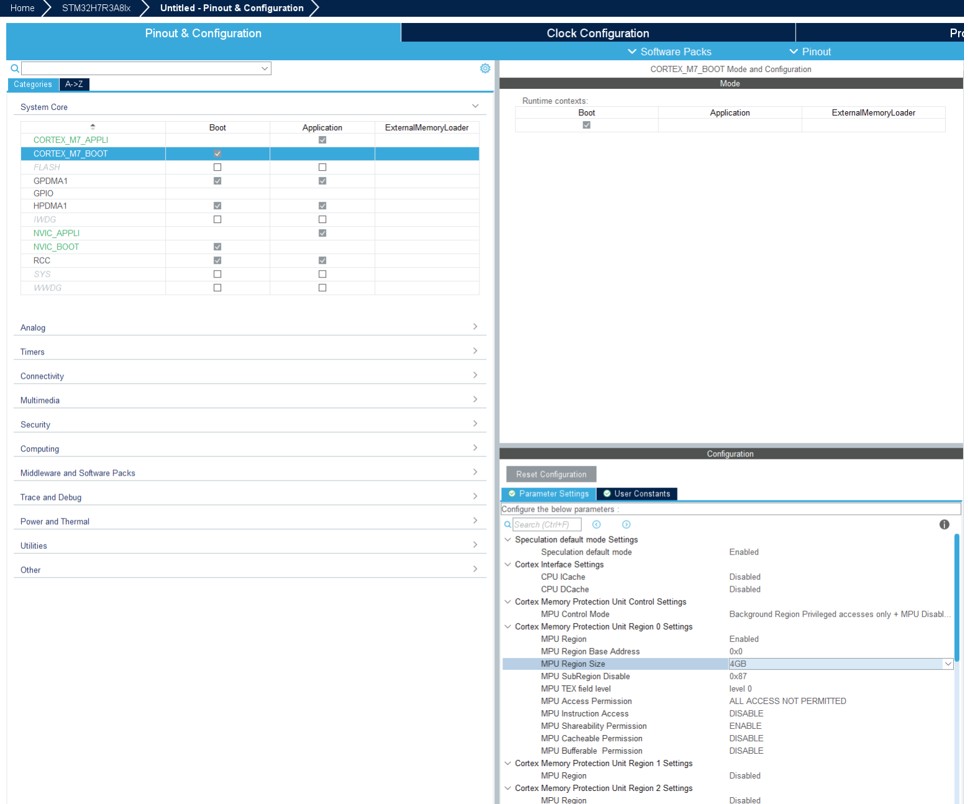
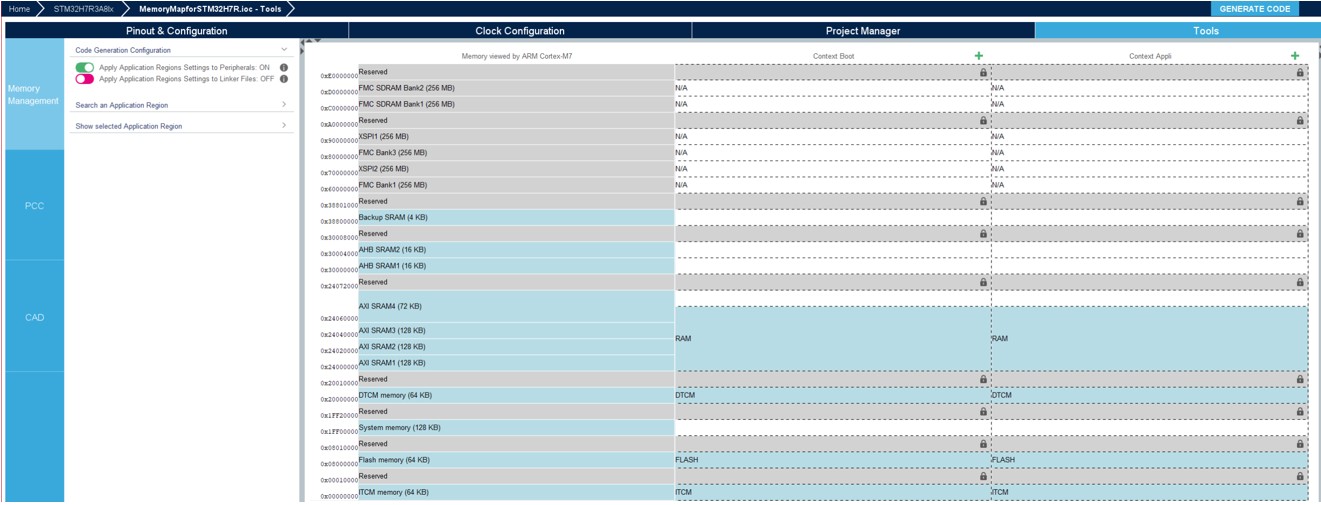
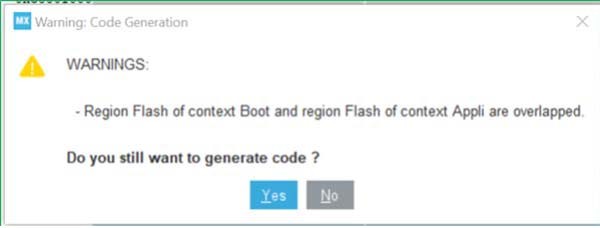
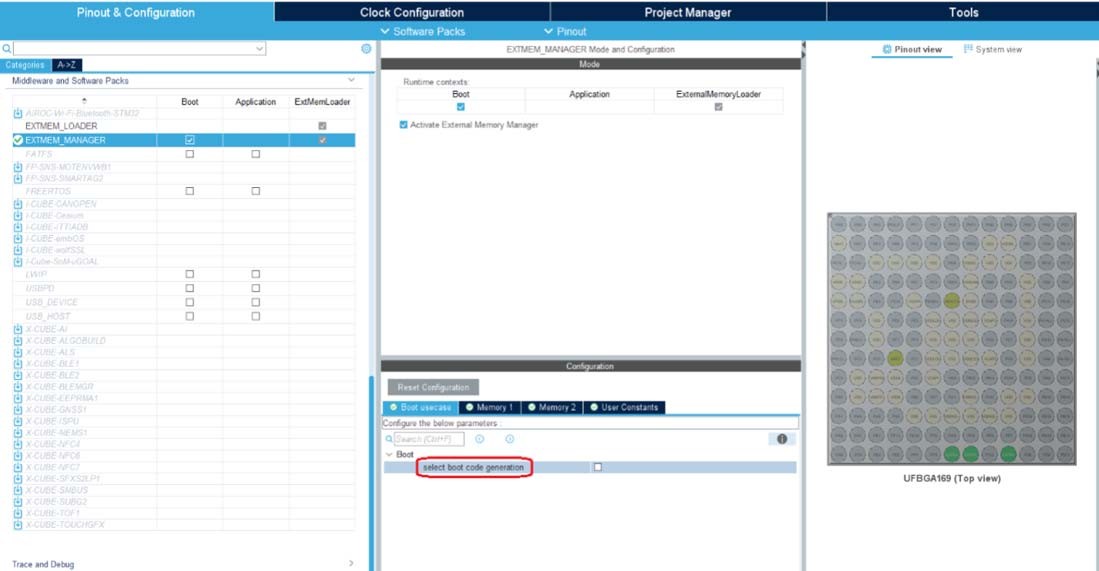
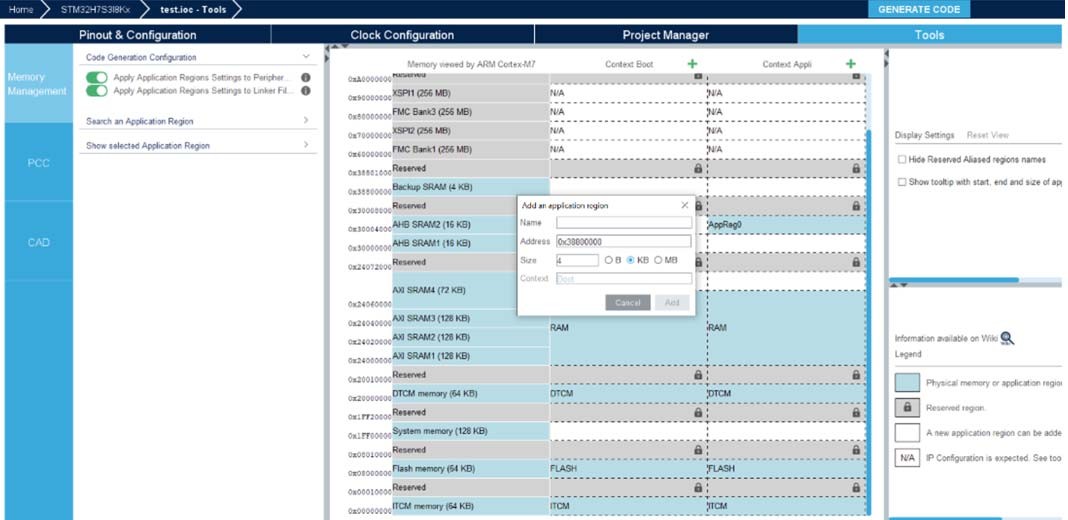
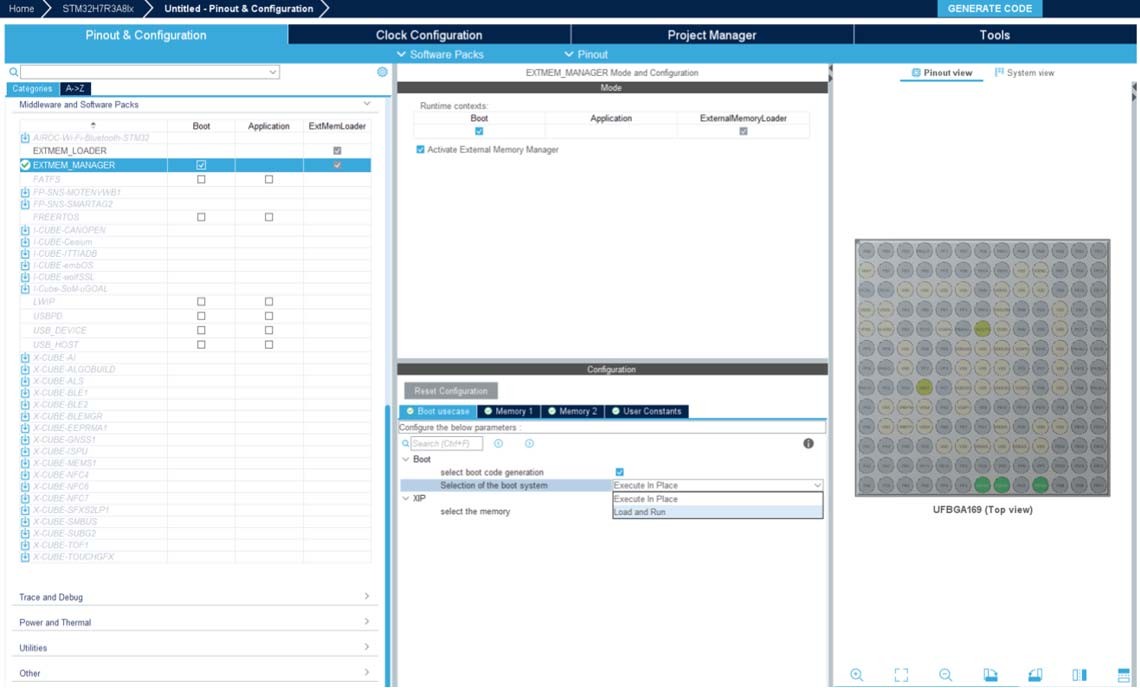
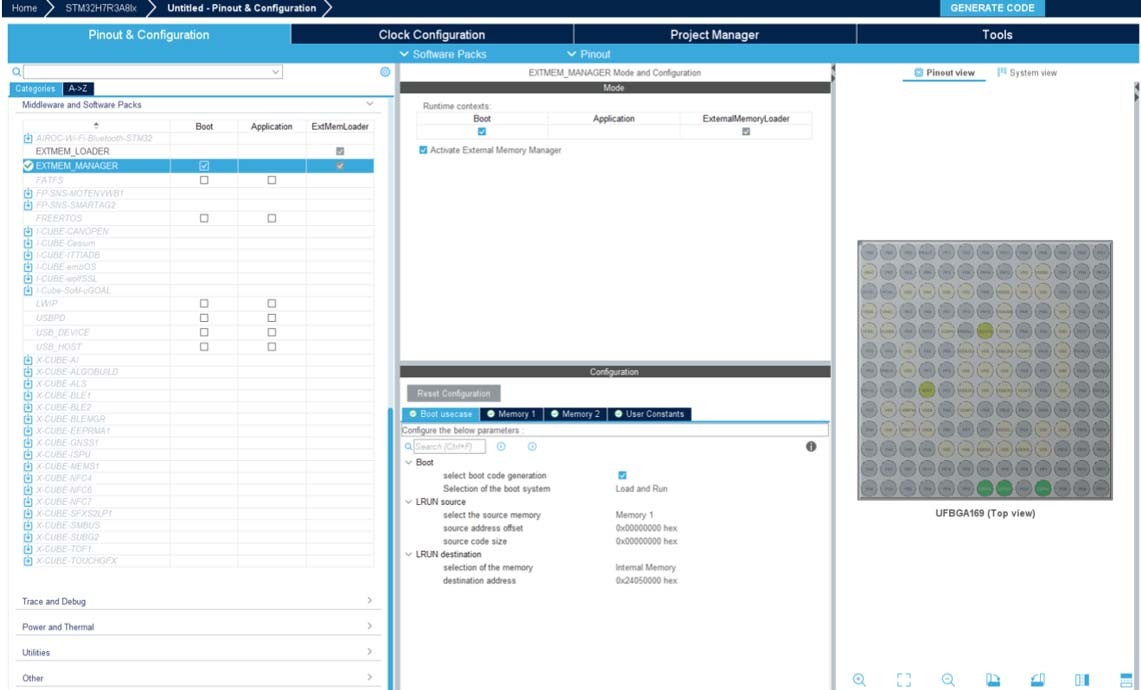
Updated Section 3.1.1: Supported operating systems and architectures, Section 3.2.1: Installing STM32CubeMX standalone version, Section 3.2.2: Installing STM32CubeMX from command line, Uninstalling STM32CubeMX on Windows, Feature: MMT usage, Pinout, and Configuration UI, and Section 4.18.5: How to configure an assembled boot path. Added footnote to Table 1: Command line summary. Updated Table 10: Clock Configuration security settings, Table 21: Boot paths without TrustZone (TZEN = 0), and Table 22: Boot paths with TrustZone (TZEN = 1). Added Section 4.18.6: How to configure OEM-uRoT (STiRot uROT) boot path, When using H7Rx/H7Sx with MMT, When using H7Rx/H7Sx, and their subsections. Added Figure 236: MMT view (H7Rx-H7Sx devices) and Figure 255: Memory assignment for context Boot H7RS. Updated Figure 9: Package installation, Figure 10: Installation script, Figure 11: Installation path, Figure 237: Application boot path: STiRoT and uRoT secure/nonsecure project, Figure 239: Application boot path: ST-iRoT dual figure, Figure 249: Boot path selection, Figure 256: Boot path and debug authentication panel, Figure 260: Generate the code, Figure 270: Boot path and Debug Authentication tab, Figure 266: Boot path and Debug Authentication tab, and Figure 275: Boot path project. Minor text edits across the whole document. |
|
Date |
Revision |
STM32CubeMX release number |
Changes |
|---|---|---|---|
|
26-Jun-2024 |
45 |
6.12.0 |
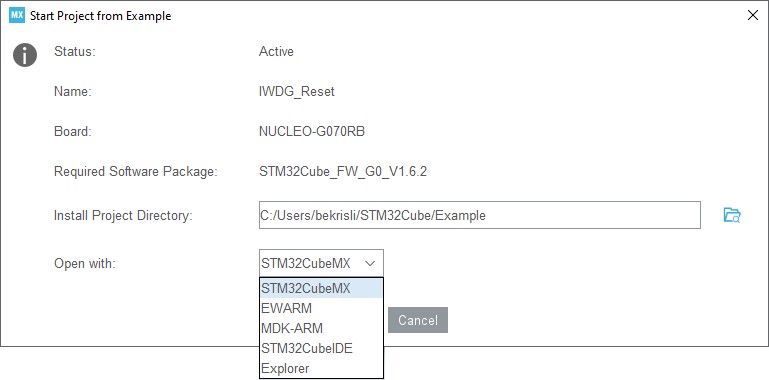
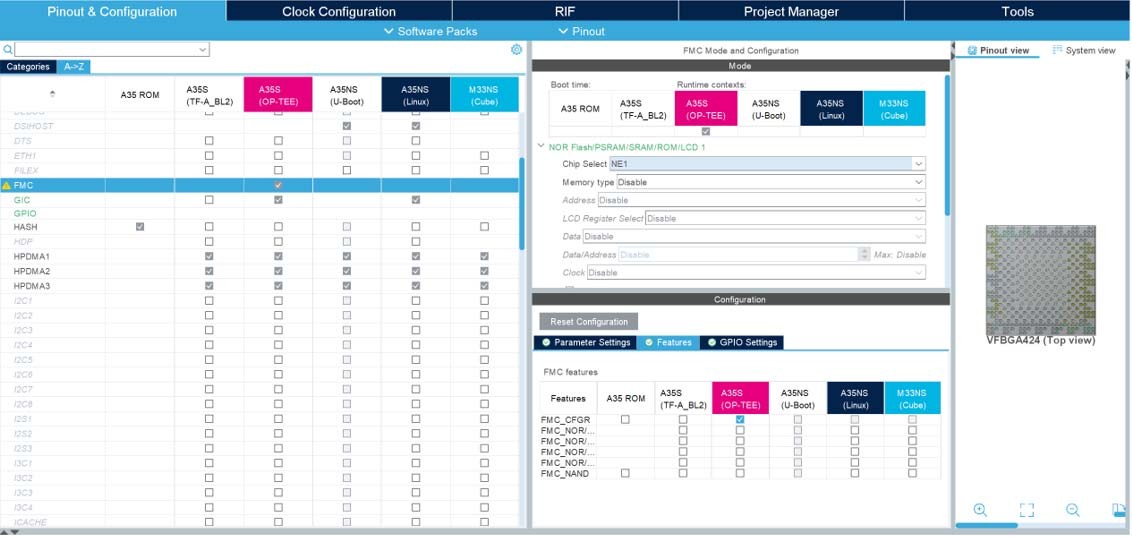
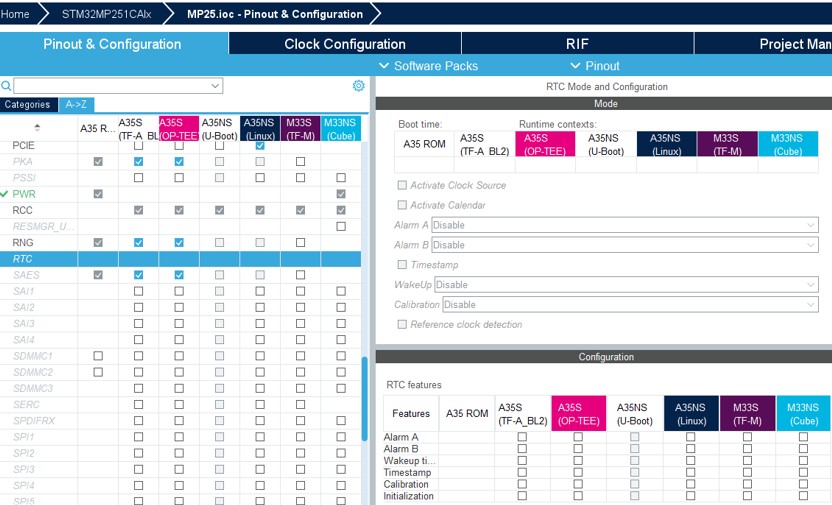
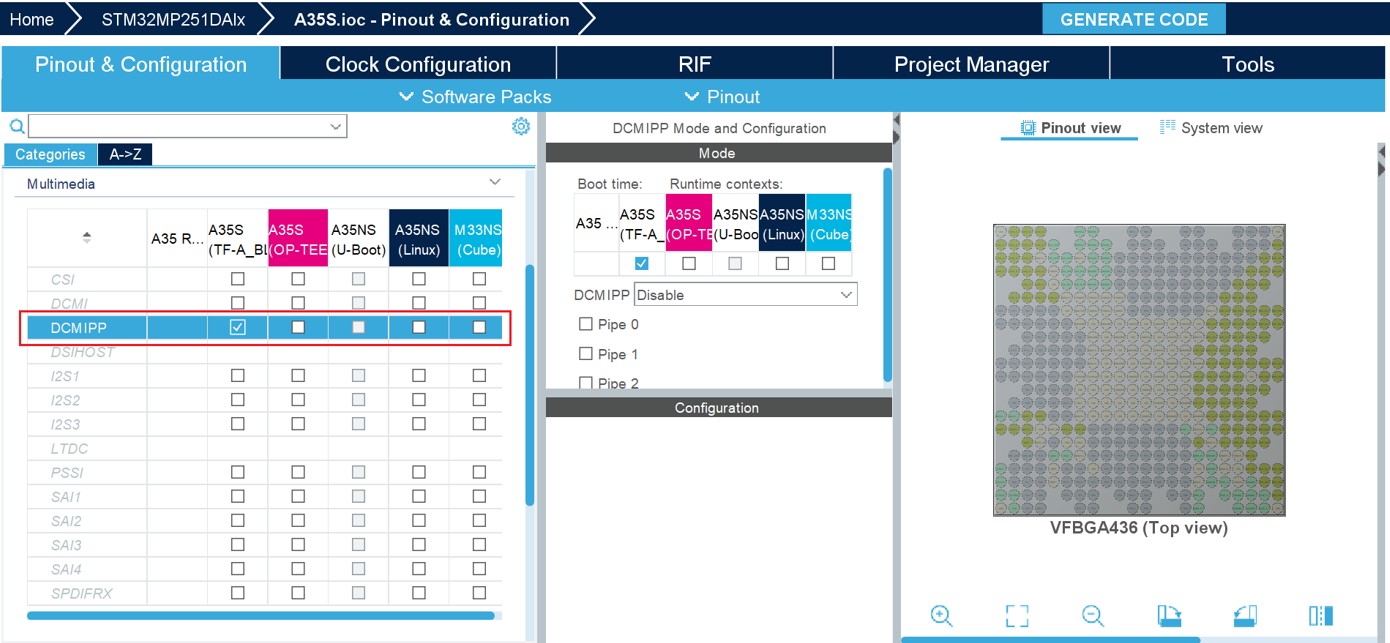
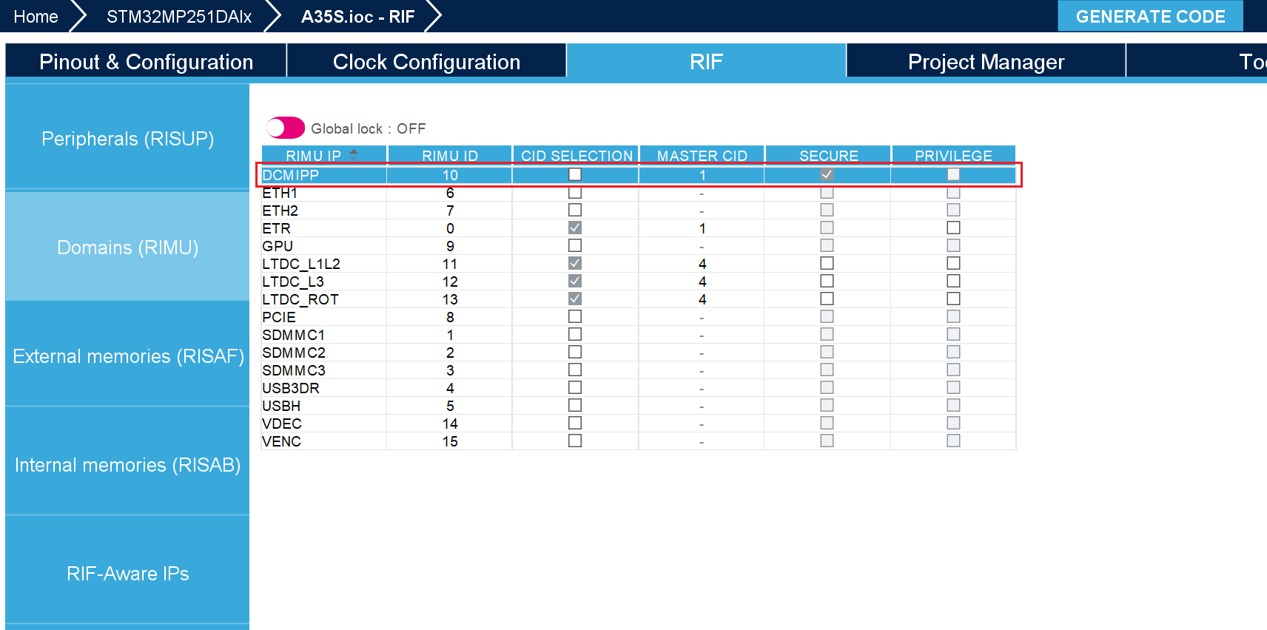
Updated Section 2.2: Key features, Java™ Runtime Environment, Section 3.4.7: Checking for updates, Step 5: Boot path selection, Section 4.6: Pinout & Configuration view for STM32 MPUs, Section 4.18.6: How to configure OEM-uRoT (STiRot uROT) boot path, Section 4.19: User authentication, Section 4.19.1: Login with an existing my.st.com account, and Section 8: Code generation with TrustZone enabled (STM32L5 series only). Added note to Section 3.4.2: Updater configuration. Added Section 4.4: Boot chain (STM32 MPUs), Section 4.7: RIF configuration, Section 4.18.7: How to configure ST-iRoT boot path with STM32H7RS devices, Section 5.5: STM32CubeMX Memory Management Tool, and their subsections. Updated Table 1: Command line summary and Table 22: Boot paths with TrustZone (TZEN = 1). Added Table 23: Boot paths for STM32H7RS devices. Added Figure 20: Connection failure and Figure 31: Checking for available updates. Updated Figure 44: Popup window - Starting a project from an example, Figure 284: Project creation, Figure 618: Project Settings and toolchain selection, and Figure 706: Available IPs. Removed former Section 4.18: STM32CubeMX Memory Management Tool, Section 19: FAQ, and their subsections. Minor text edits across the whole document. |
|
20-Nov-2024 |
46 |
6.13.0 |
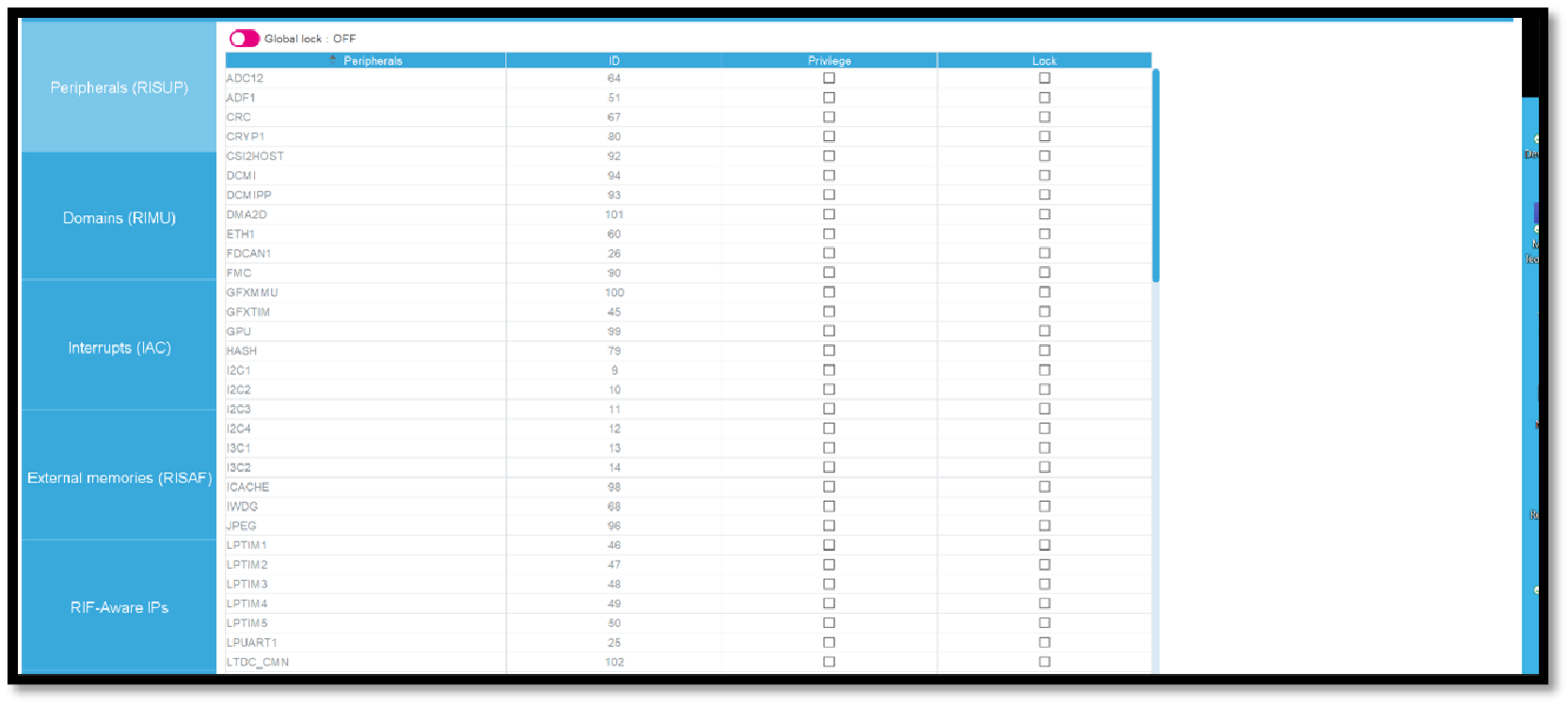
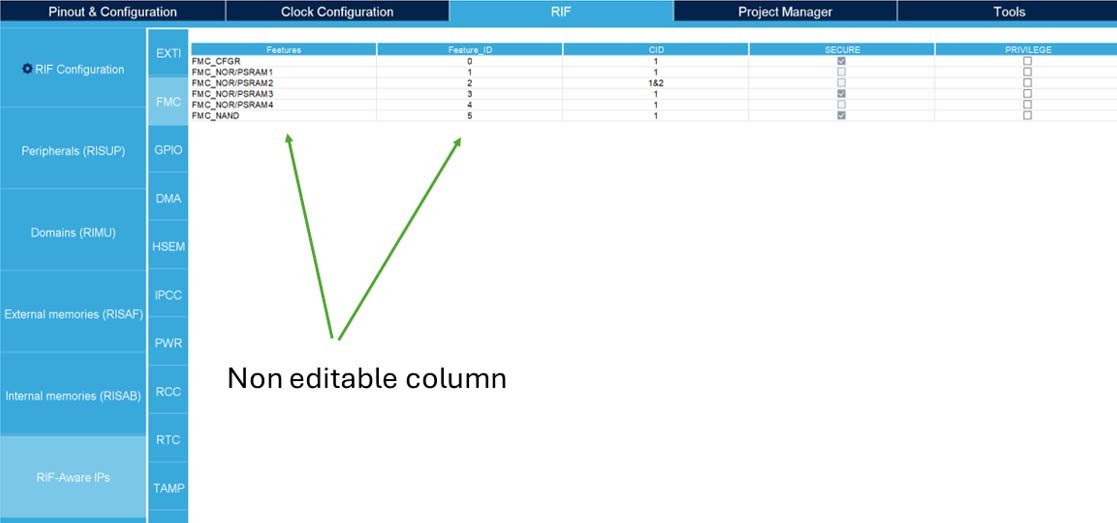
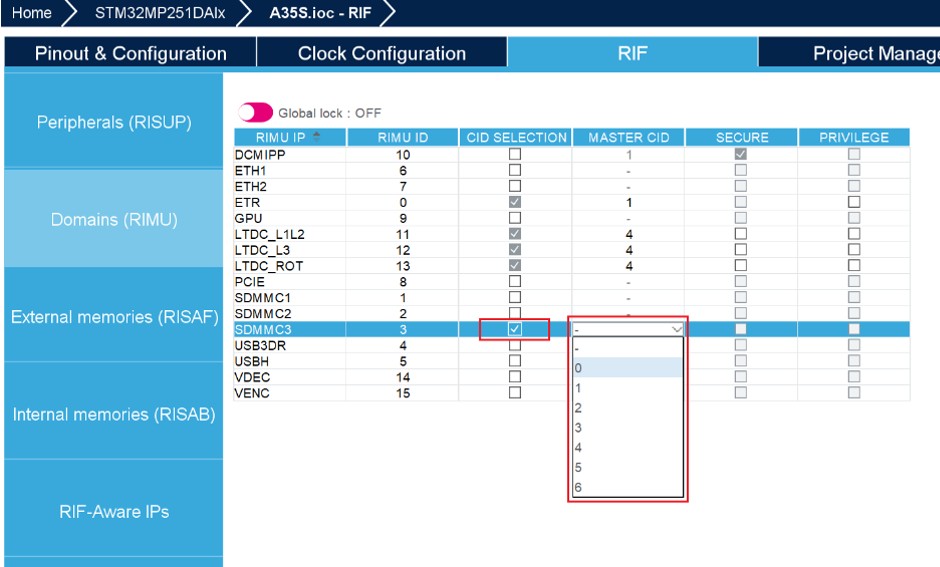
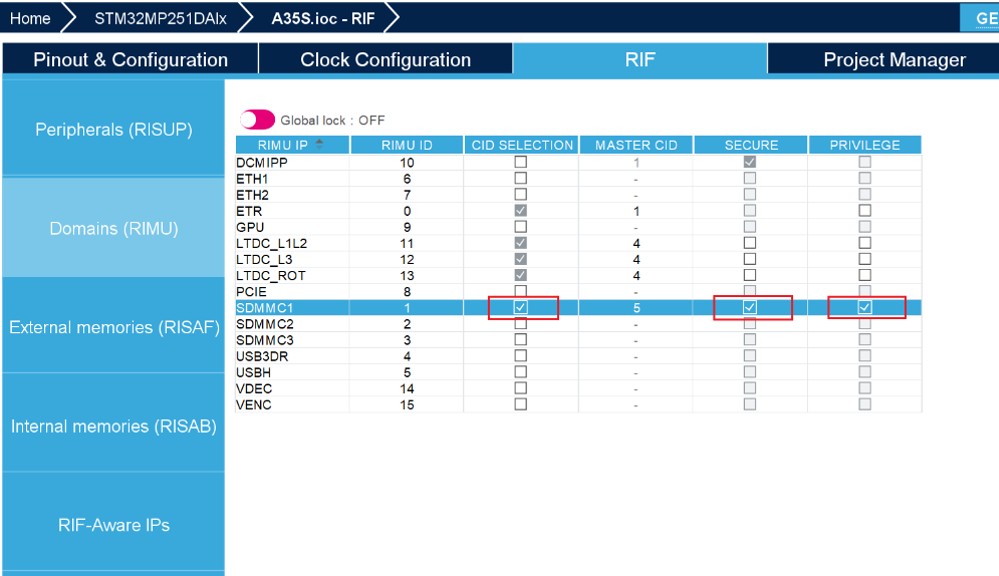
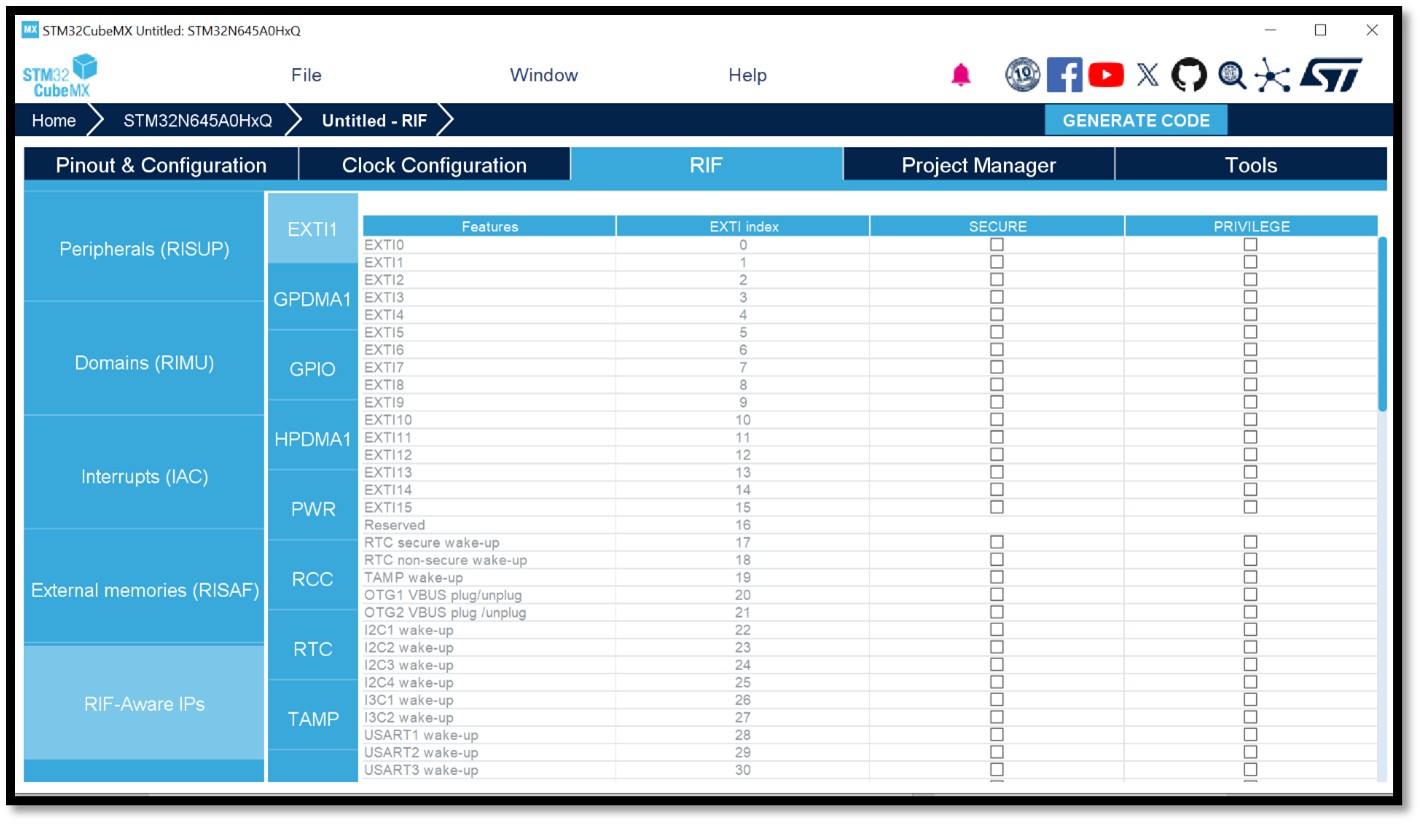
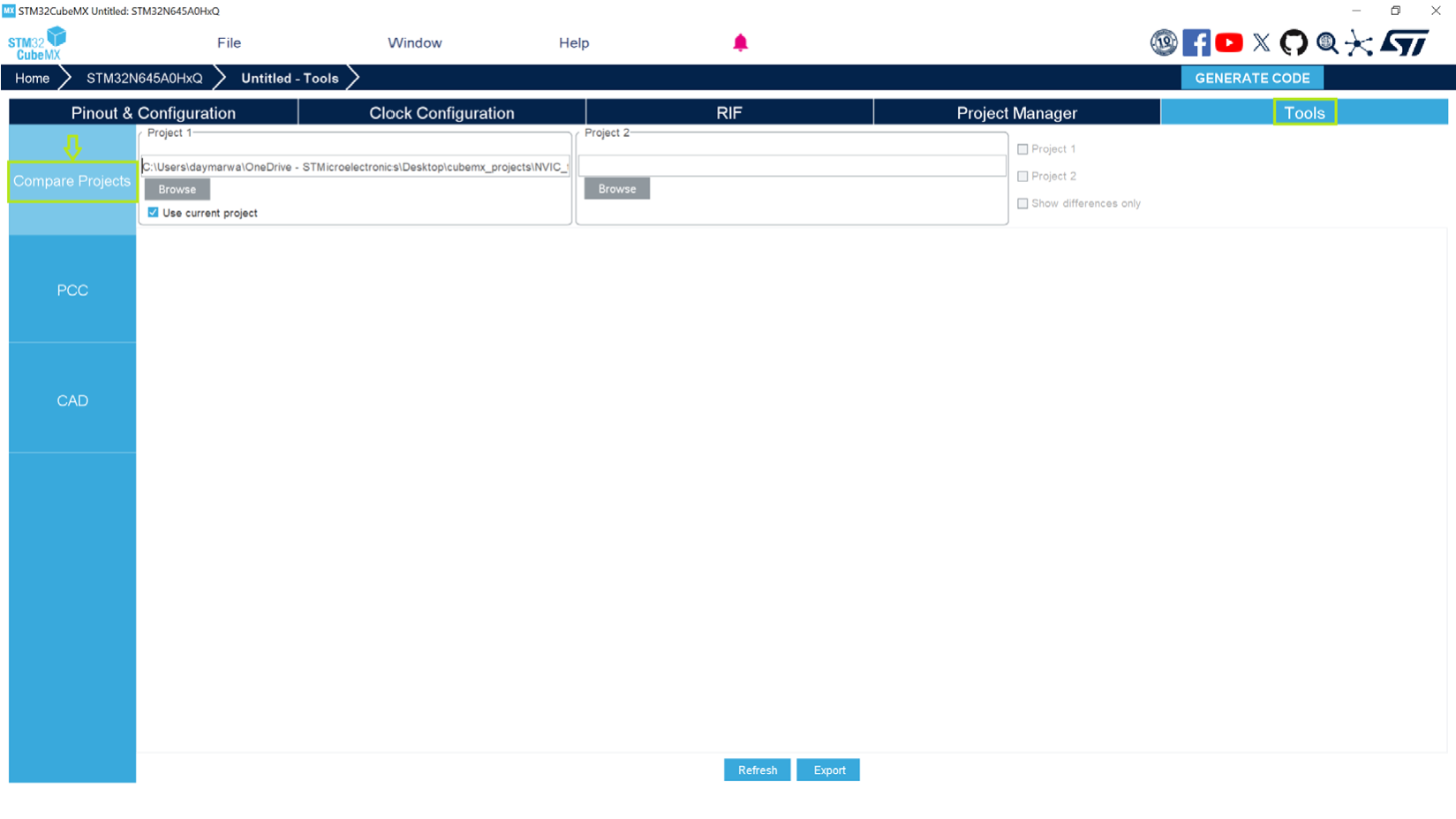
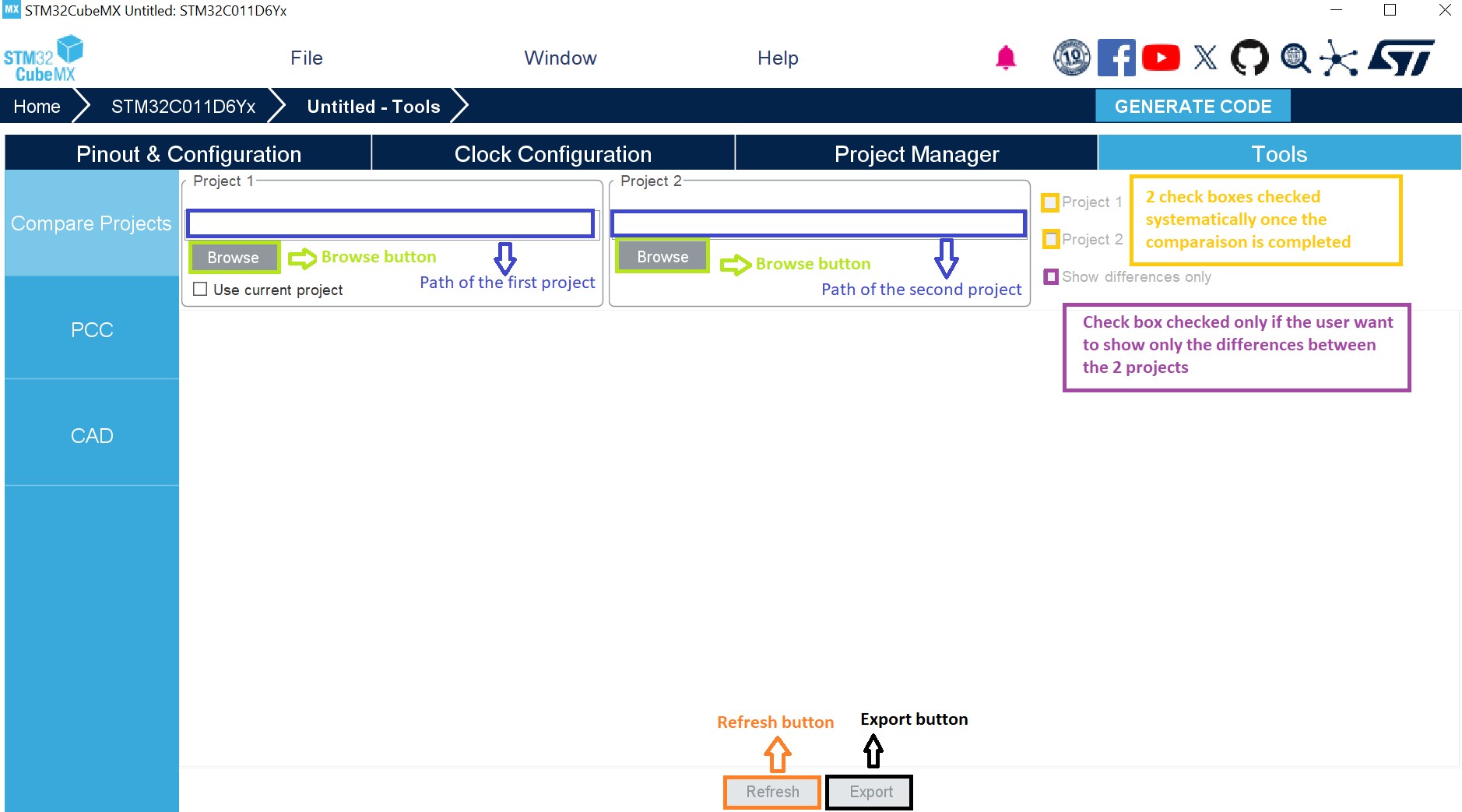
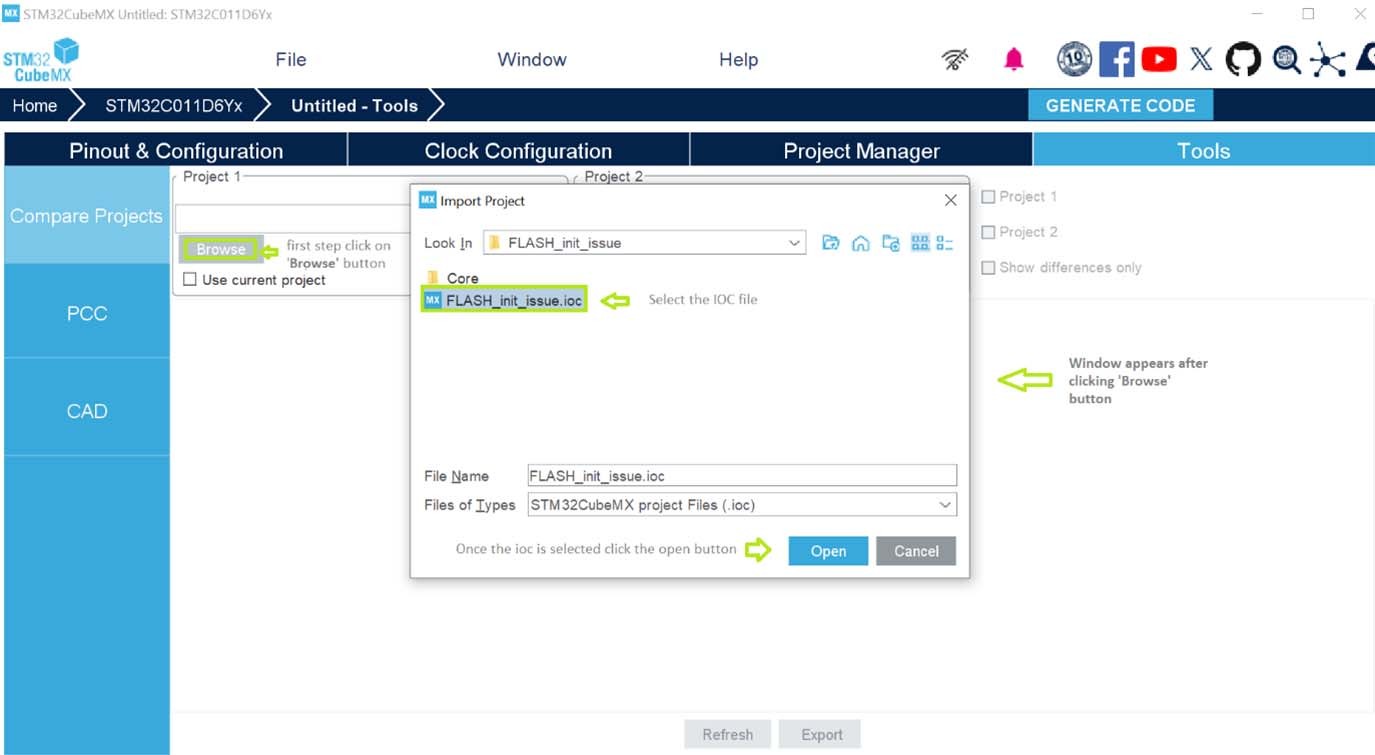
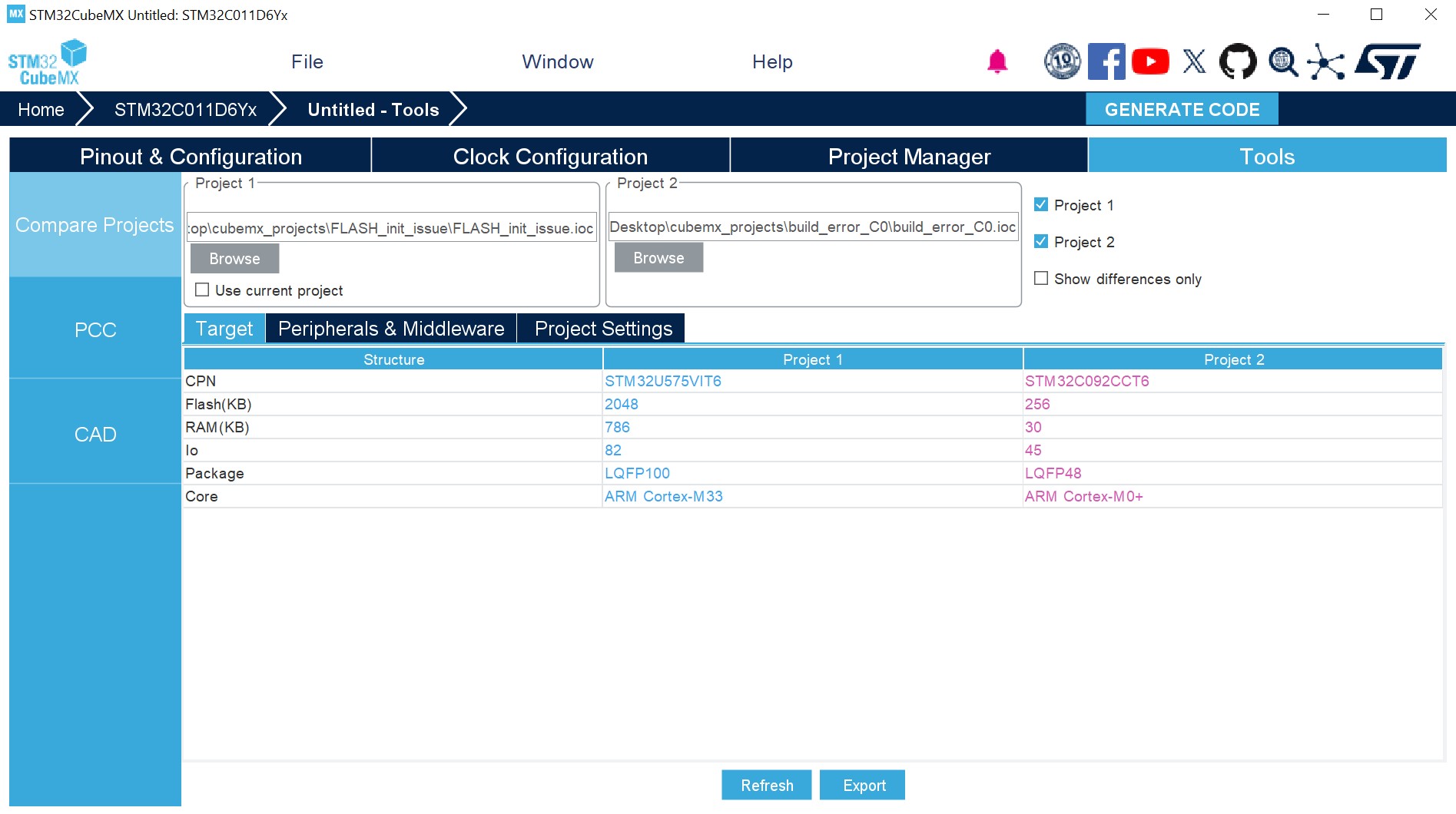
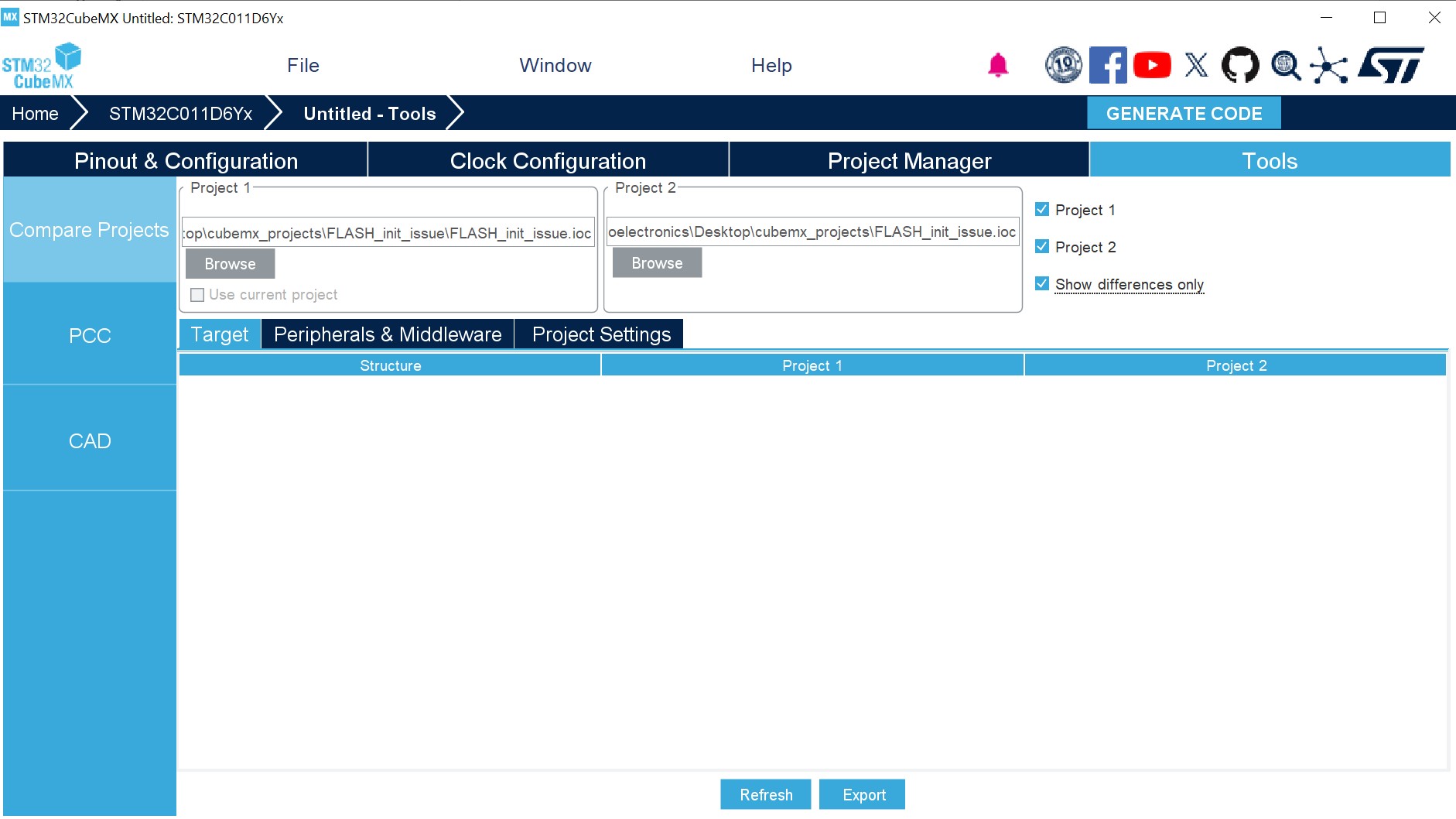
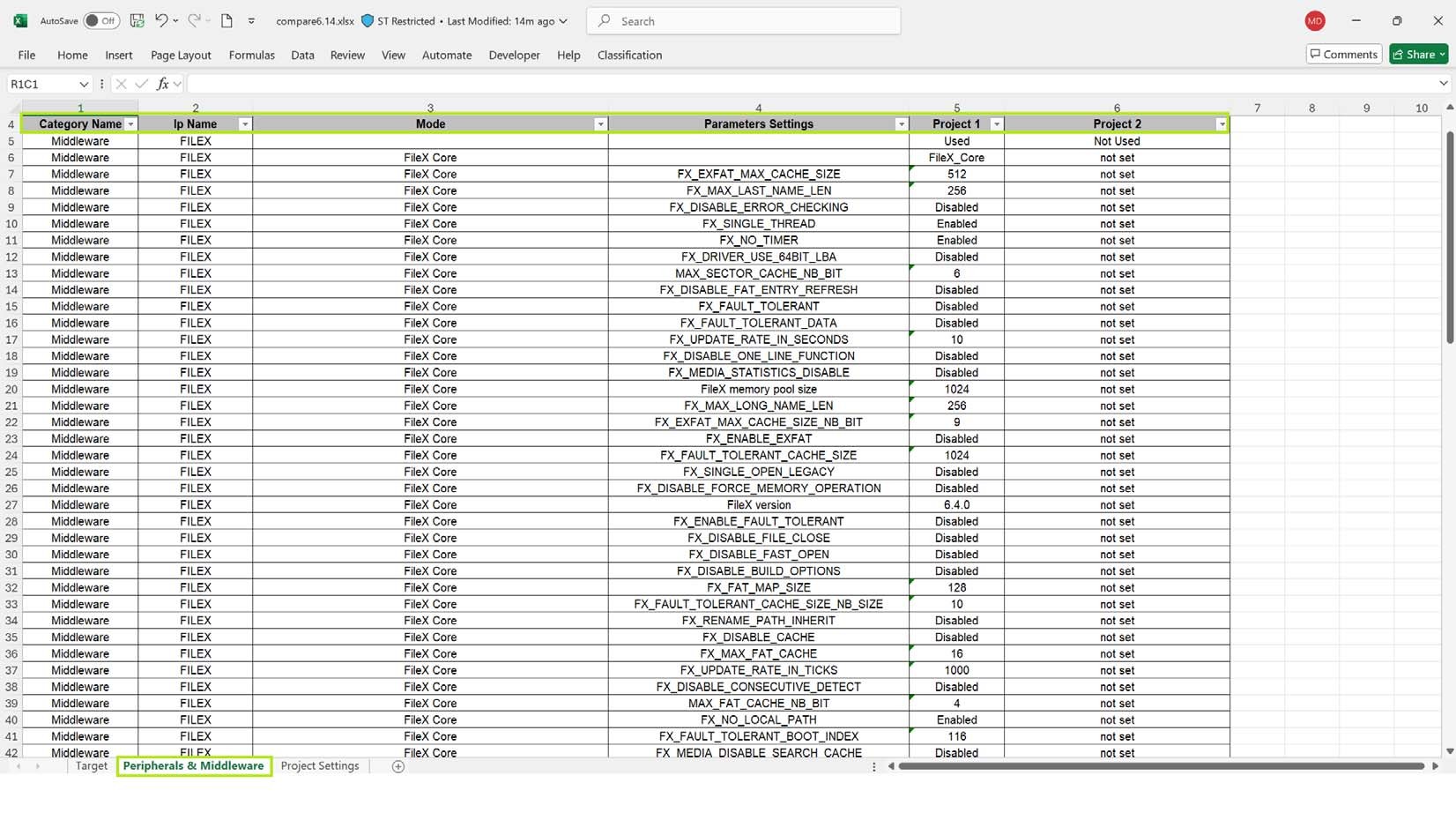
Updated Section 3.1.1: Supported operating systems and architectures, Section 3.1.3: Software requirements, Section 4.7.2: RIF global configurations, Section 4.7.4: Peripheral instance protection, Section 4.7.7: Masters configuration, Section 4.7.9: System peripherals (STM32MP2 and STM32N6 series), Section 4.7.10: Memory protection for STM32MP2 series, Section 4.19: User authentication, and Section 5.5.1: STM32H5, STM32U3, STM32U5, STM32WBA5, STM32WBA5M, and STM32WBA6 with TrustZone activated Added Section 4.7.10: Memory protection for STM32MP2 series, Section 4.7.11: Memory protection for STM32N6 series, Section 4.7.13: Implementation of illegal access controller (IAC) feature on STM32N6 series, Section 5.2: Compare Projects, and Section 5.5.5: STM32H7 Dual-core without Trust Zone activated |
|
Date |
Revision |
STM32CubeMX release number |
Changes |
|---|---|---|---|
|
24-Feb-2025 |
47 |
6.14.0 |
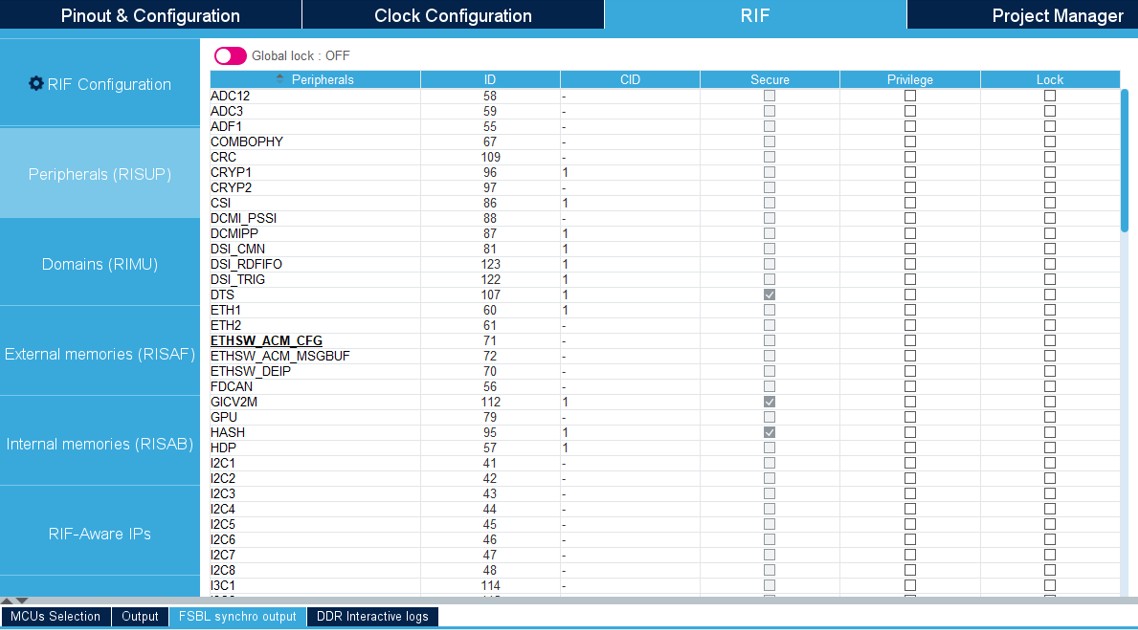
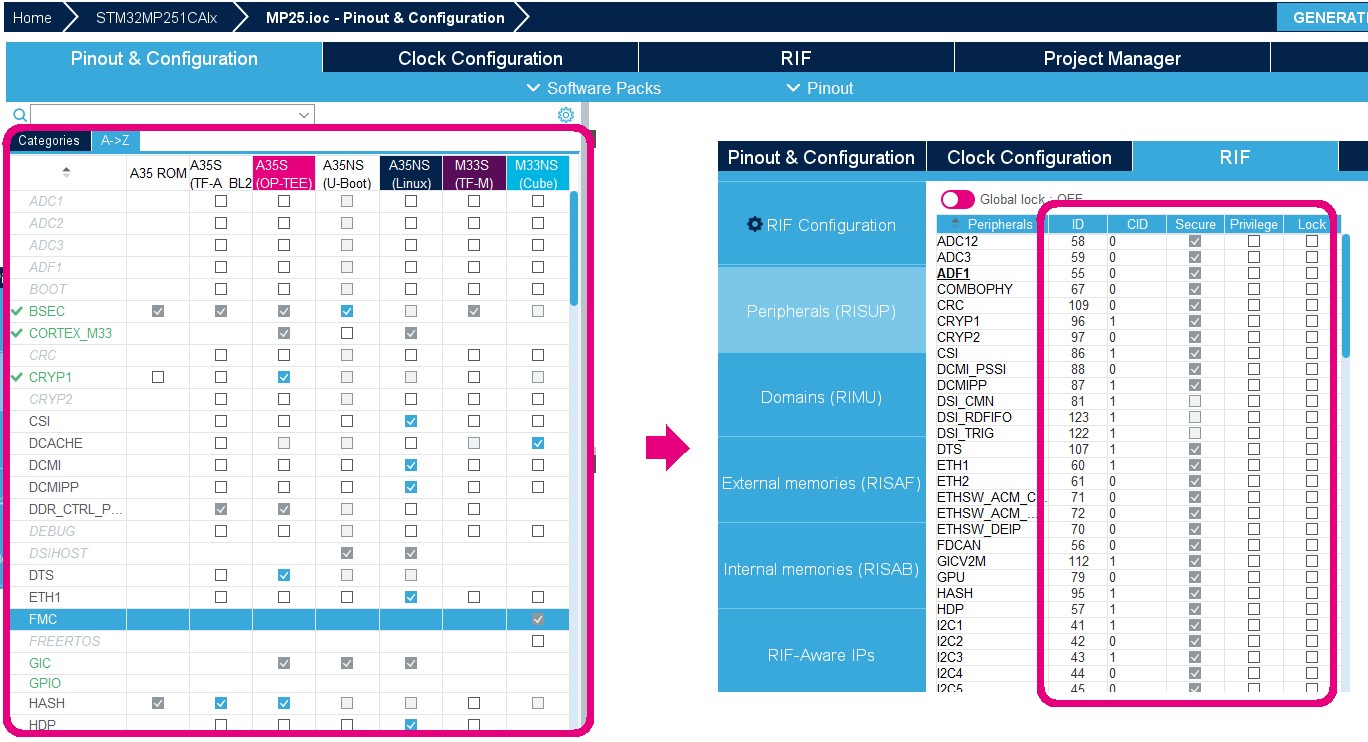
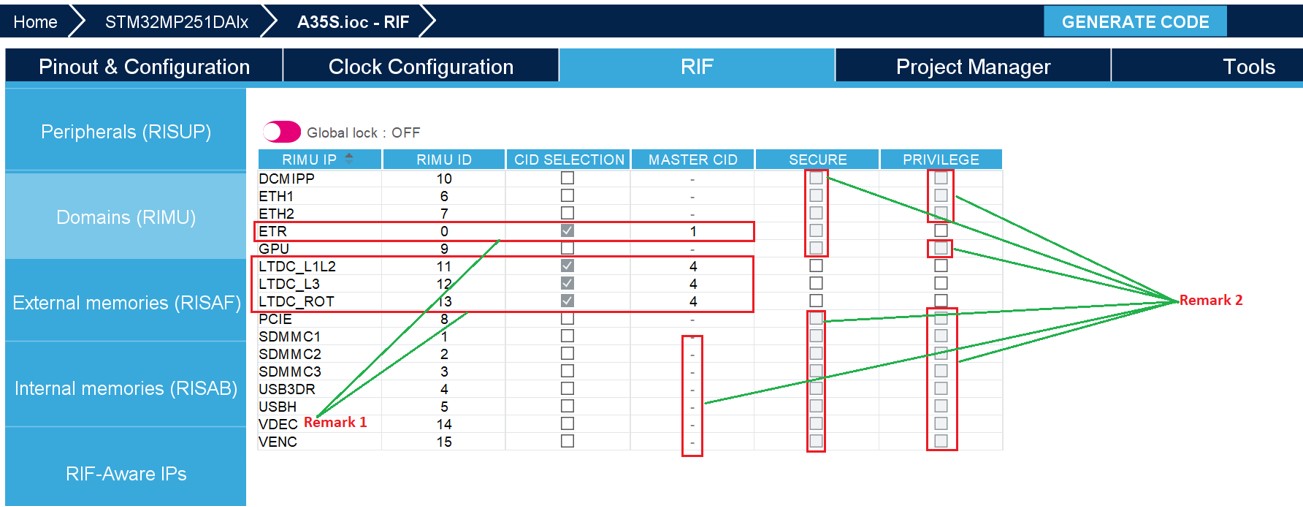
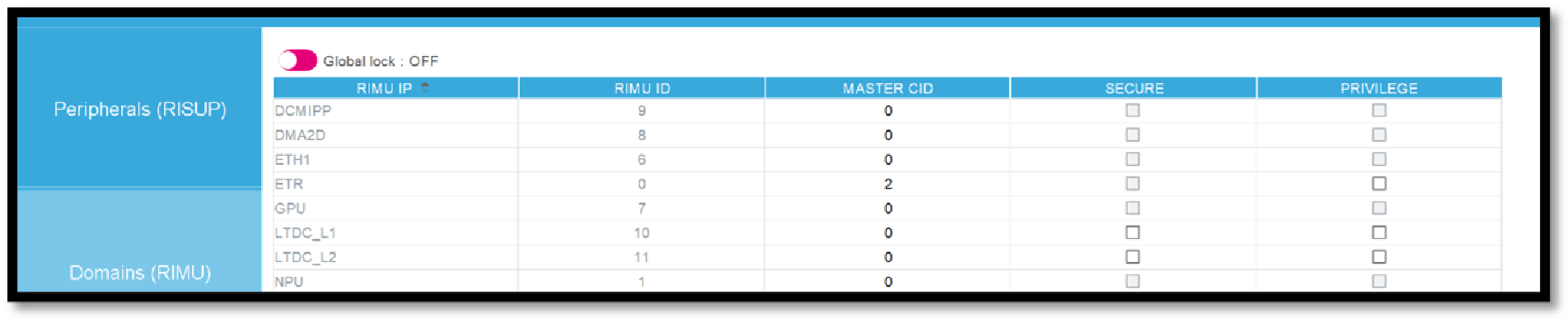
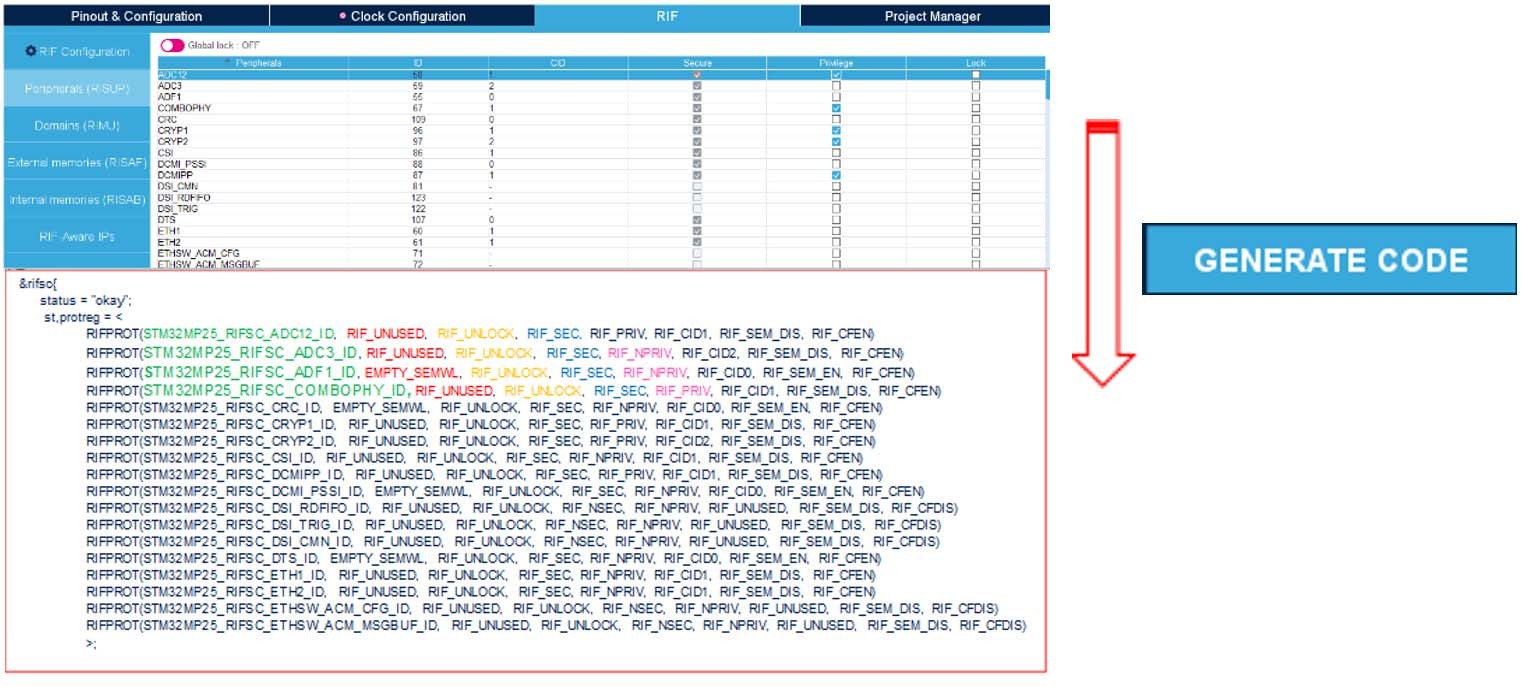
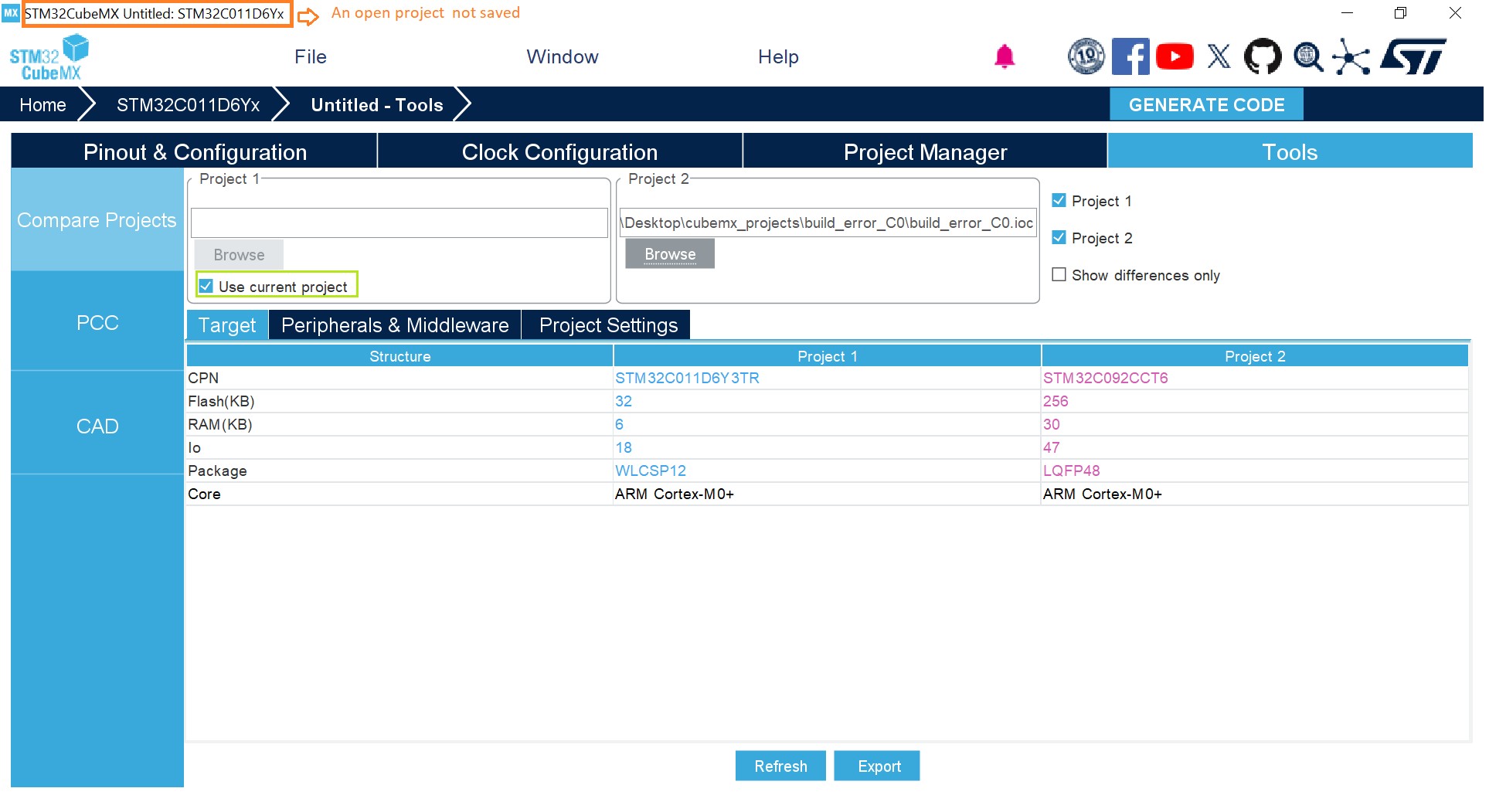
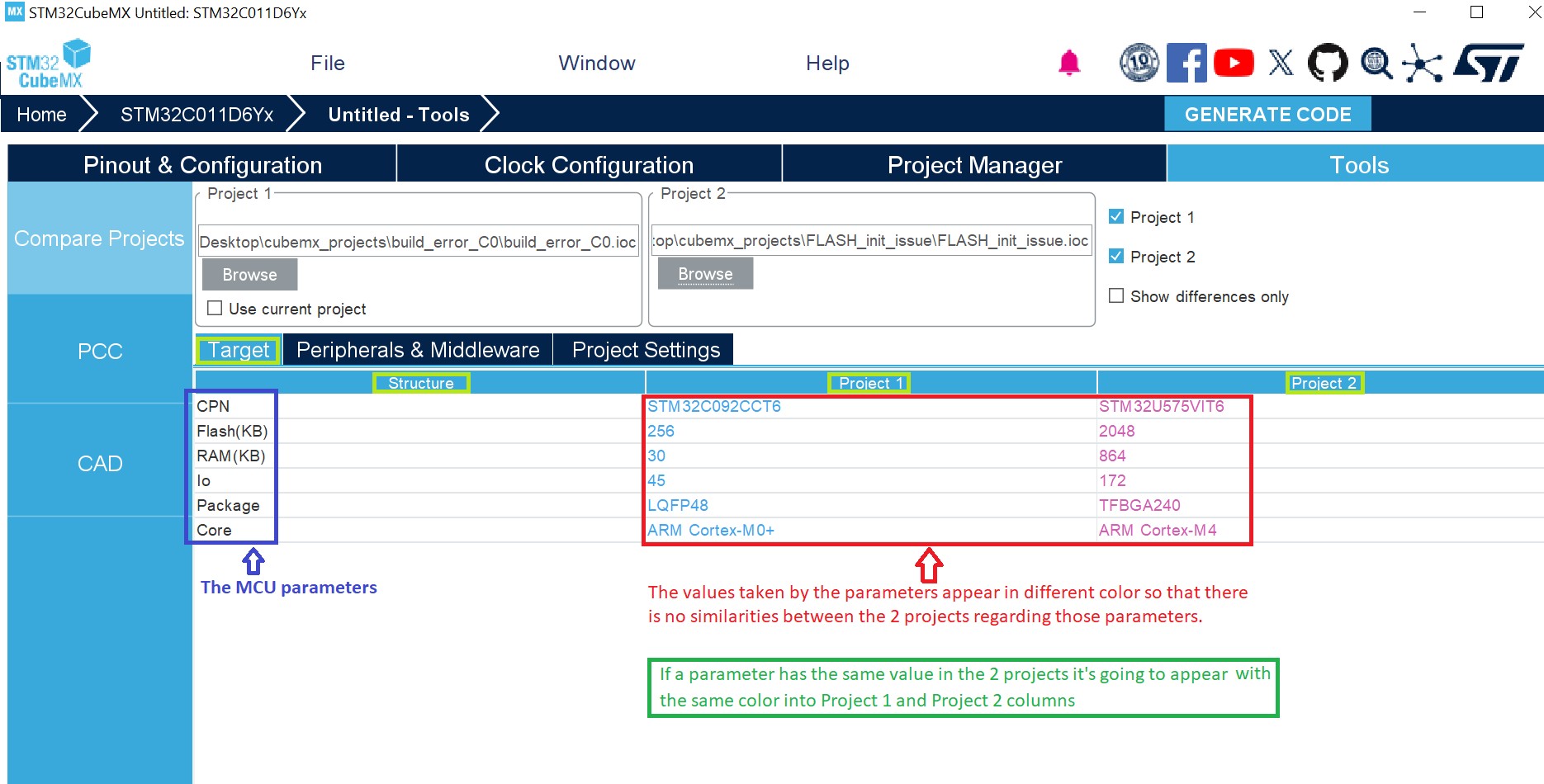
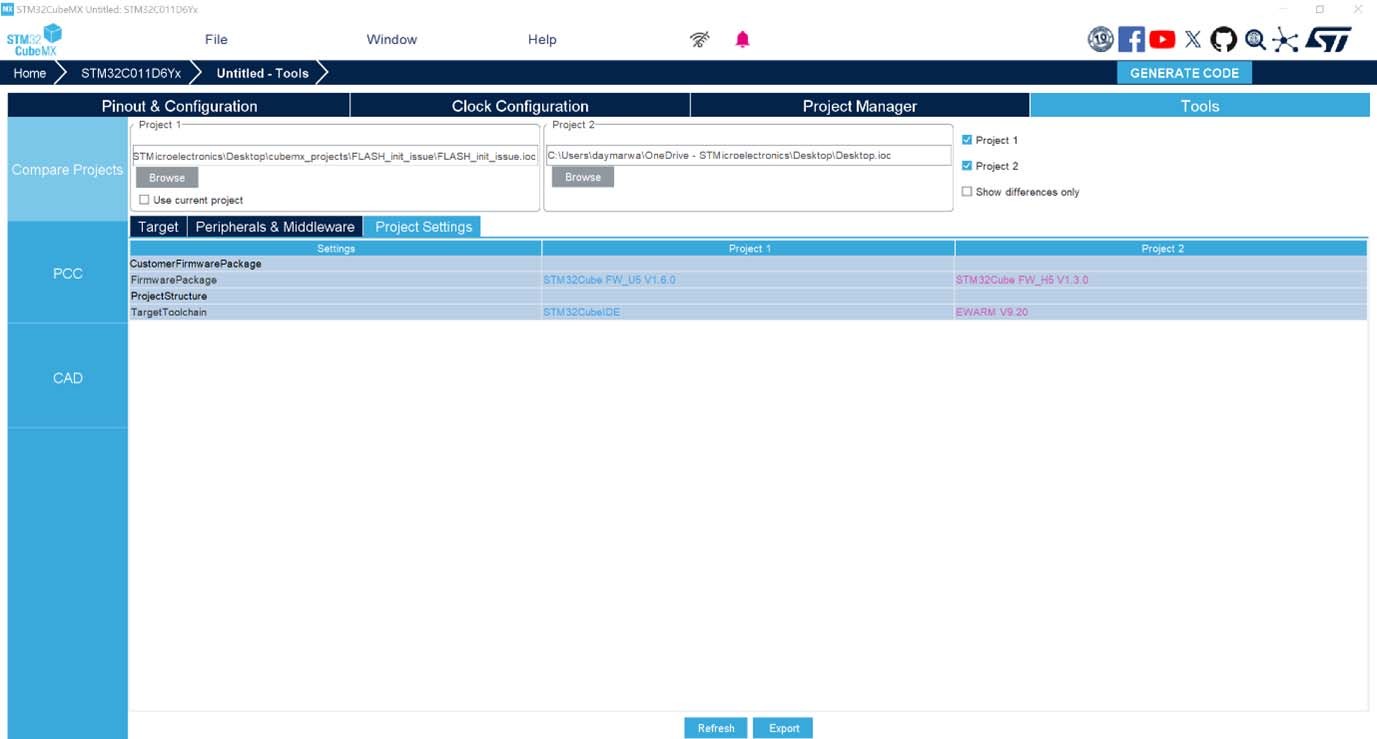
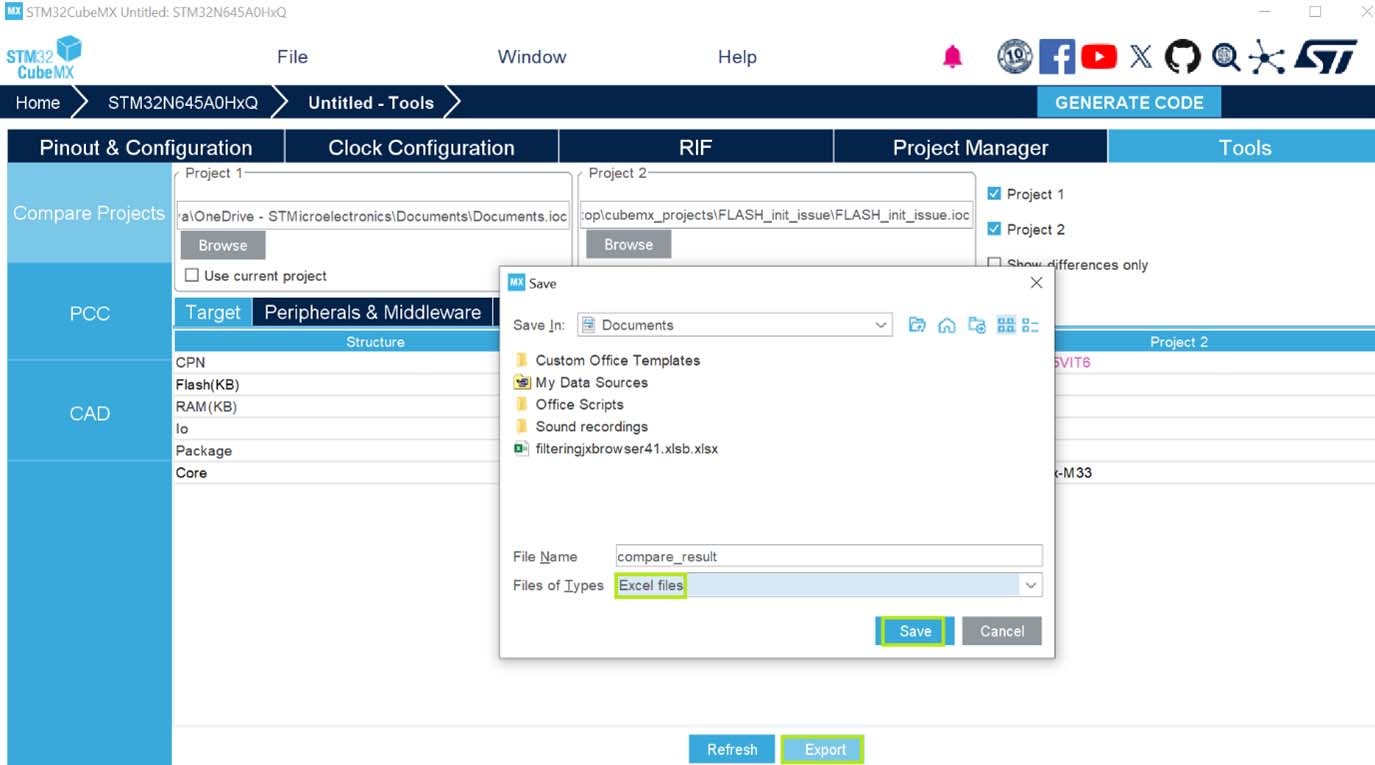
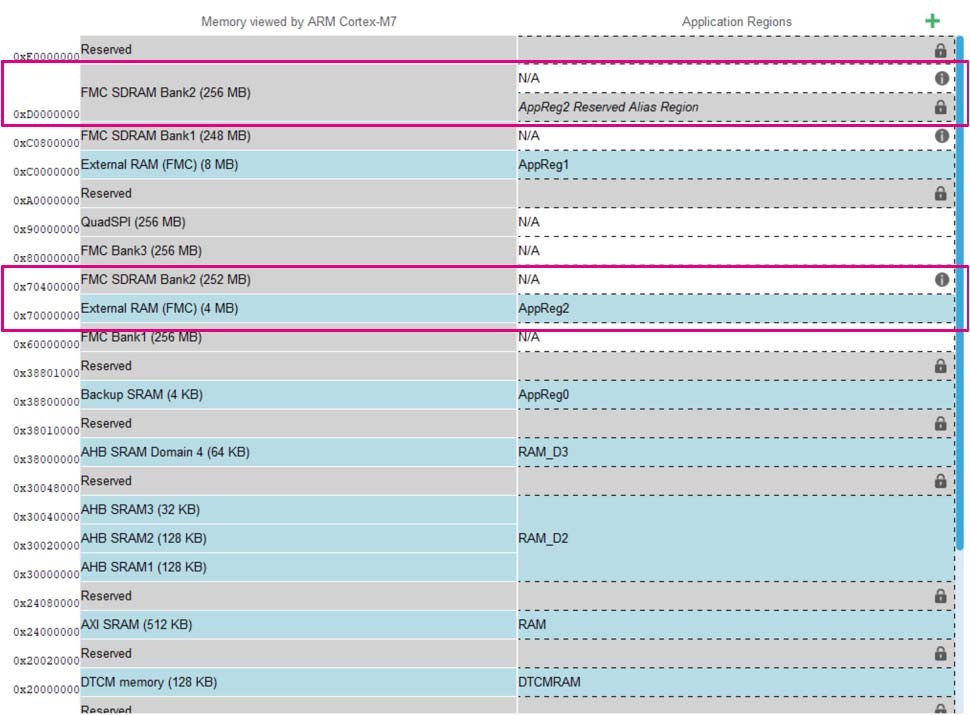
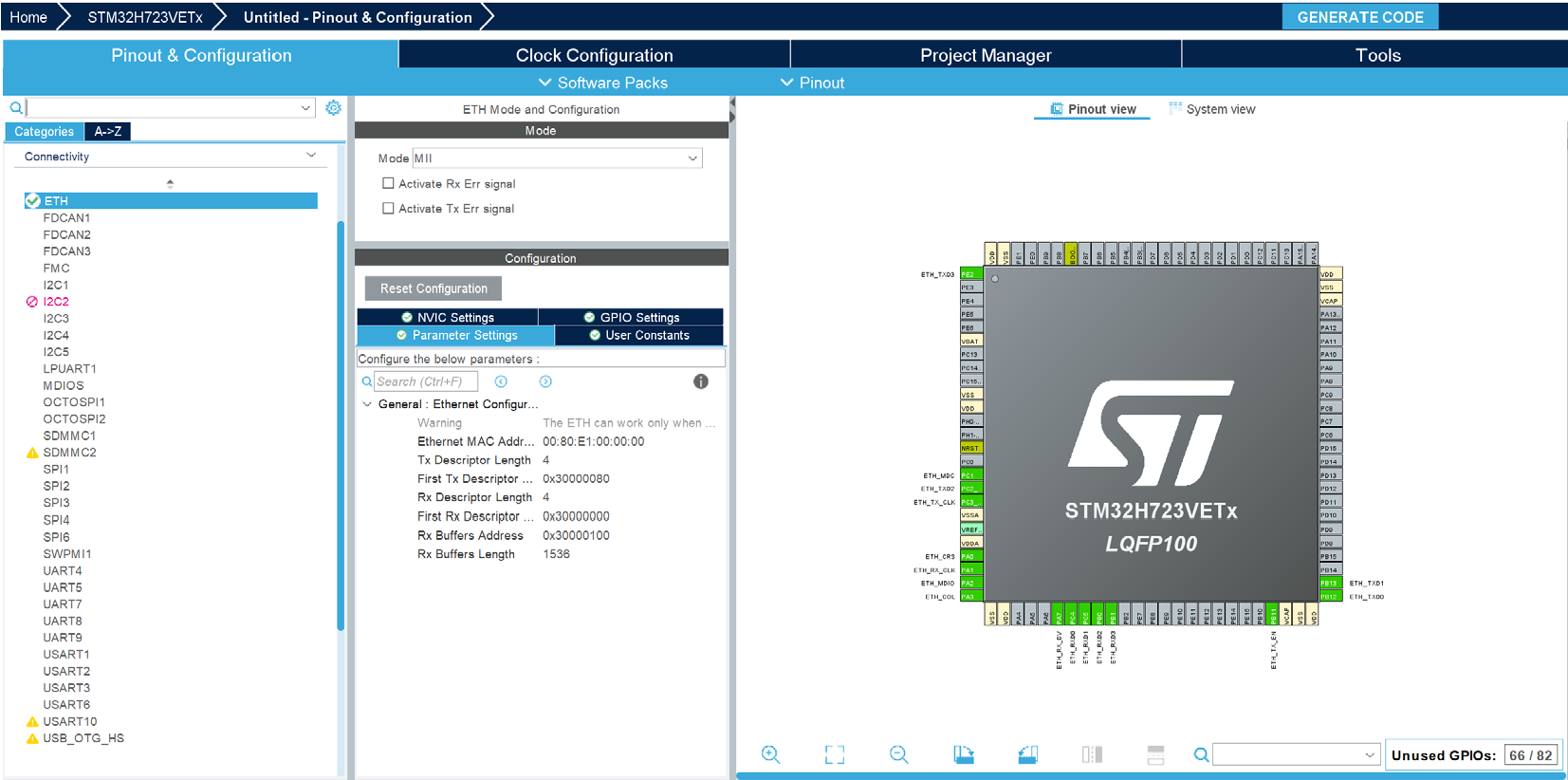
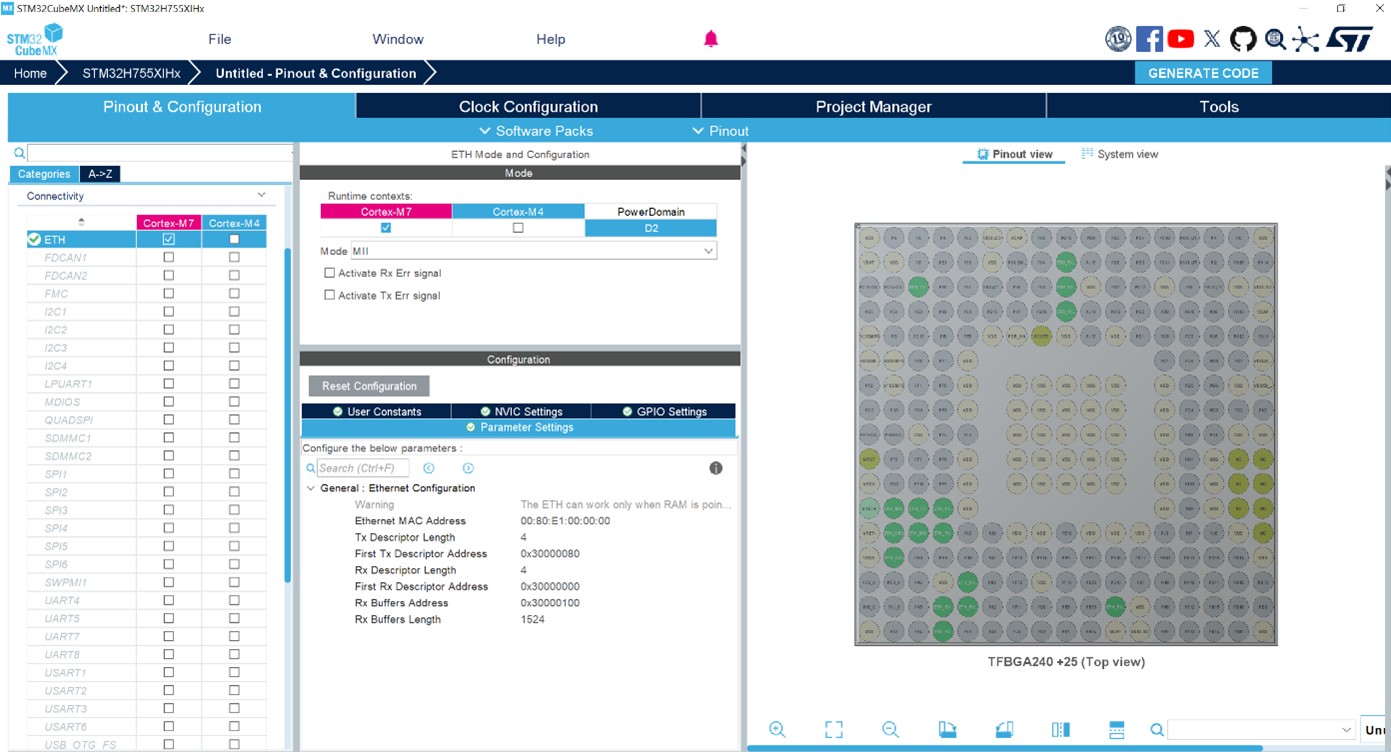
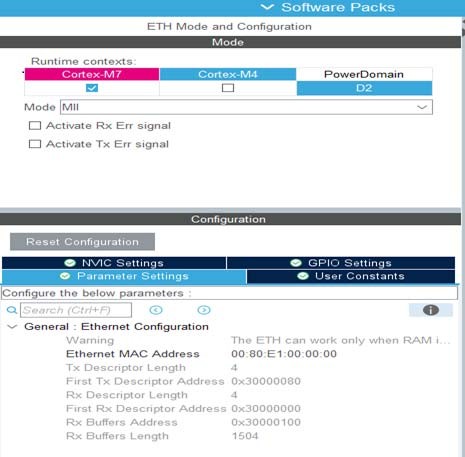
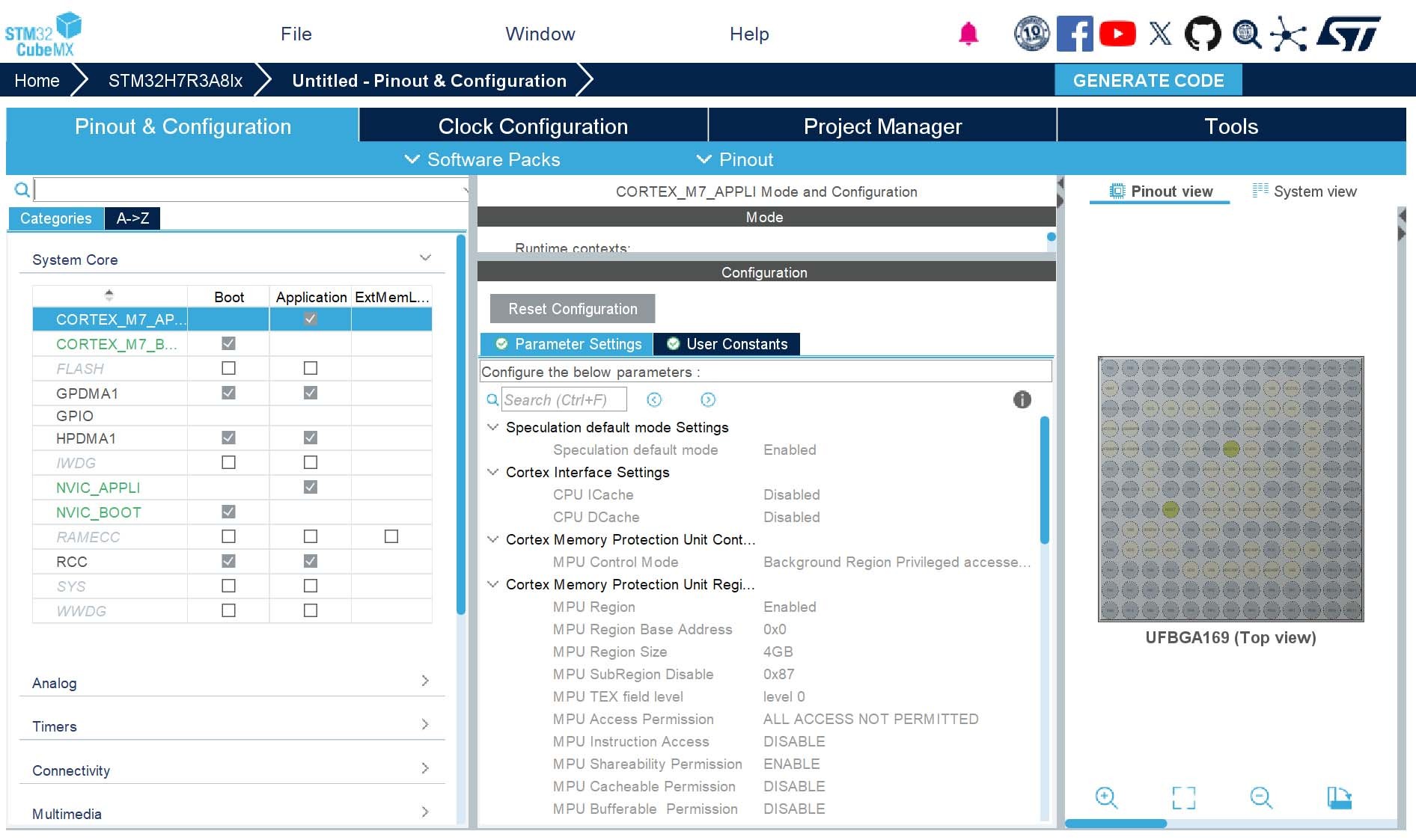
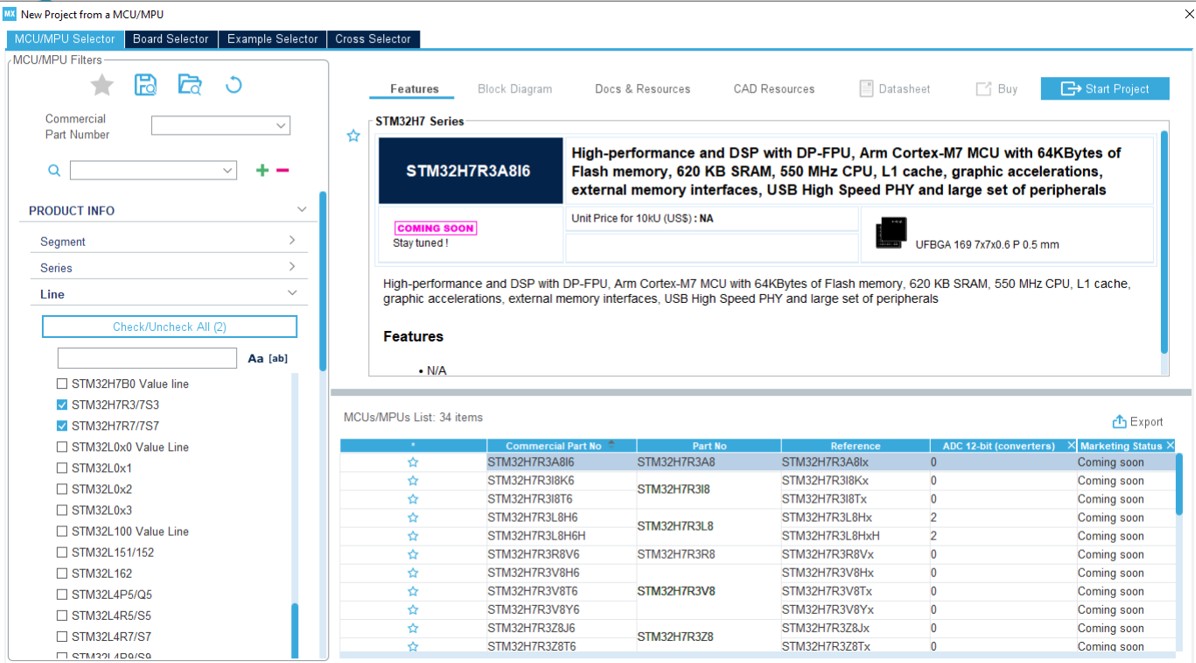
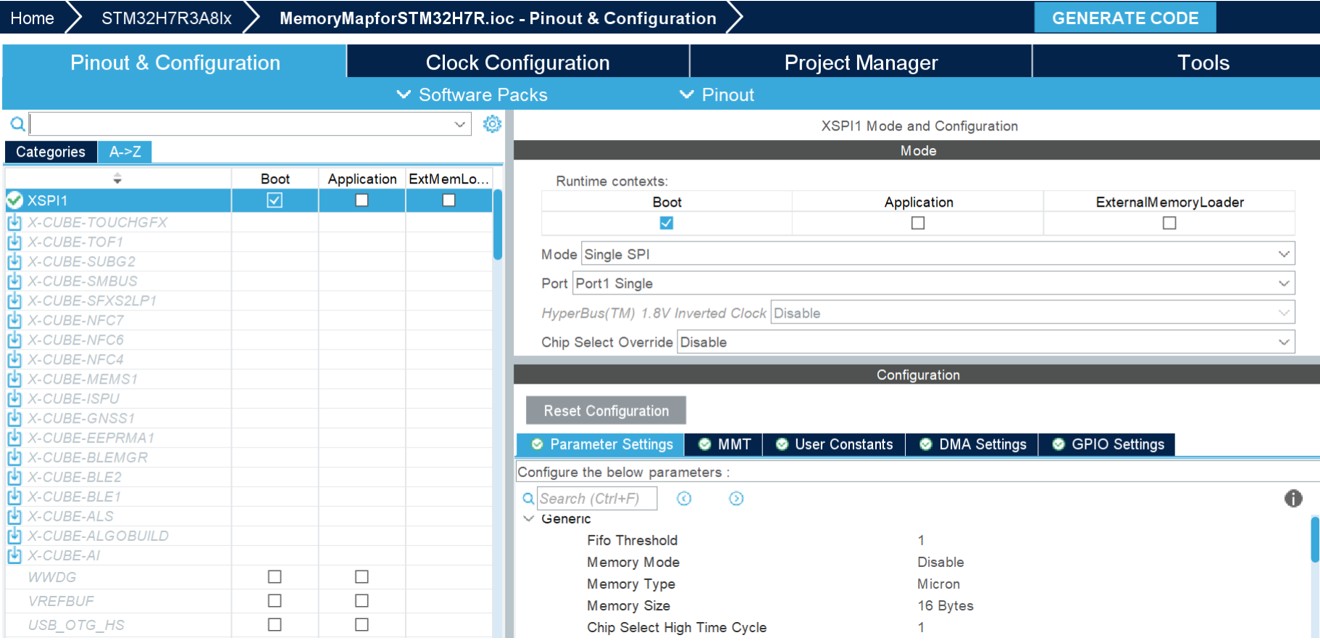
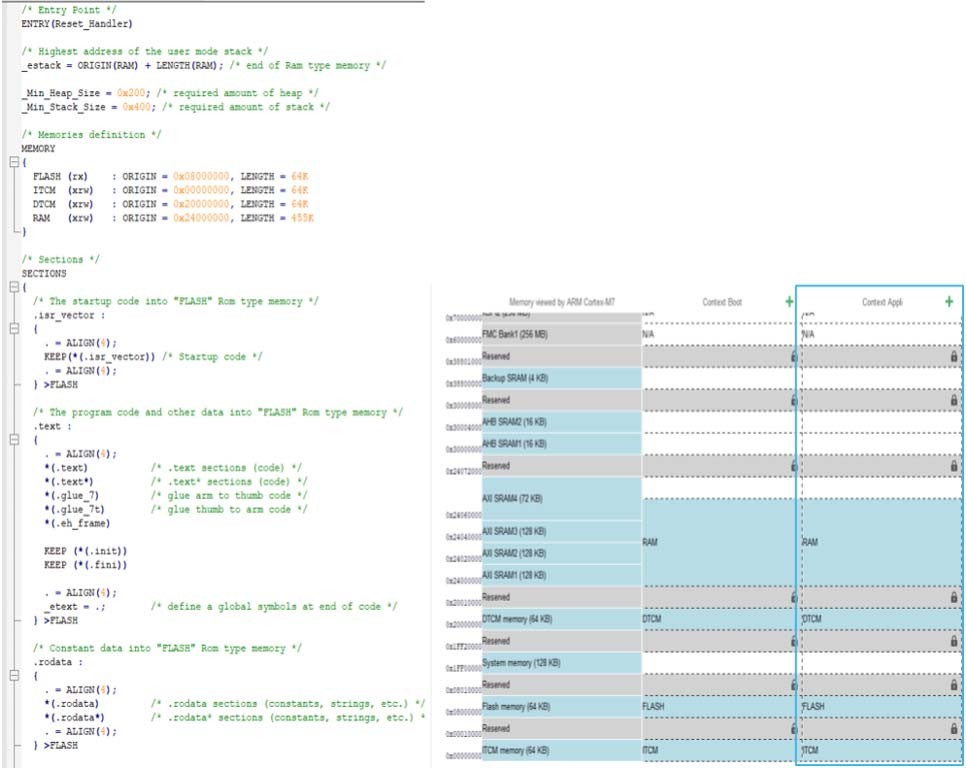
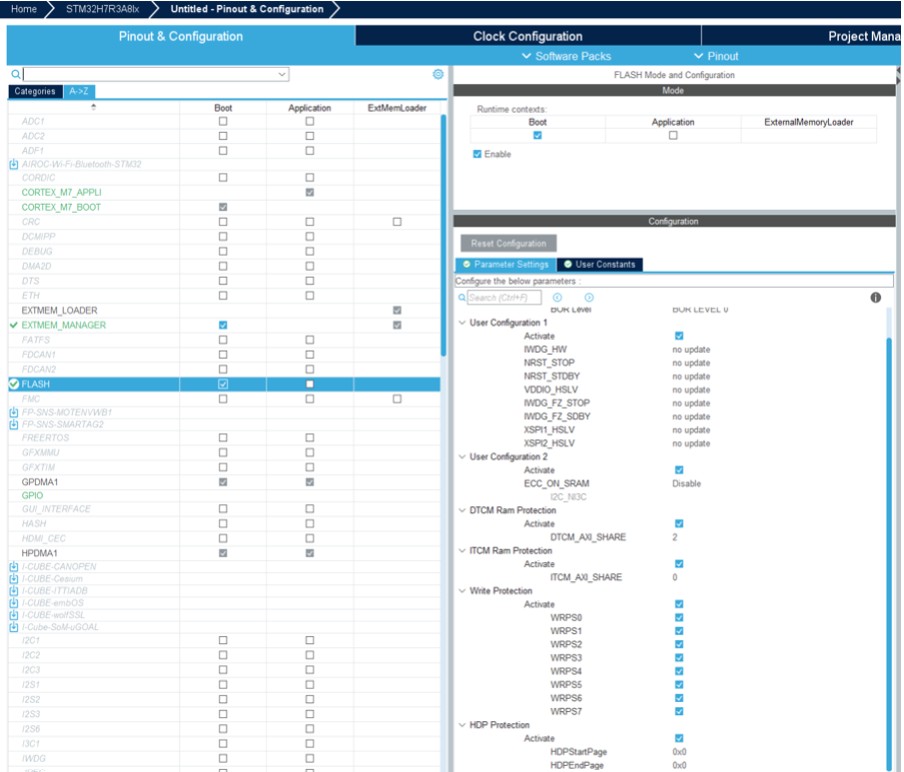
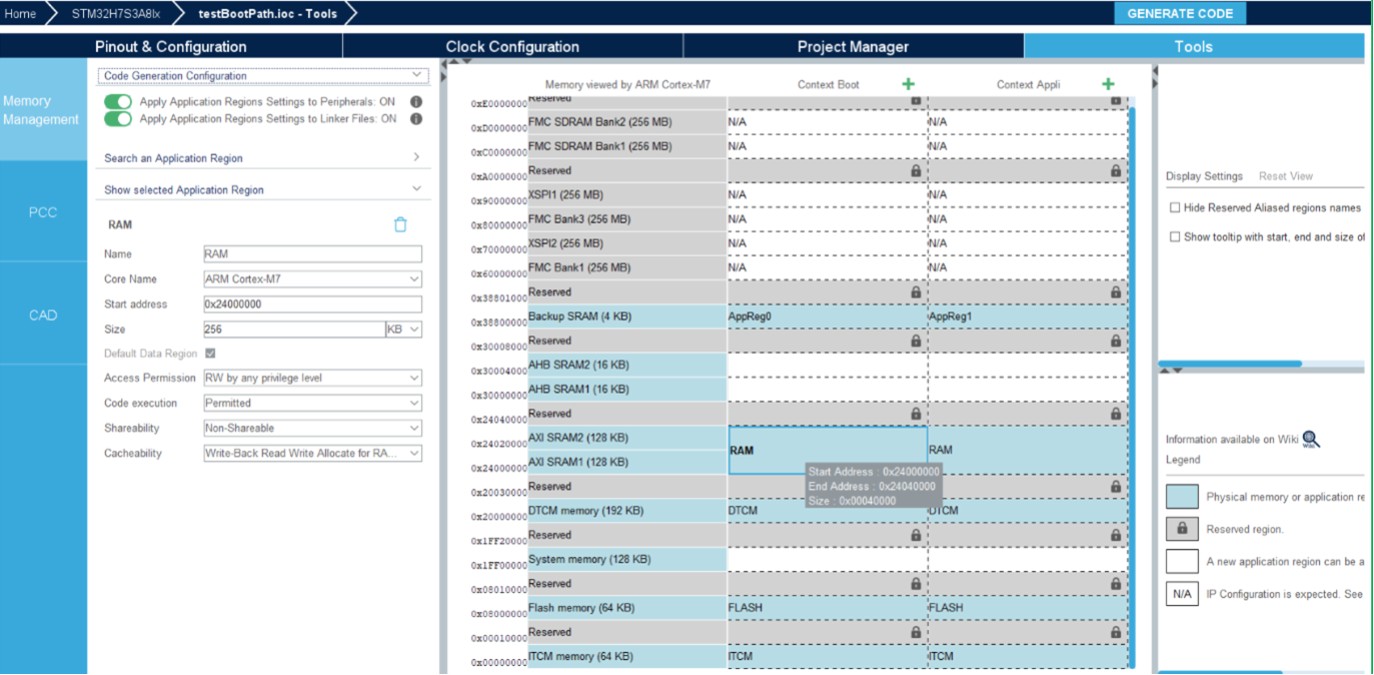
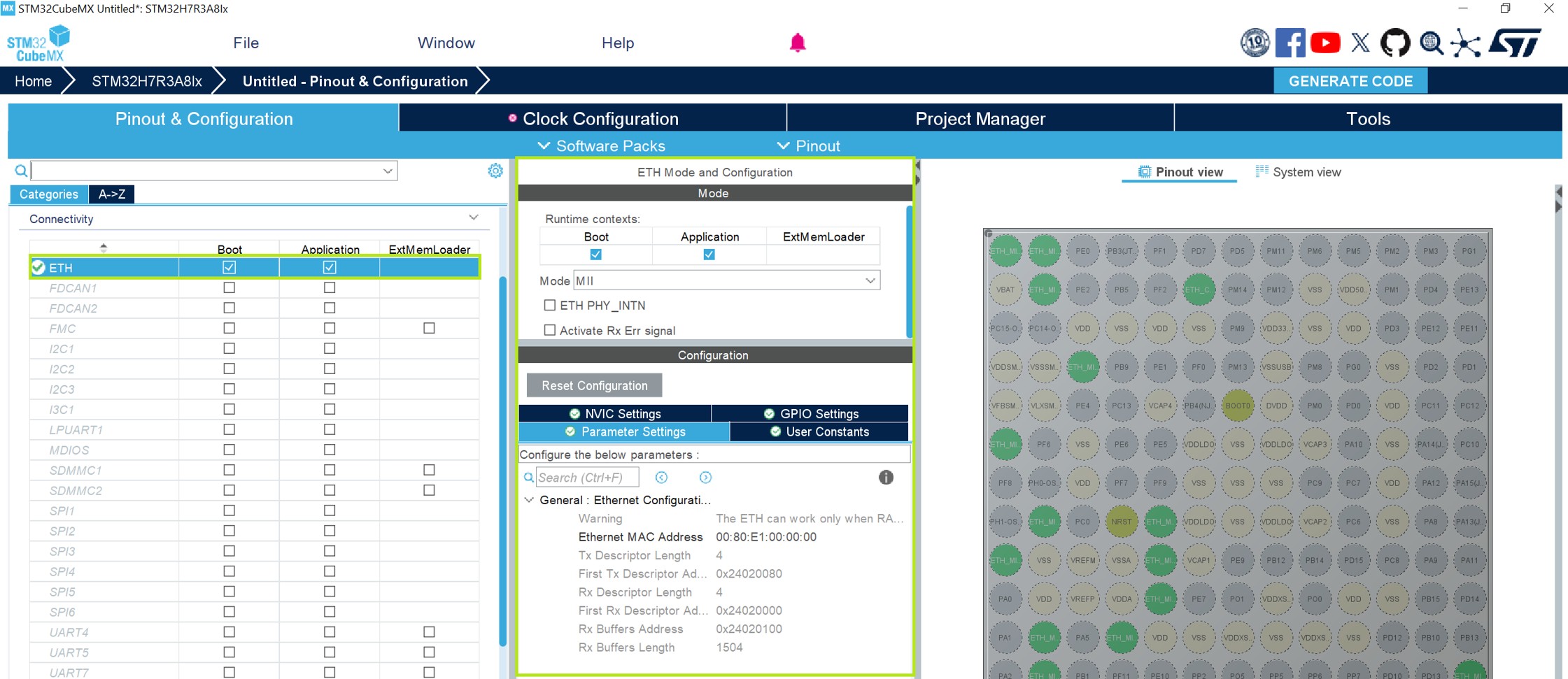
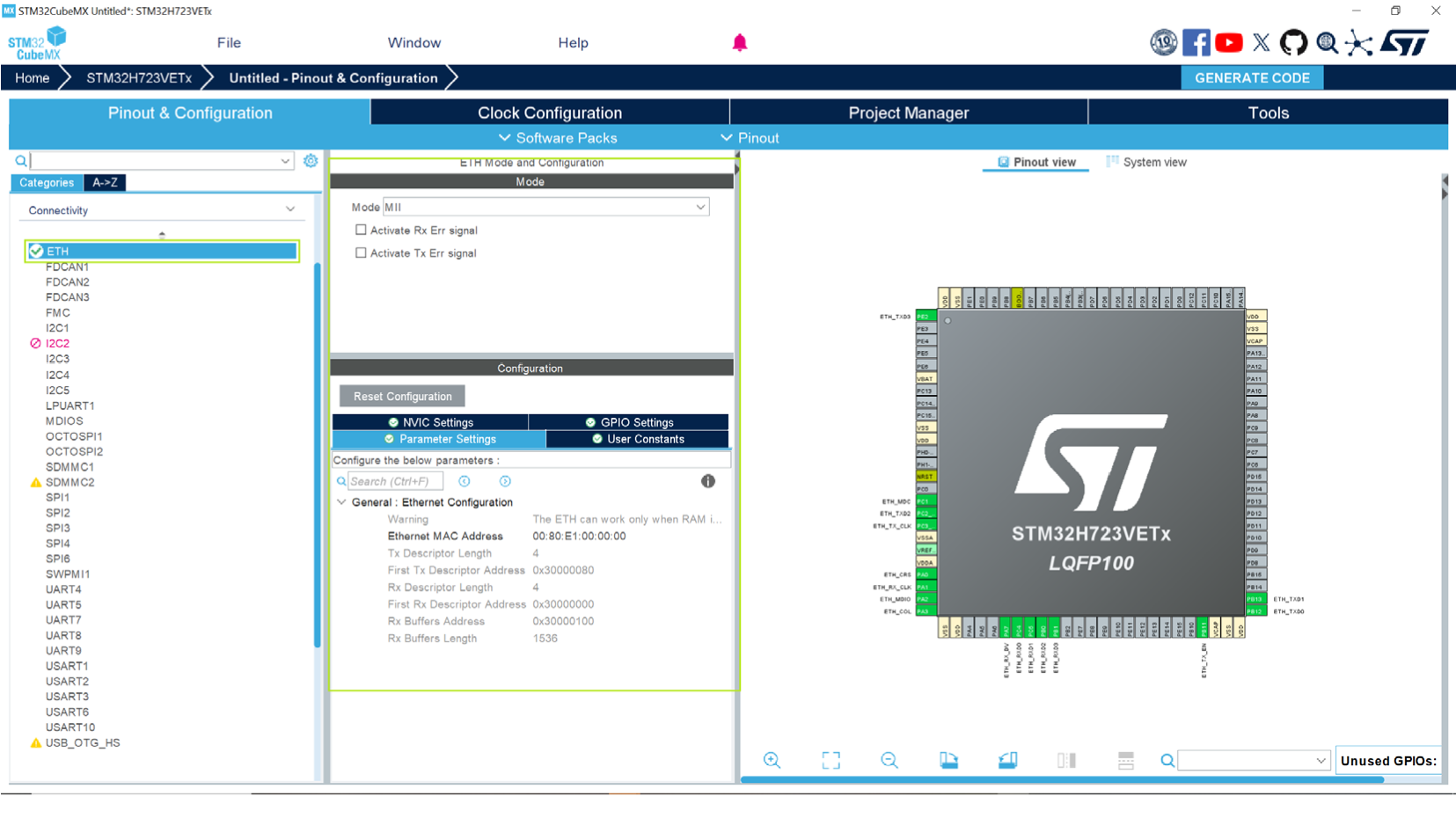
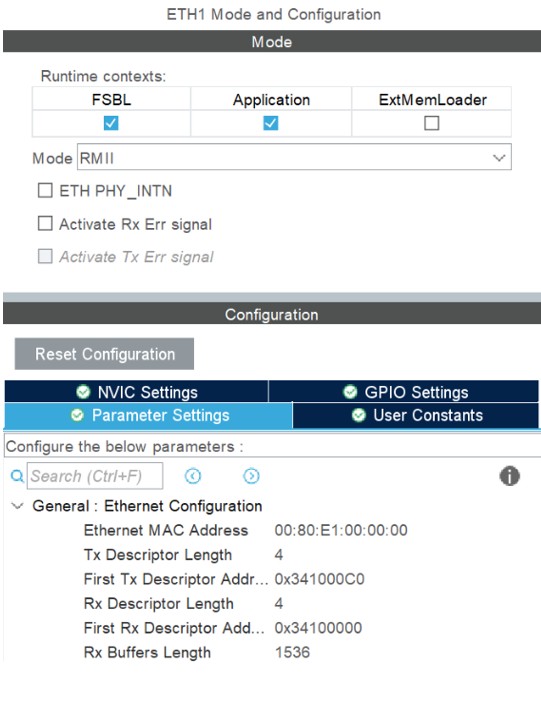
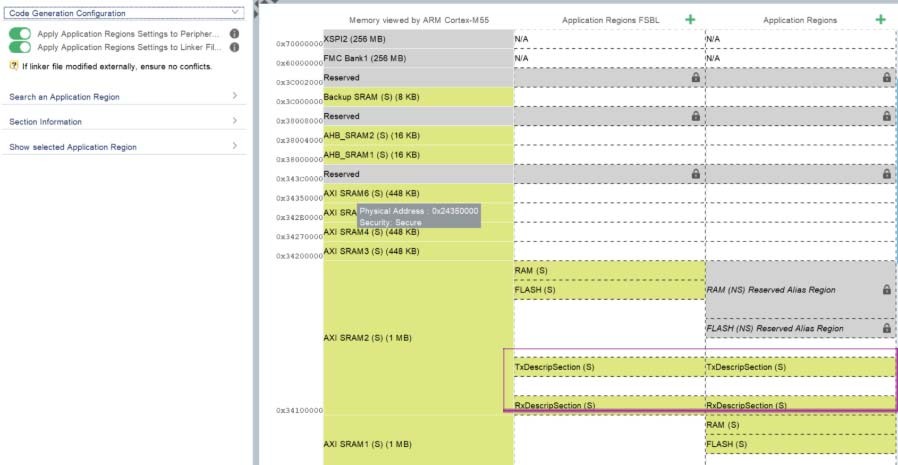
Updated Introduction, Section 3.1.1: Supported operating systems and architectures, Section 4.7.2: RIF global configurations, Configuration example, Masters configurations for STM32MP2, Step 8: Code compilation, Step 2: Code compilation, Section 5.2.1: User interface of the Compare Projects tool, Section 5.2.2: Comparing two projects, and Section 5.5.1: STM32H5, STM32U3, STM32U5, STM32WBA5, STM32WBA5M, and STM32WBA6 with TrustZone activated. Updated figures 20 to 31, Figure 33: STM32CubeMX home page, figures 39 to 42, Figure 45: Cross selector - Data refresh prerequisite, Figure 115: Lock and privilege in RISUP table, Figure 231: Boot paths for STM32H57x devices, Figure 235: Application boot path (OEMiRoT), Figure 247: Configuring the project, Figure 248: Saving the project, Figure 256: Boot path and debug authentication panel, Figure 260: Generate the code, Figure 271: Select the project structure, figures 284 to 286, Figure 289: Boot path and debug authentication tab, Figure 302: Home page without the login form, Figure 303: Install or remove a software package, Figure 305: Authentication from myST tab, figures 307 to 309, Figure 313: About window, figures 316 to 317, 319 to 325, 454 to 455, 462 to 466, 471 to 473, 475 to 476, Figure 501: ETH configuration for STM32H7R3A8Ix, and Figure 591: MCU selection. Added Figure 109: RIF configuration extension in IPs panel for the STM32MP2 series, Figure 110: RIF configuration extension in IPs panel for the STM32N6 series, Figure 231: Boot paths for STM32H57x devices, Figure 235: Application boot path (OEM-iRoT), Figure 372: Comparison result in Excel format - Peripherals and middleware, and Figure 373: Comparison result in Excel format - Project settings. Updated Table 3: Window menu and Table 22: Boot paths with TrustZone (TZEN = 1). Removed former Figure 31: Library deletion progress window and Figure 275: Boot path project. Removed former Section 4.18.5: How to configure an ST-iRoT with a secure manager NS application boot path. Added ETH impact on MMT for STM32H7 single core and ETH impact on MMT when using H7RS/H7SX. Minor text edits across the whole document. |
|
Date |
Revision |
STM32CubeMX release number |
Changes |
|---|---|---|---|
|
20-Jun-2025 |
48 |
6.15.0 |
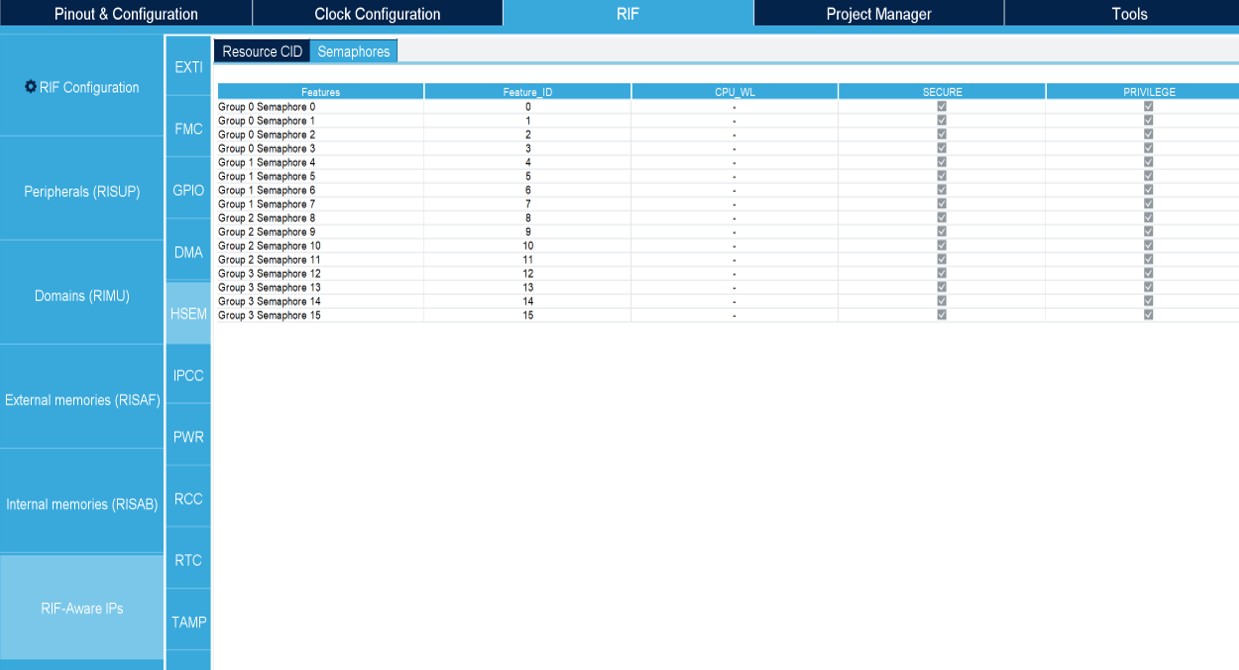
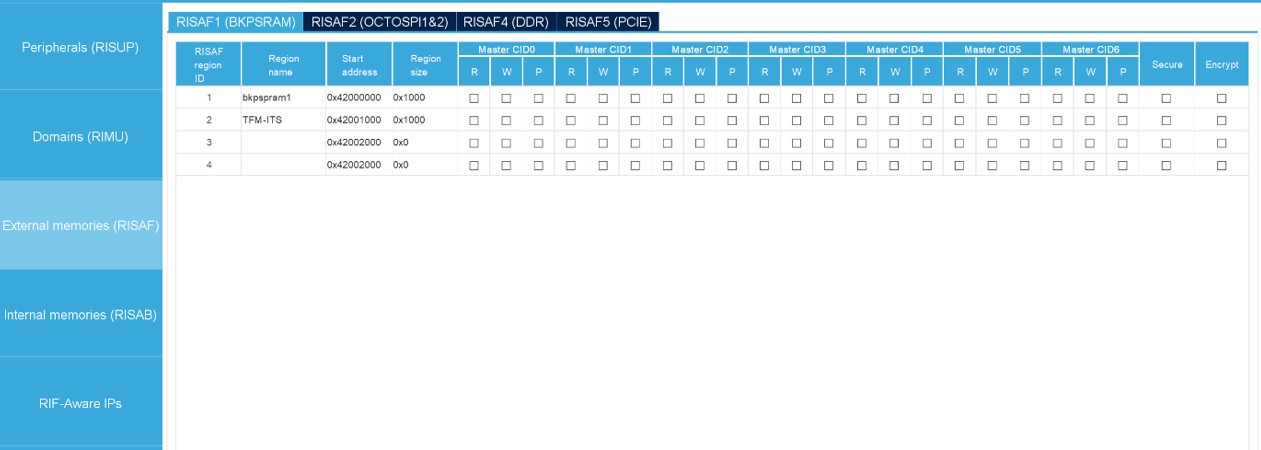
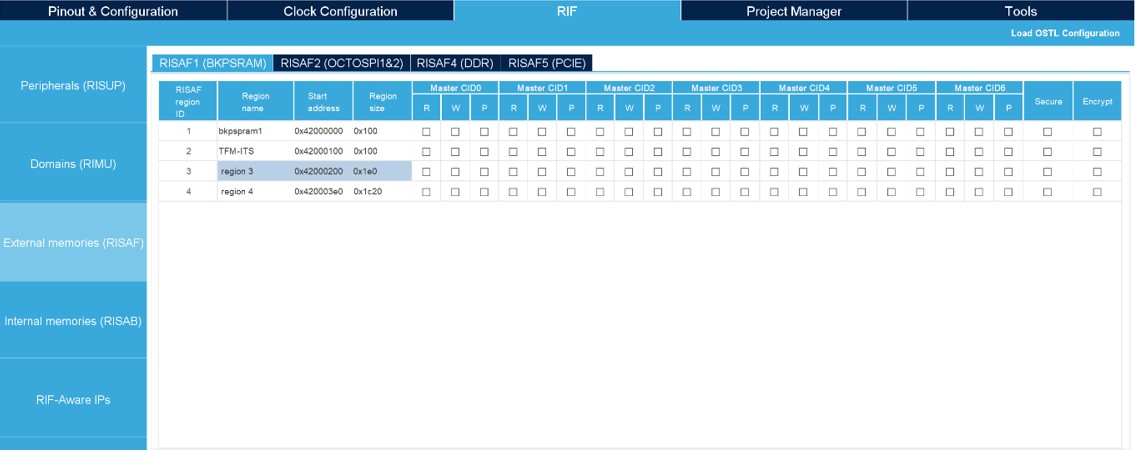
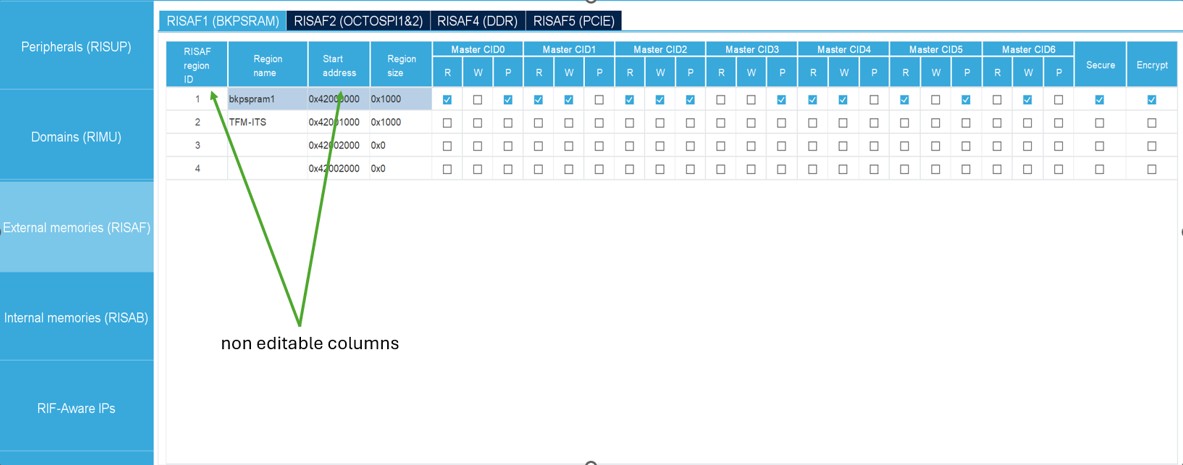
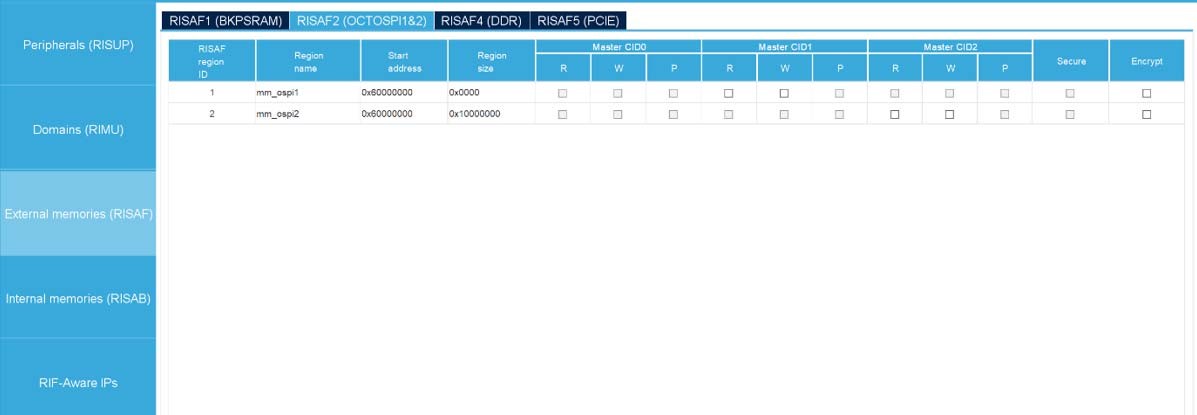
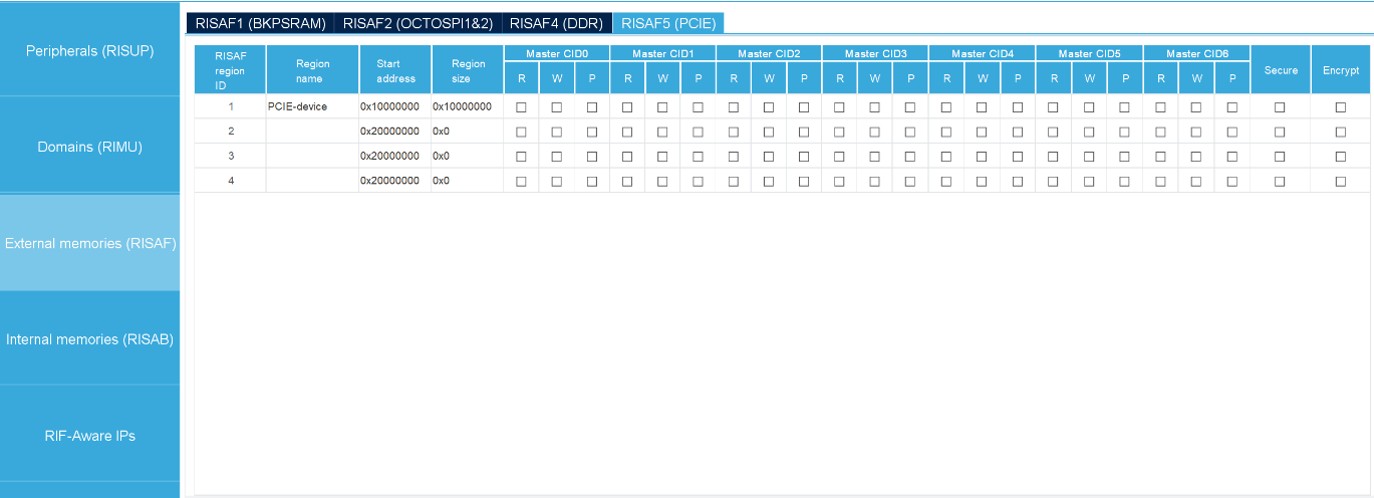
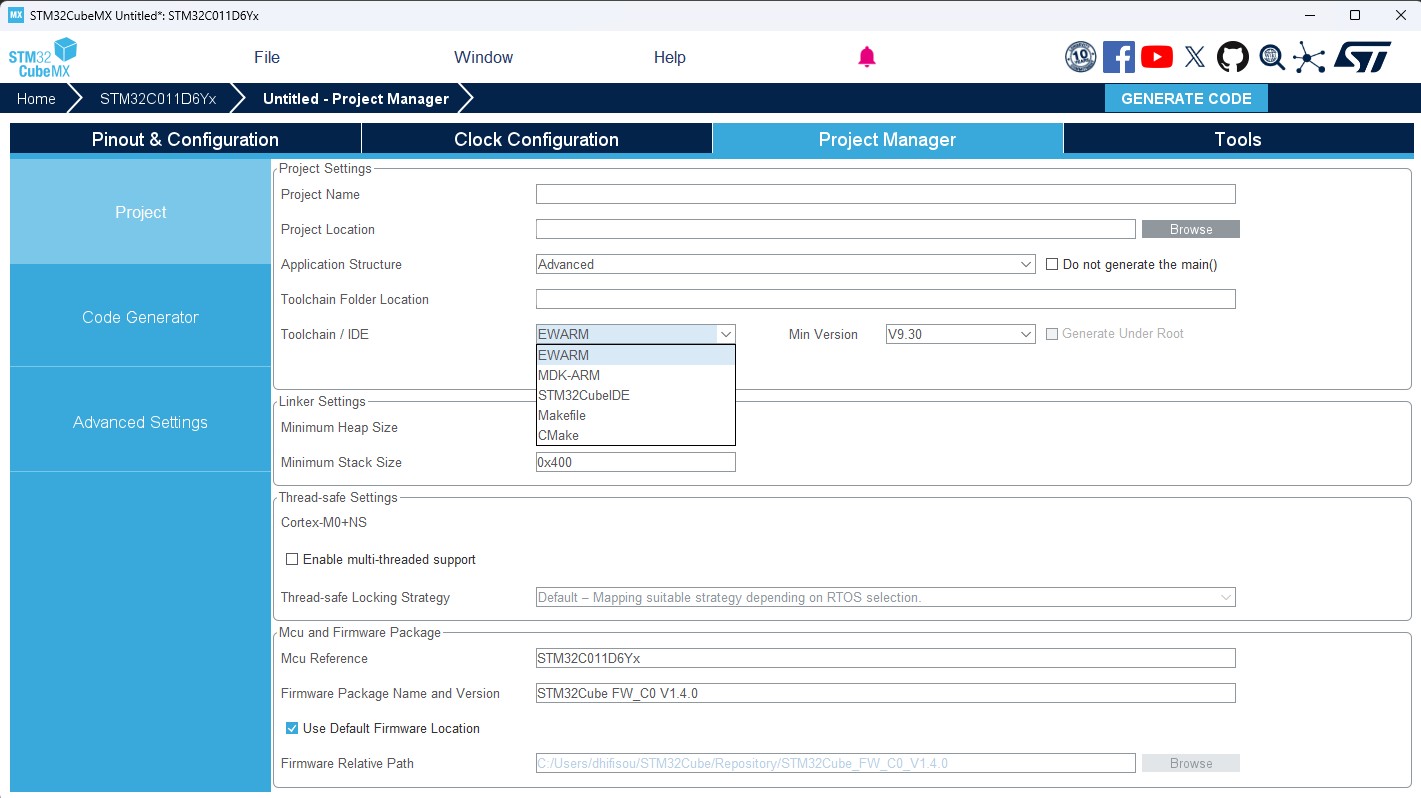
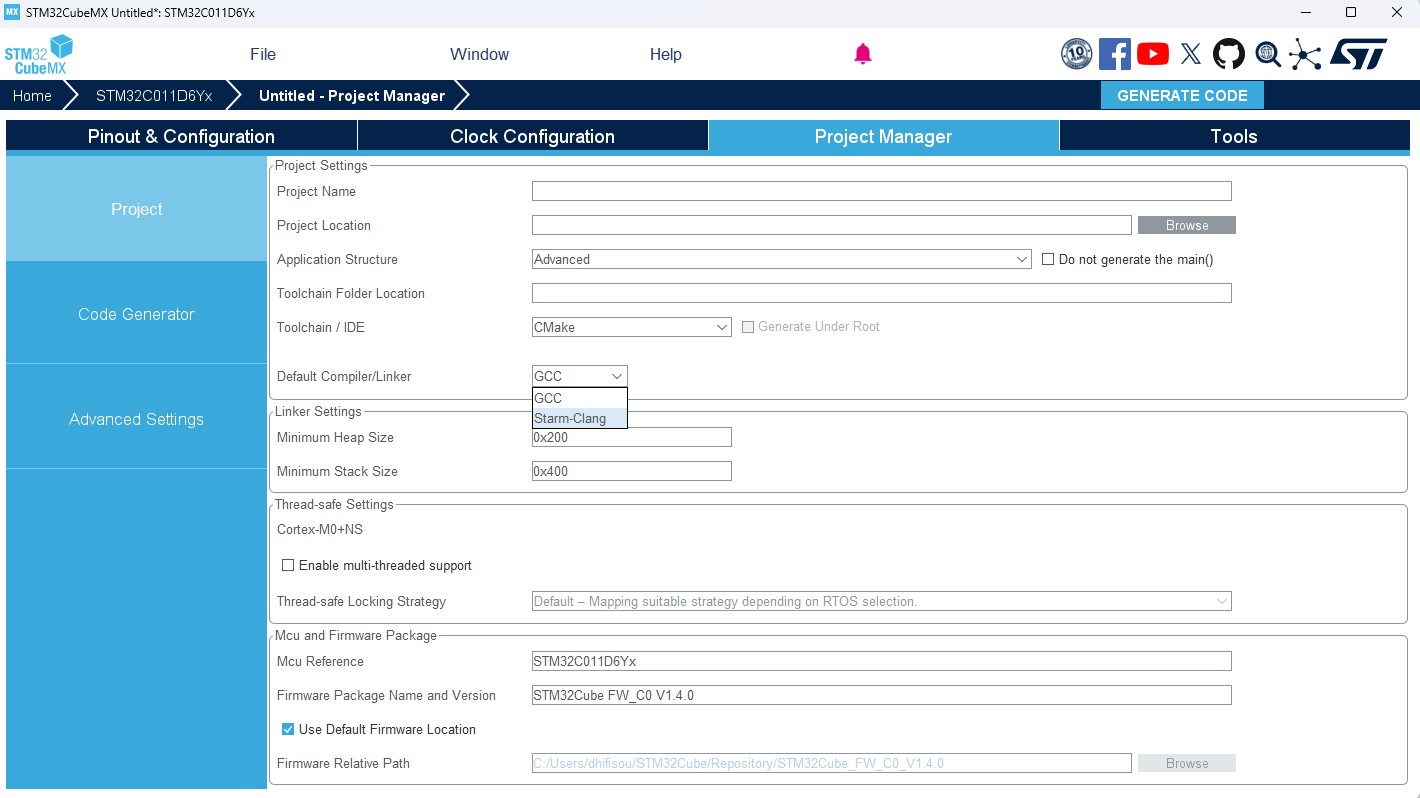
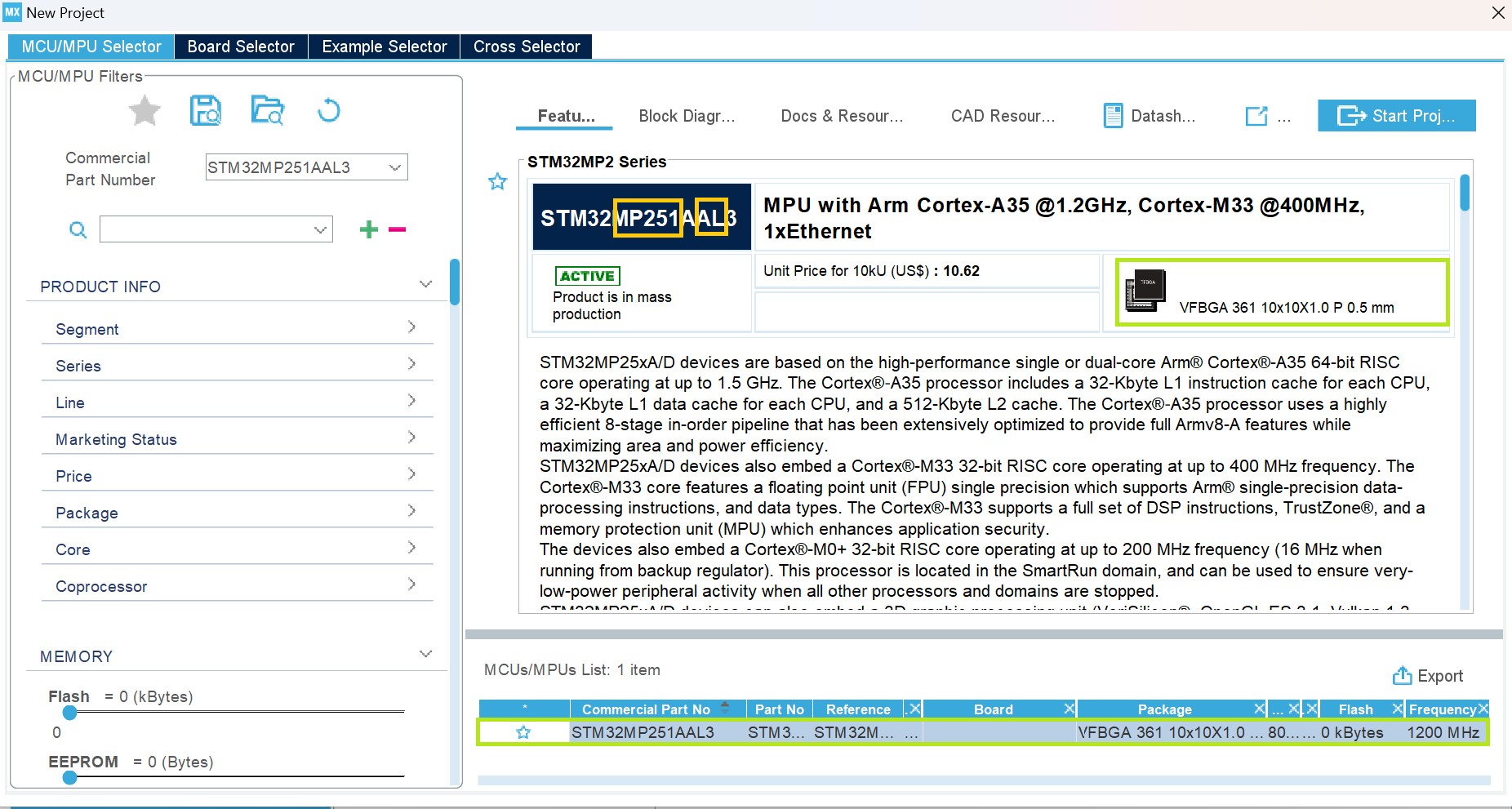
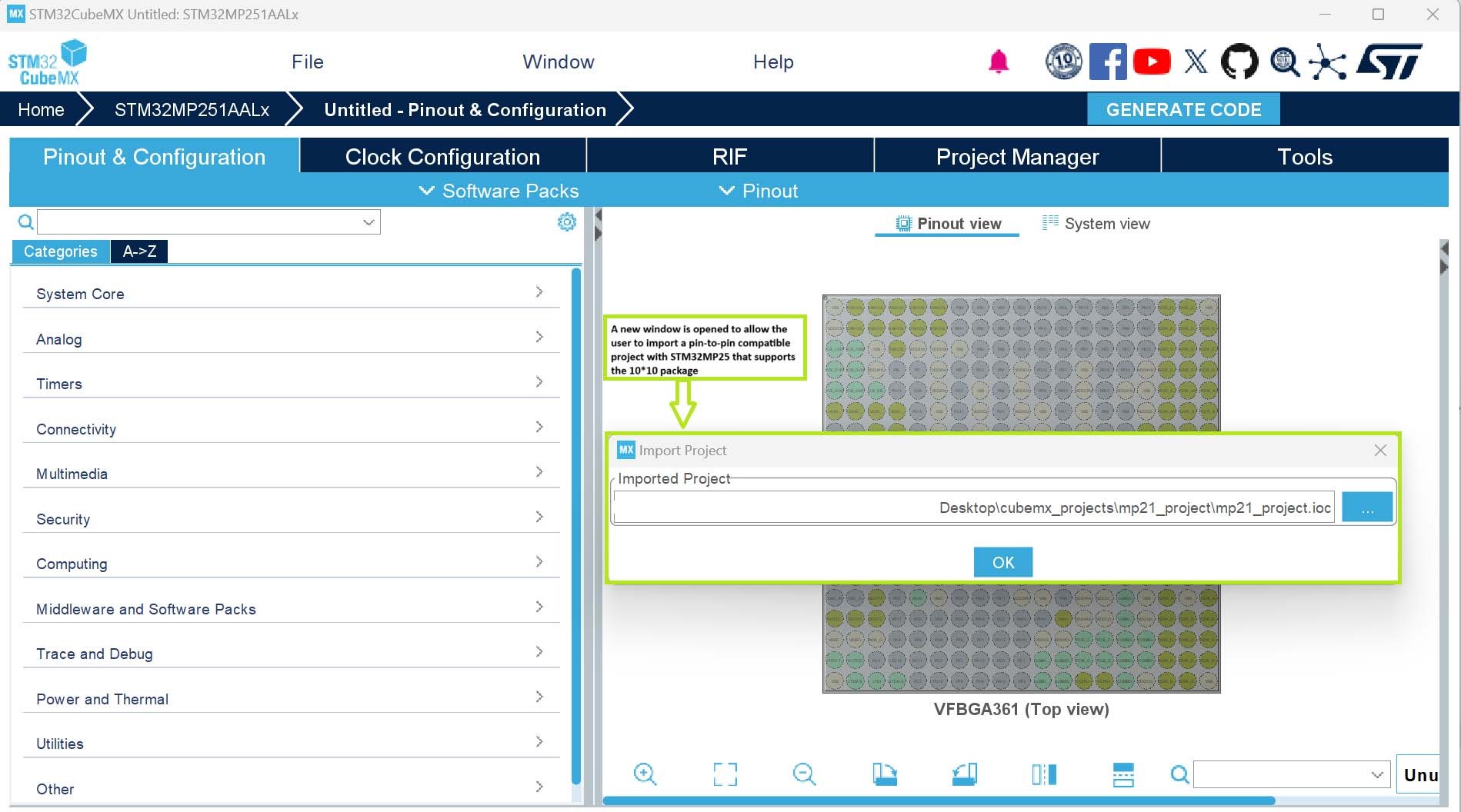
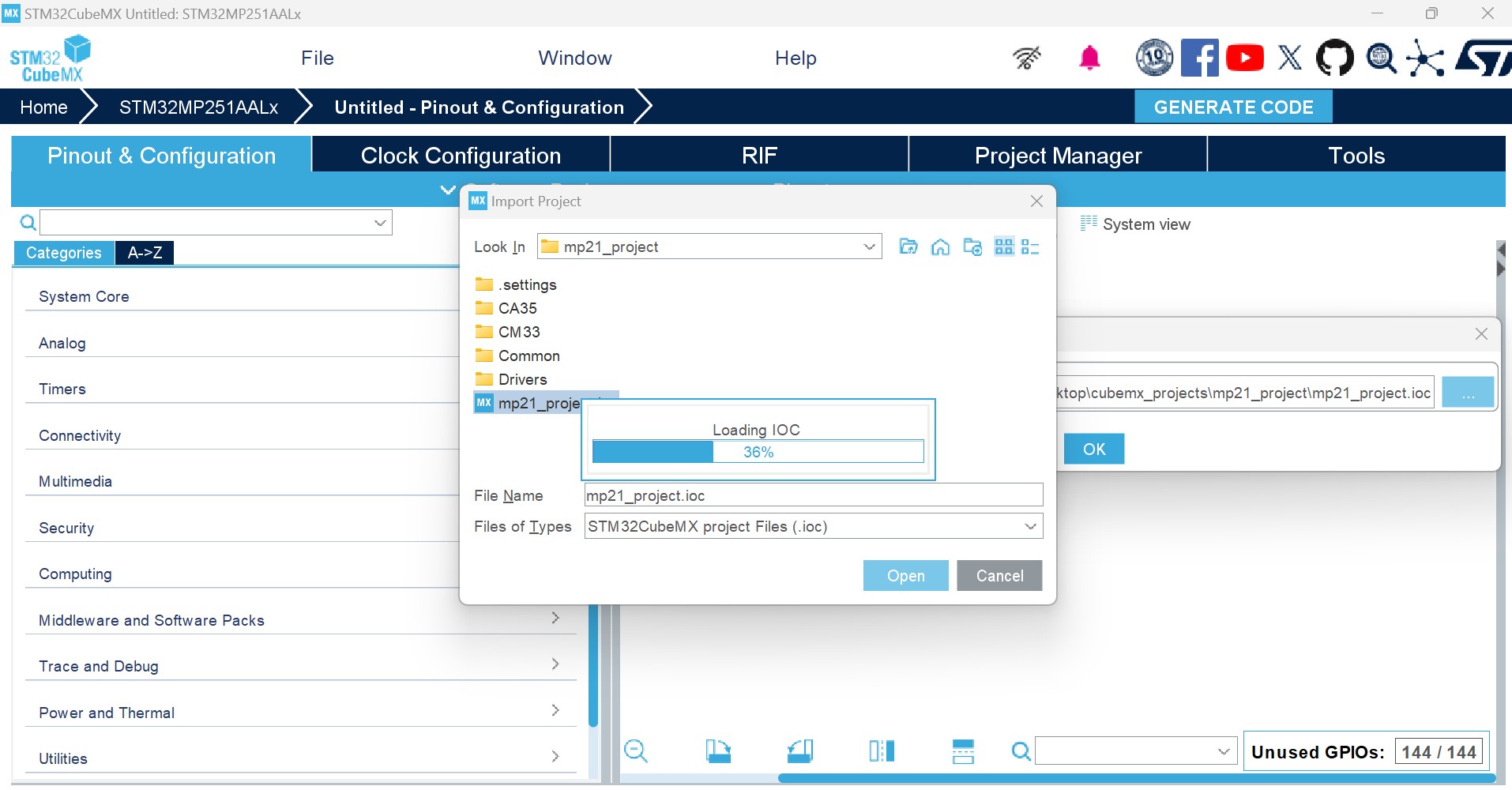
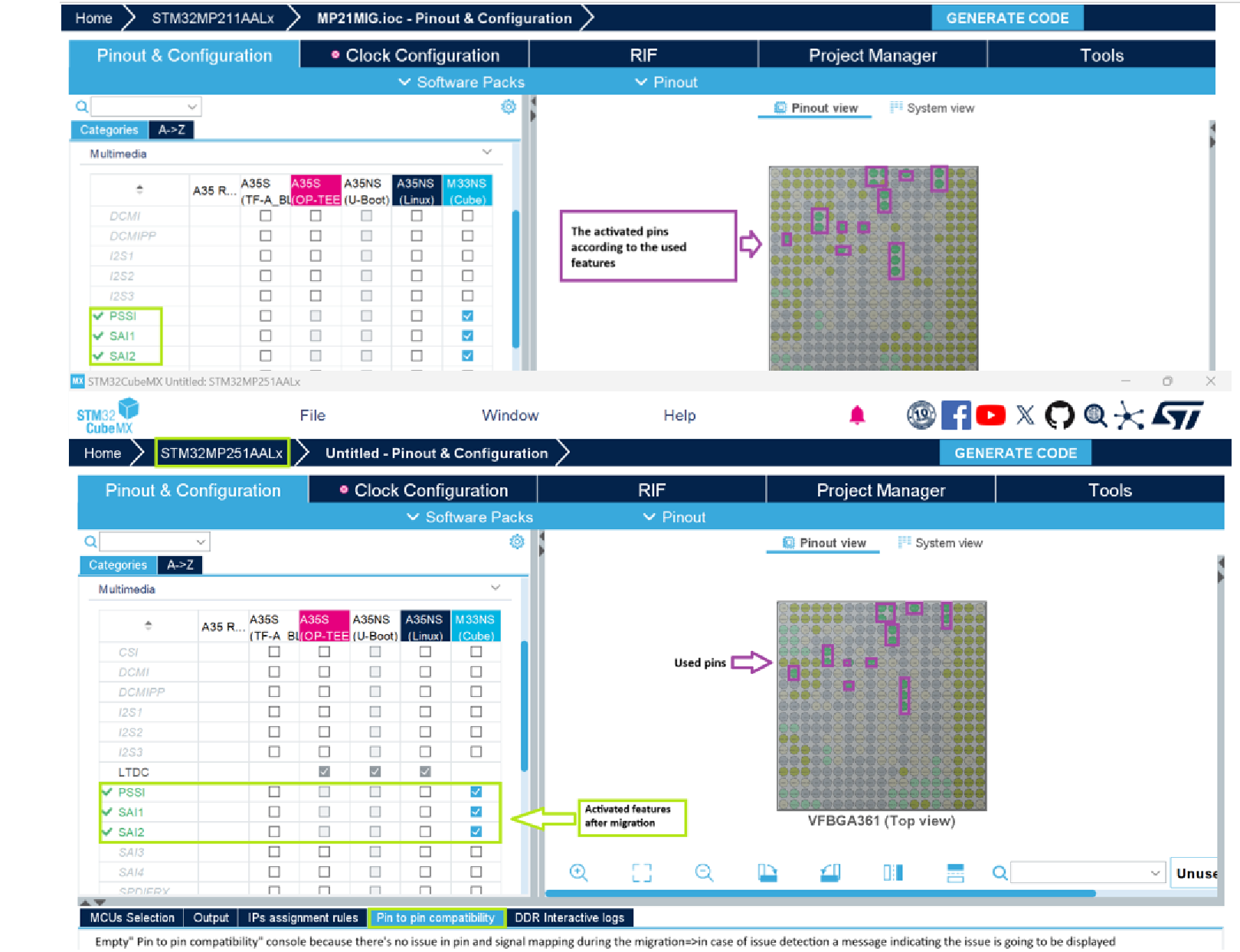
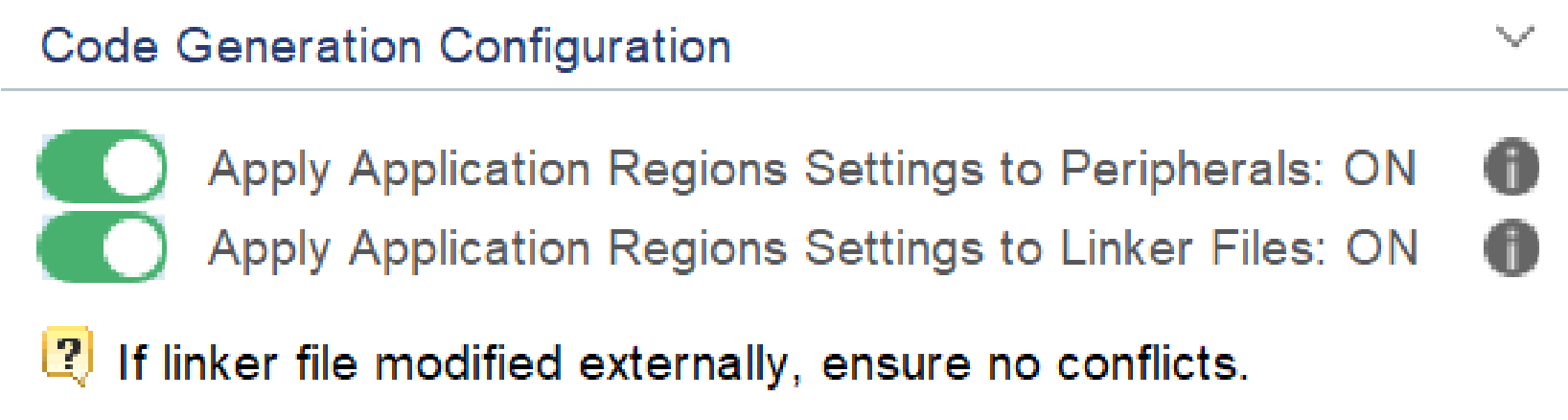
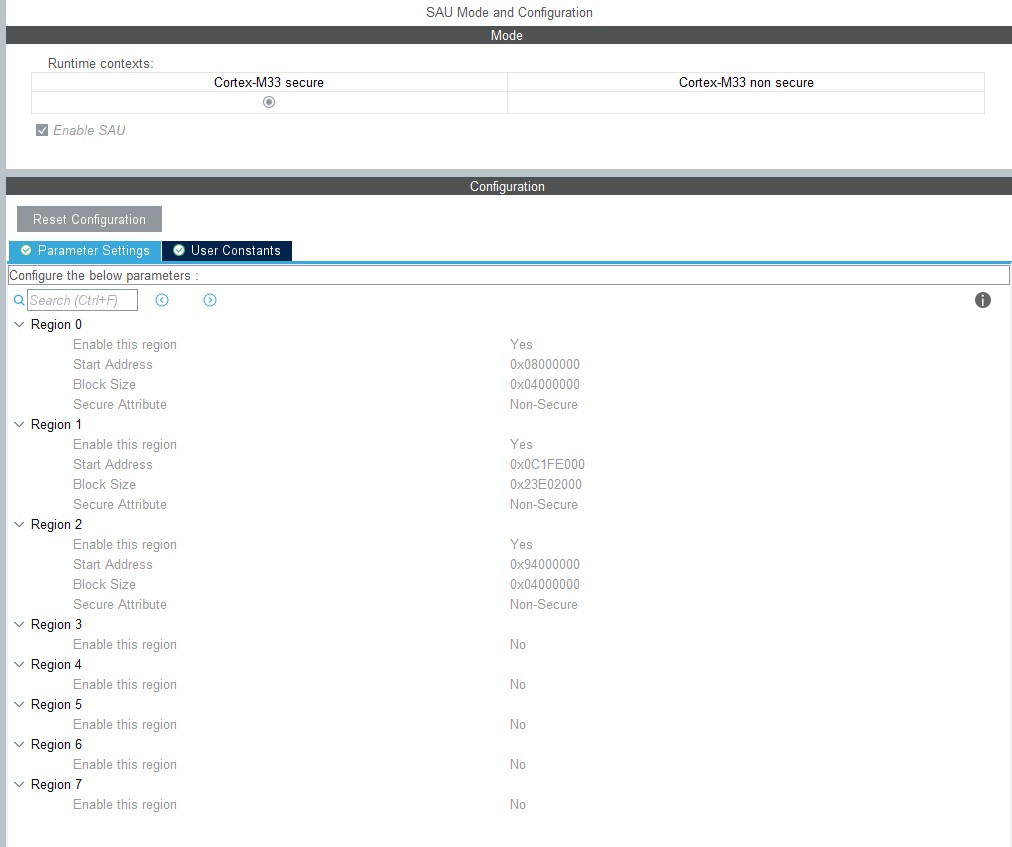
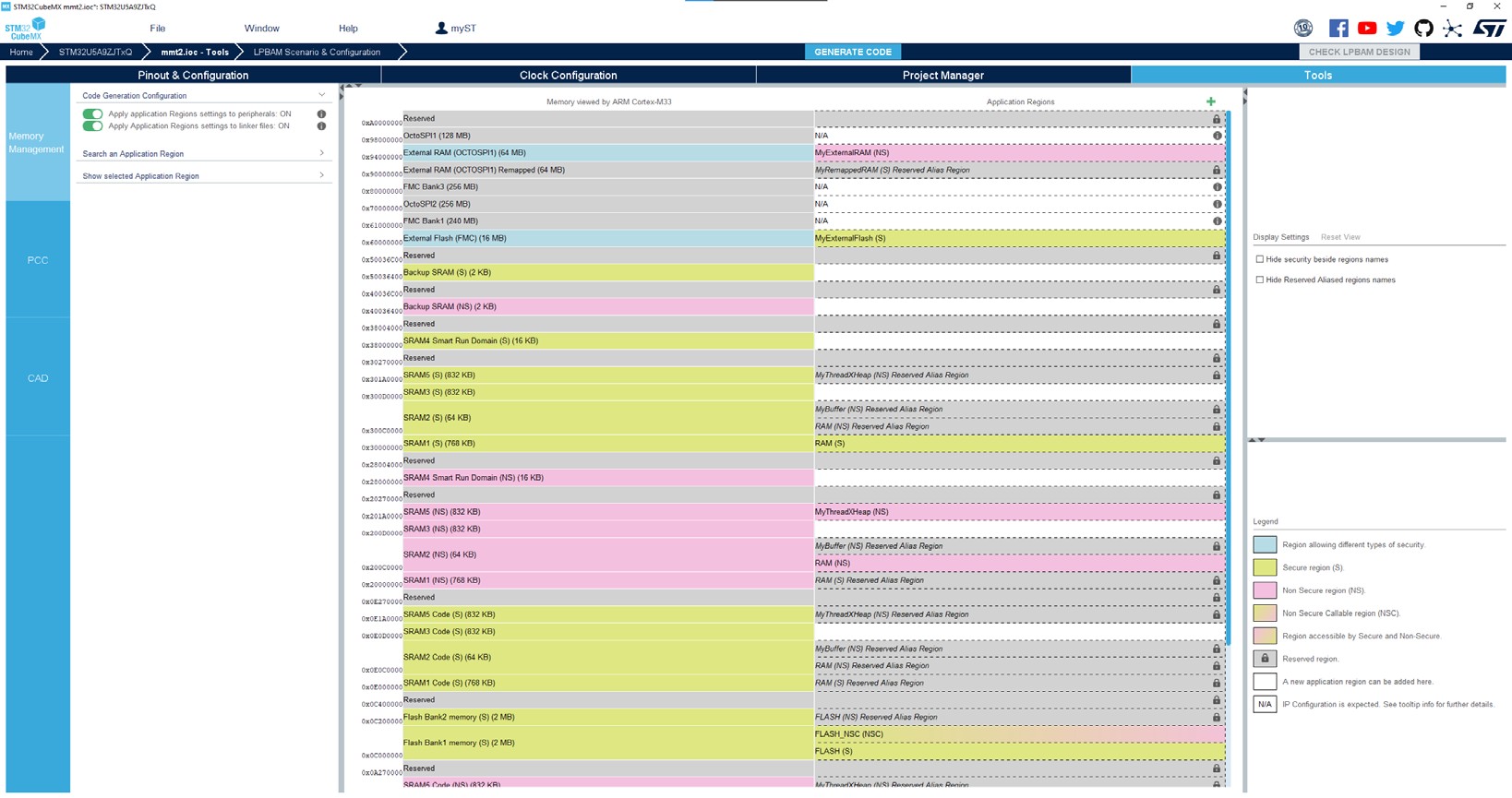
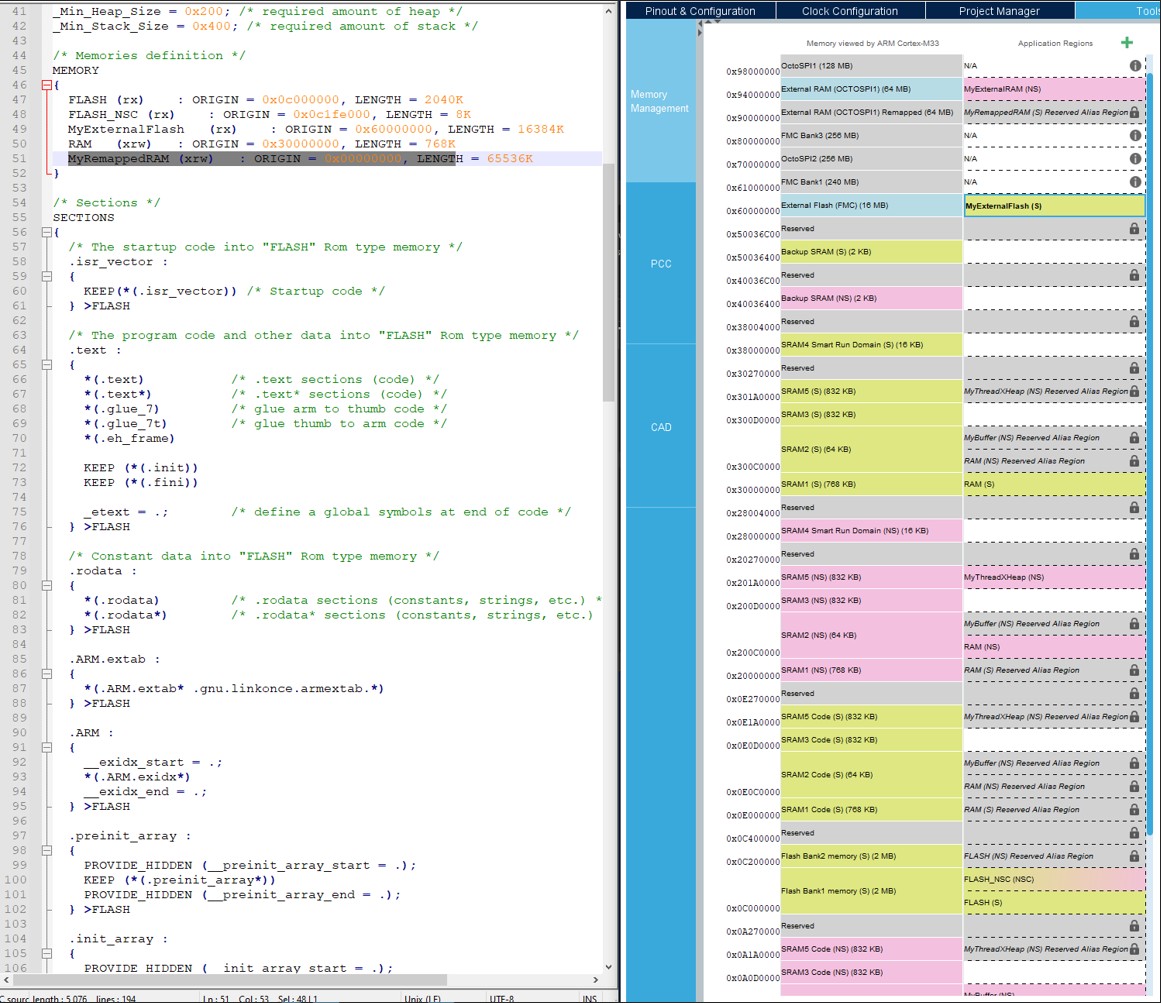
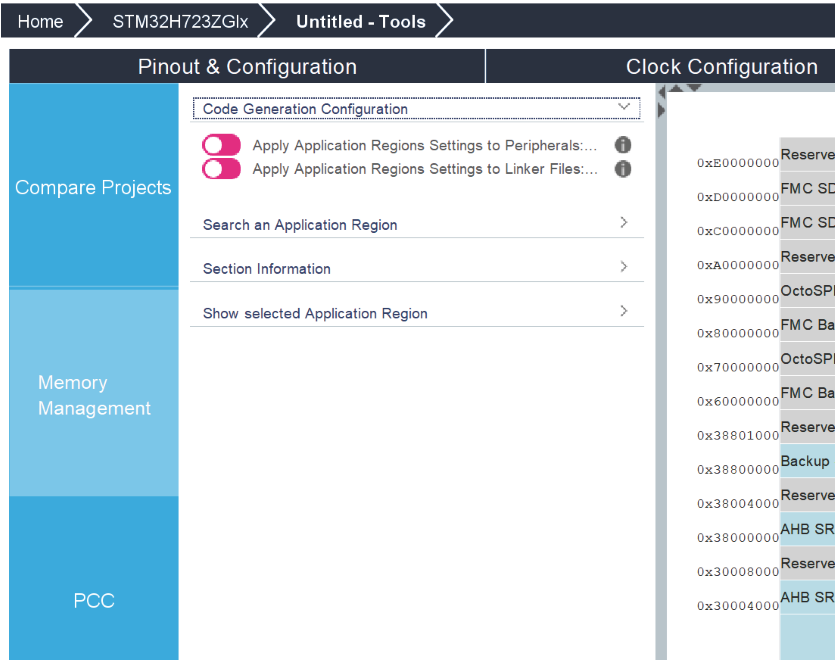
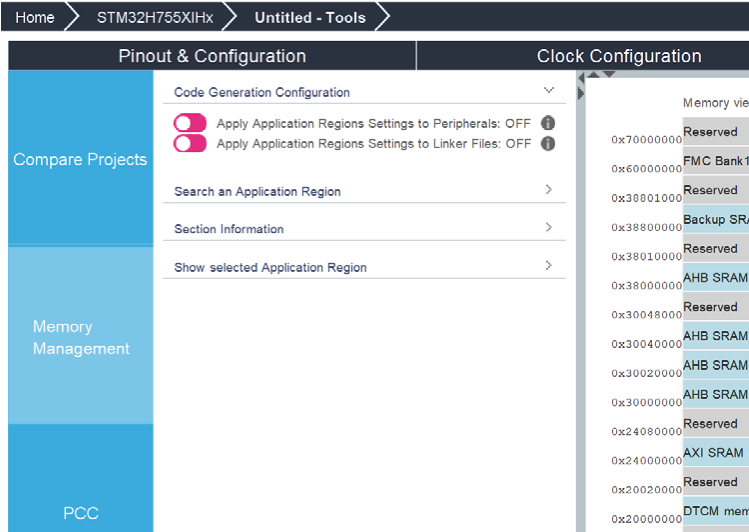
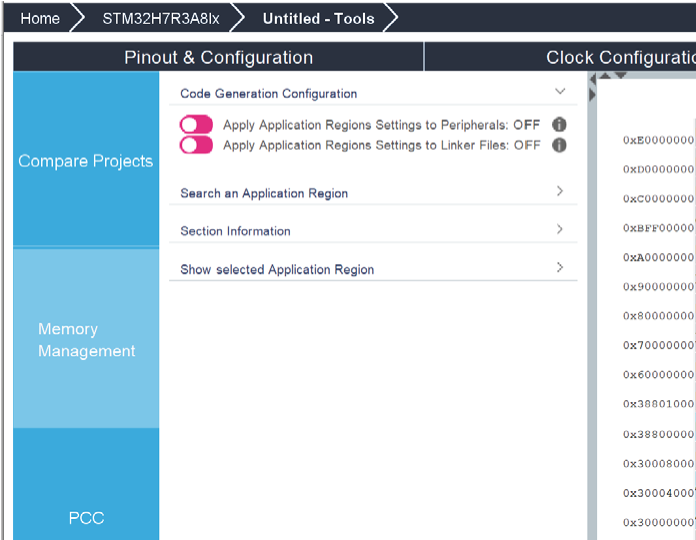
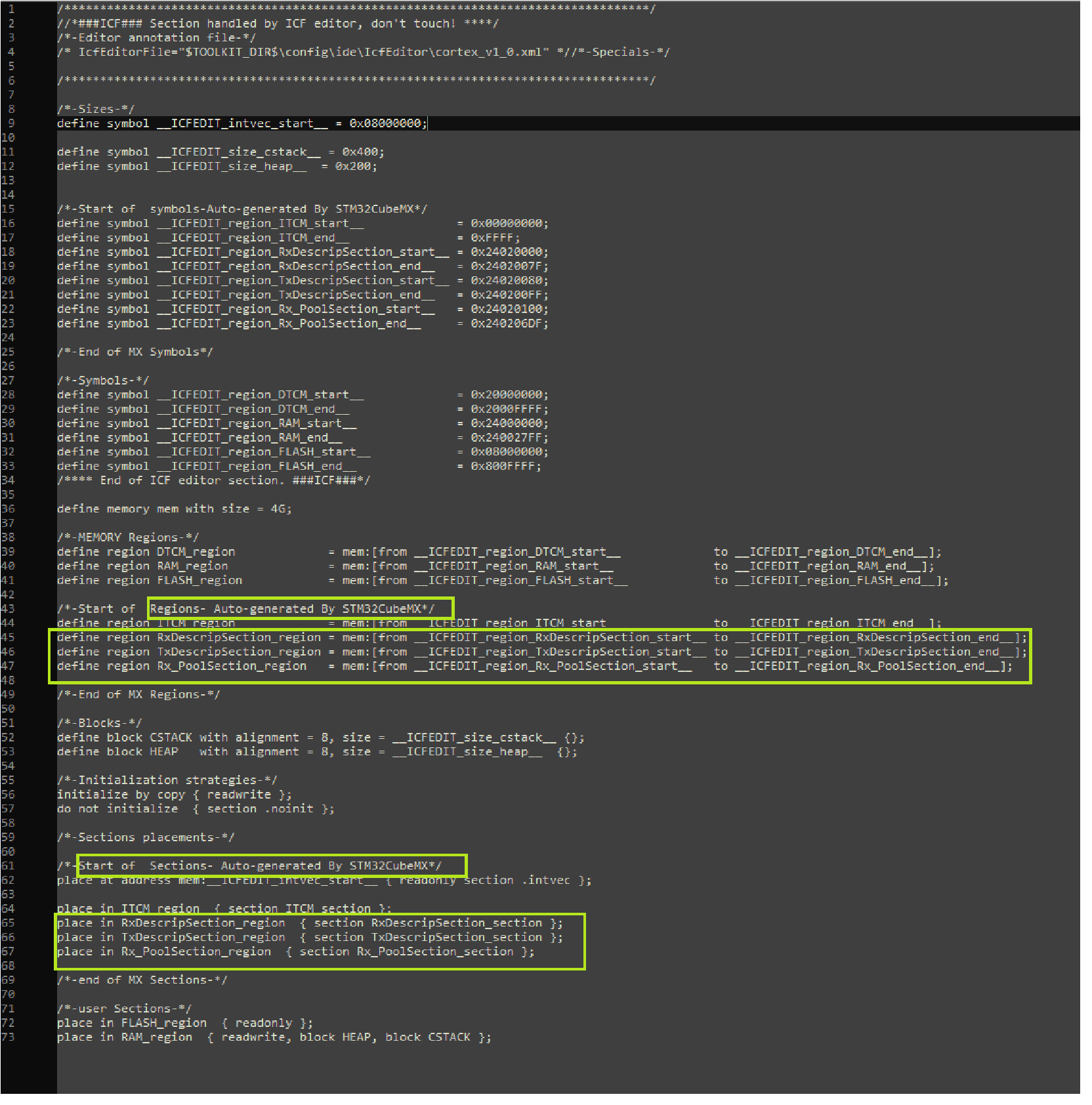
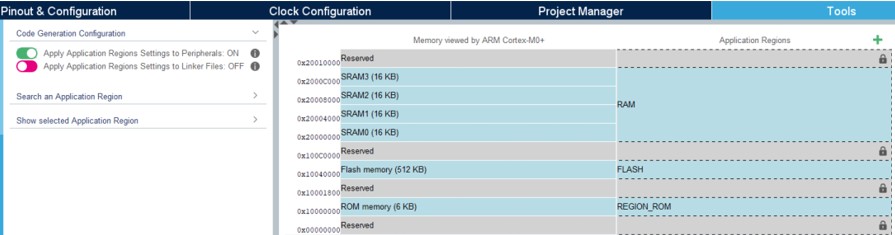
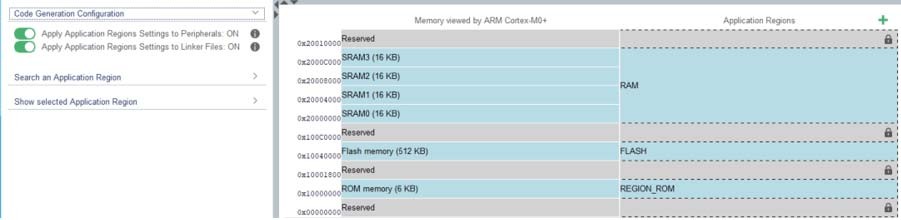
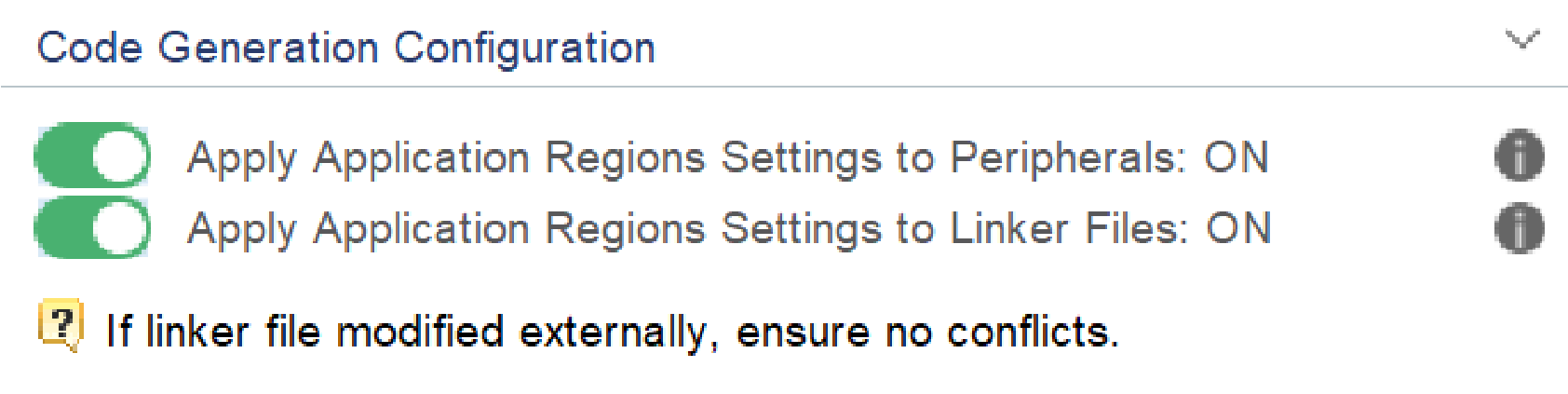
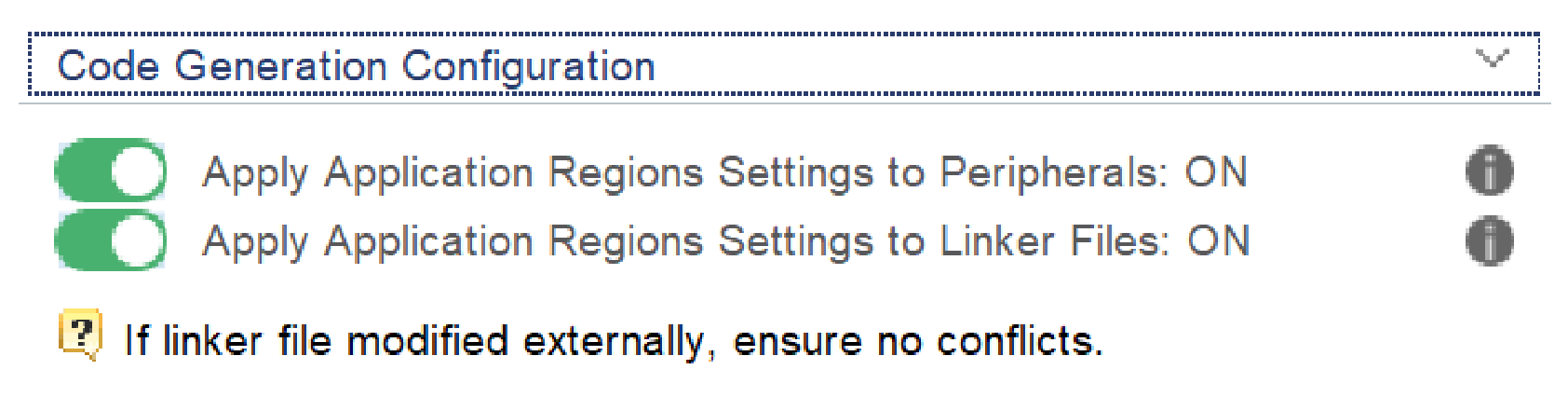
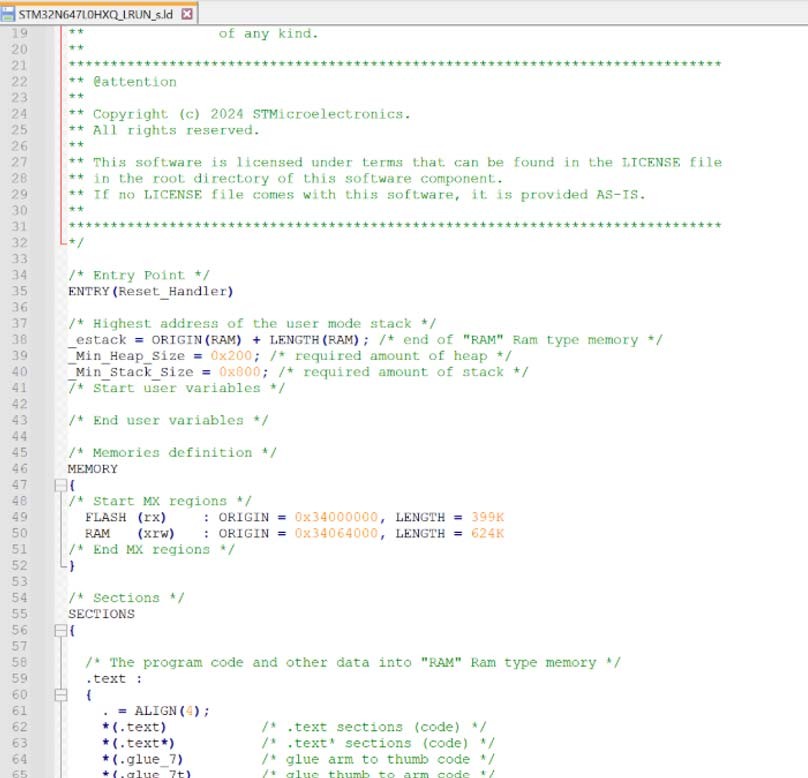
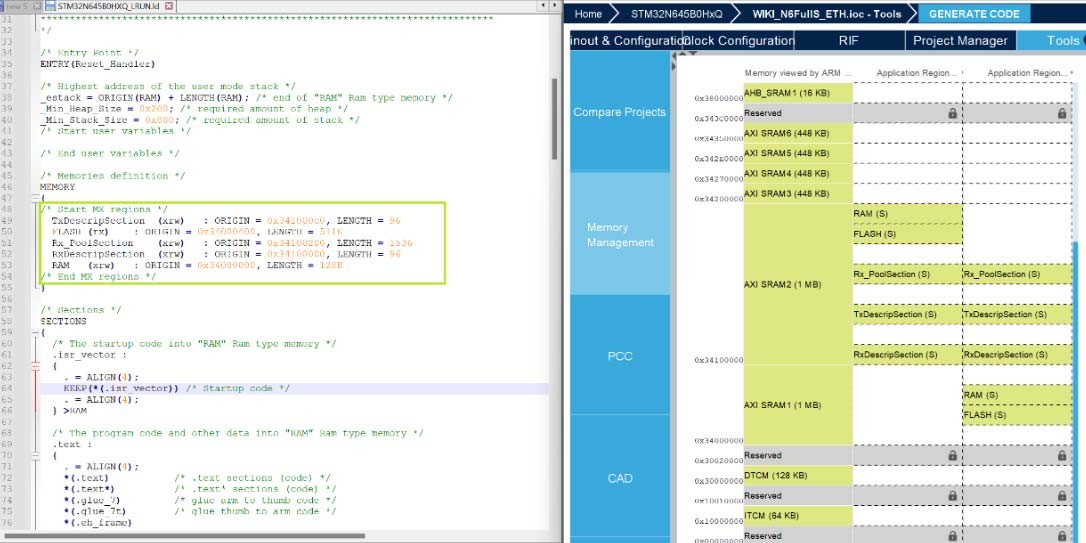
Updated Section 3.3.2: Running STM32CubeMX in command-line mode, RISAF 5: PCIE memory configuration, Section 4.11: Project Manager view, Section 5.5.1: STM32H5, STM32U3, STM32U5, STM32WBA5, STM32WBA5M, and STM32WBA6 with TrustZone activated, and Section 11.7.2: Downloading firmware package and generating the C code. Added Section 4.12.1: Import Project feature for STM32MCU projects and Section 4.12.2: Import Project feature for STM32MPU projects. Updated Table 1: Command line summary and Table 4: Help menu shortcuts. Added note to HSEM. Added figures 163 to 165, Figure 188: Compiler option for CMake toolchain, and 627 to 632. Updated Figure 187: Project Settings window, figures 224 to 227, Figure 414: Regions settings to linker files ON, figures 591 to 593, figures 595 to 597, Figure 620: Warning message for missing firmware package, and figures 622 to 626. Minor text edits across the whole document. |
|
07-Nov-2025 |
49 |
6.16.0 |
Updated Video tutorials, Section 3.1.1: Supported operating systems and architectures, Section 3.2.1: Installing STM32CubeMX standalone version, and Section 6.2: STM32Cube code generation using Low Layer drivers. Added Section 5.5.8: MMT for STM32N6 products. Added note to Section 15: Tutorial 5: Exporting current project configuration to a compatible MCU. Updated Figure 196: Project Settings code generator, Figure 198: Generated project template, Figure 225: CAD Resources view, figures 227 to 229, and 671 to 672. Removed former Section 4.19: User authentication and Appendix C: STM32 microcontrollers naming conventions. Minor text edits across the whole document. |
632/636
|
Date |
Revision |
STM32CubeMX release number |
Changes |
|---|---|---|---|
|
18-Feb-2026 |
50 |
6.17.0 |
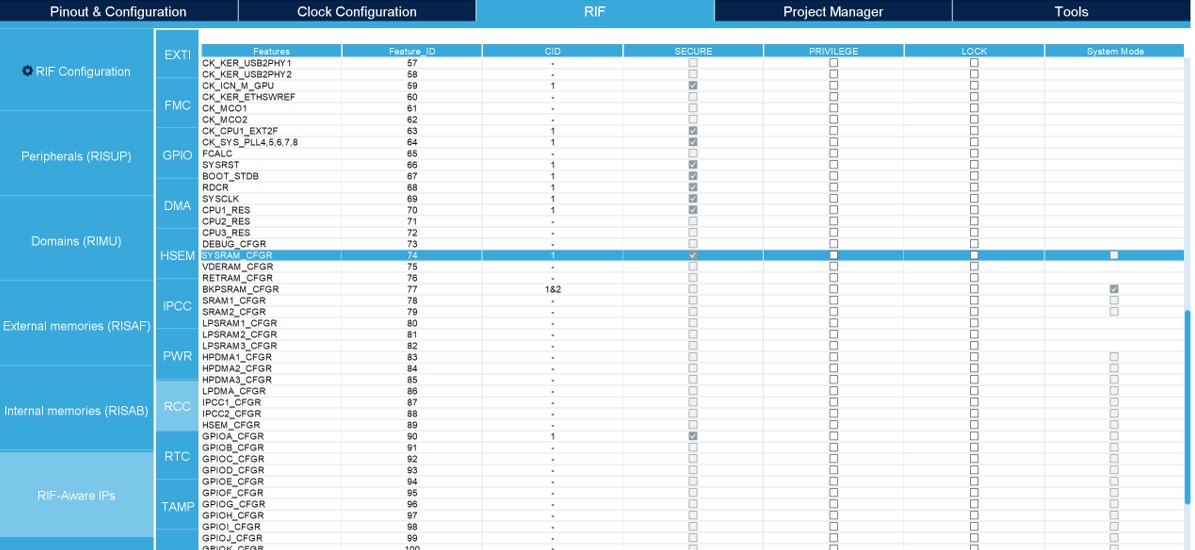
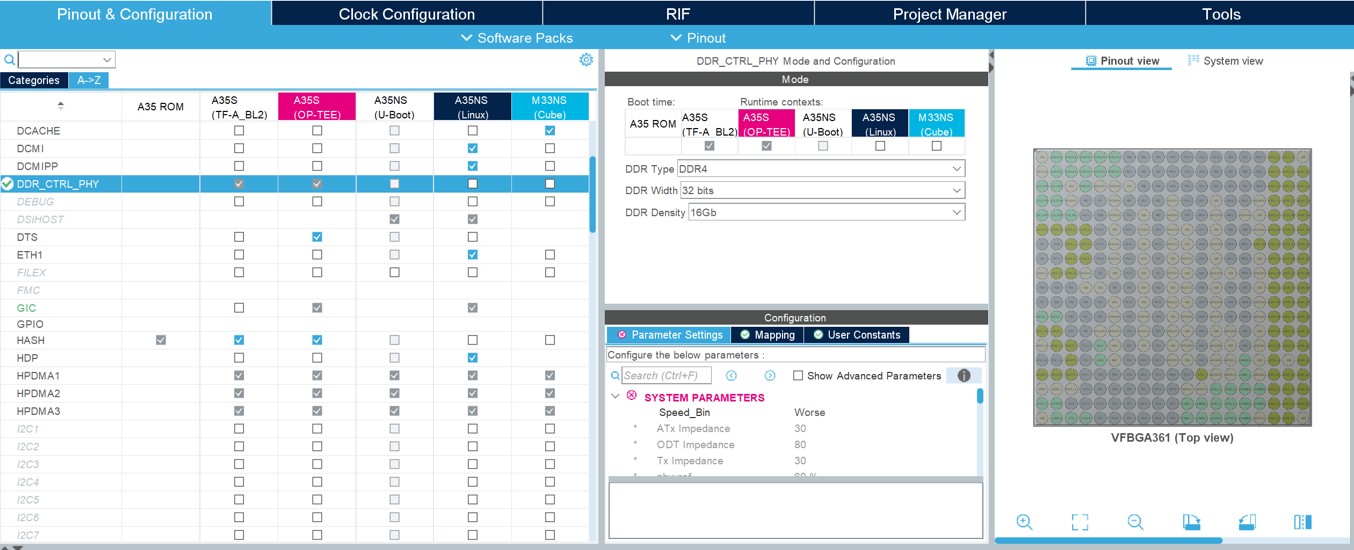
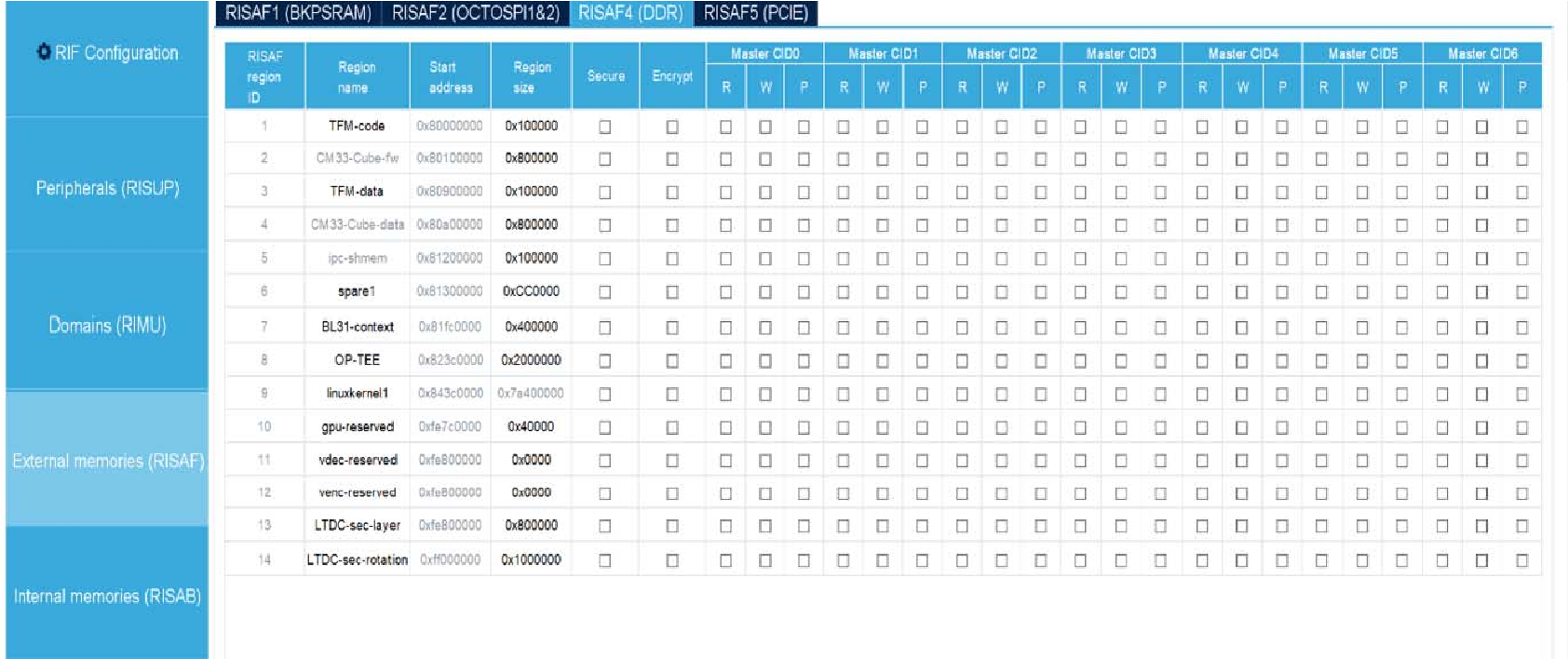
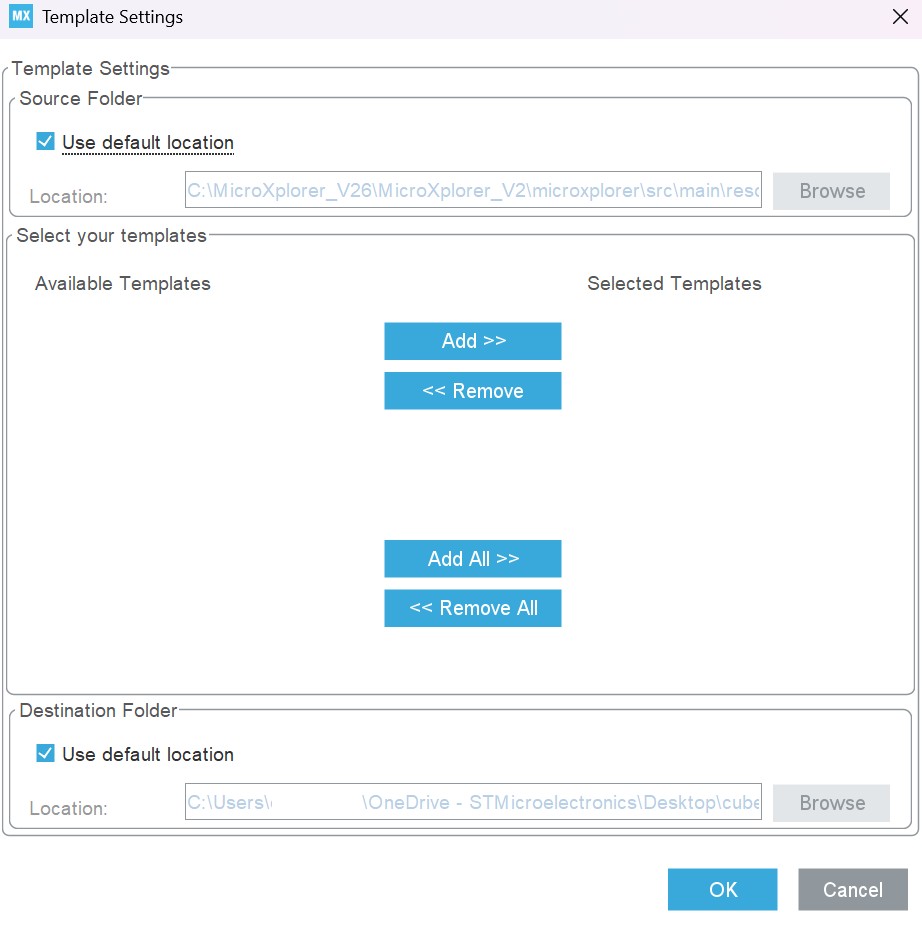
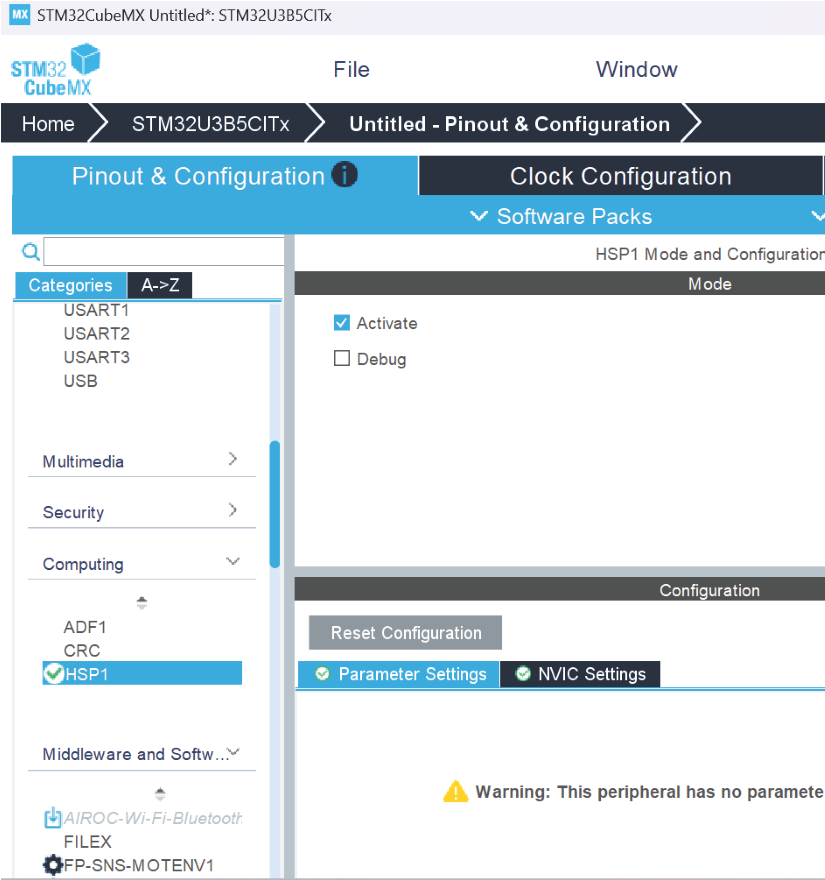
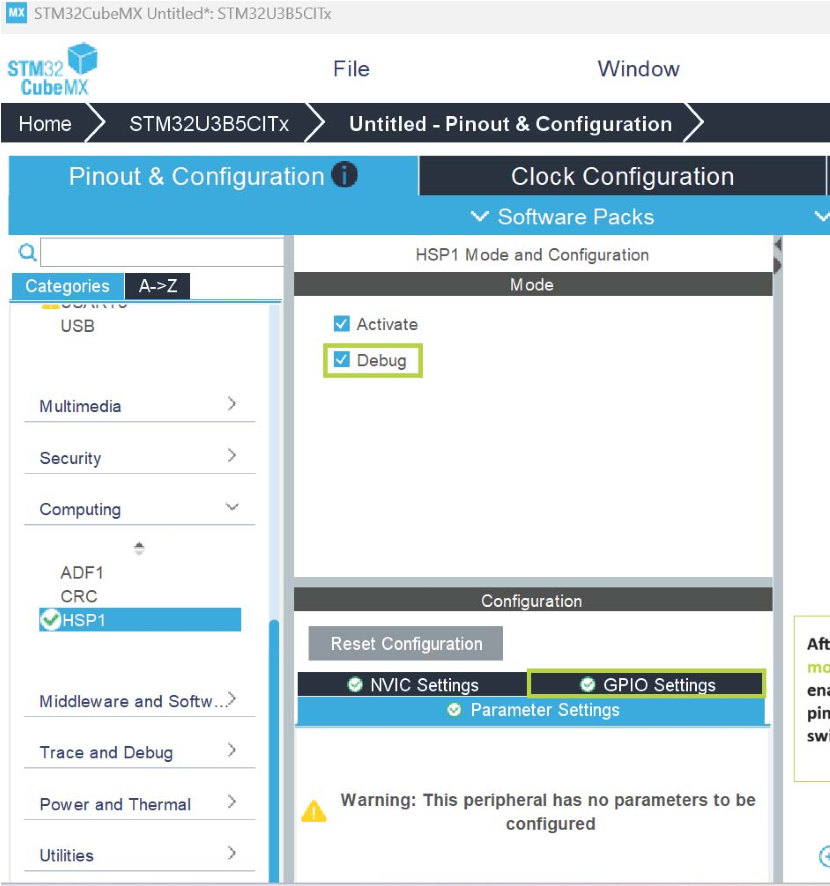
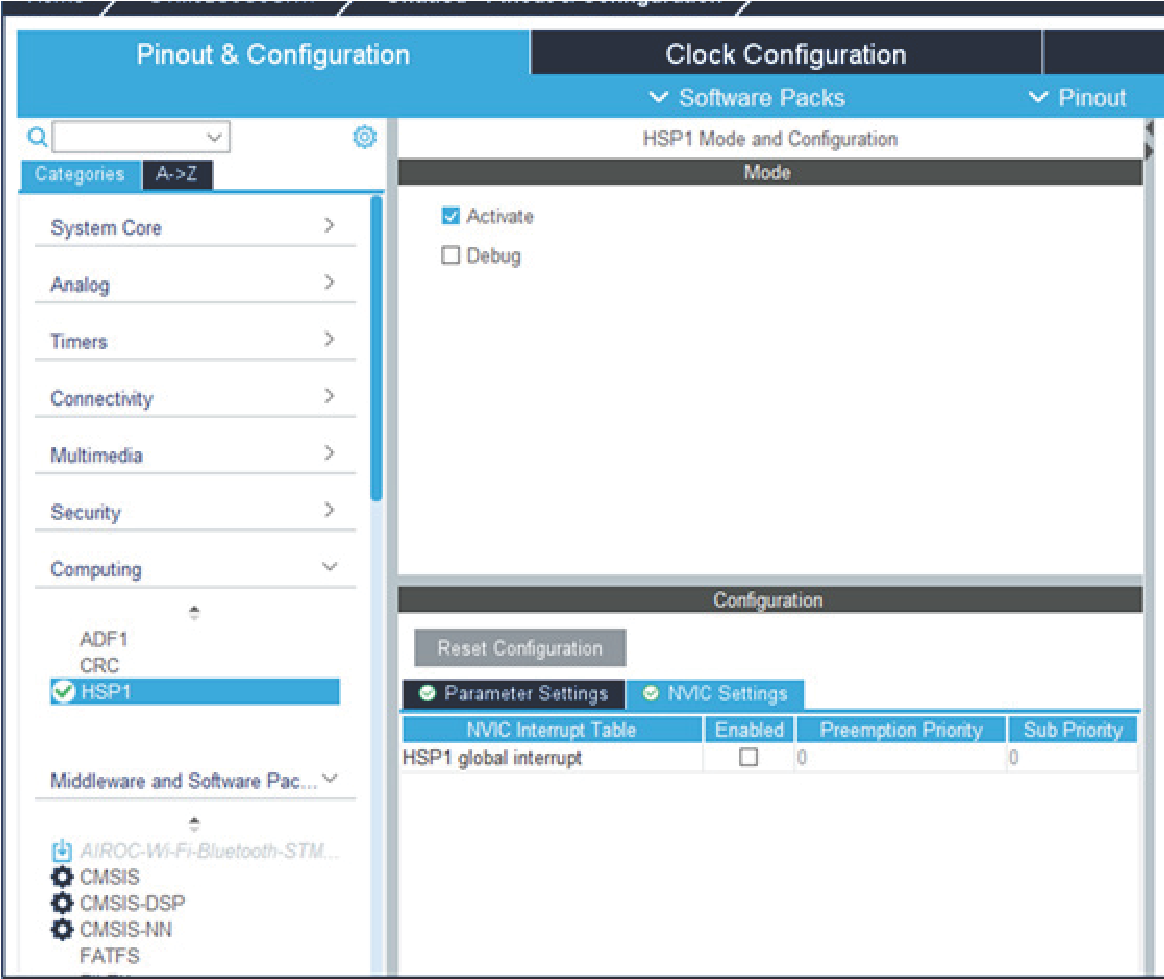
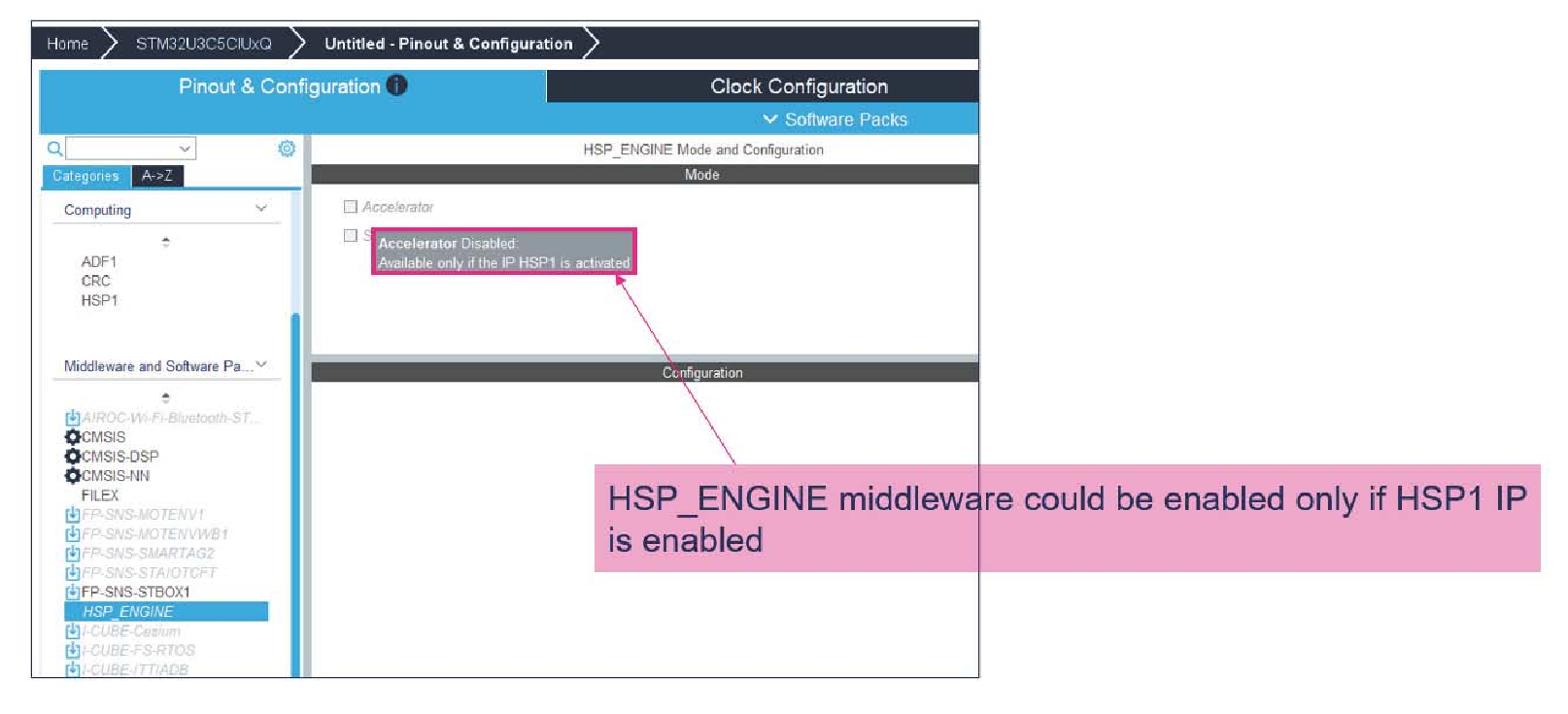
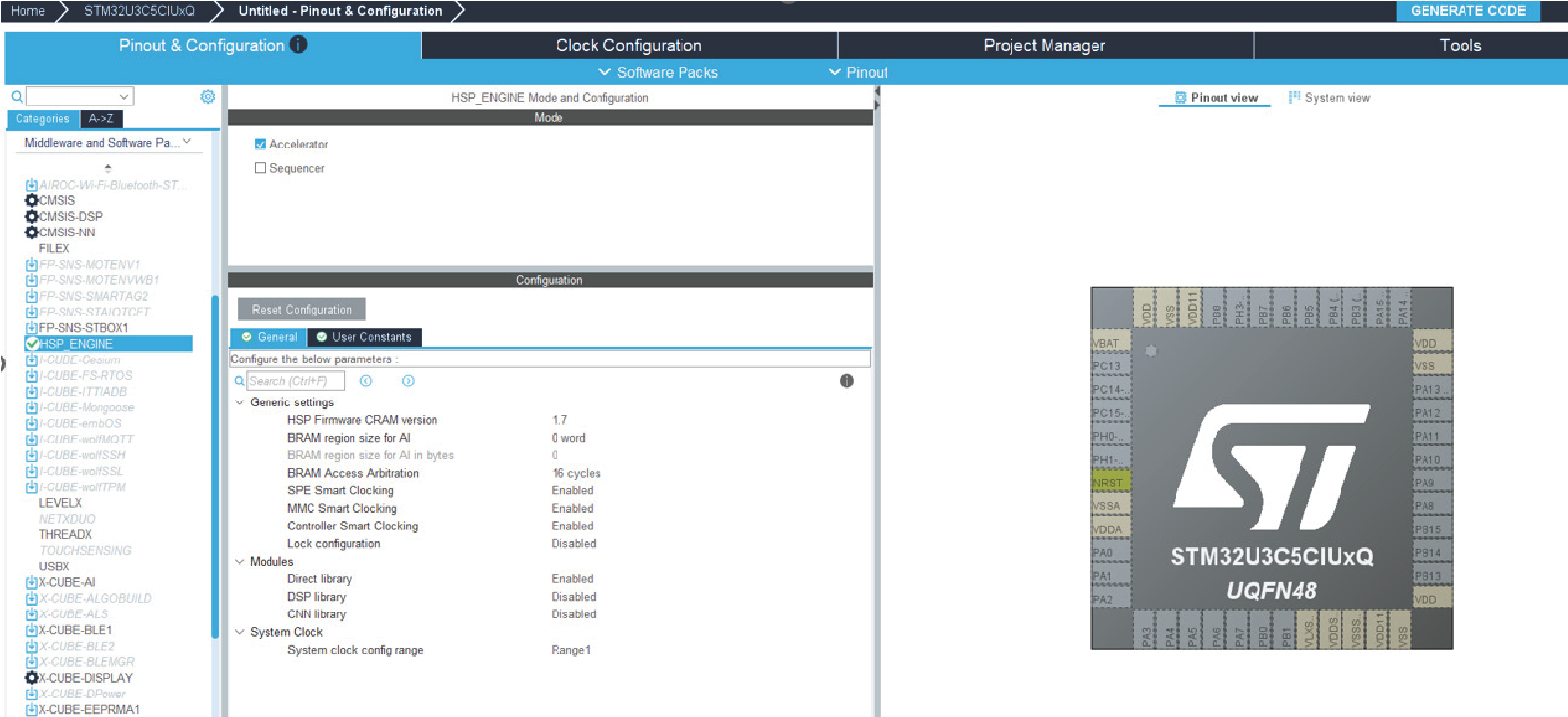
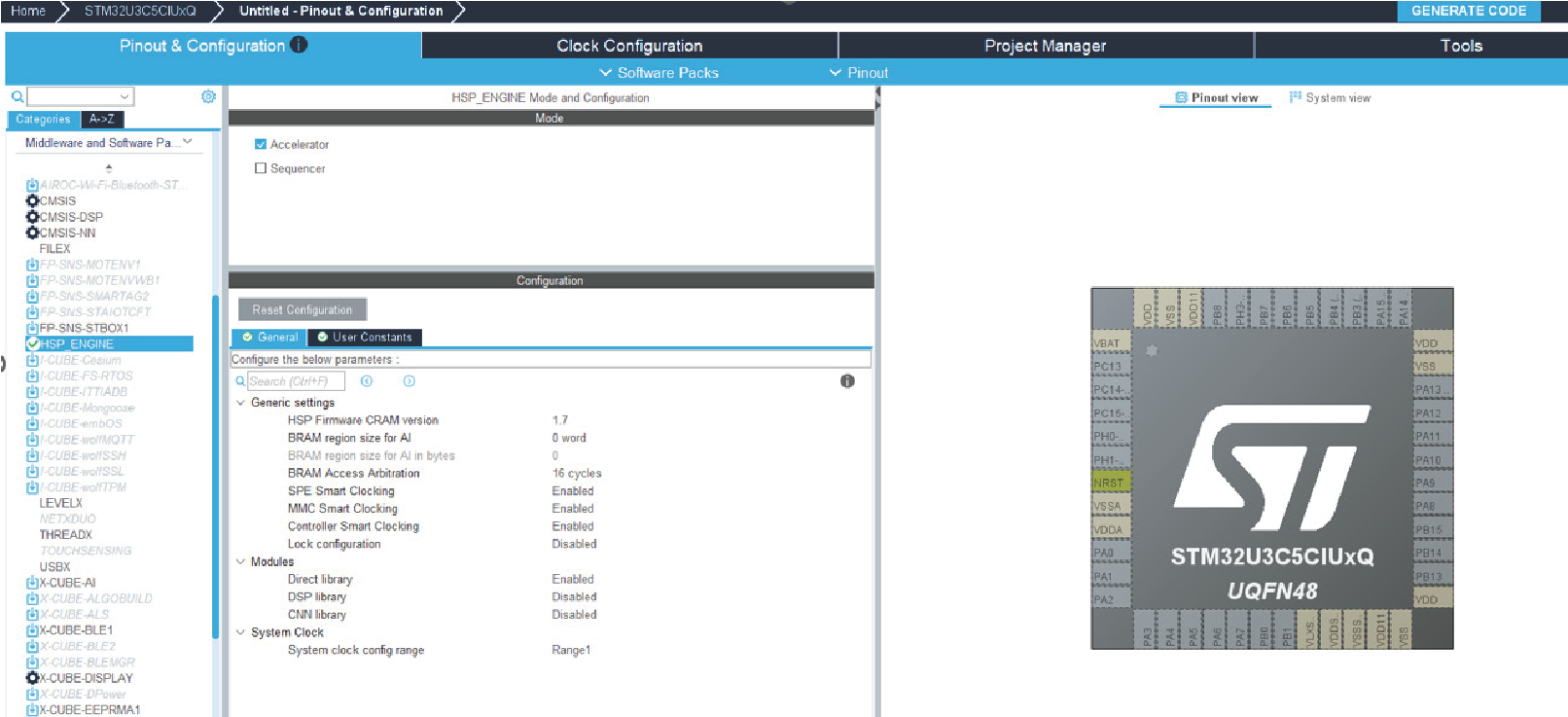
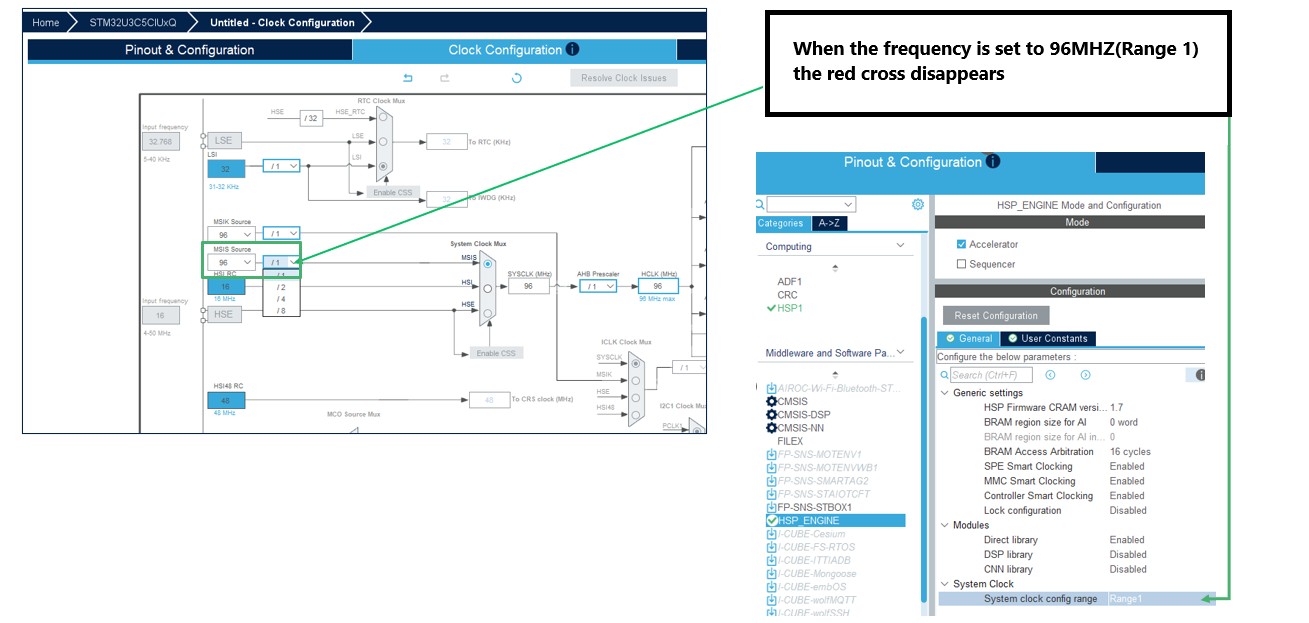
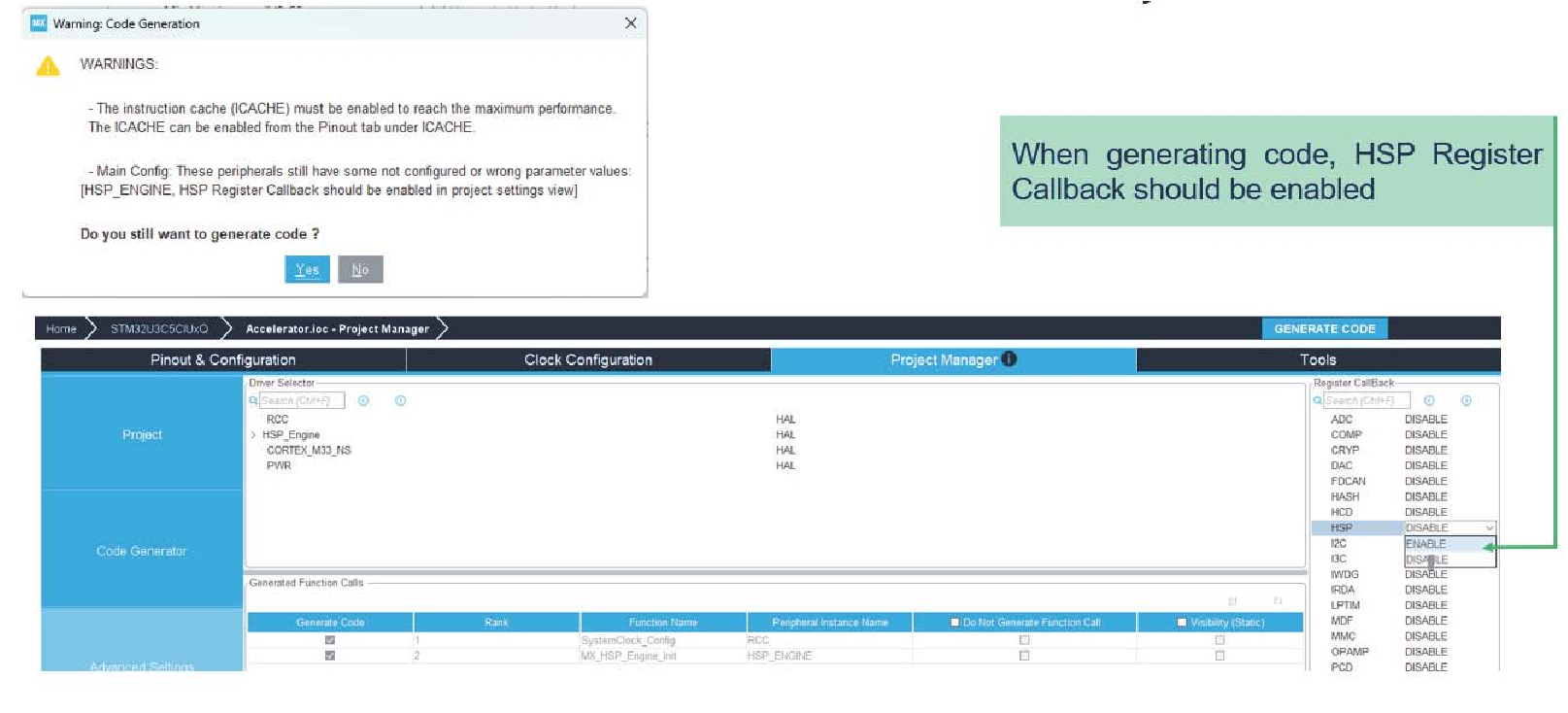
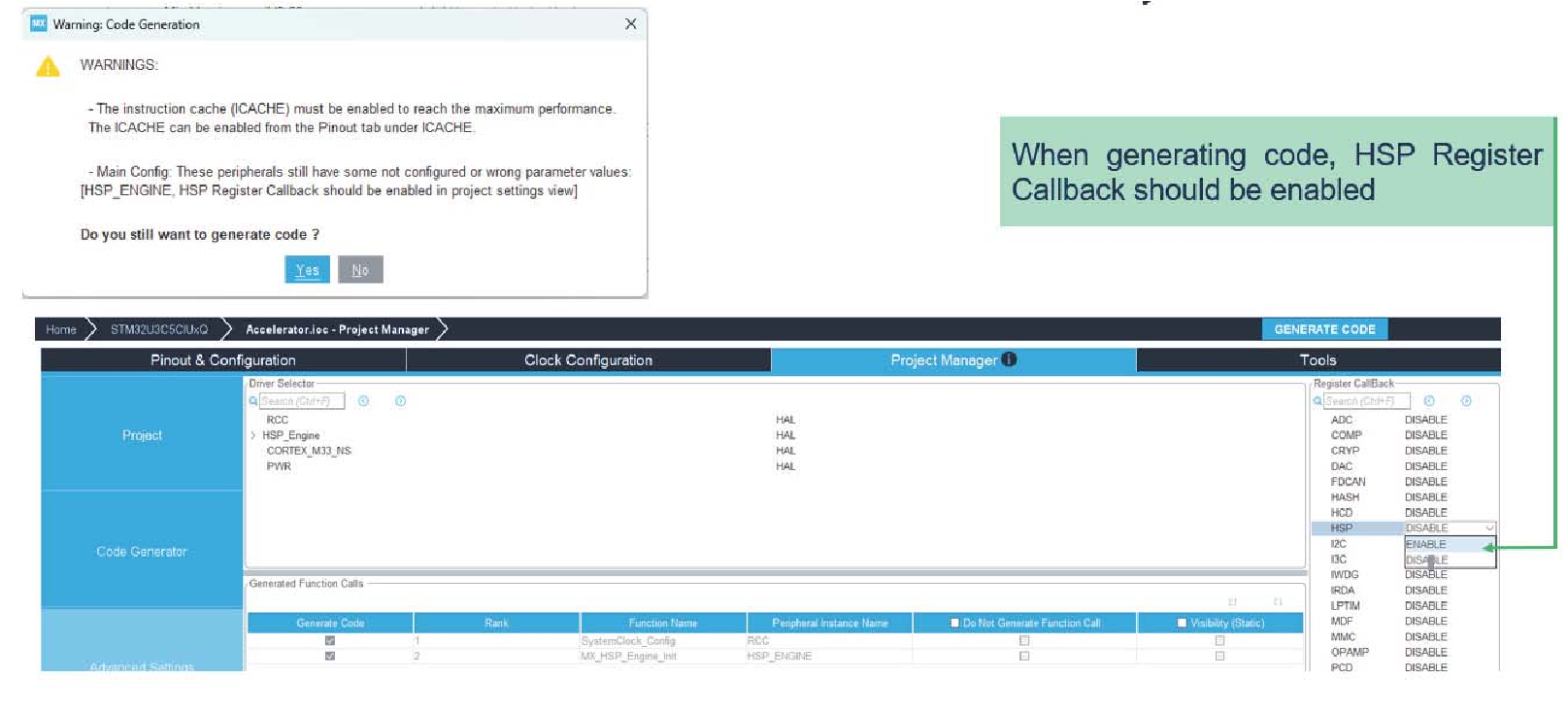
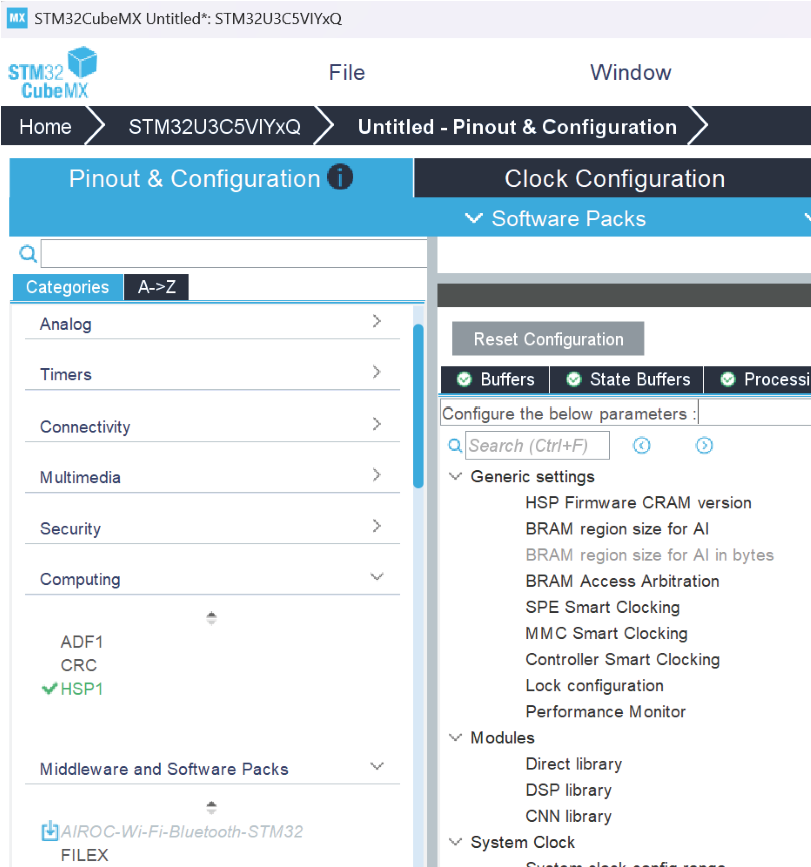
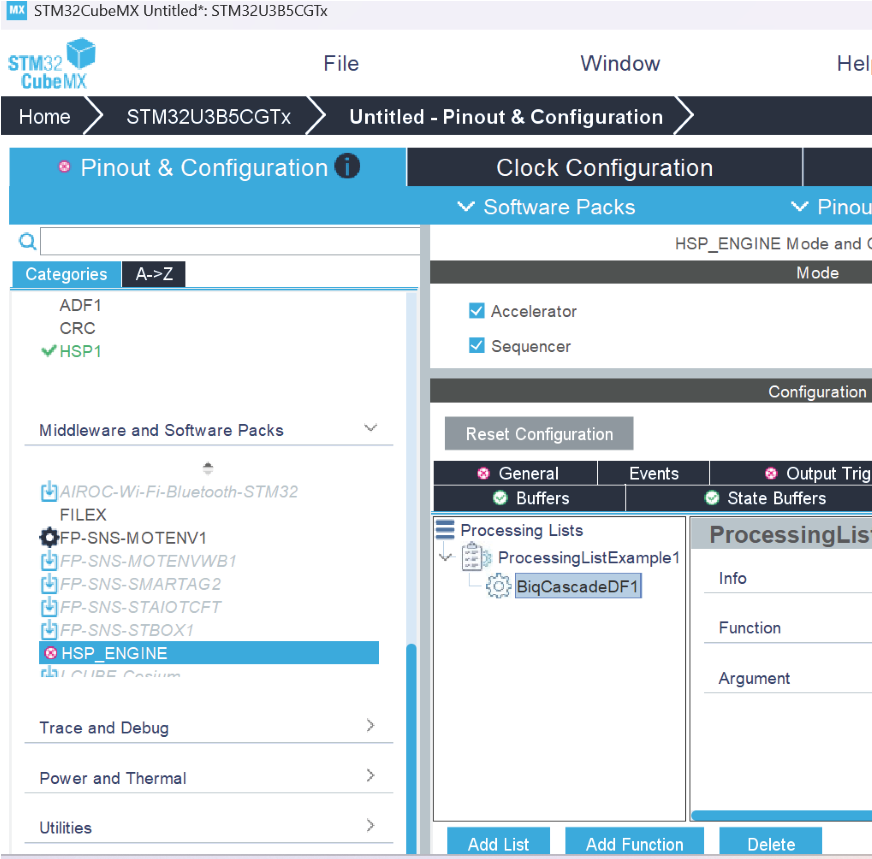
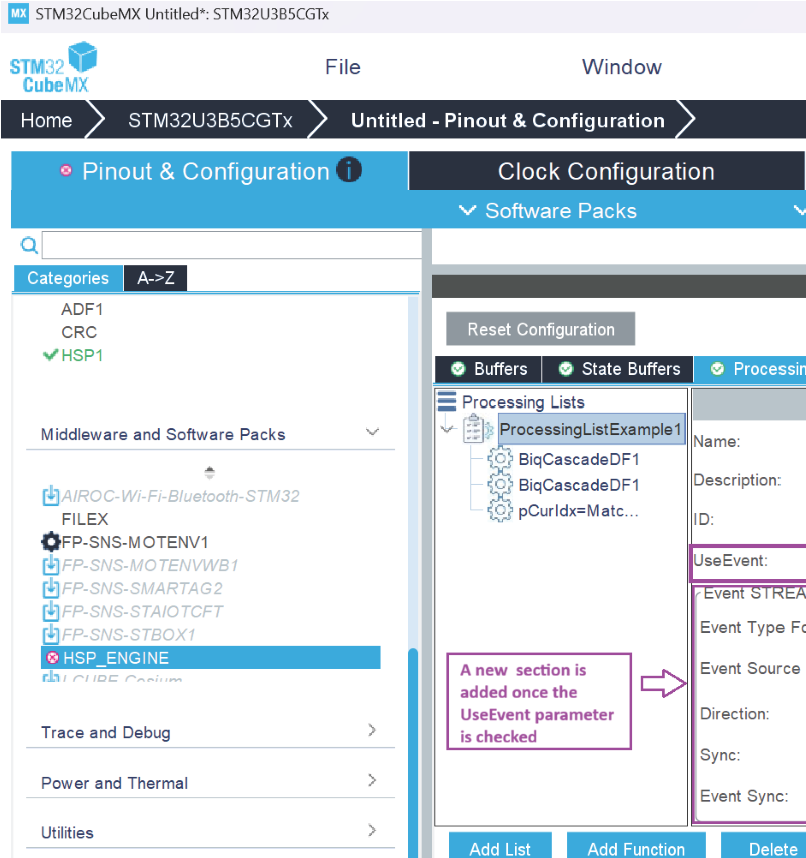
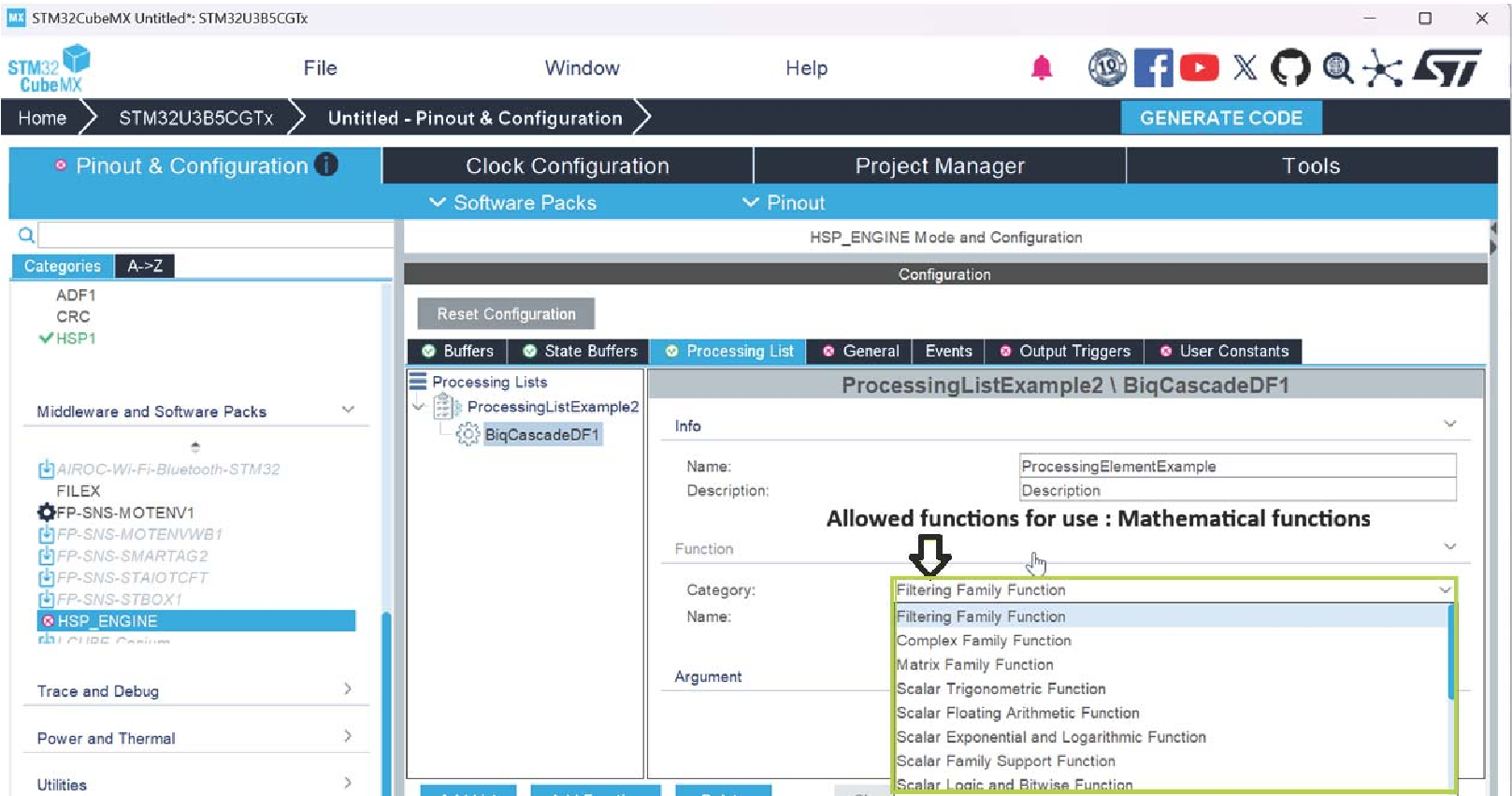
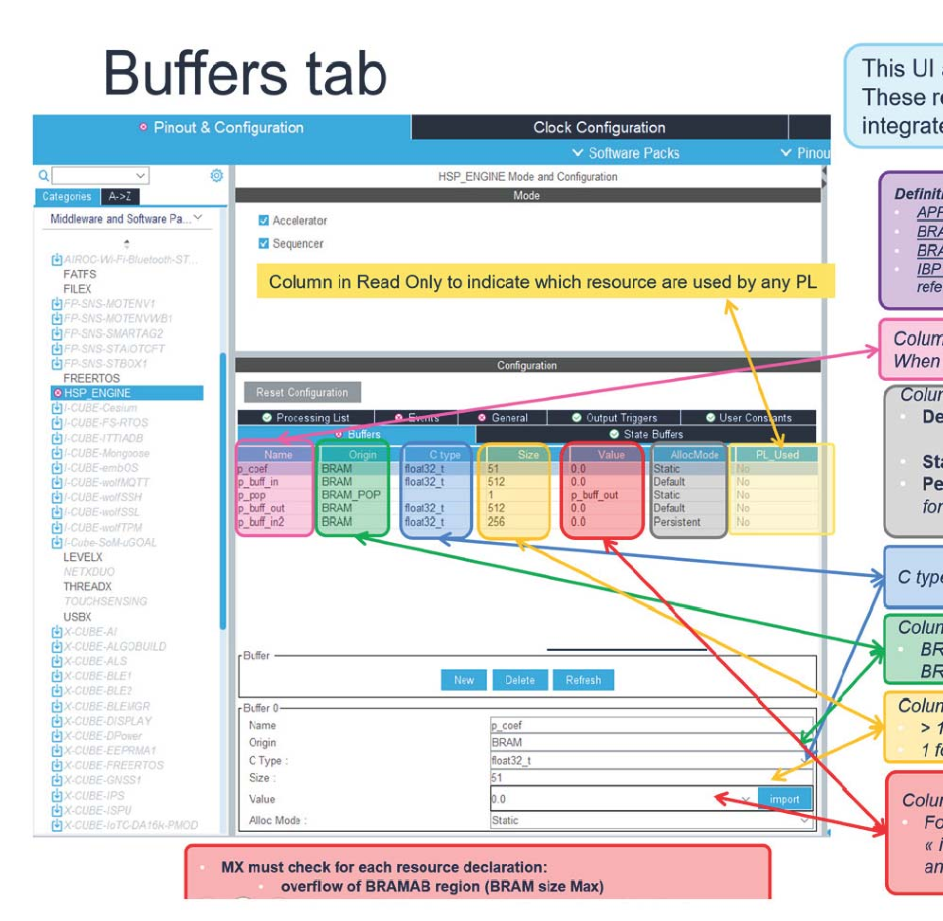
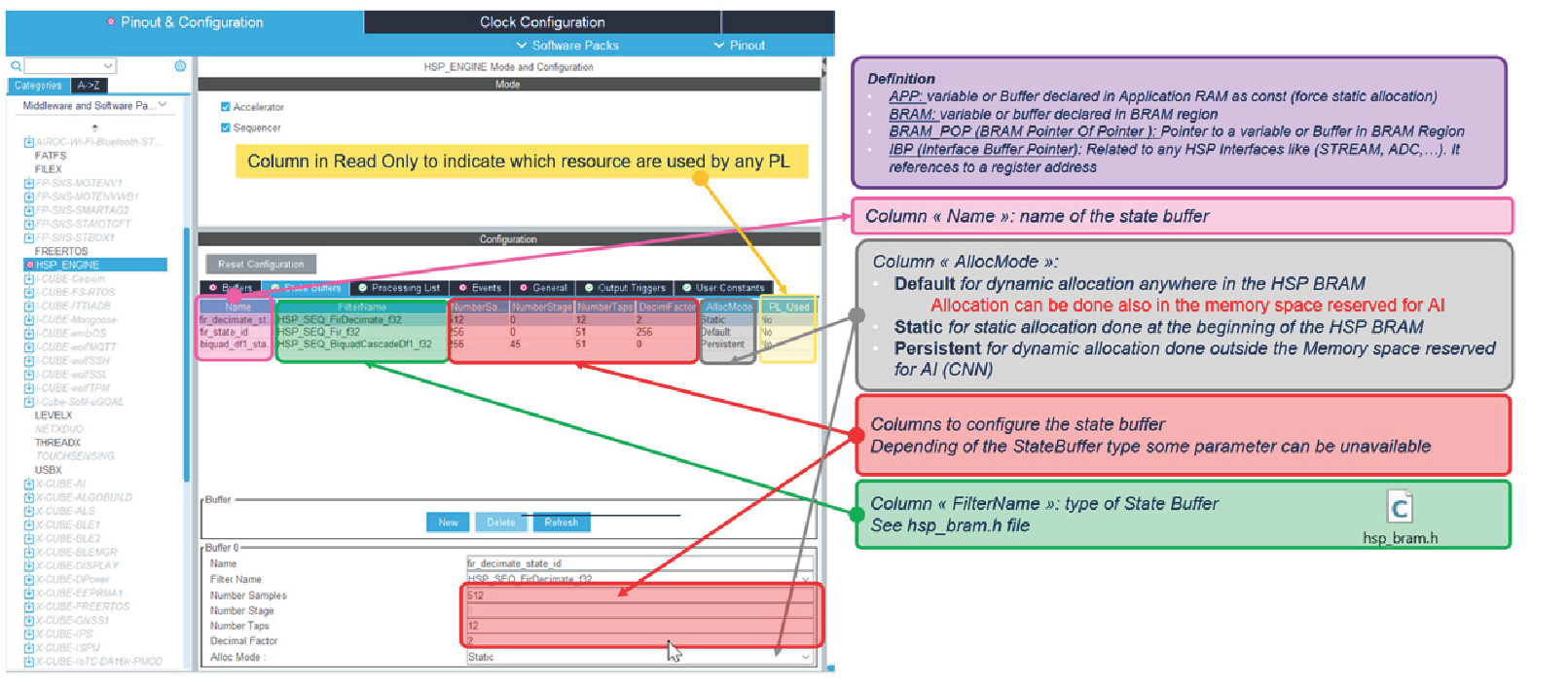
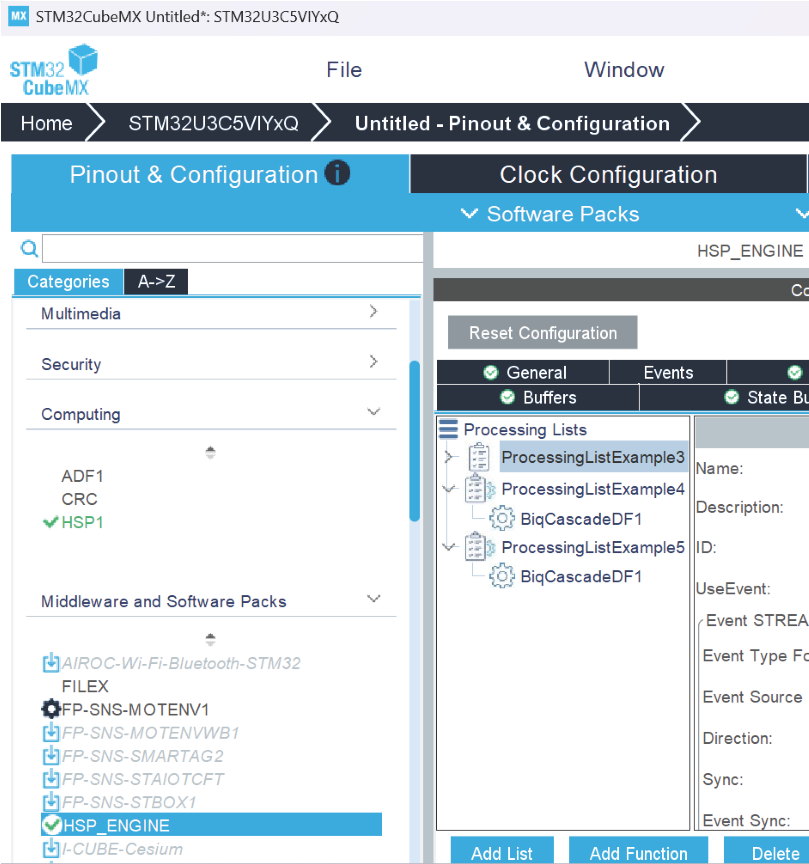
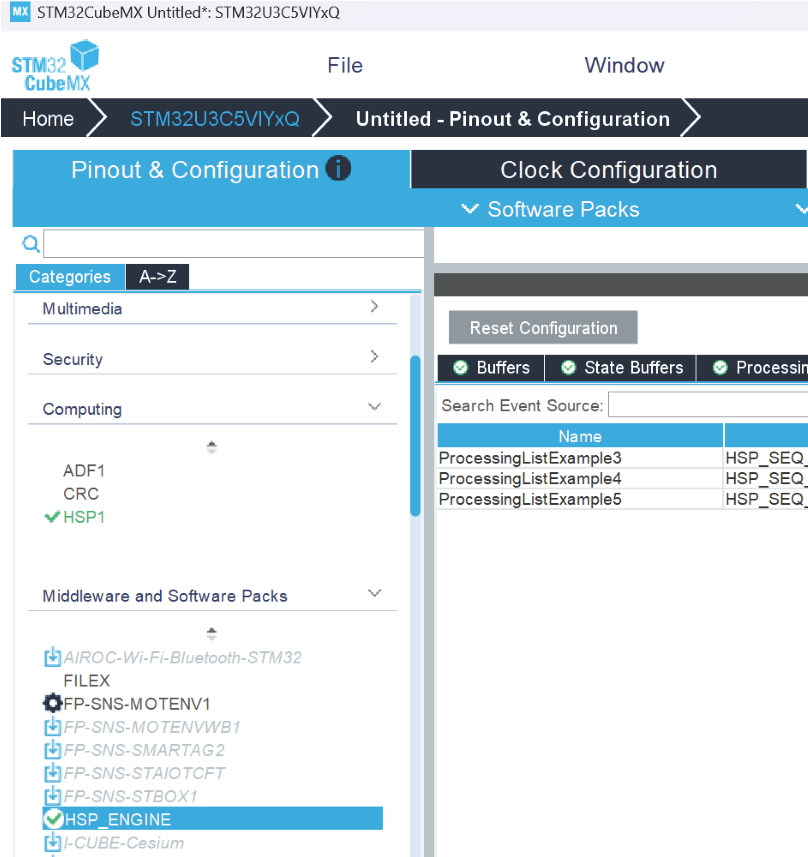
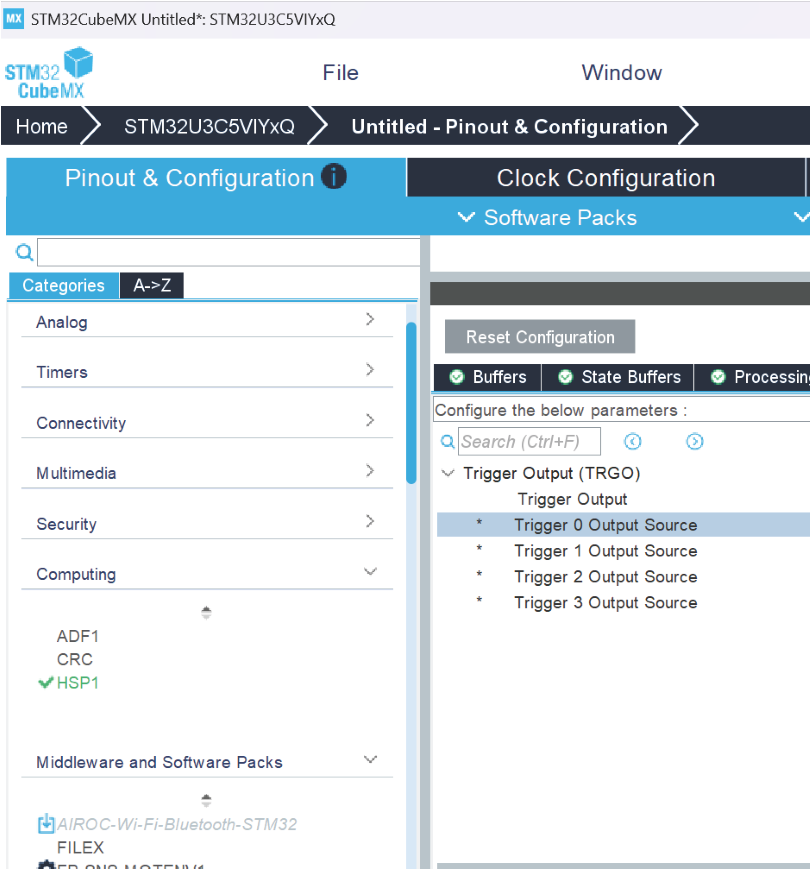
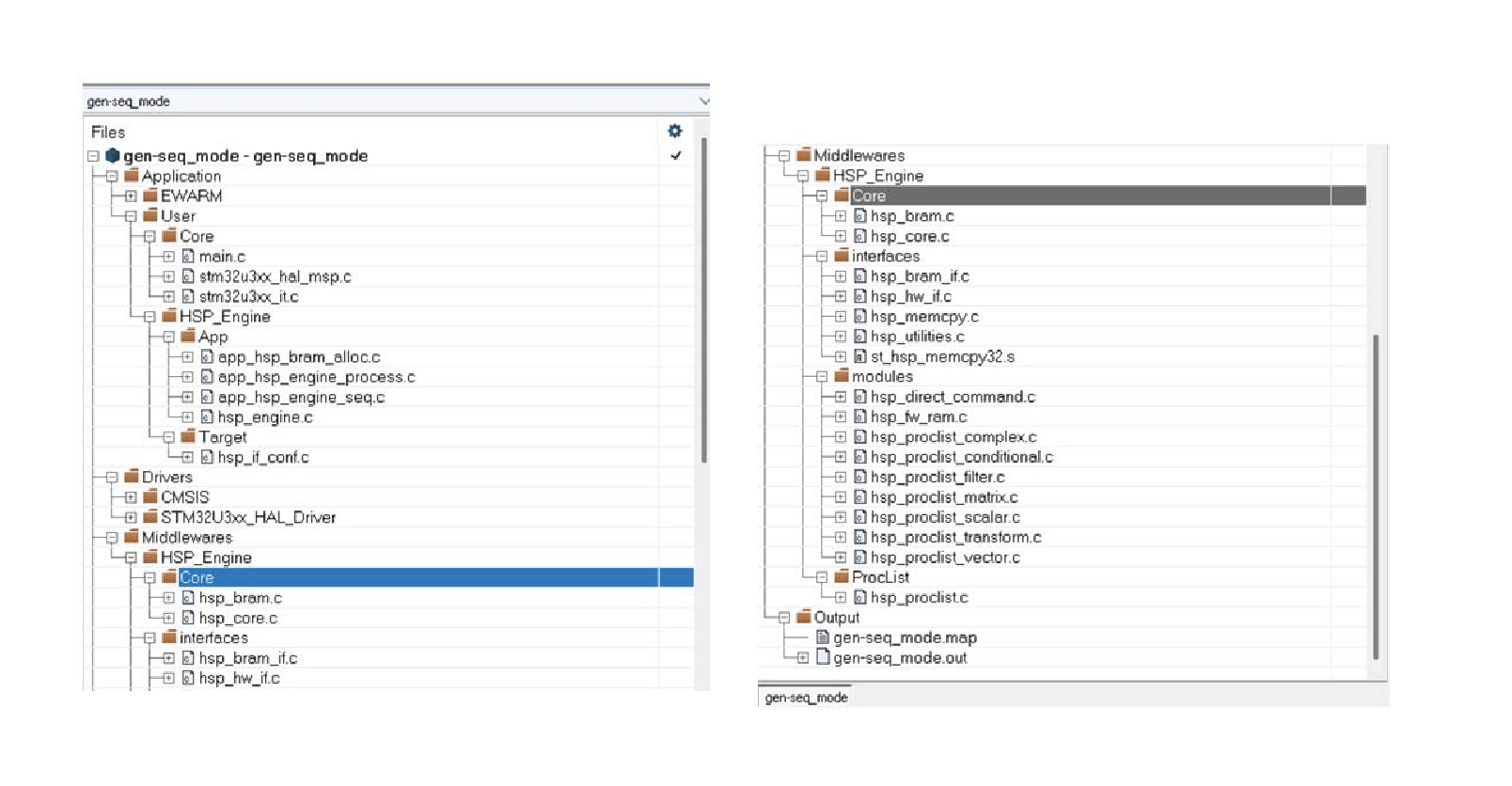
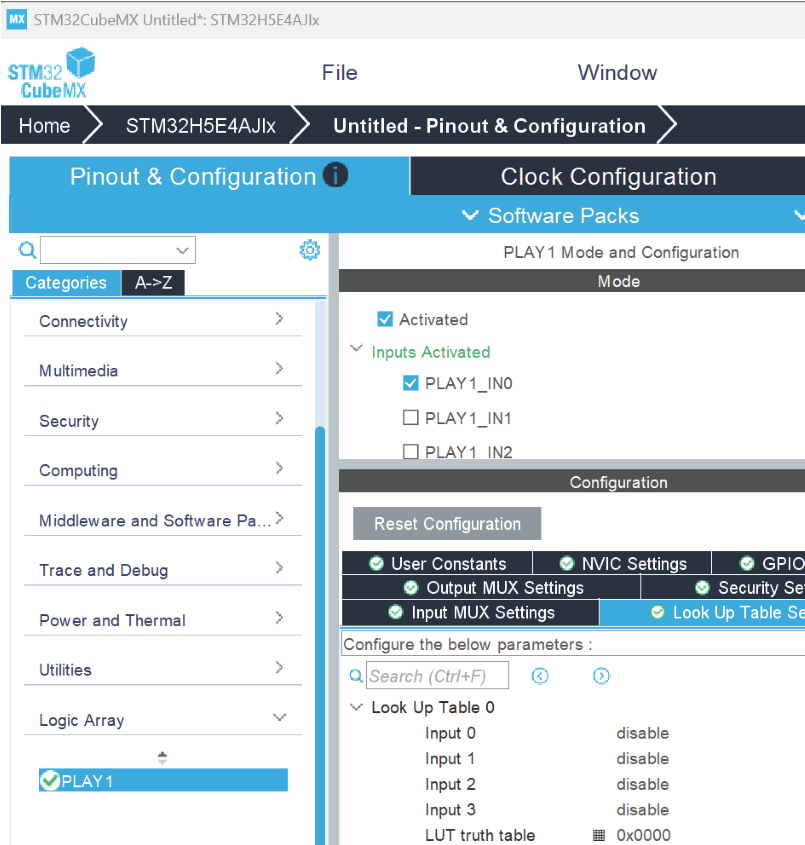
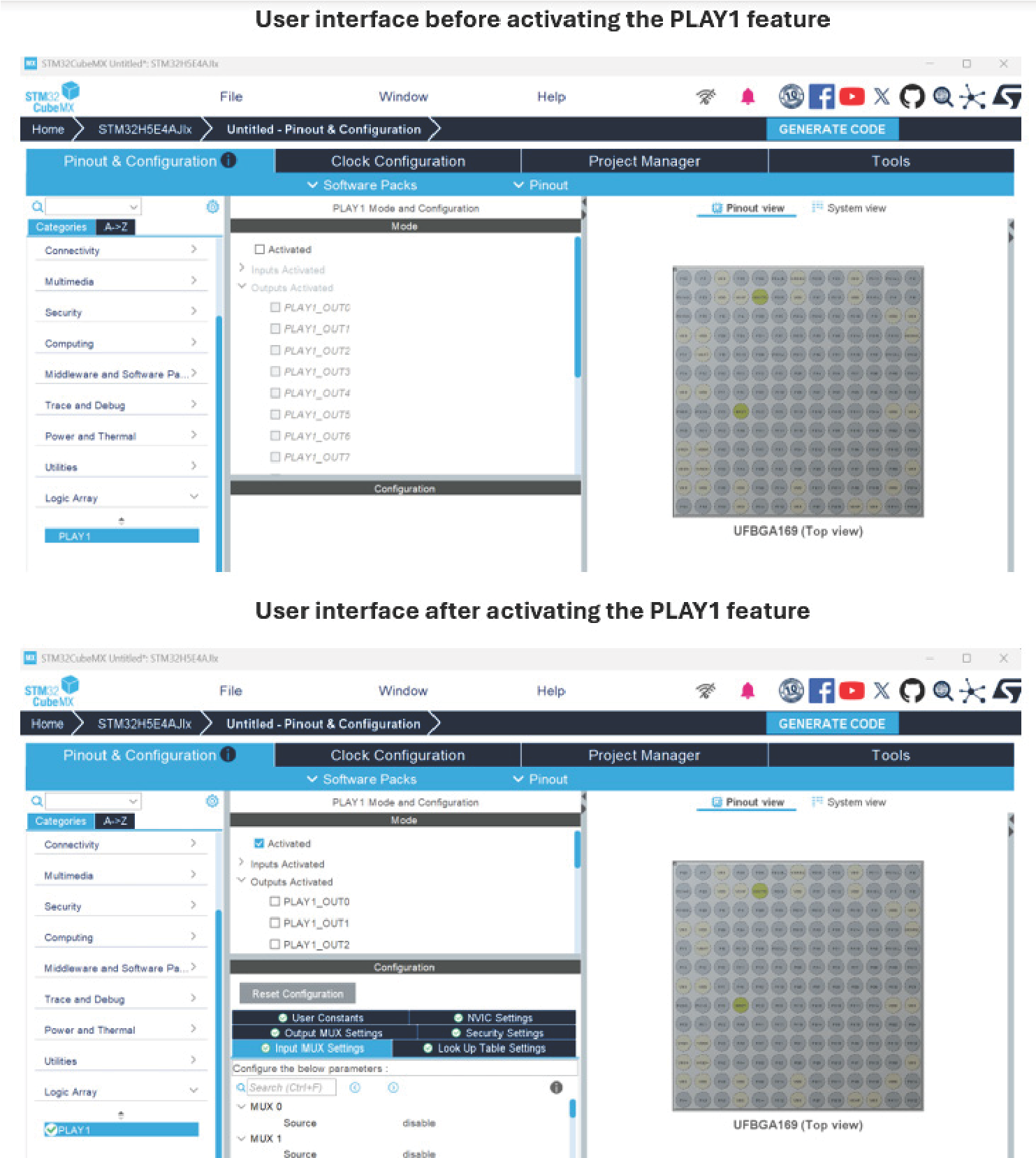
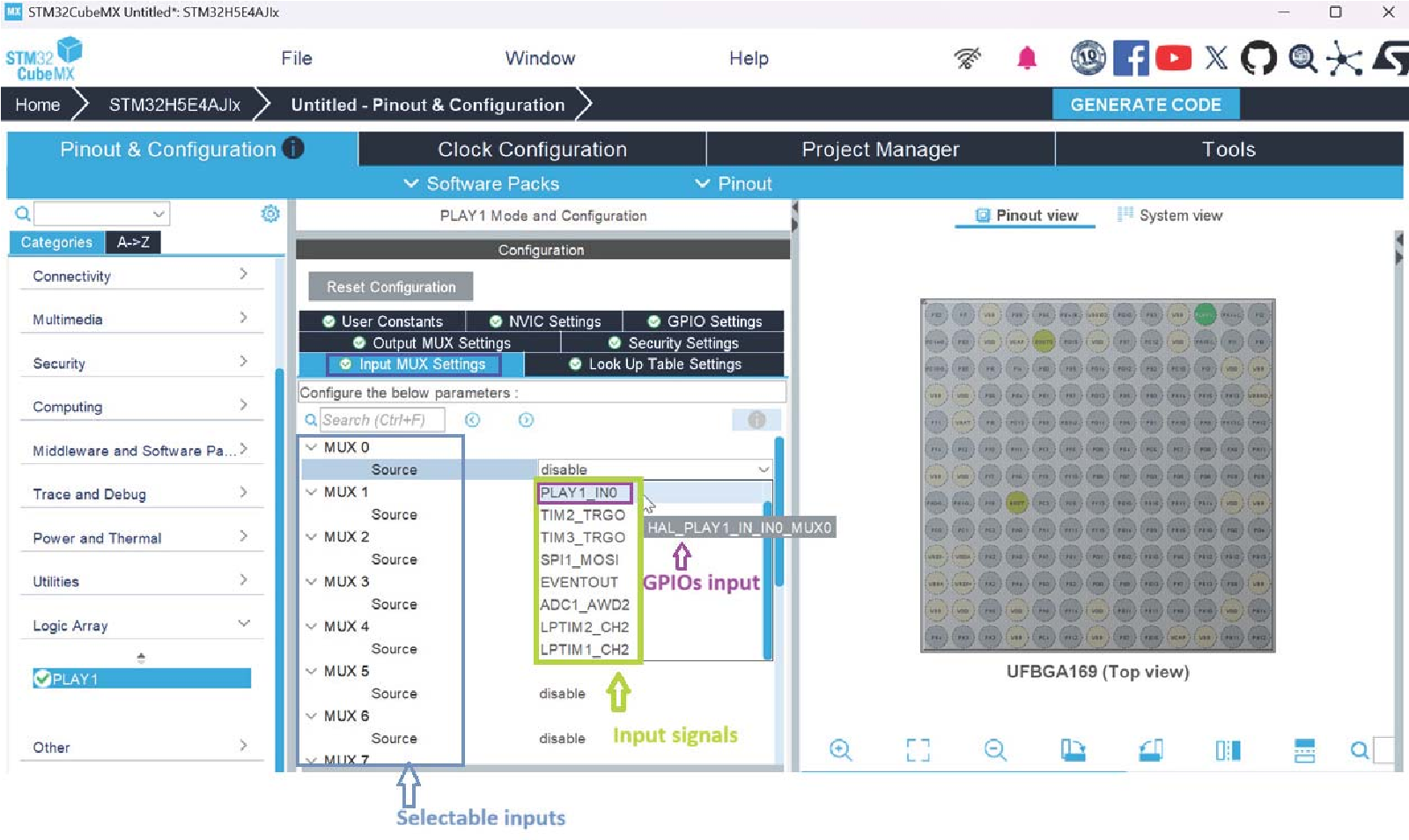
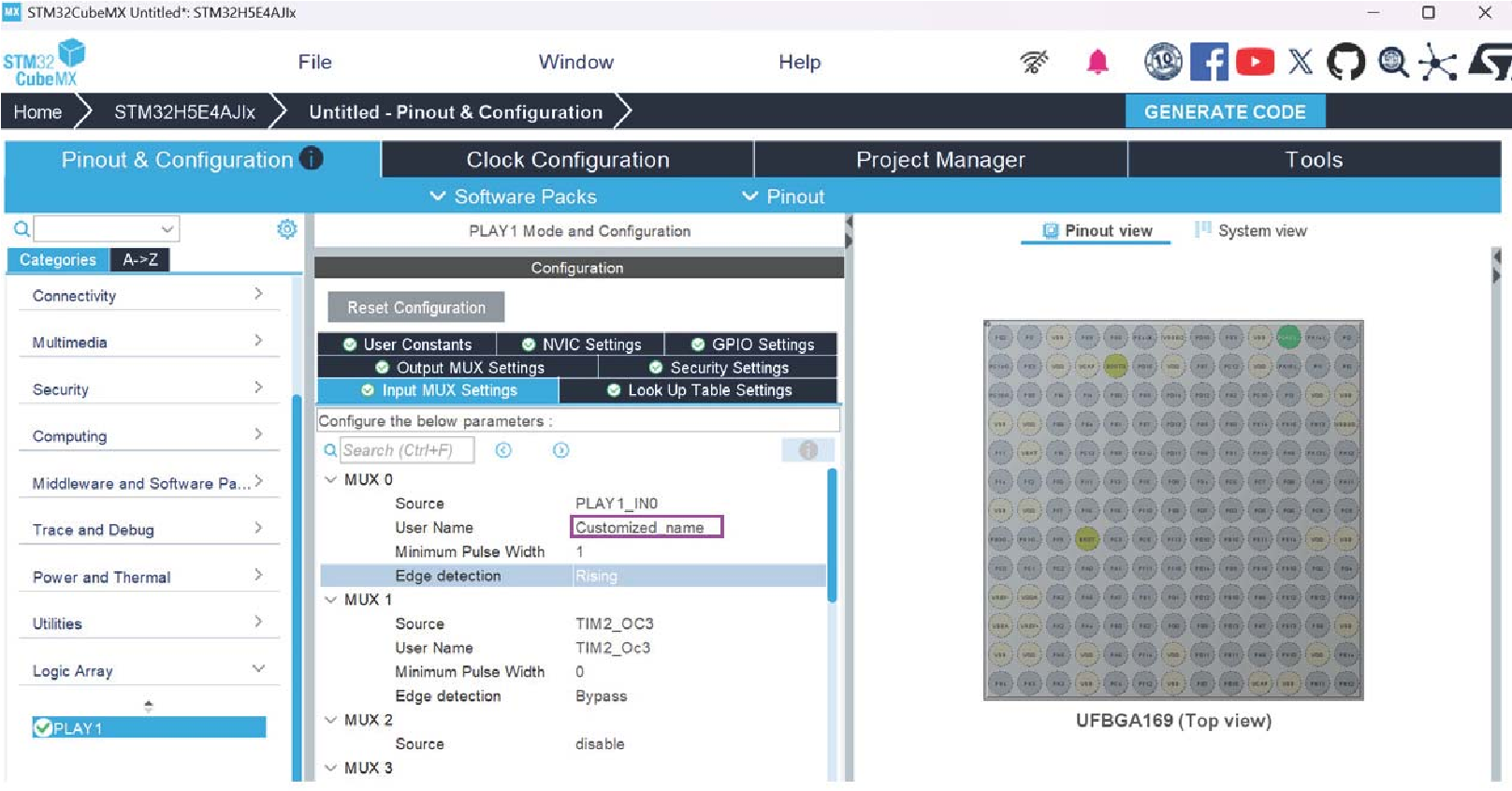
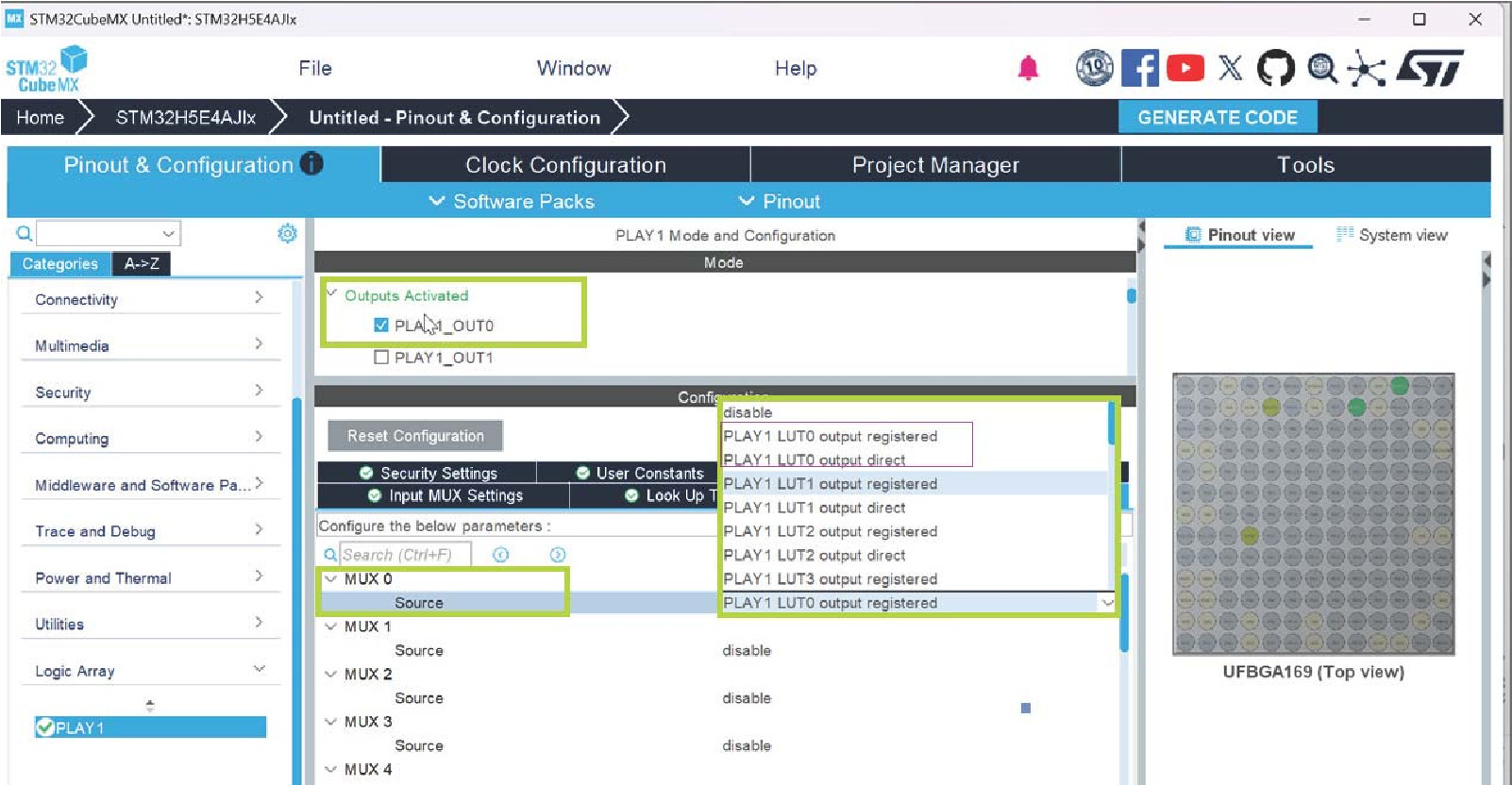
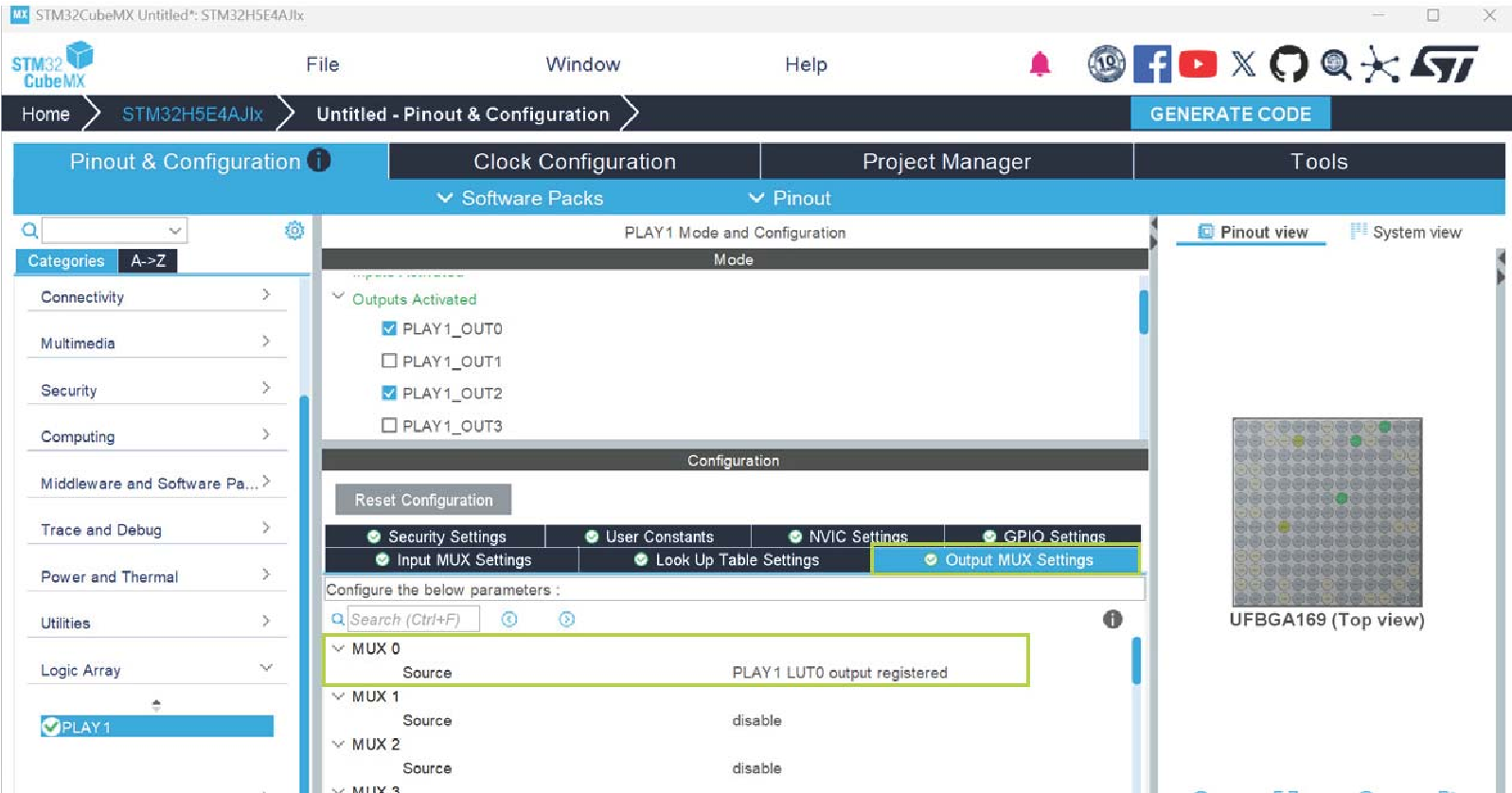
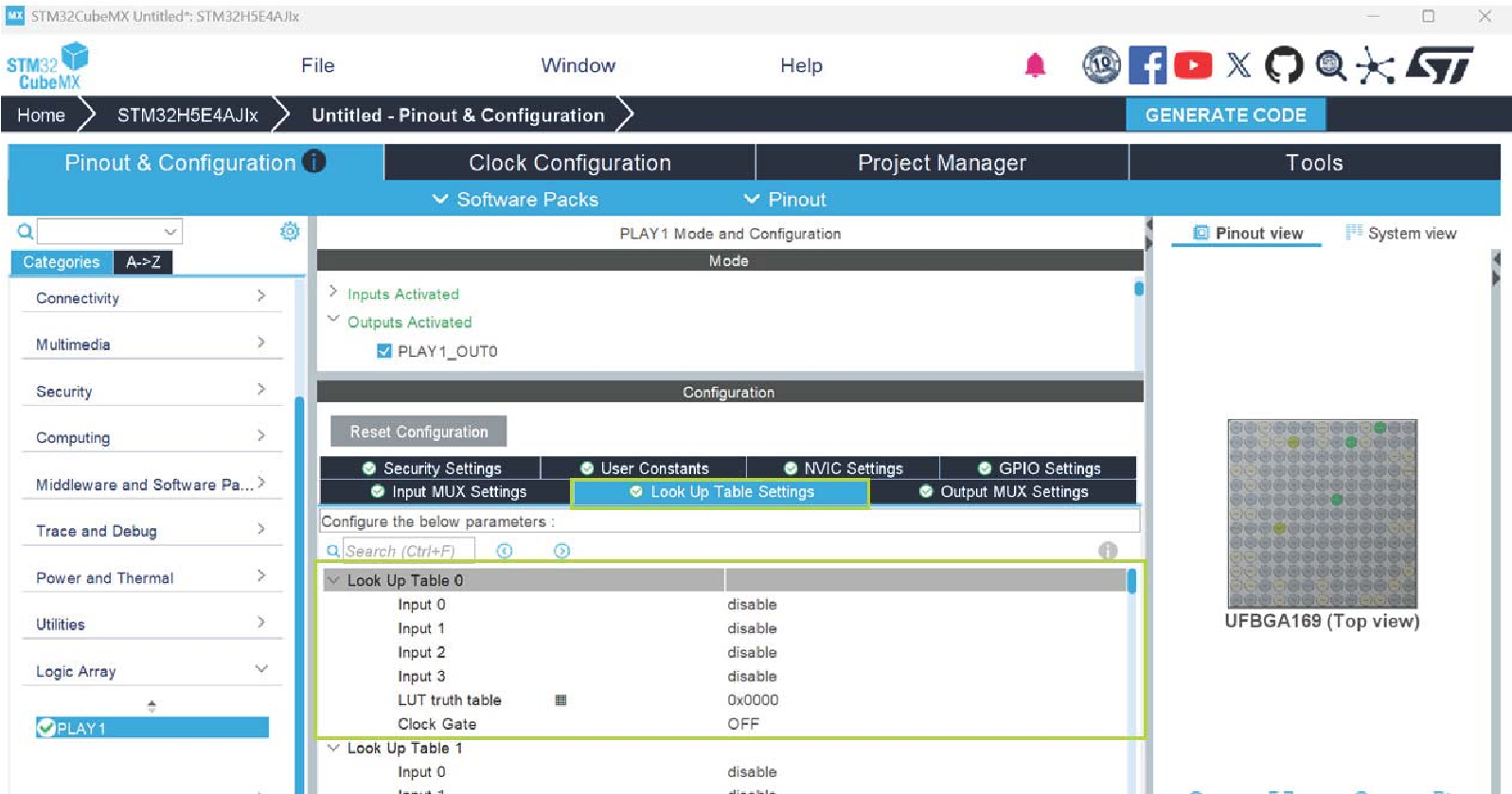
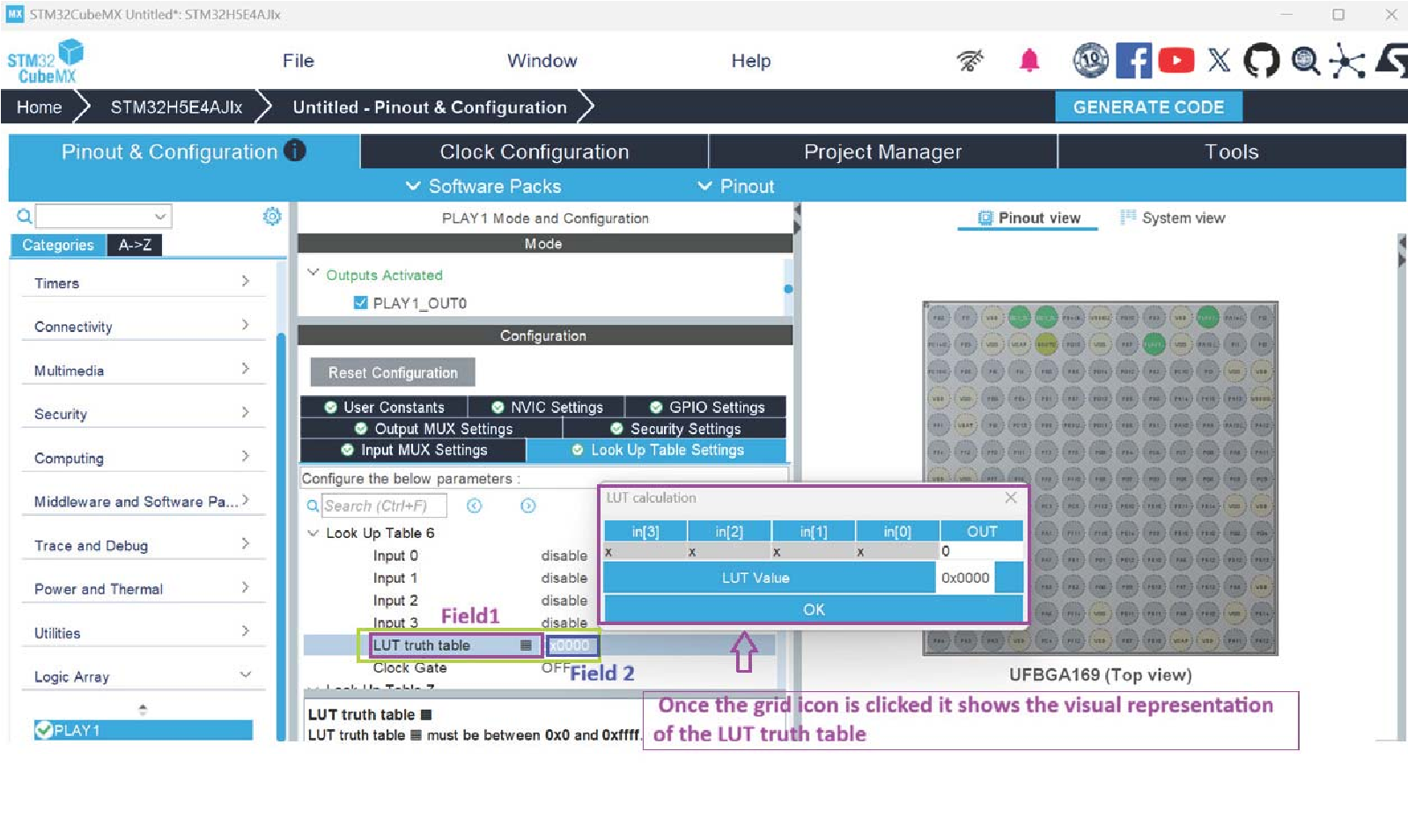
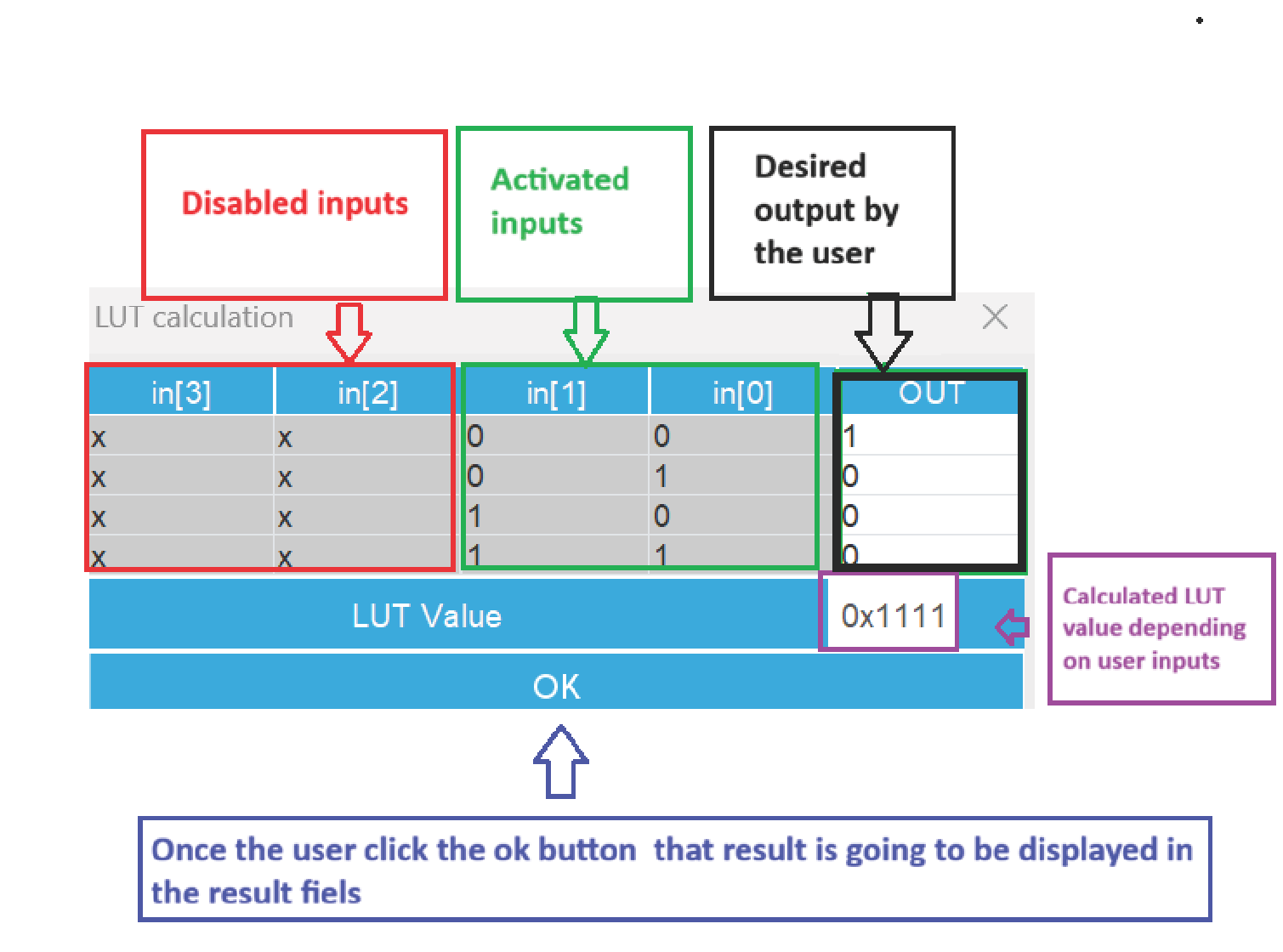
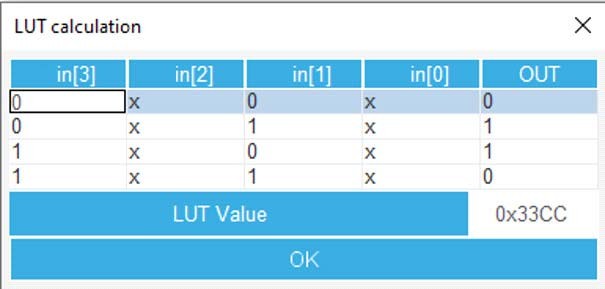
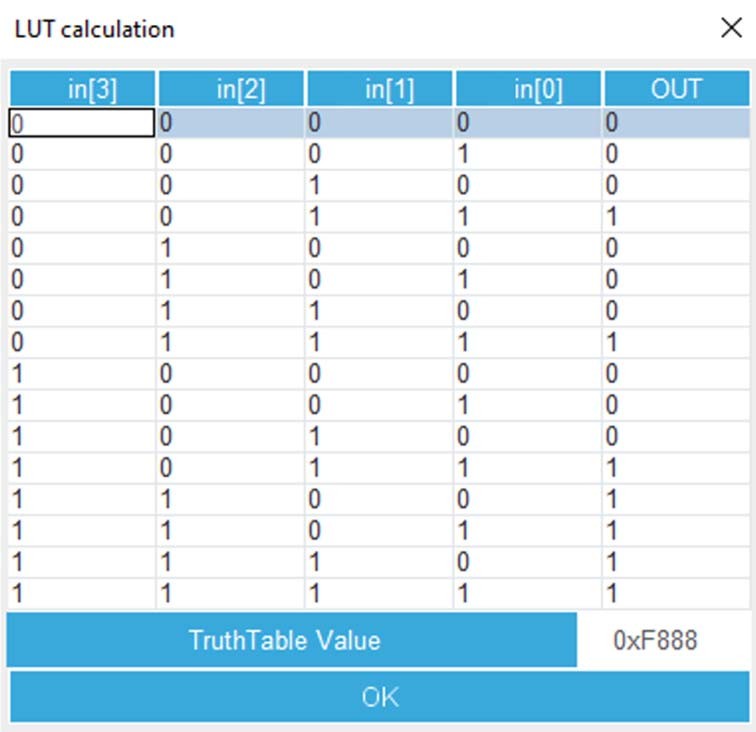
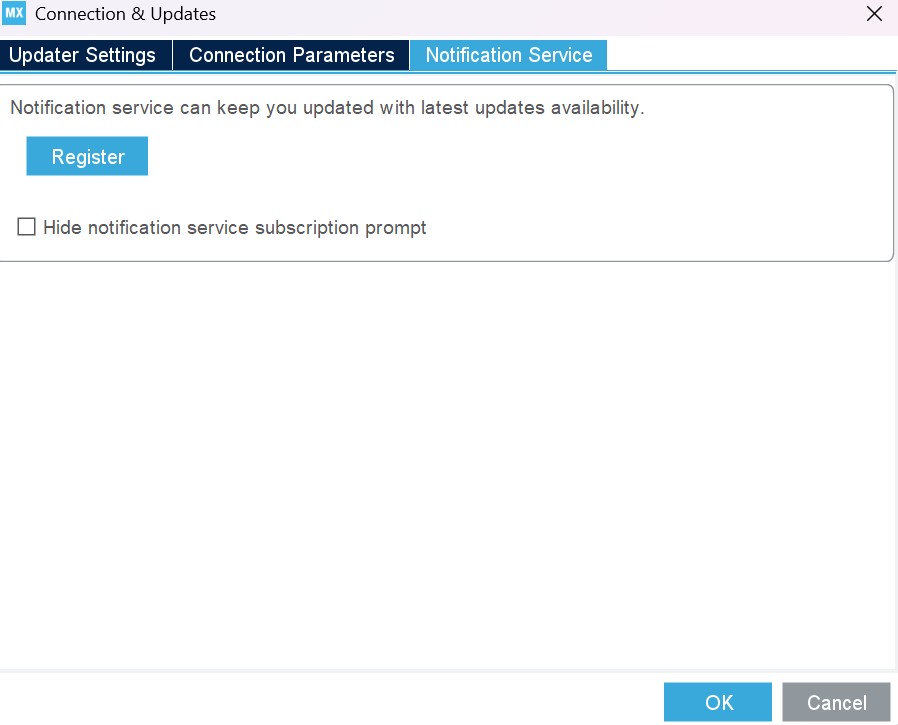
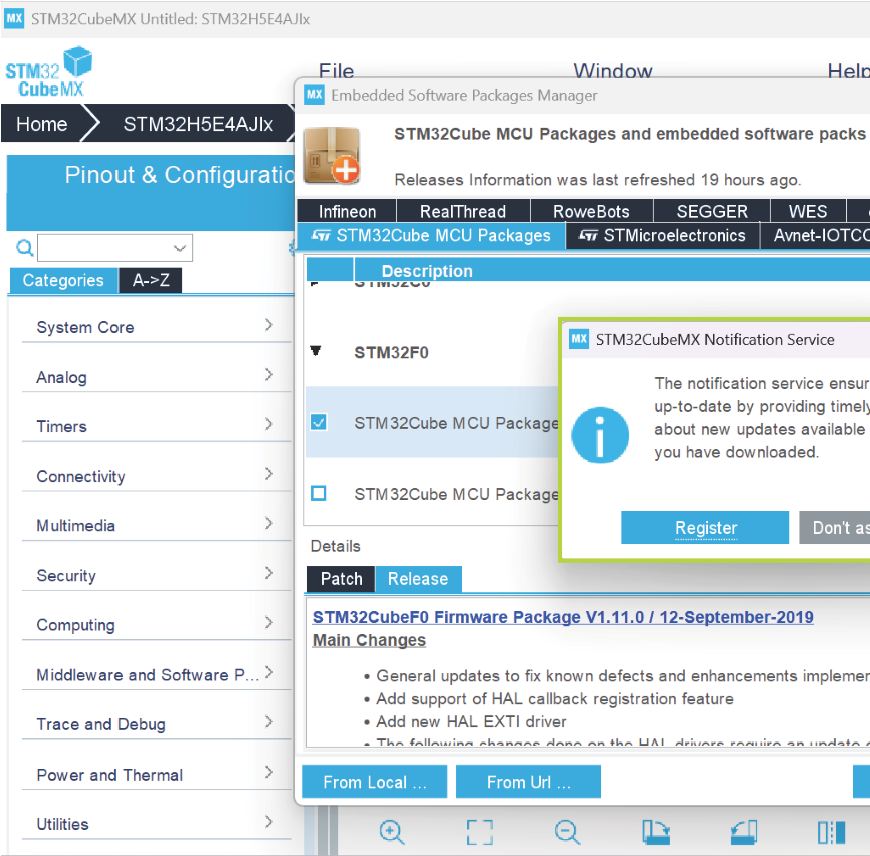
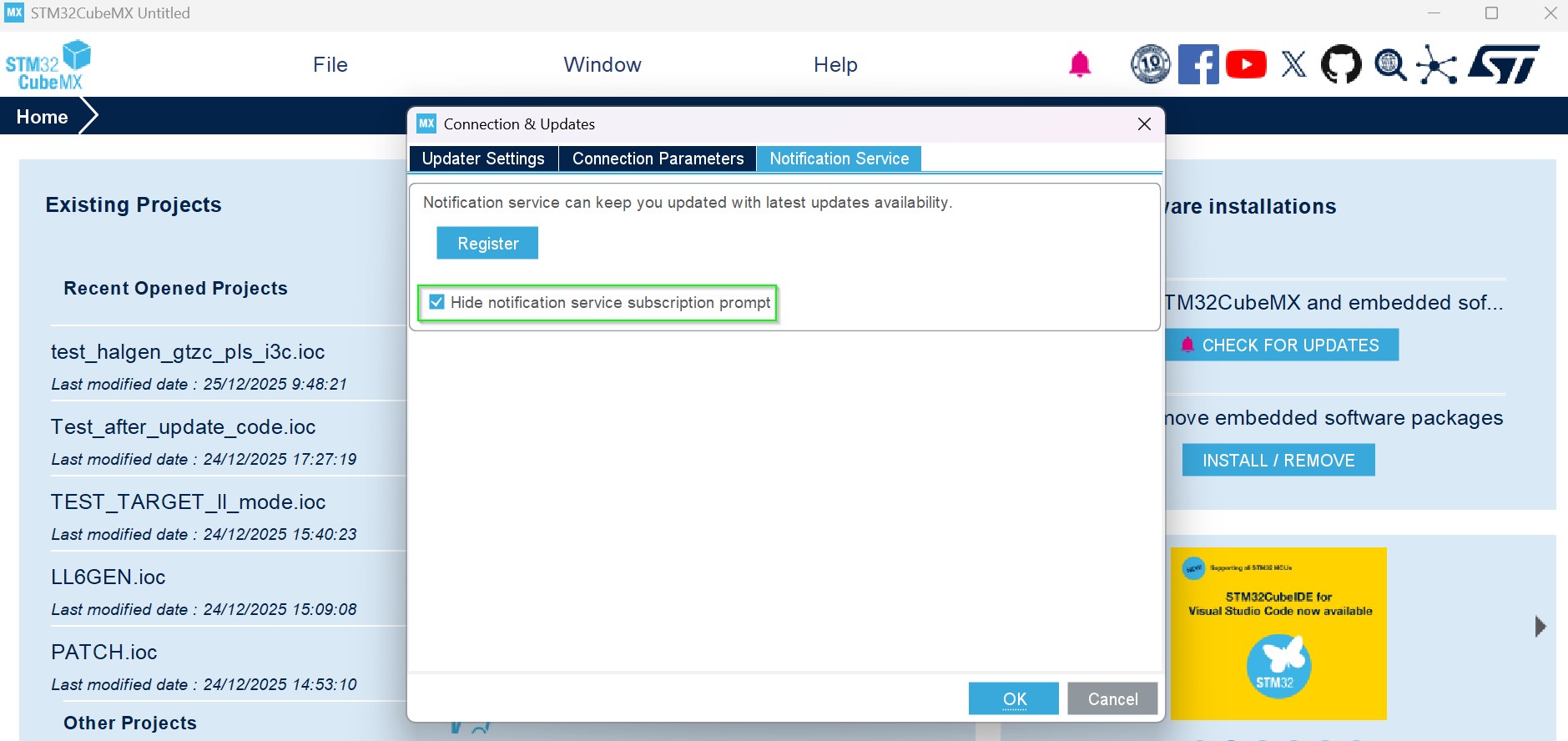
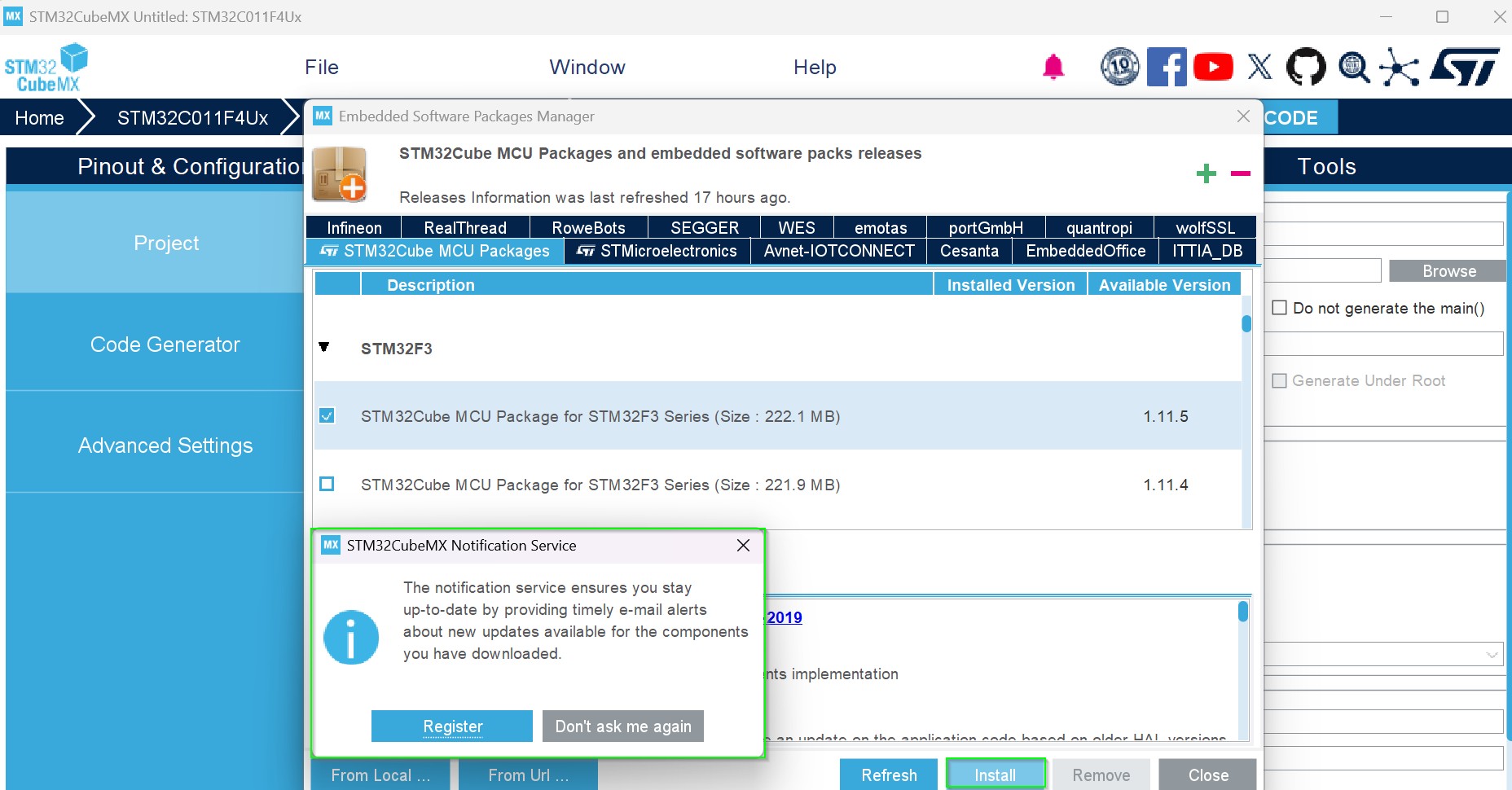
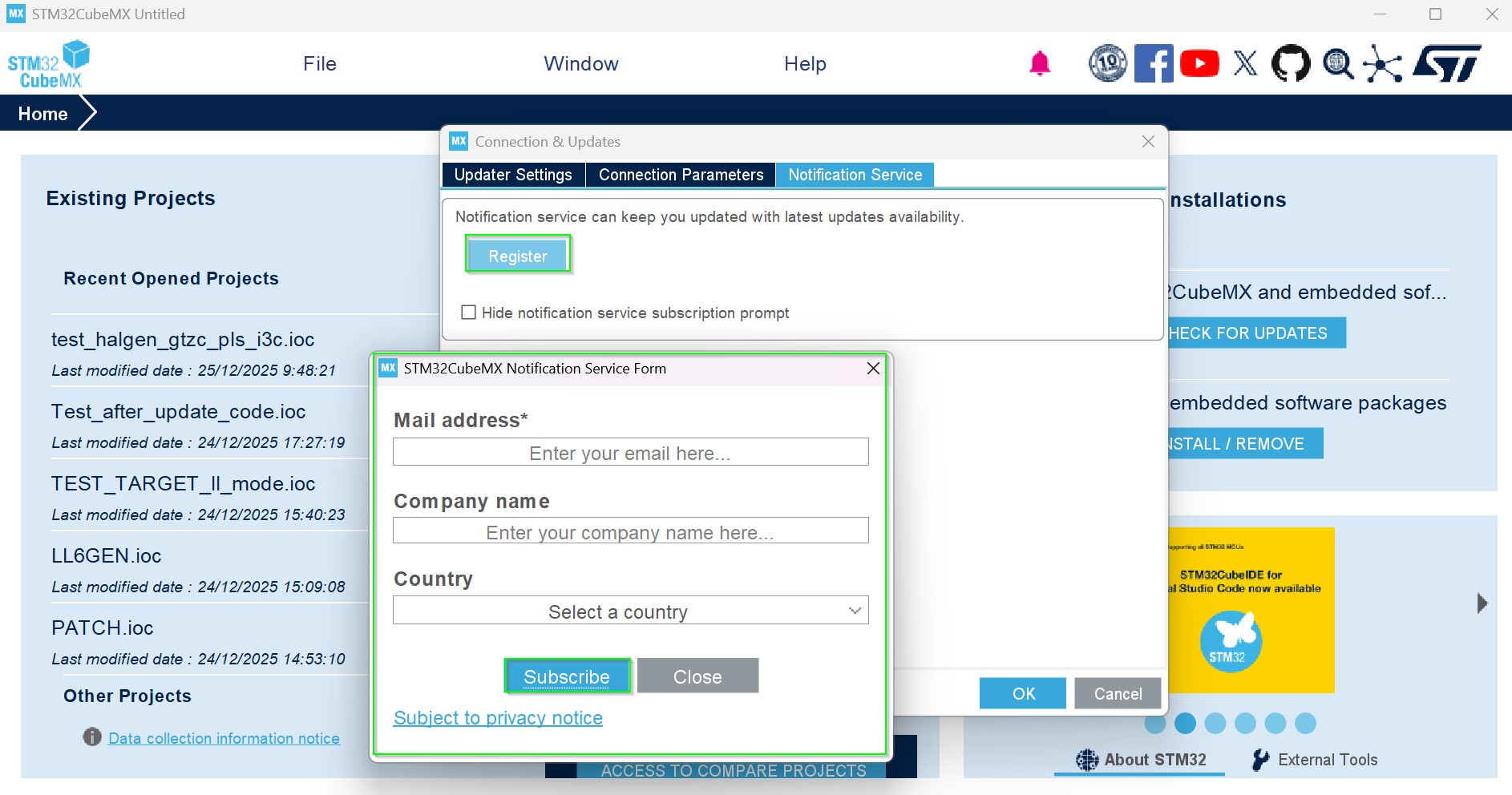
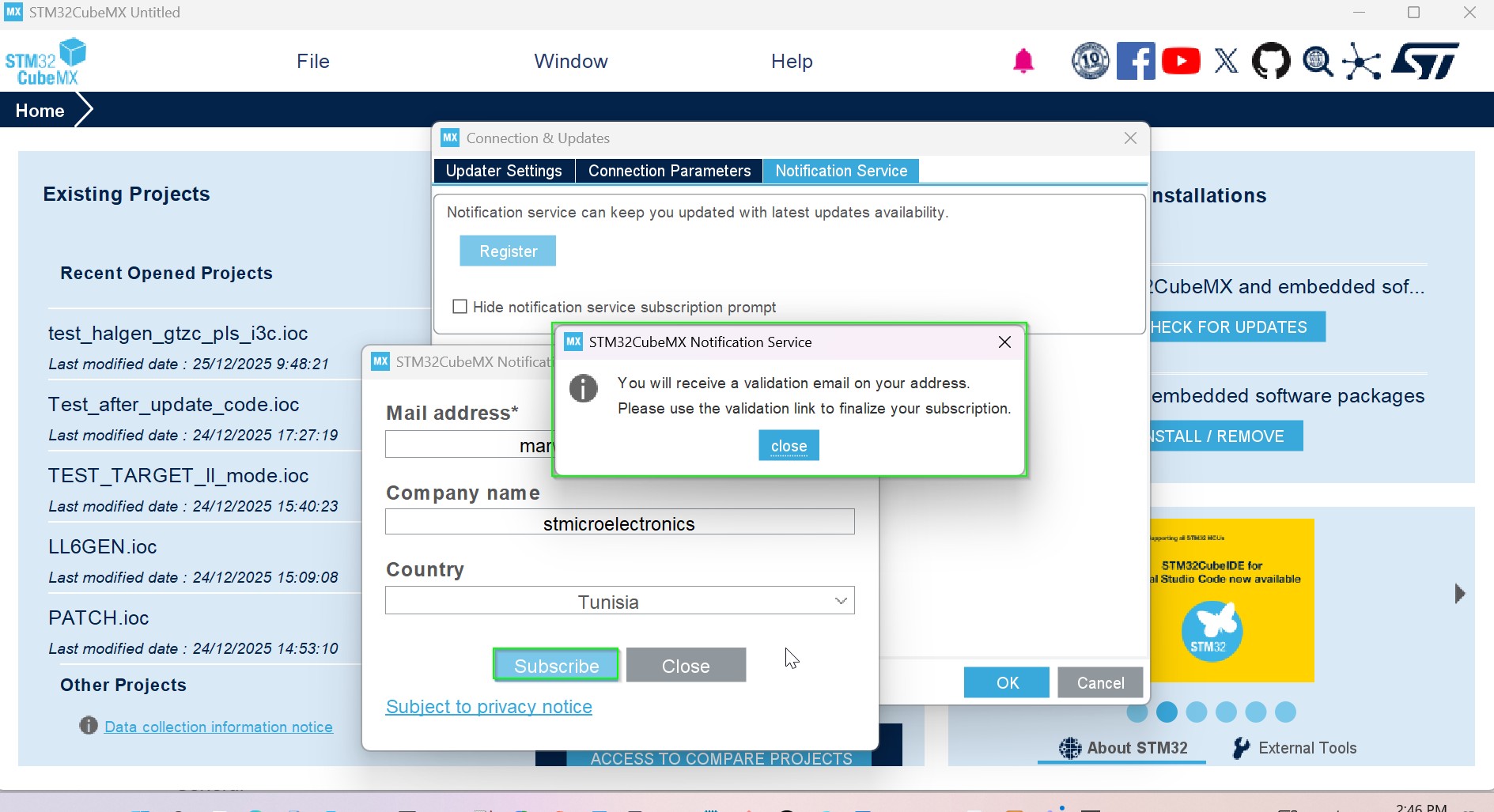
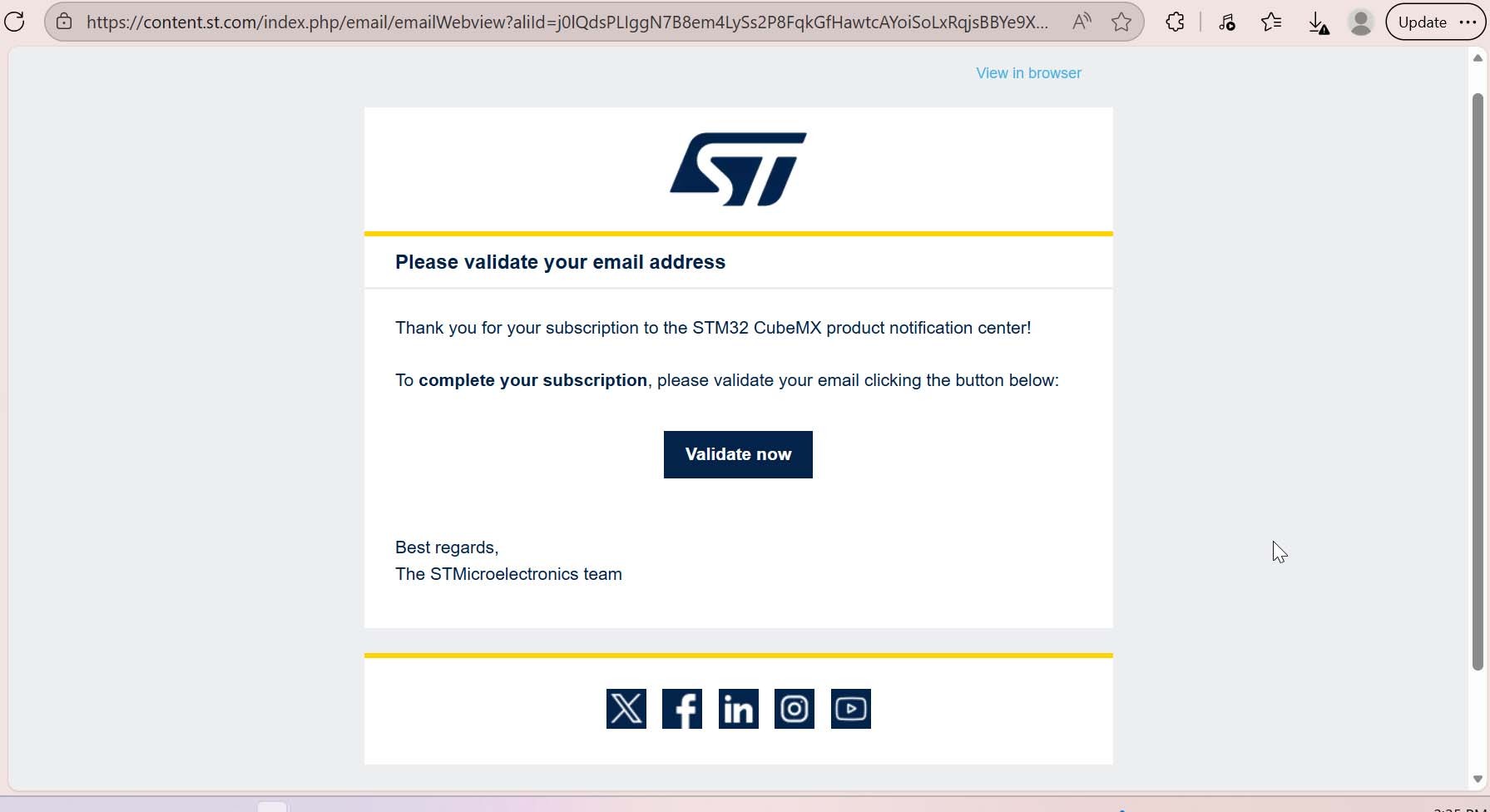
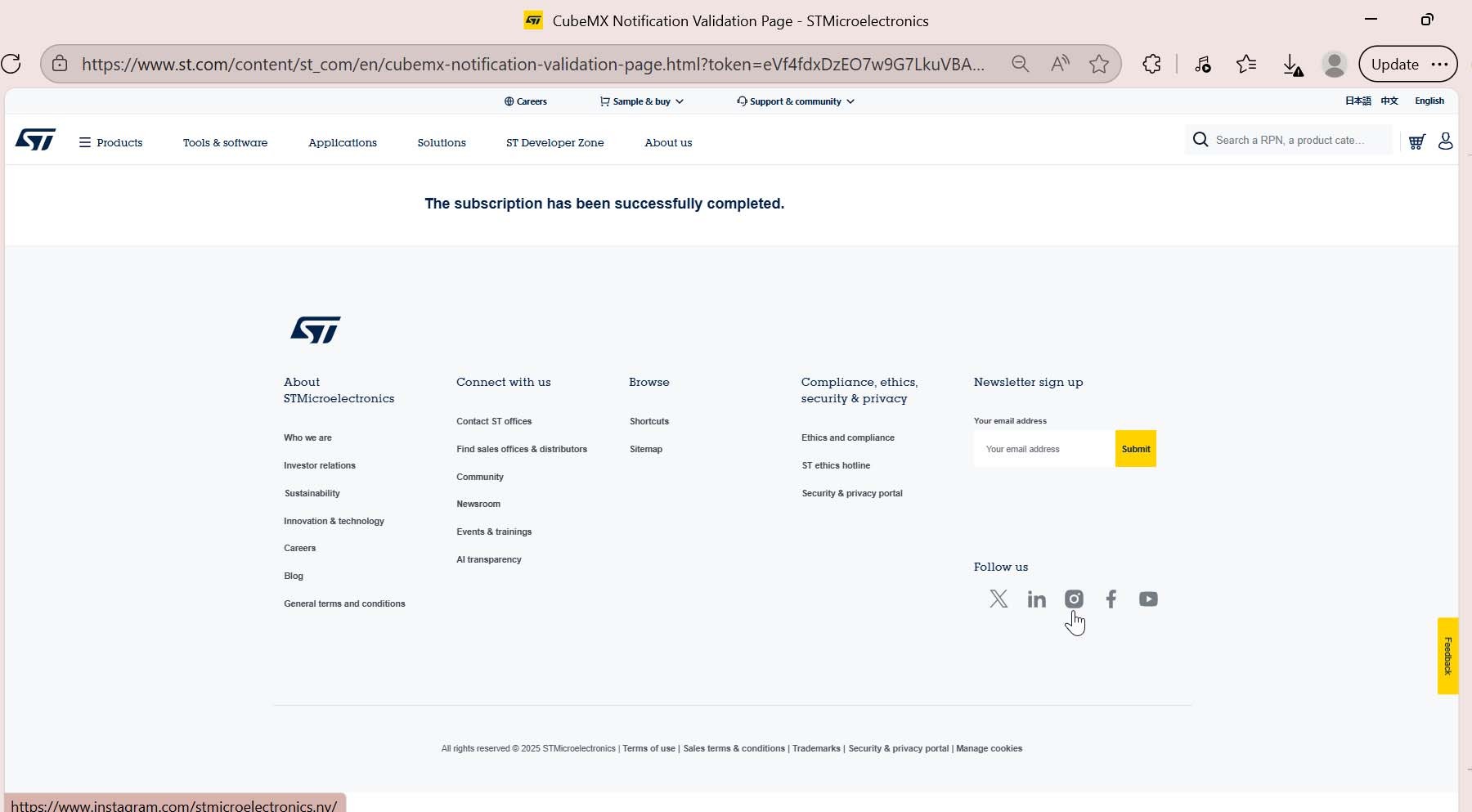
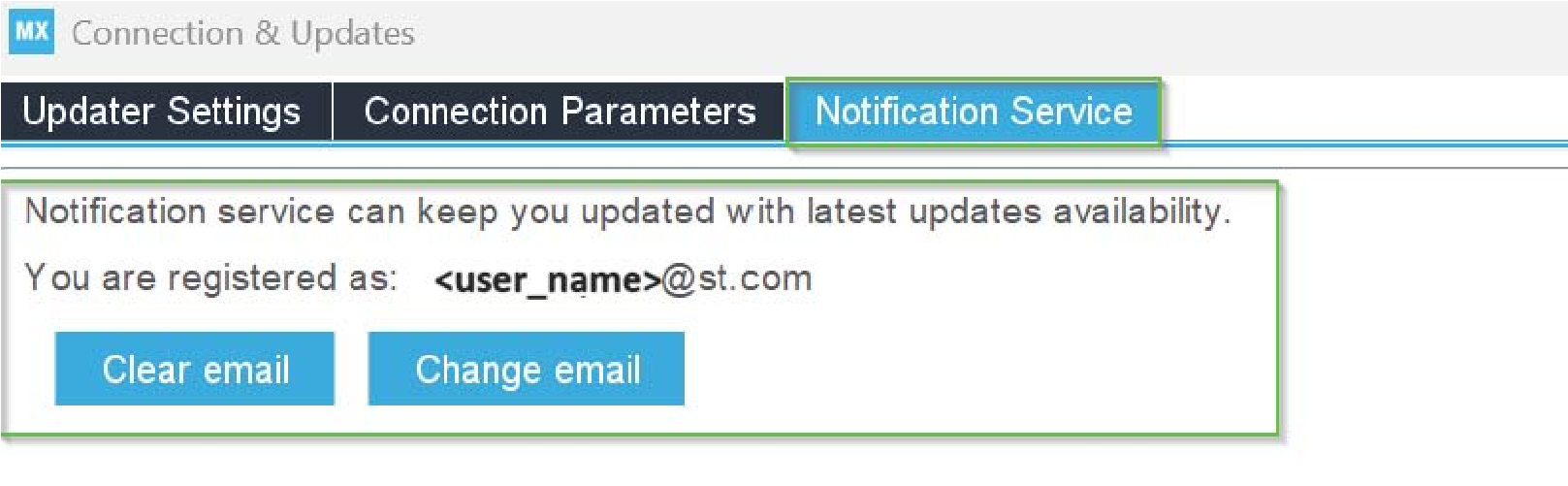
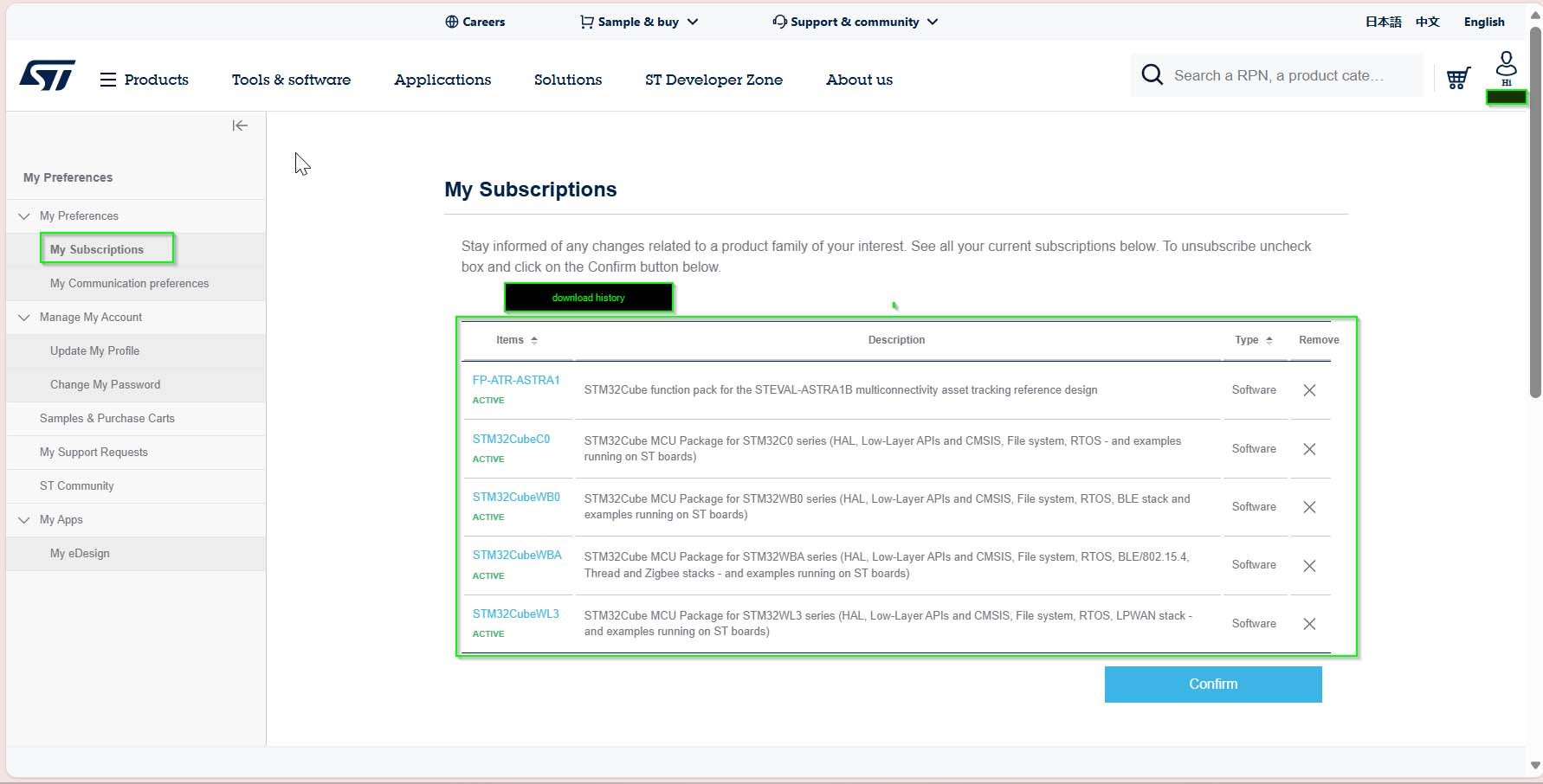
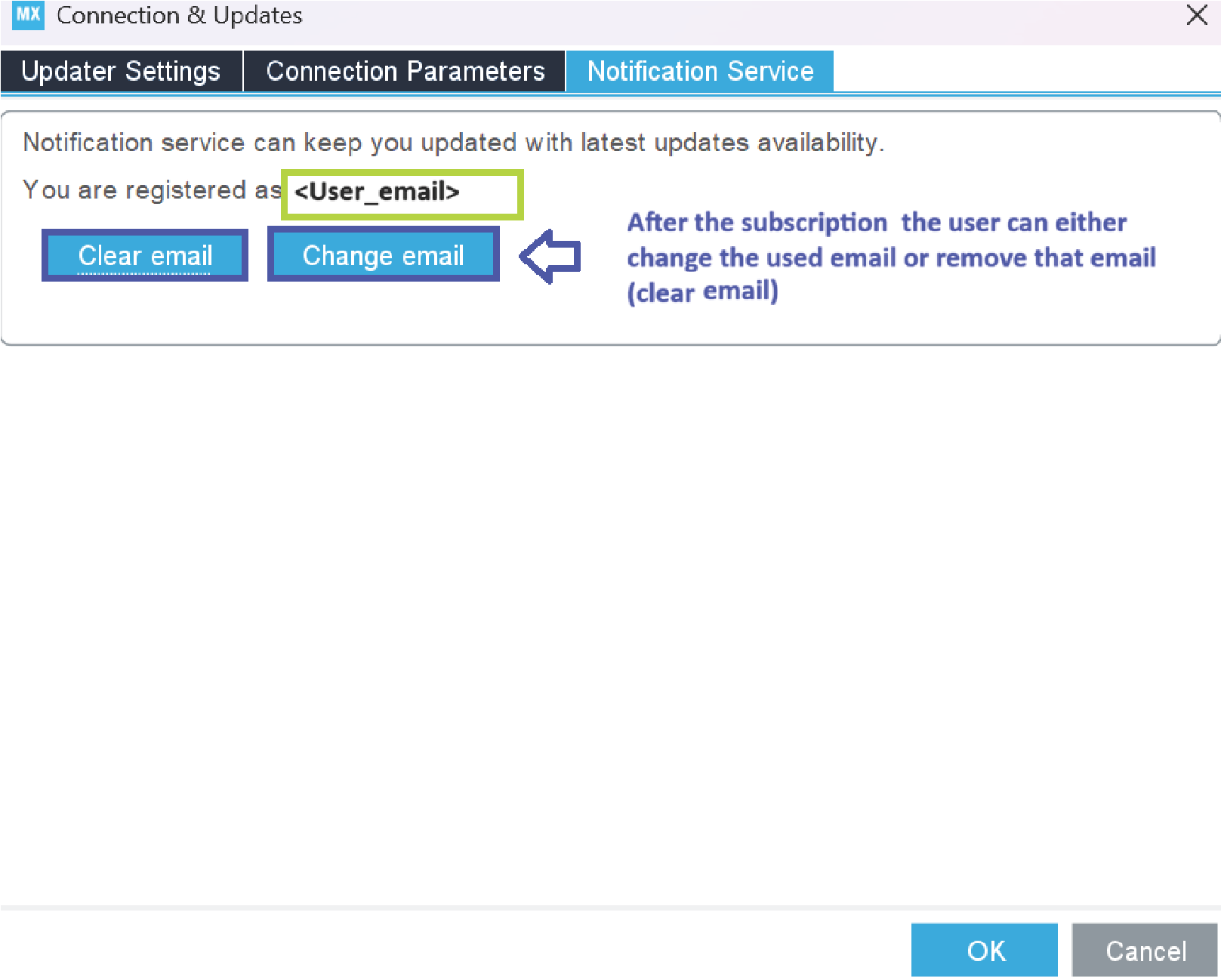
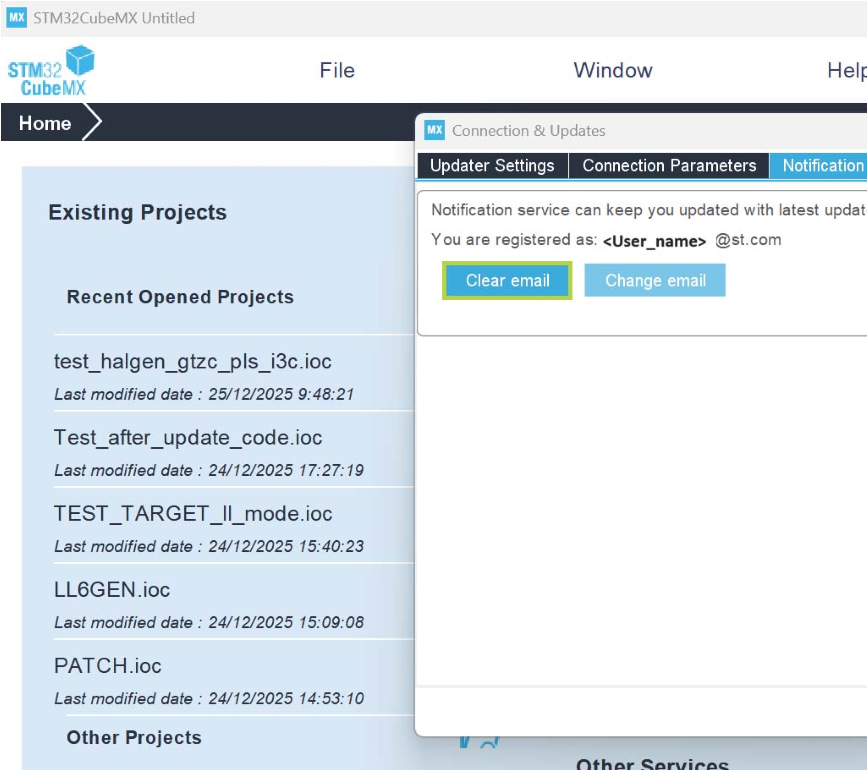
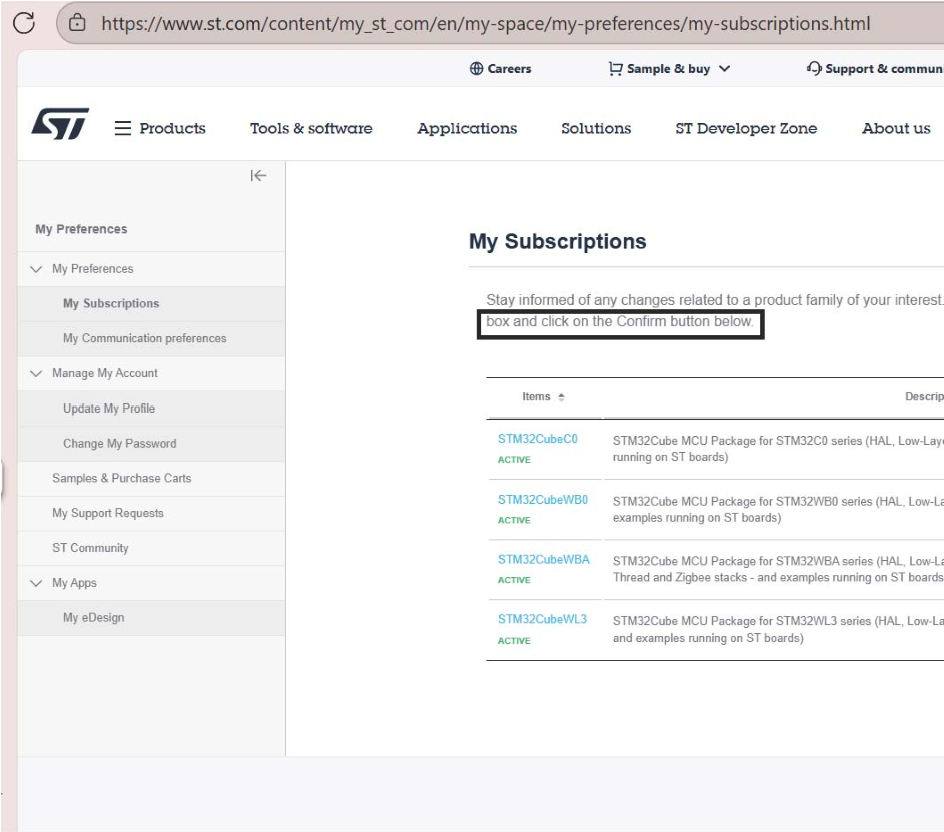
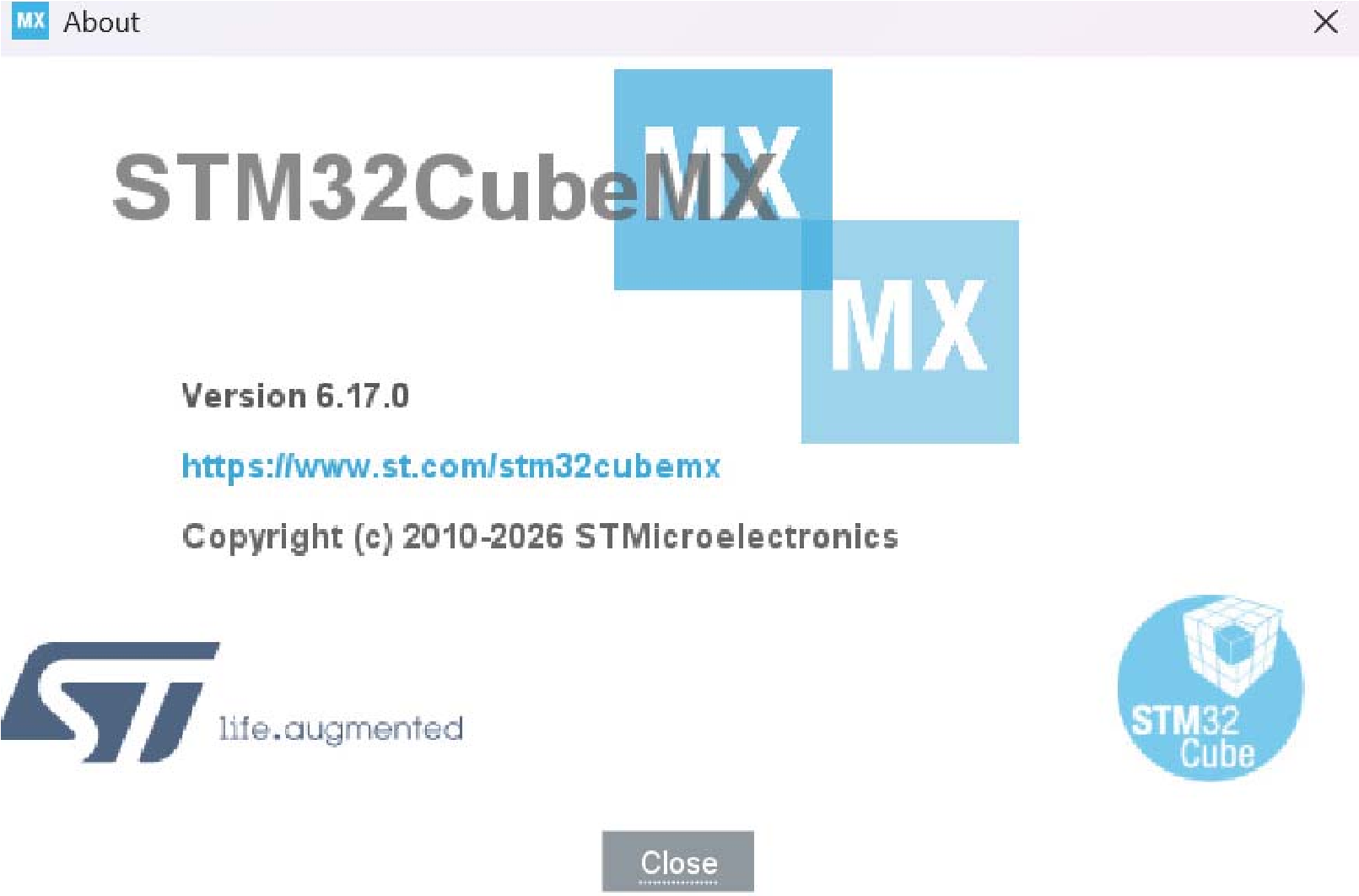
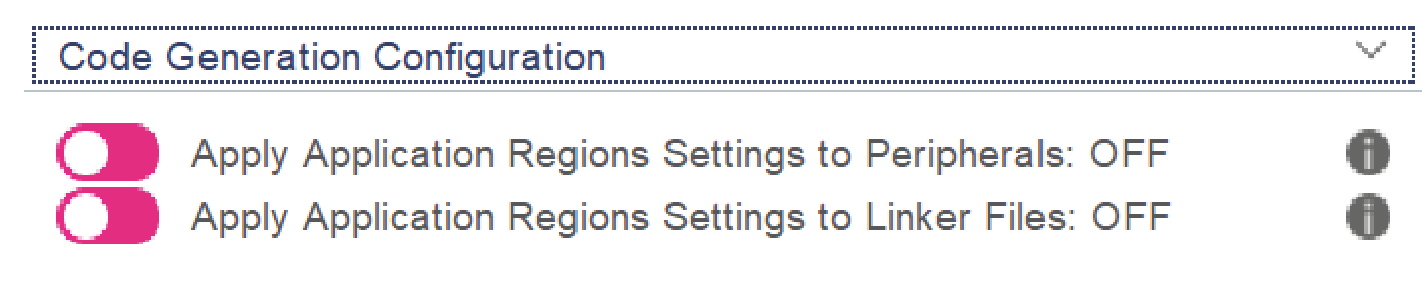
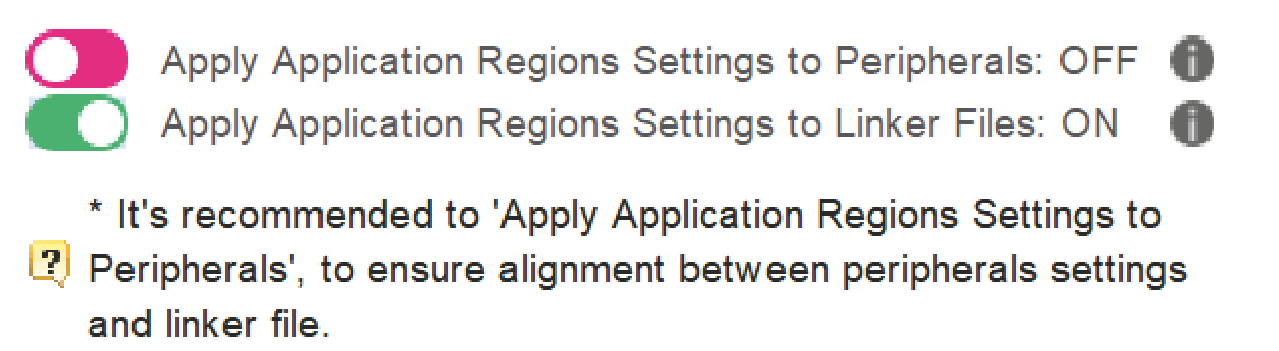
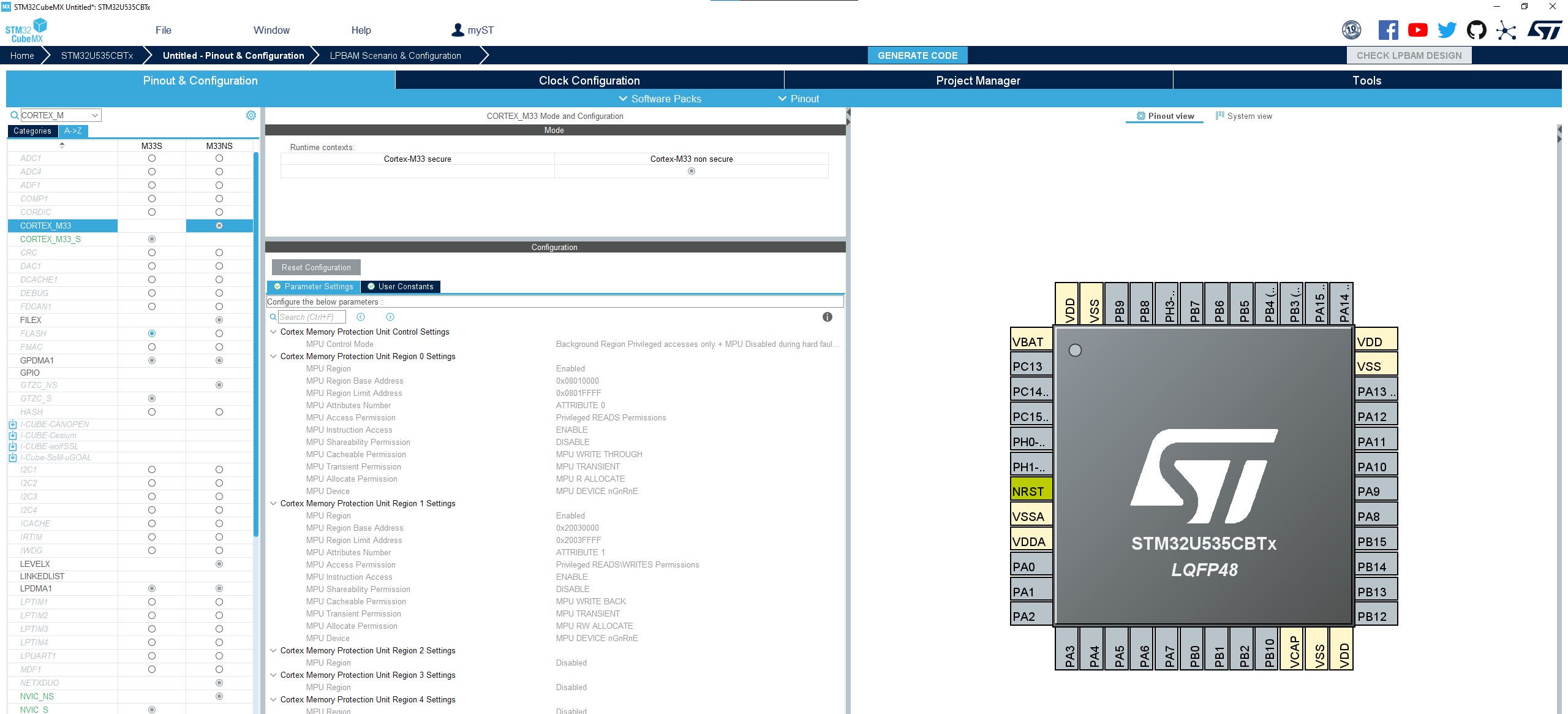
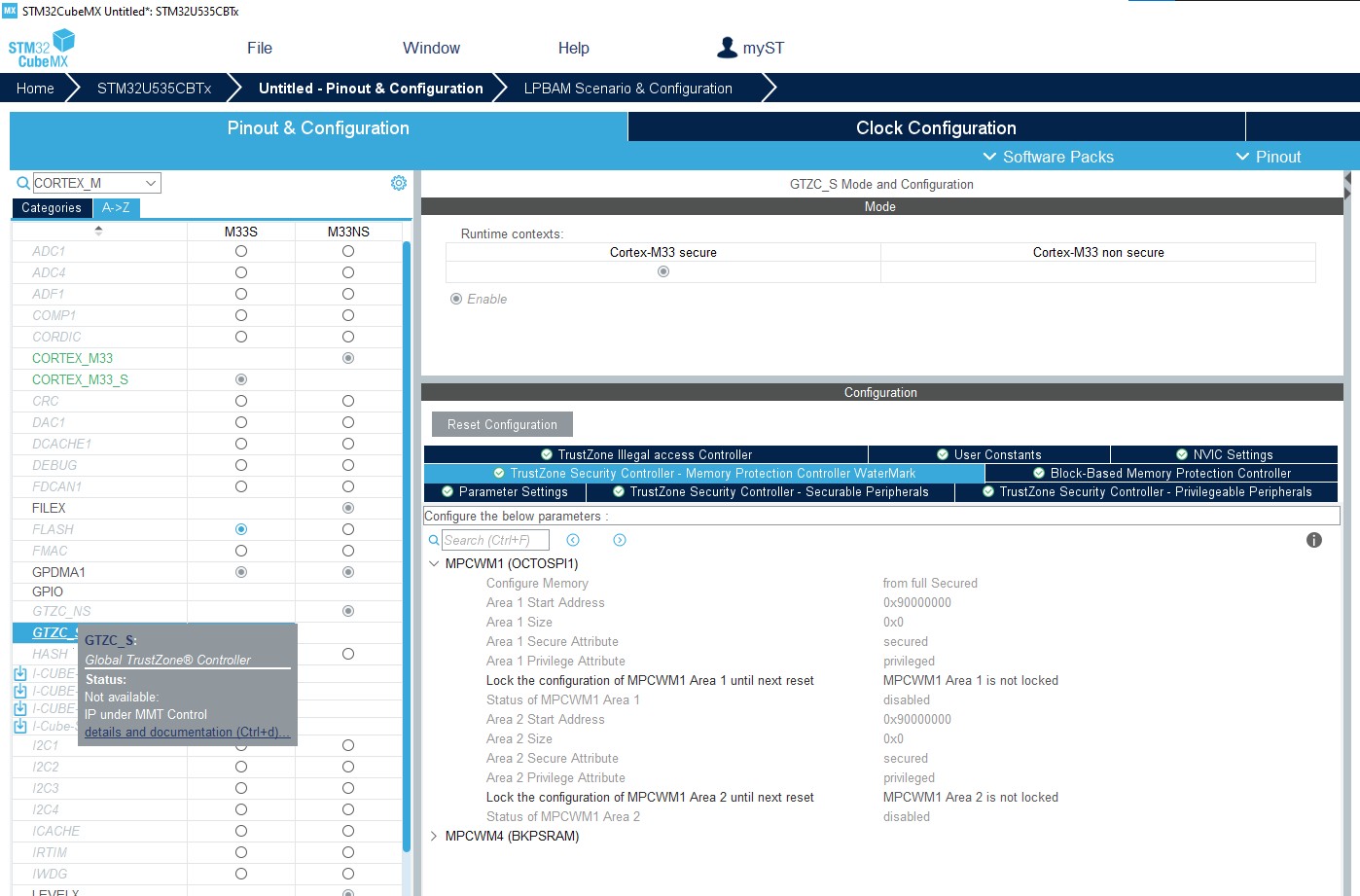
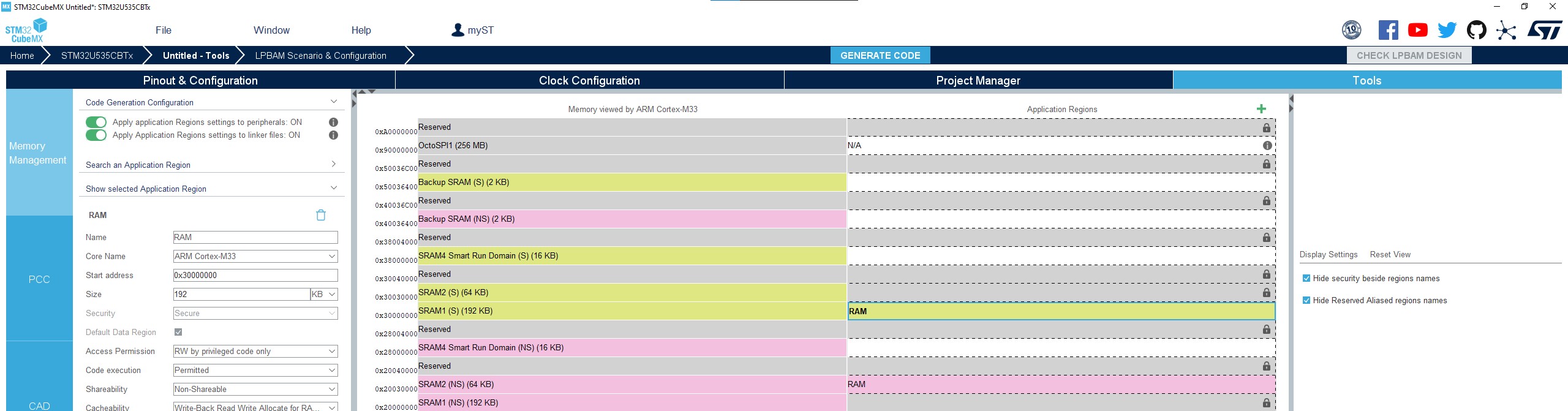
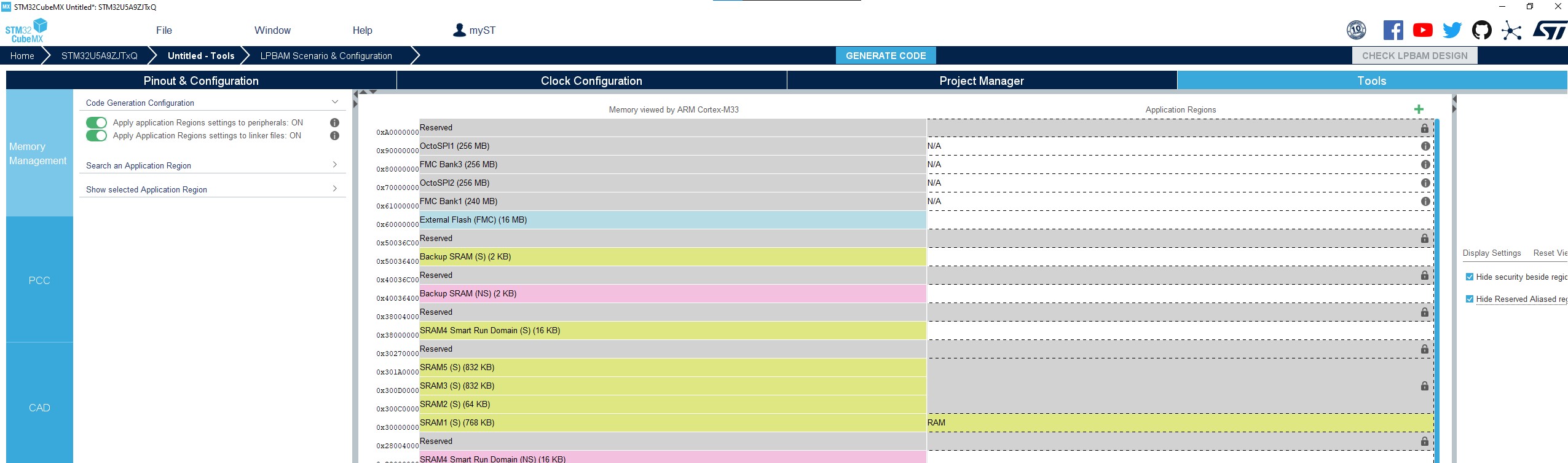
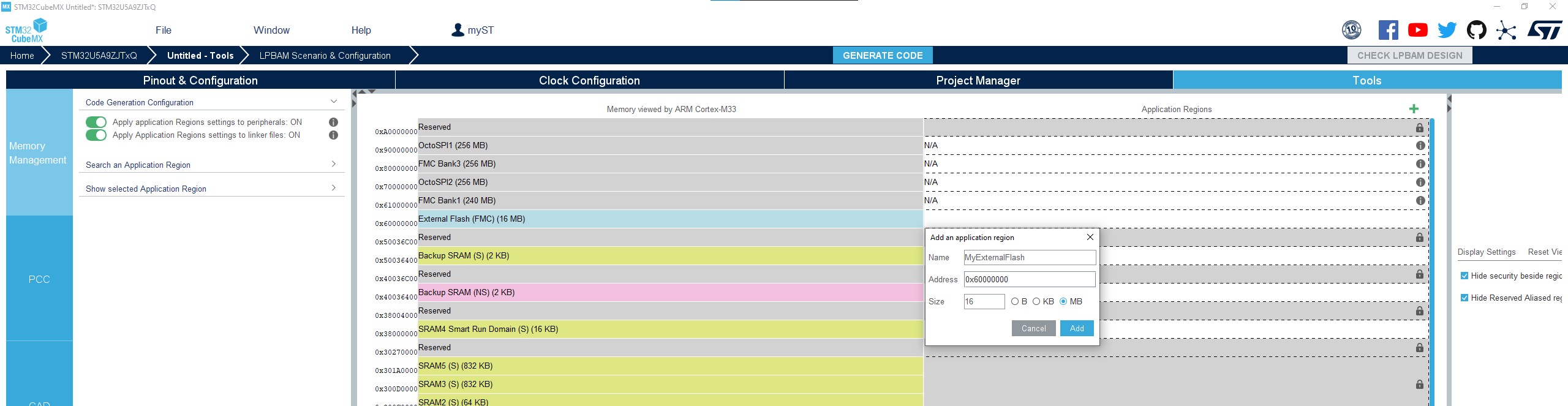
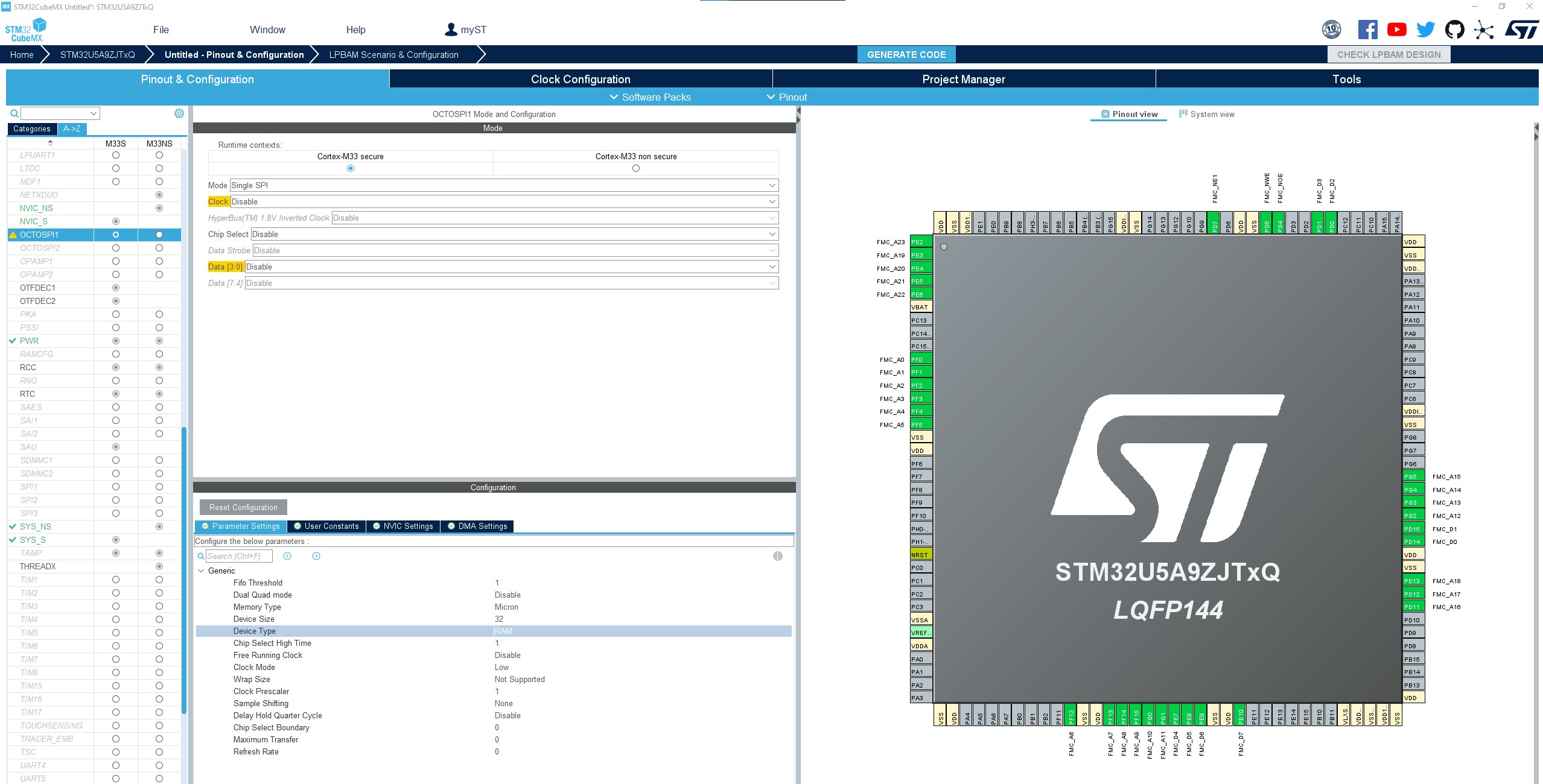
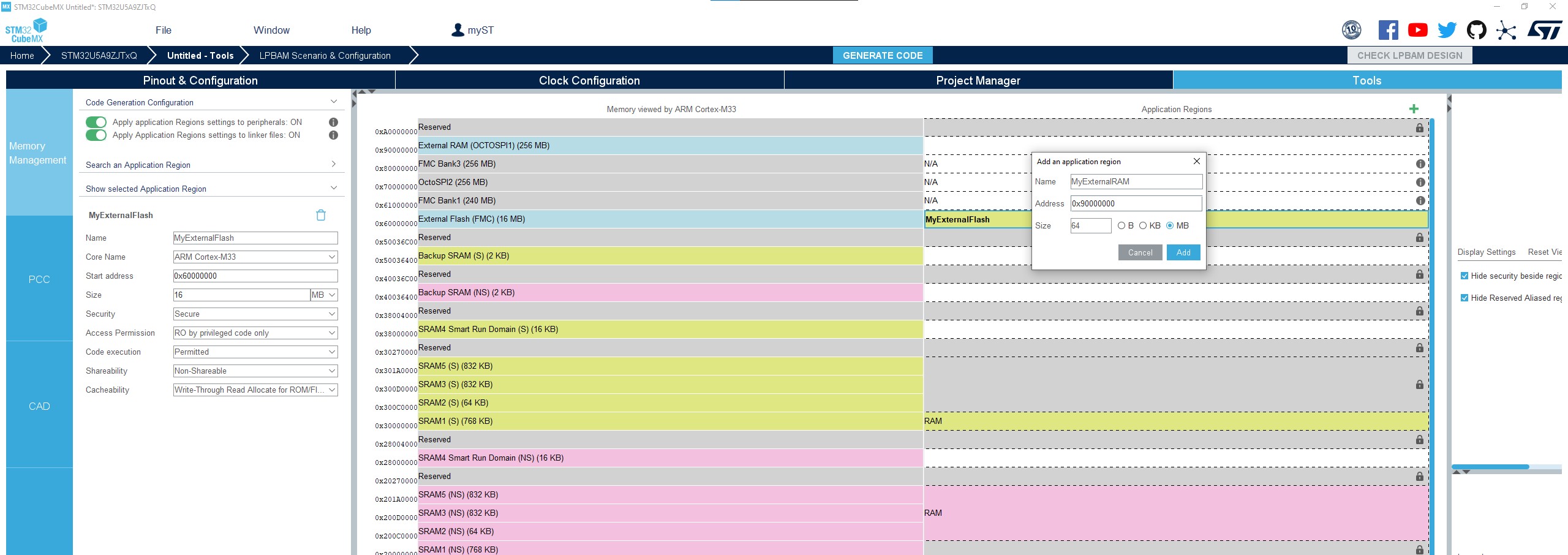
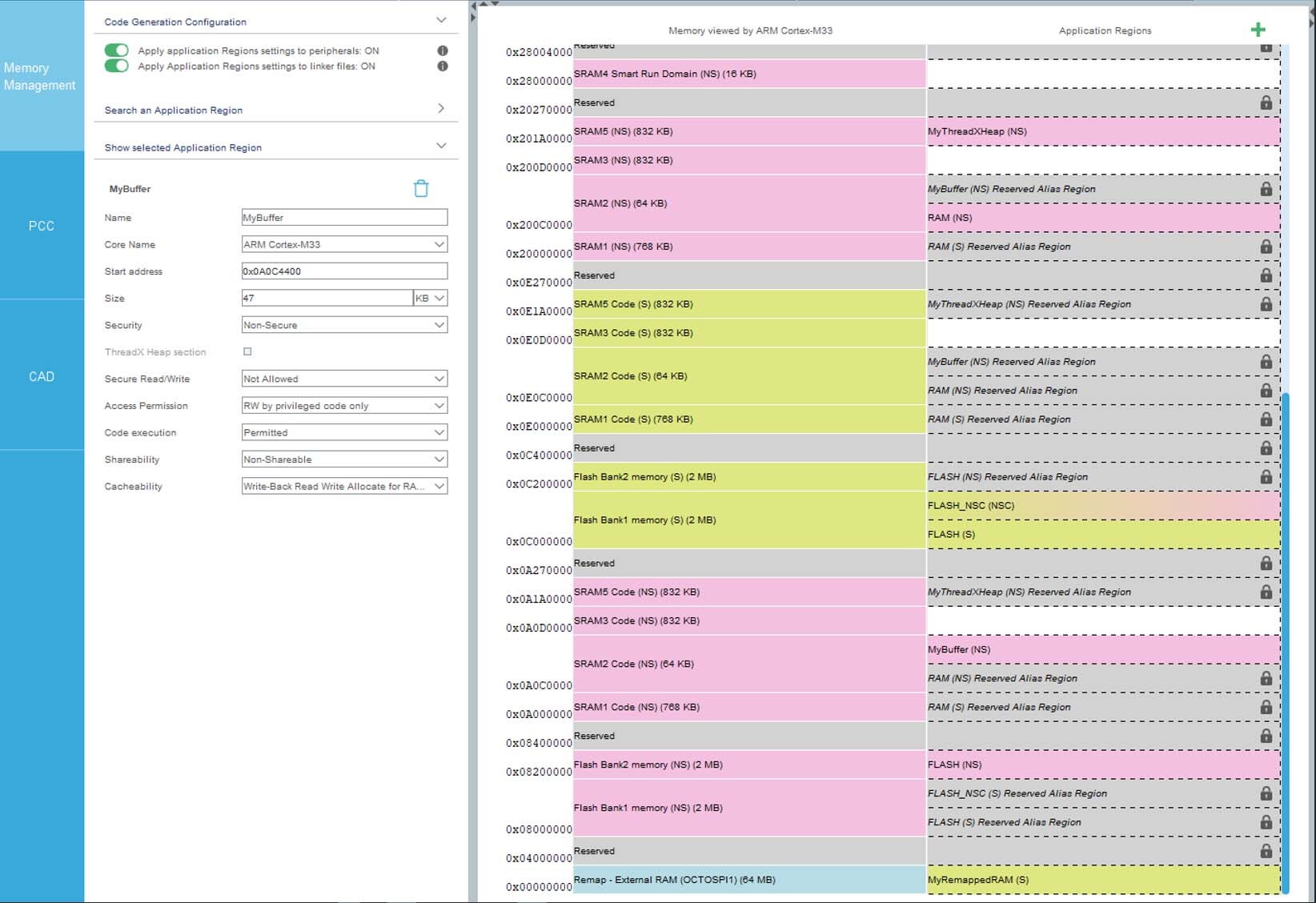
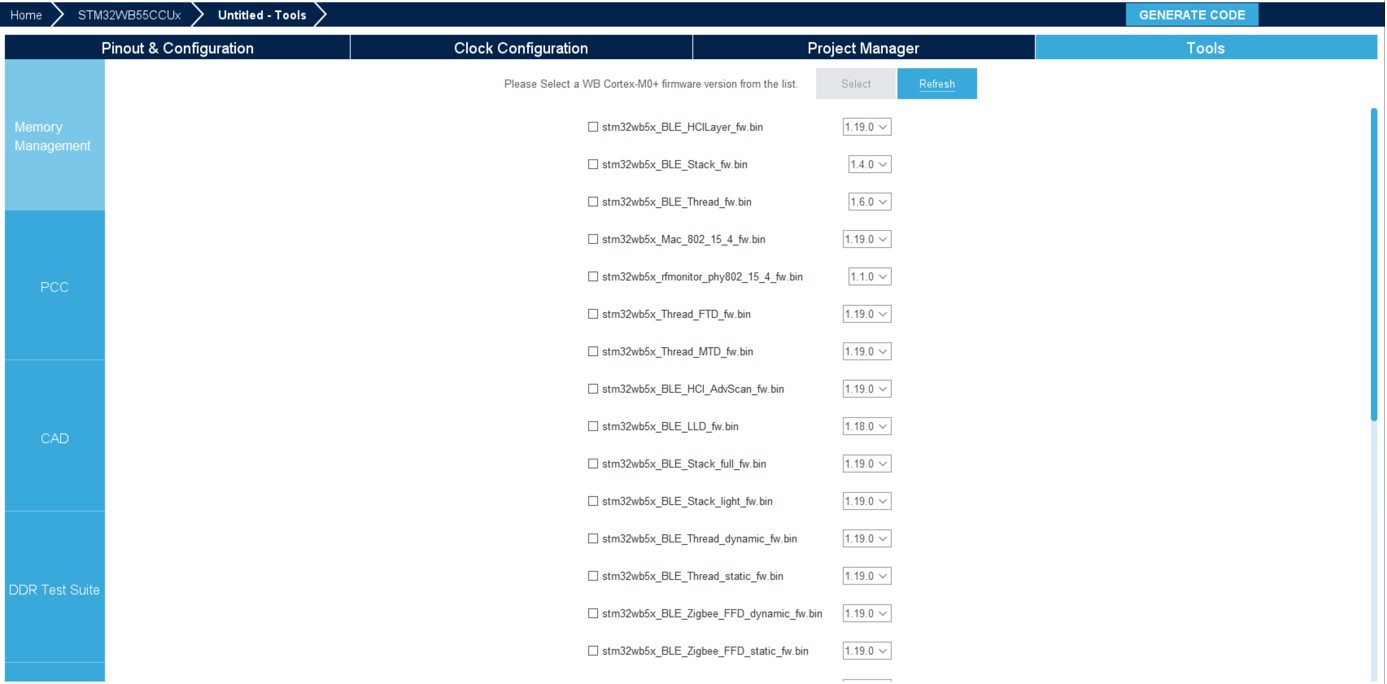
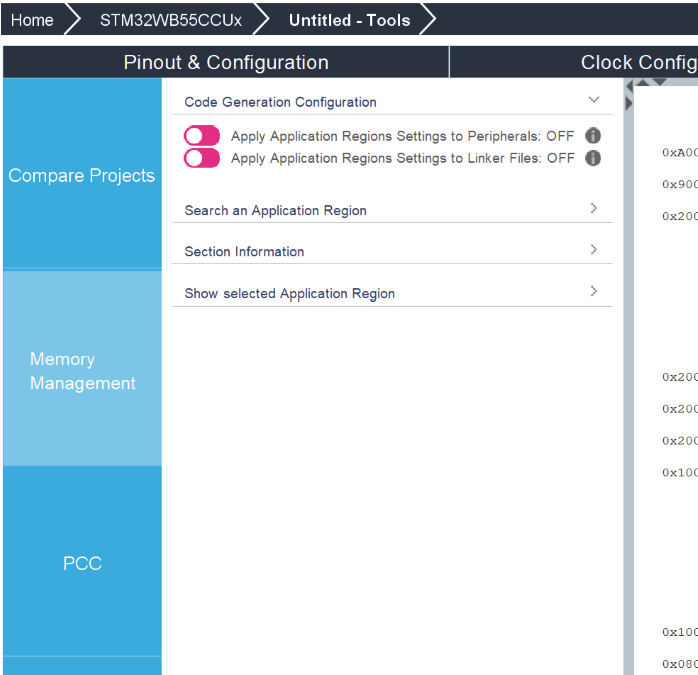
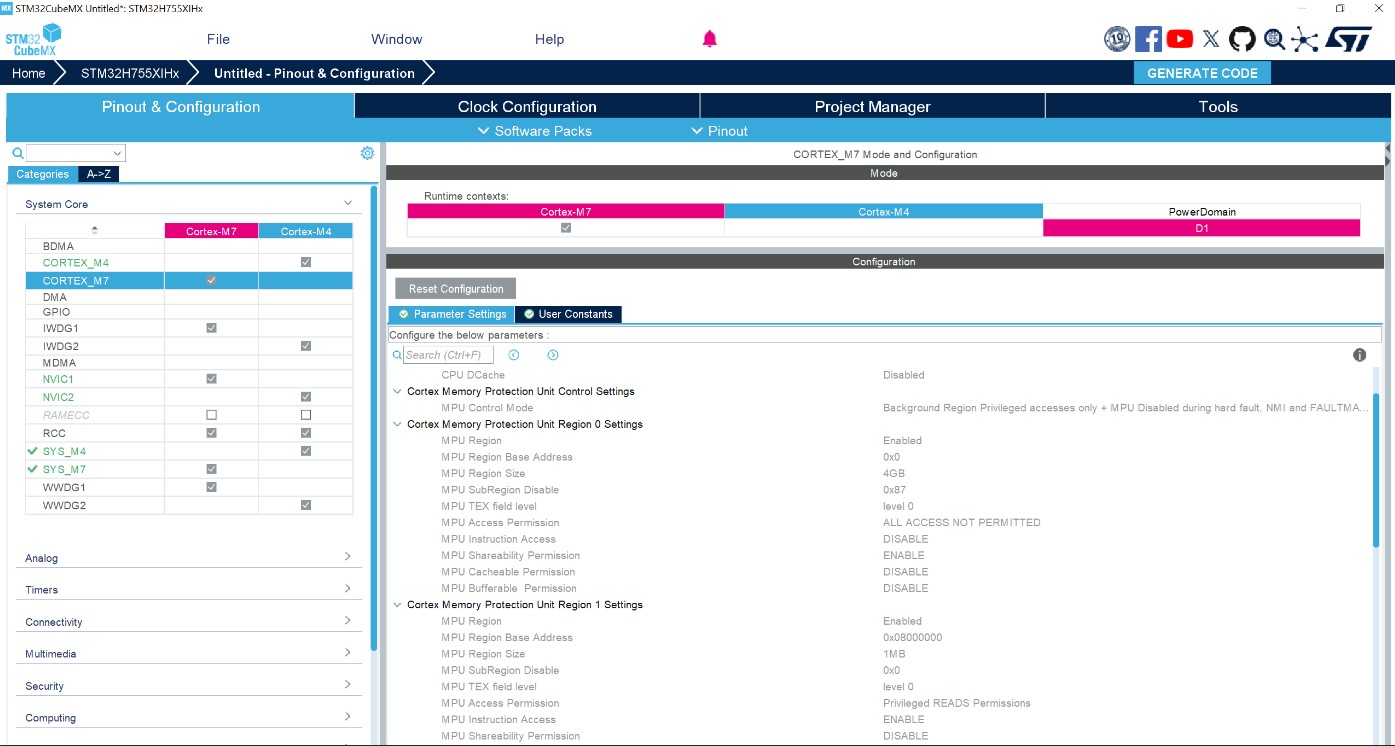
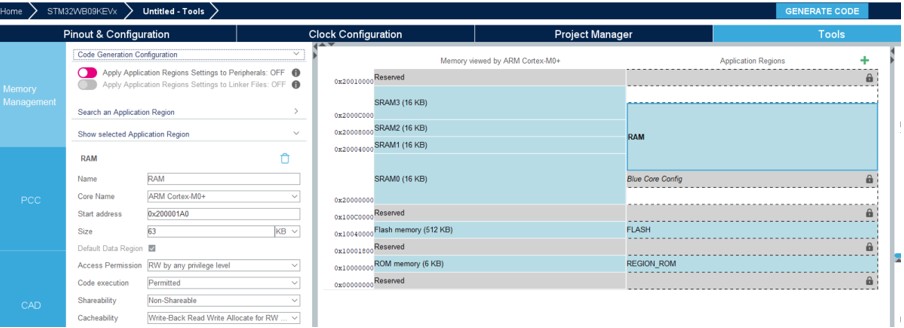
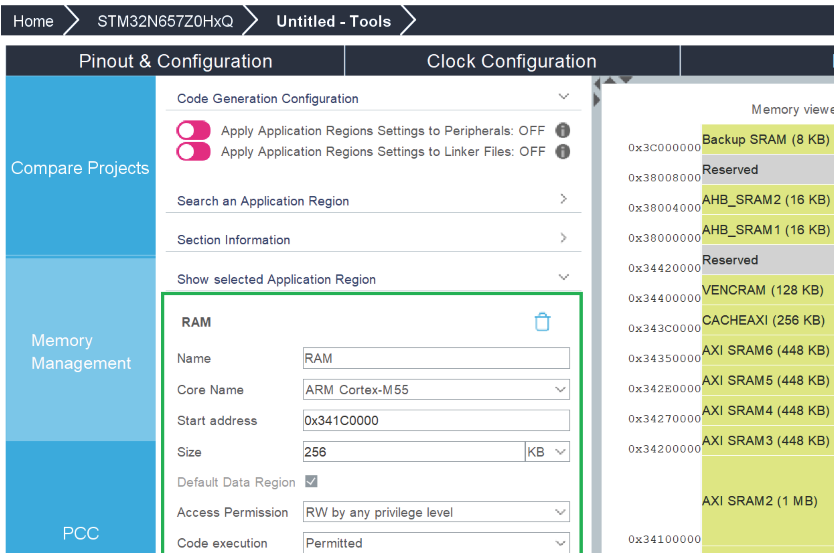
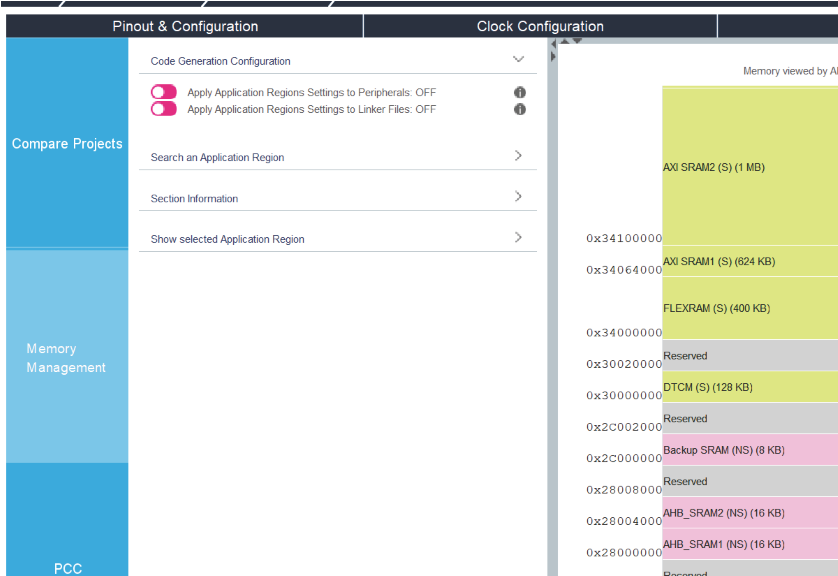
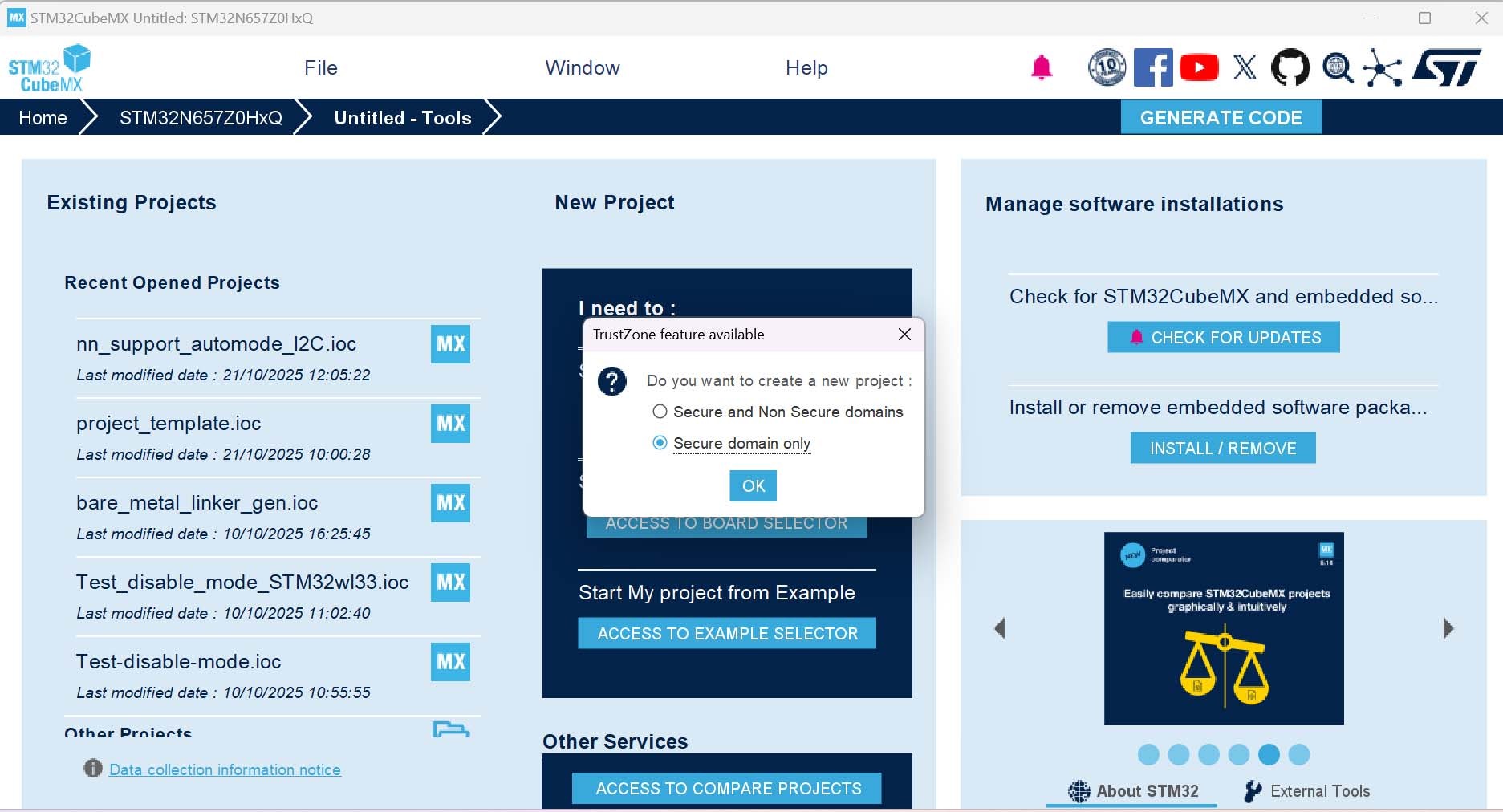
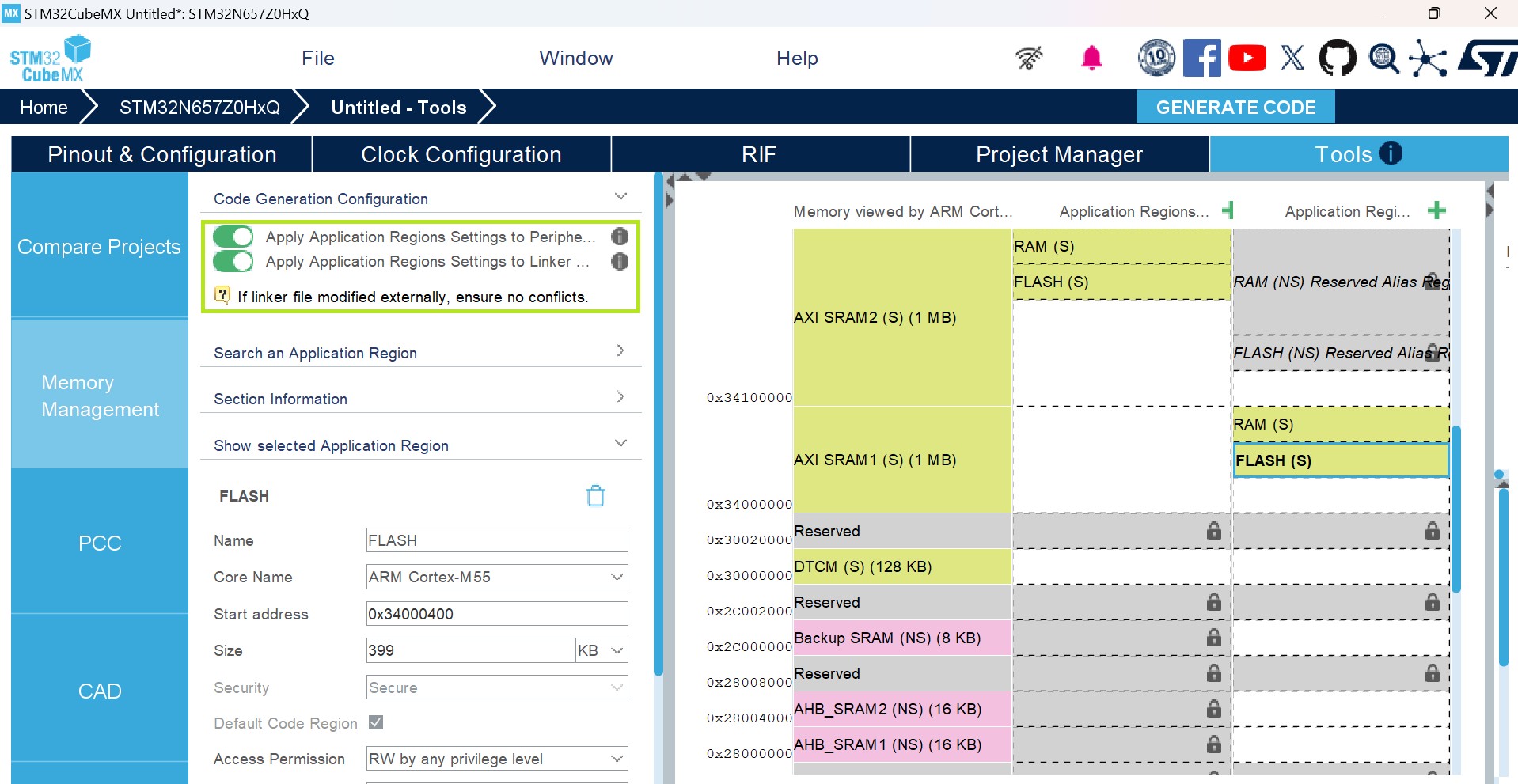
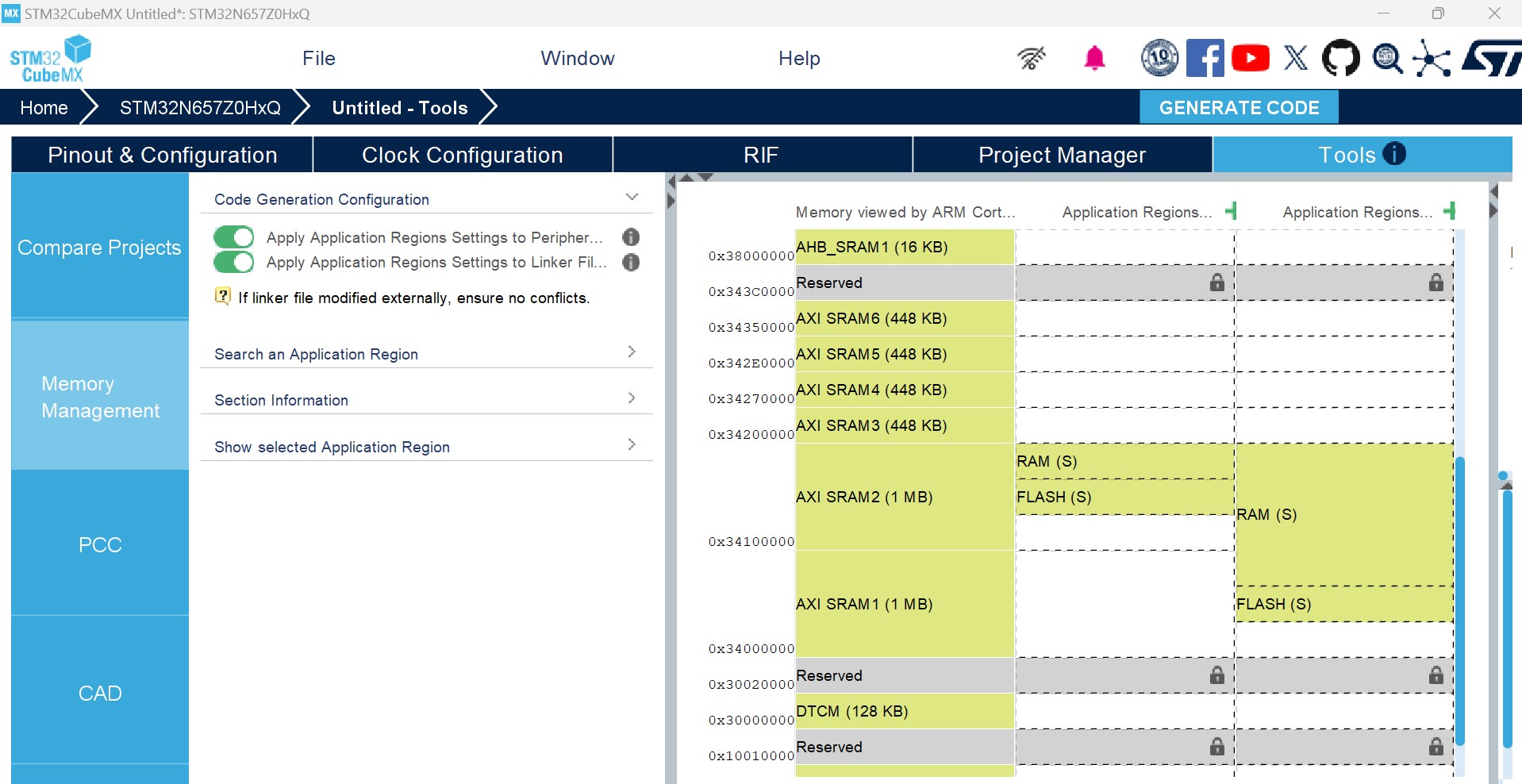
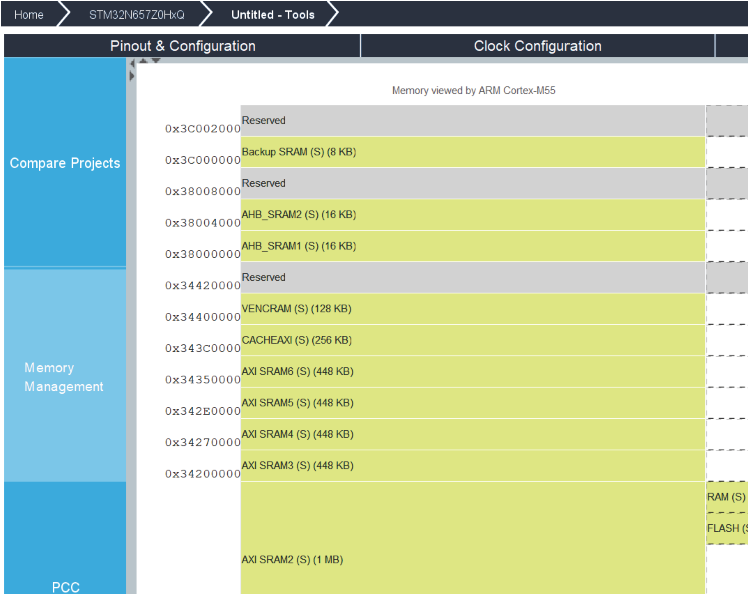
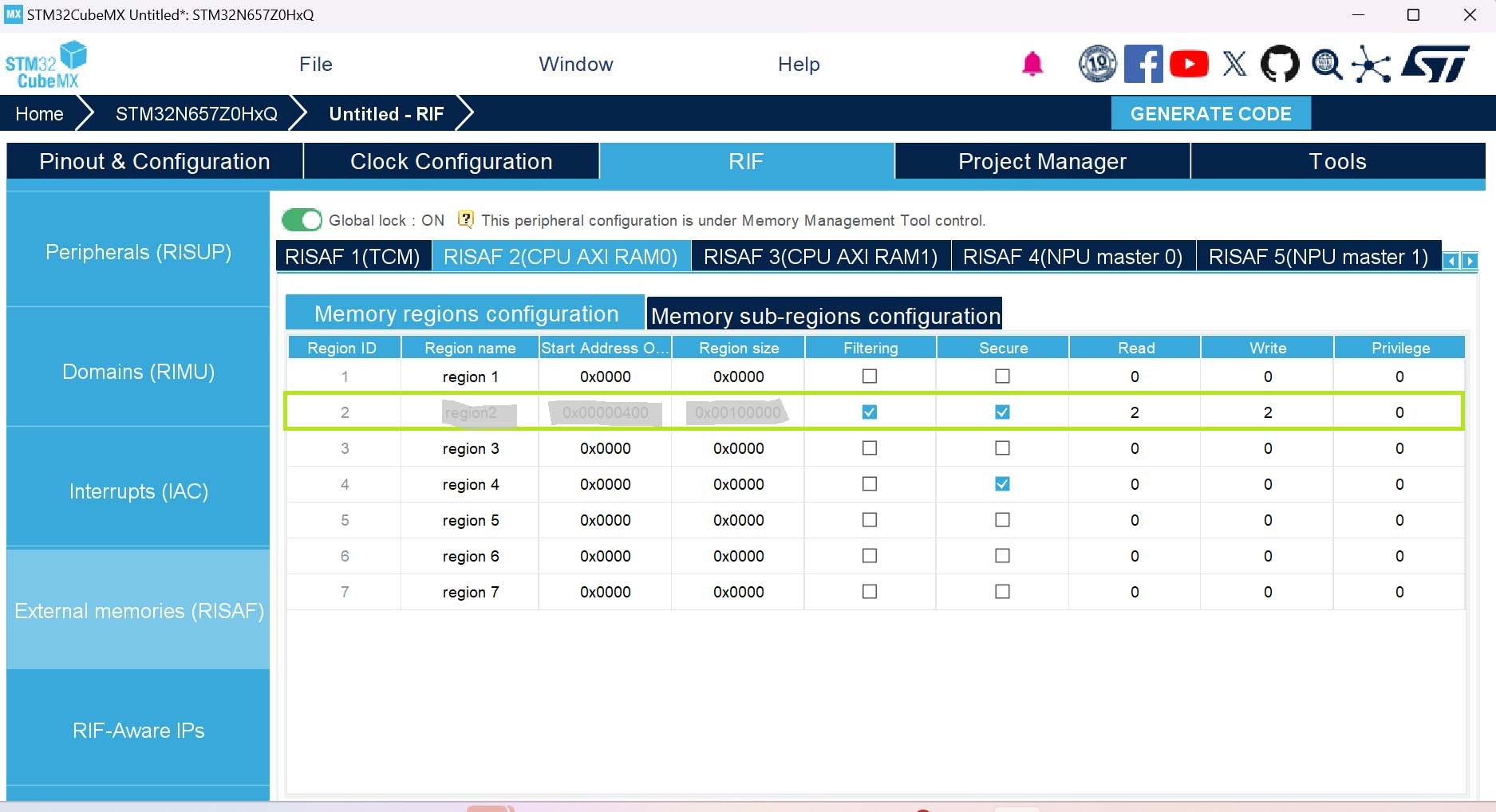
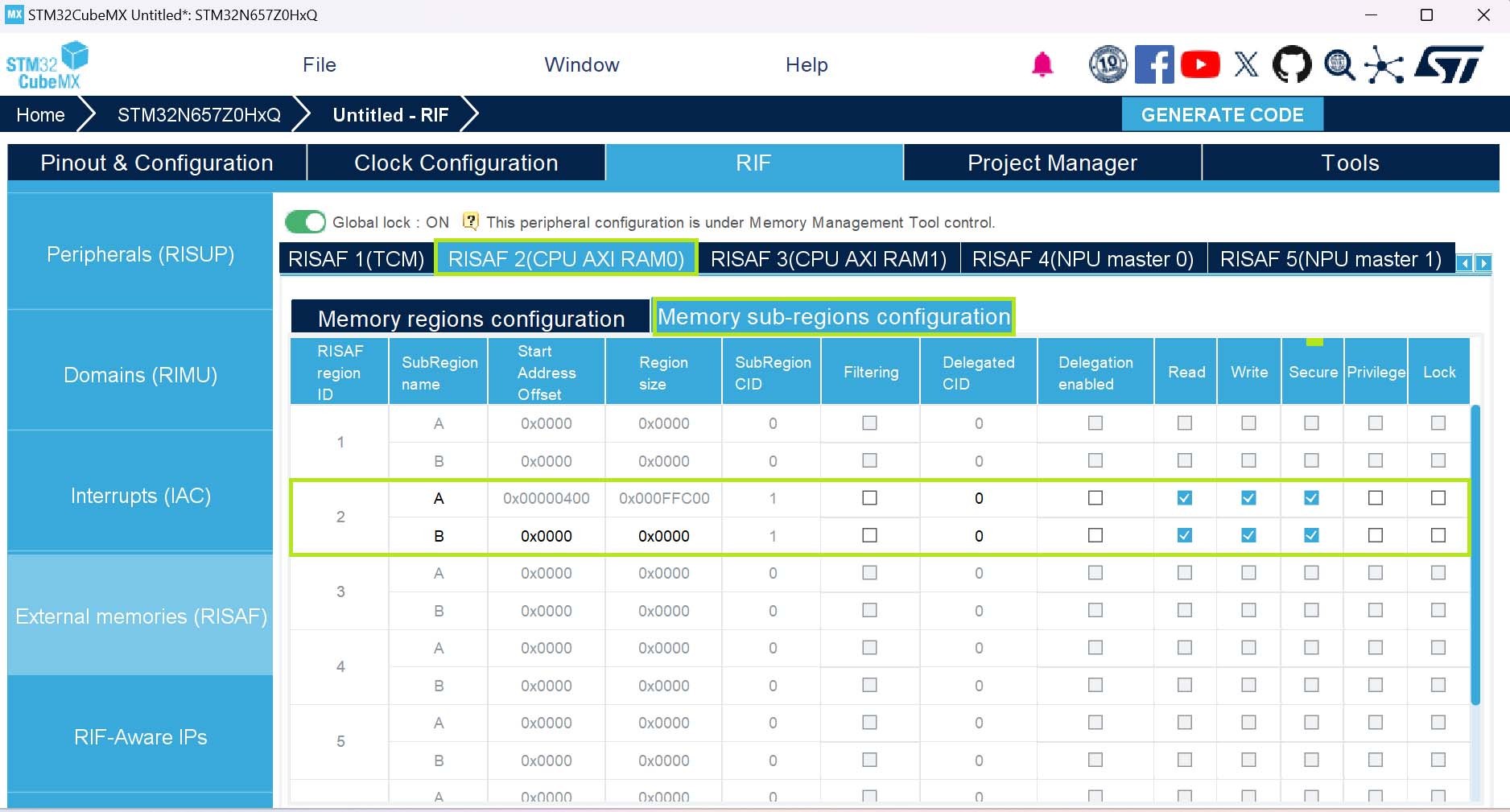
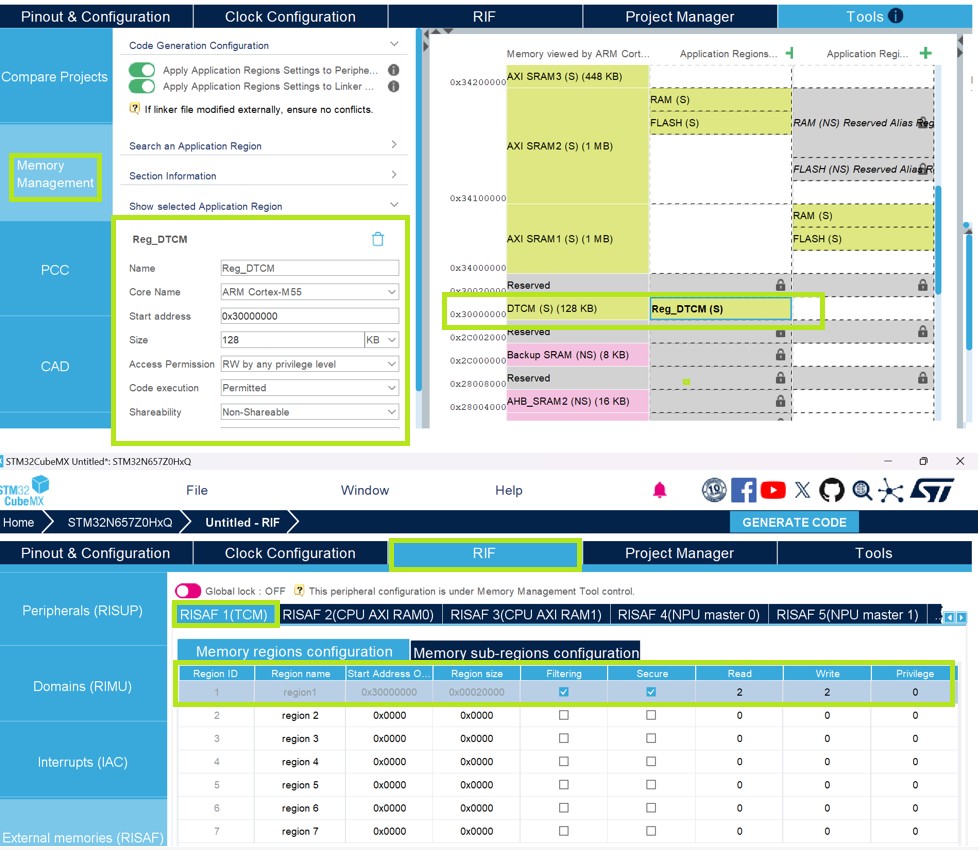
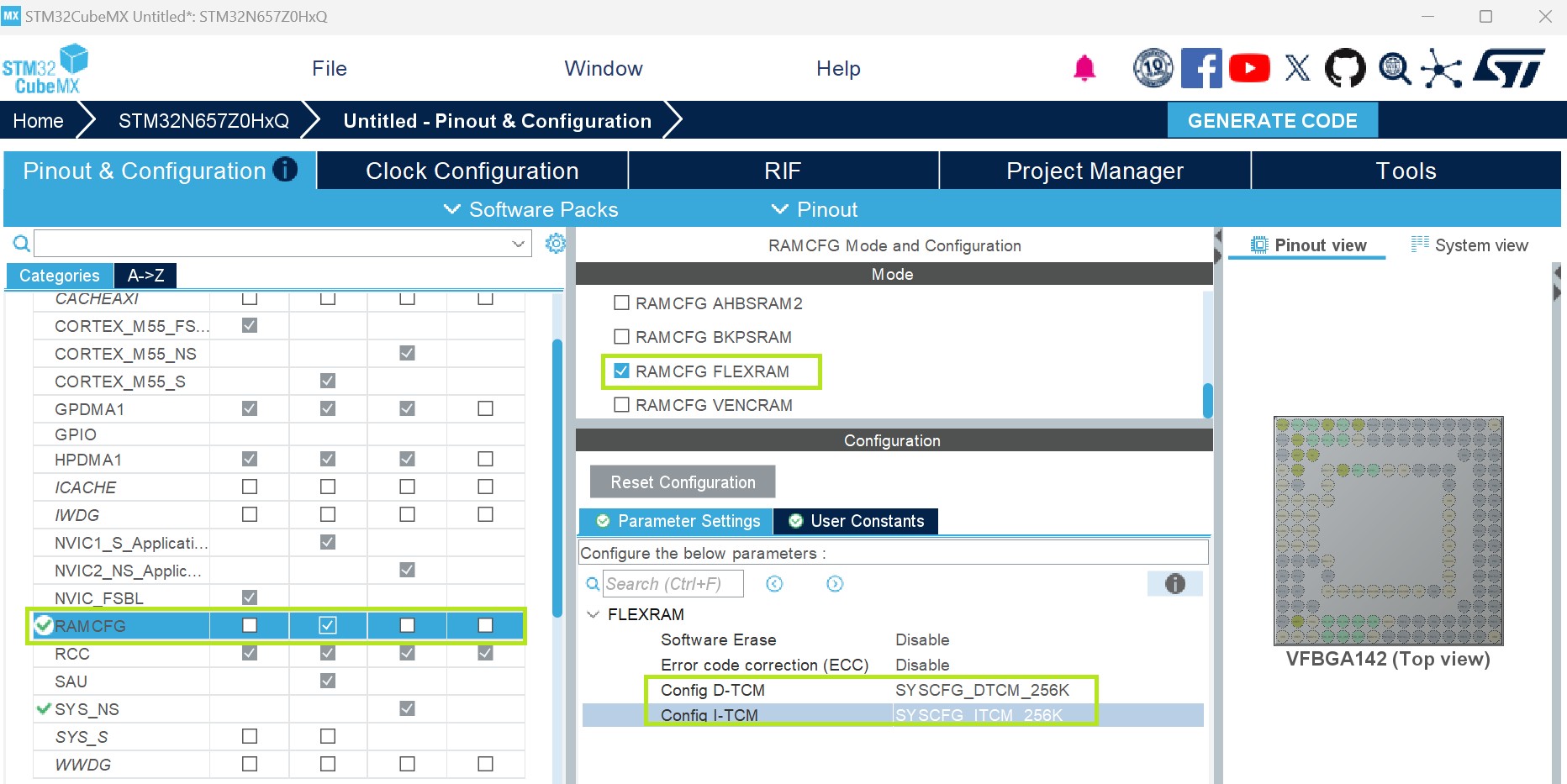
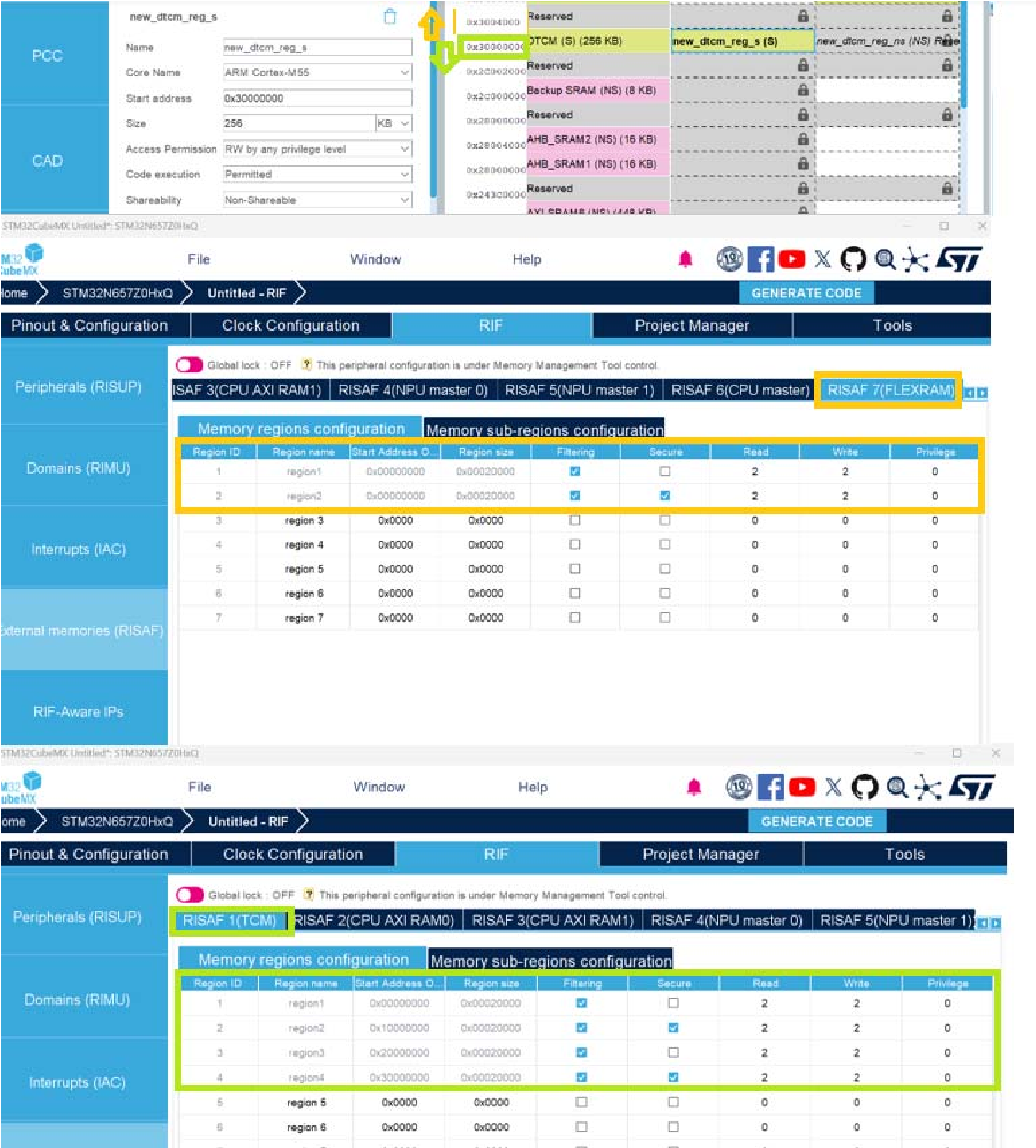
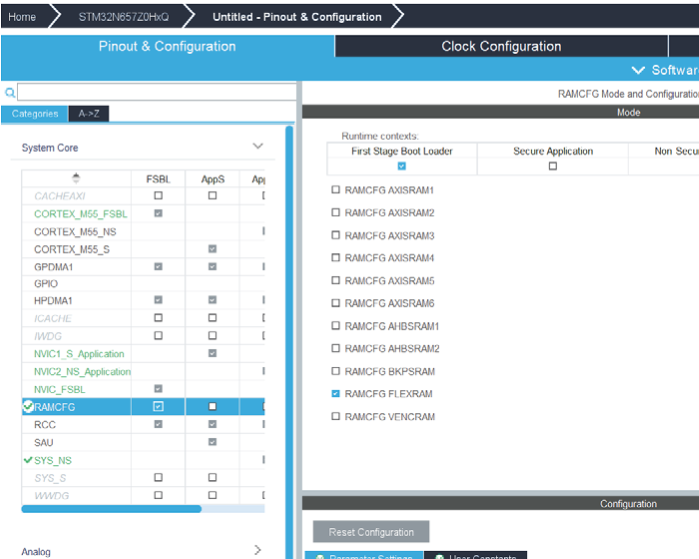
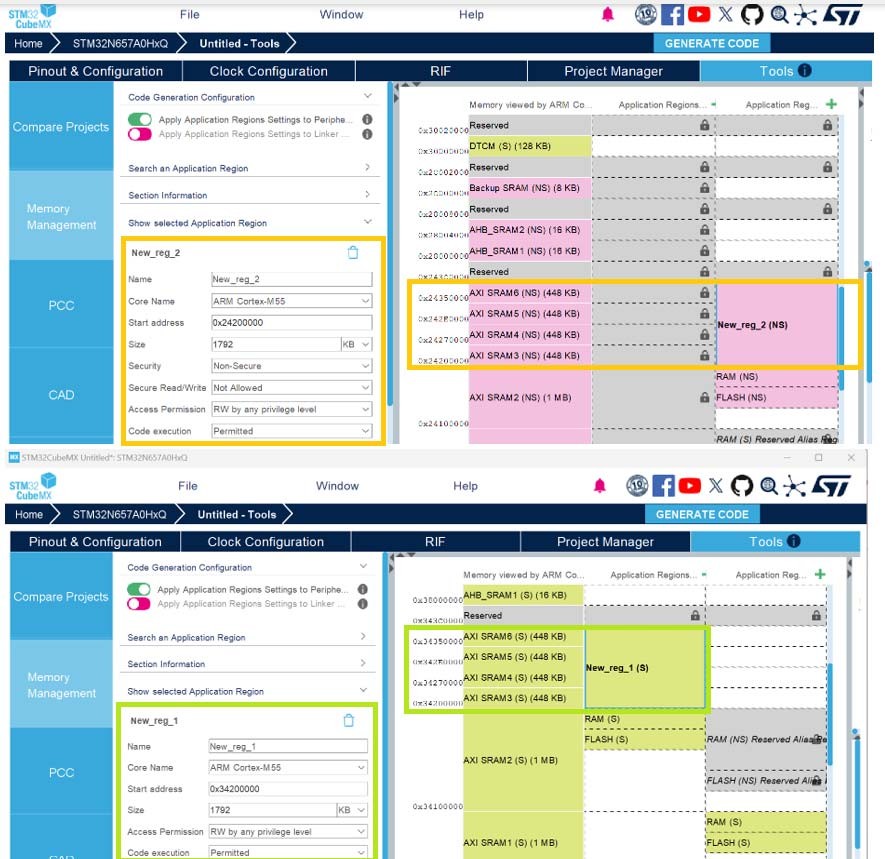
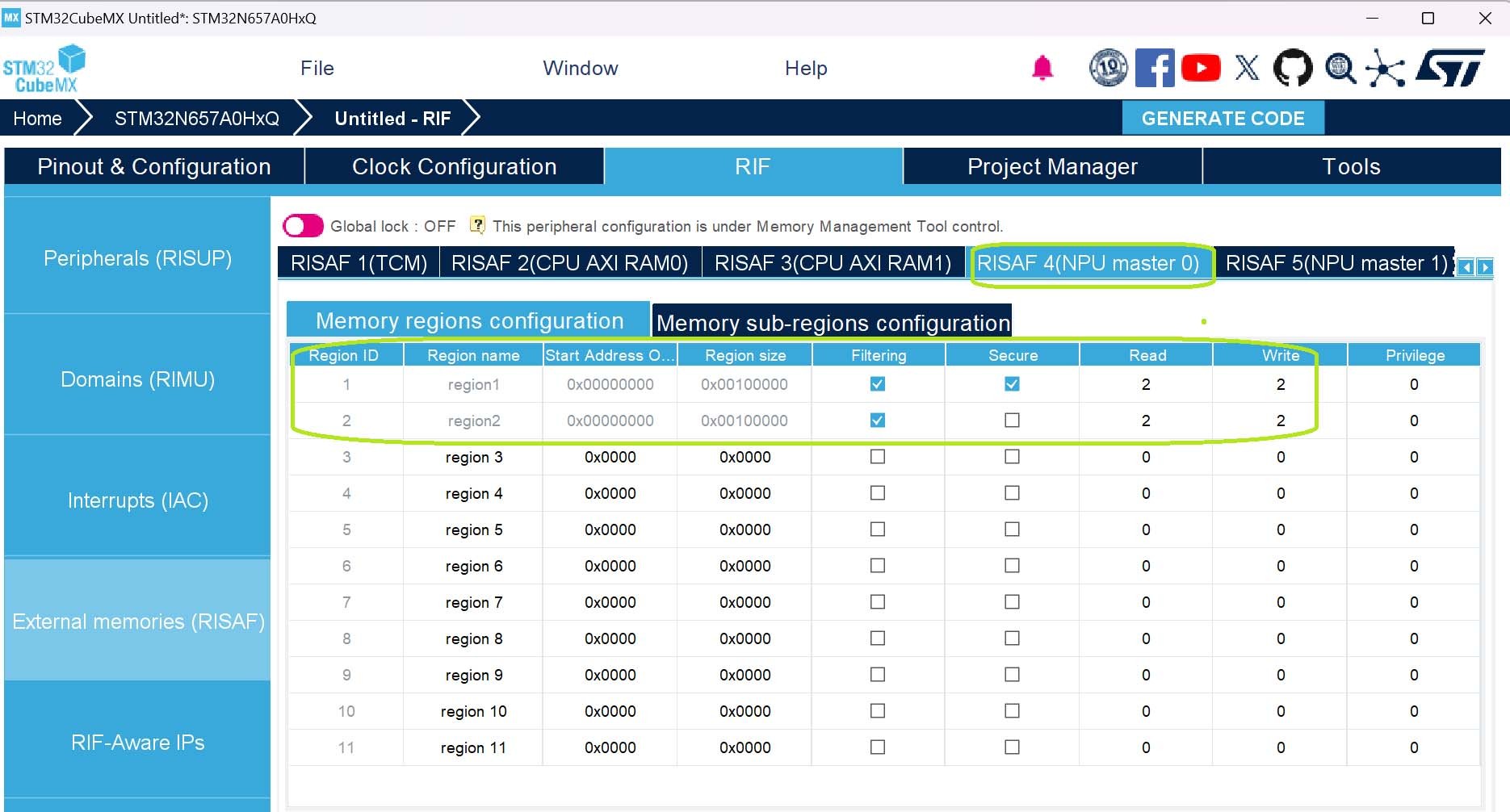
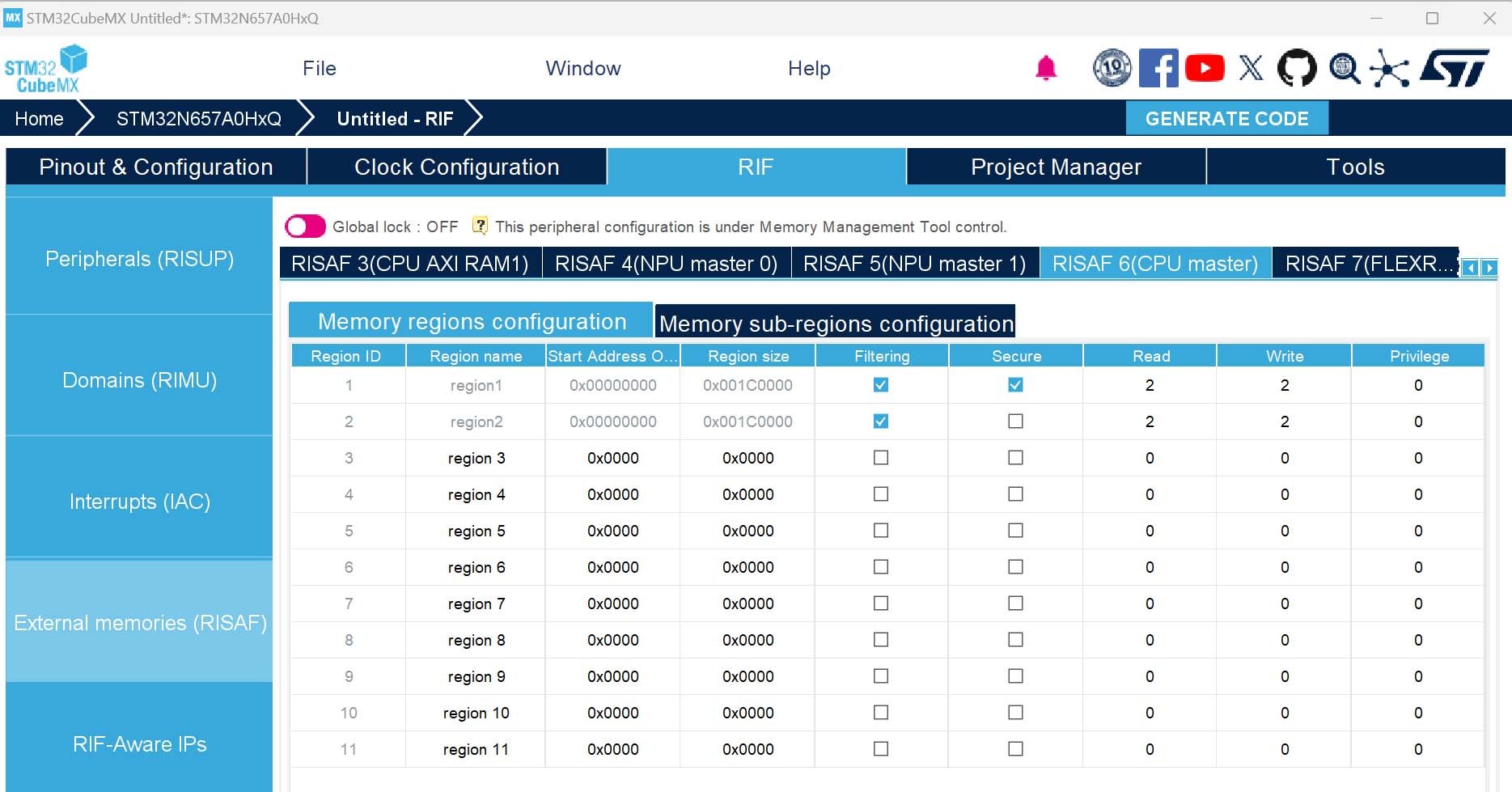
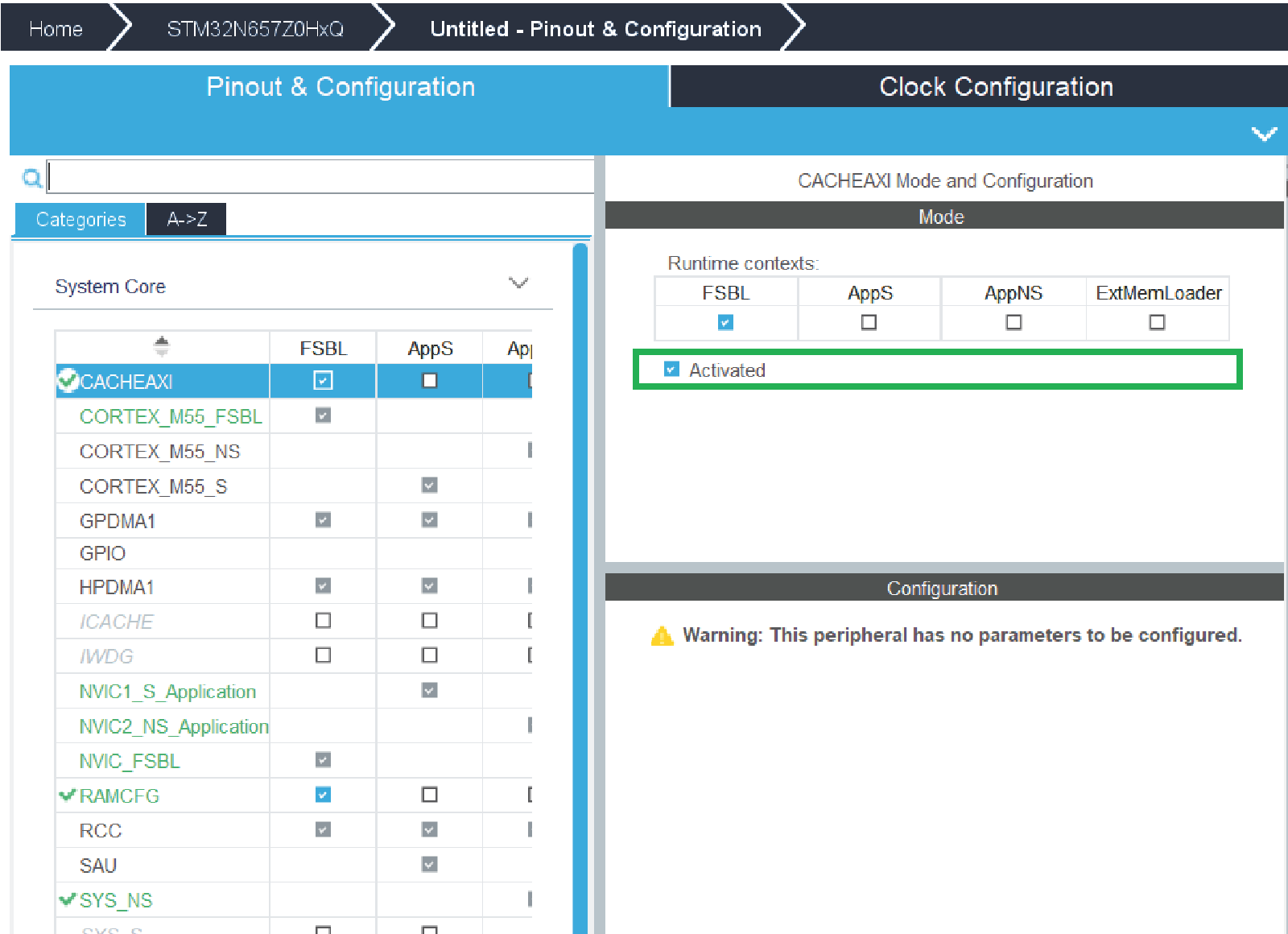
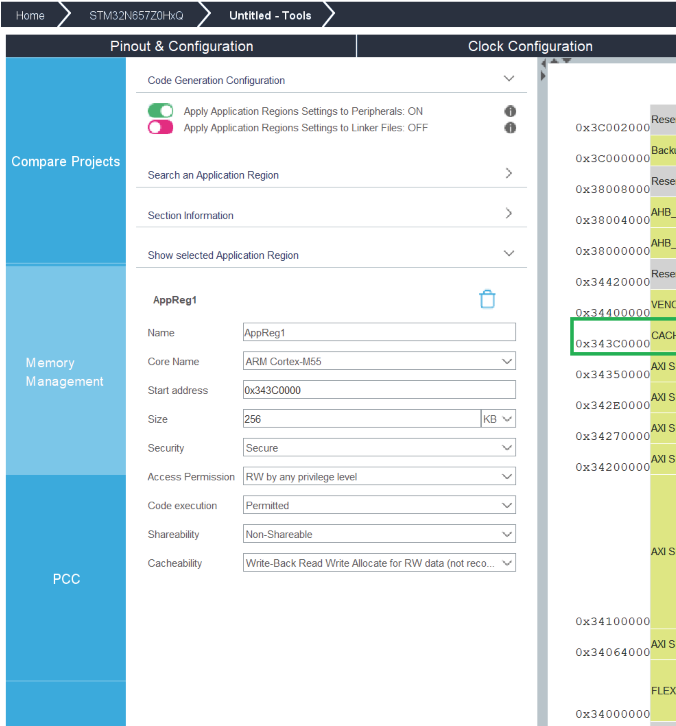
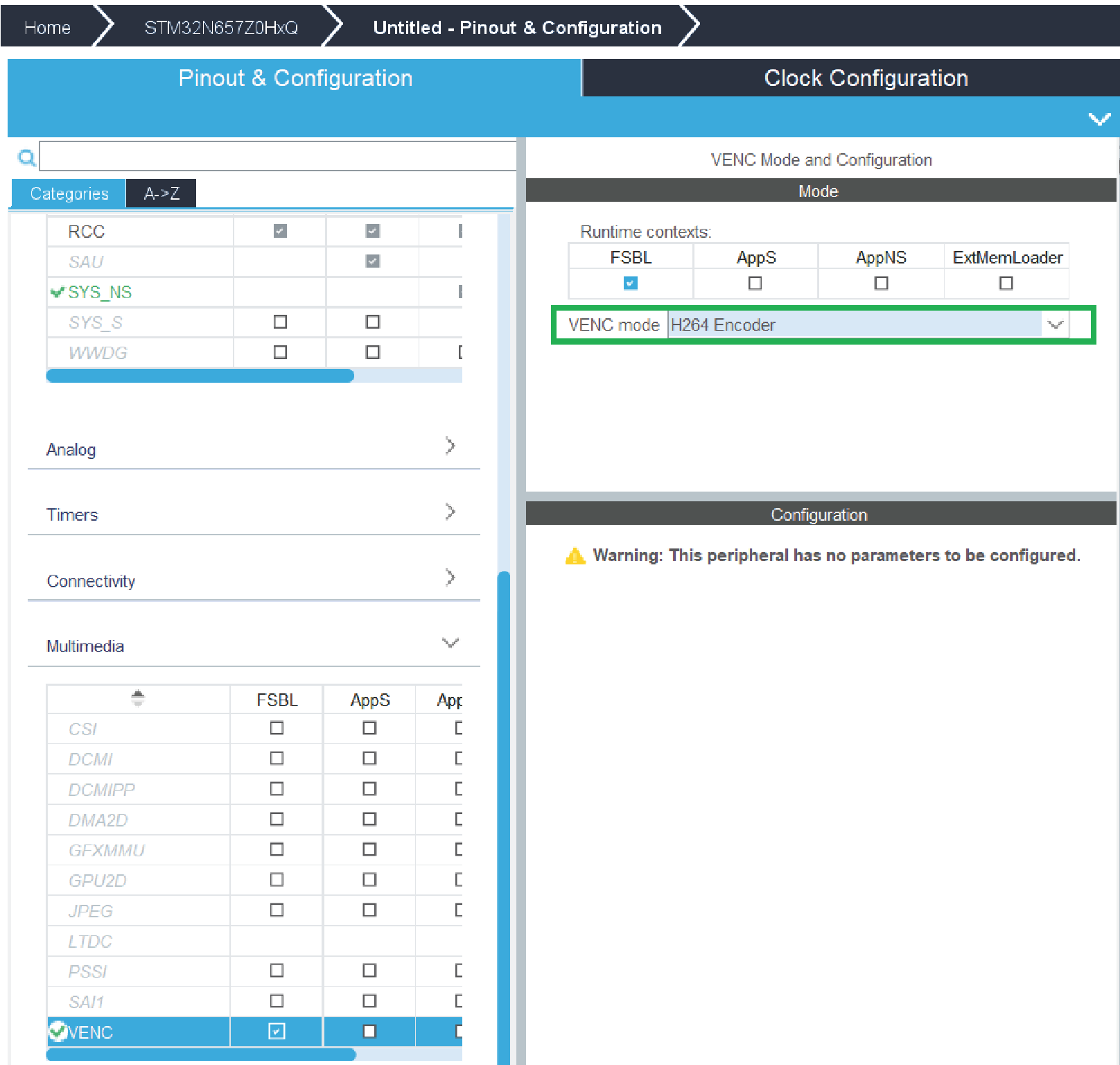
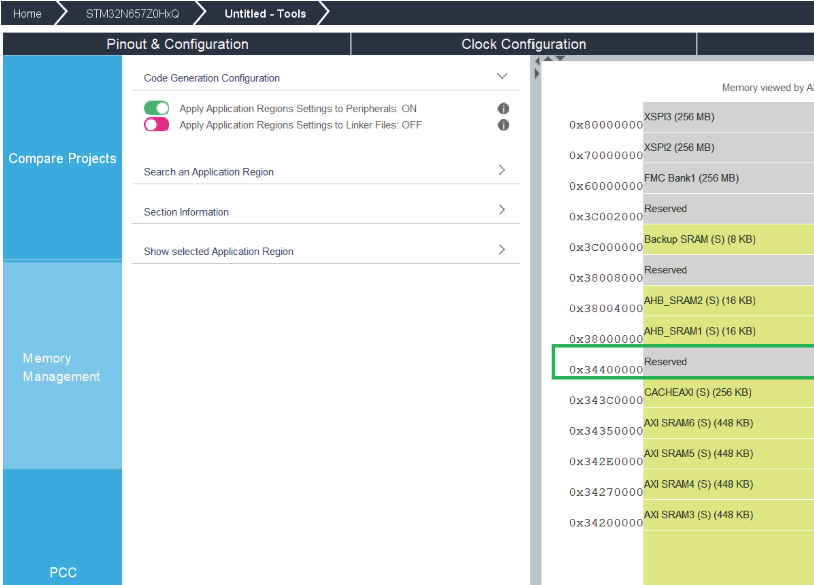
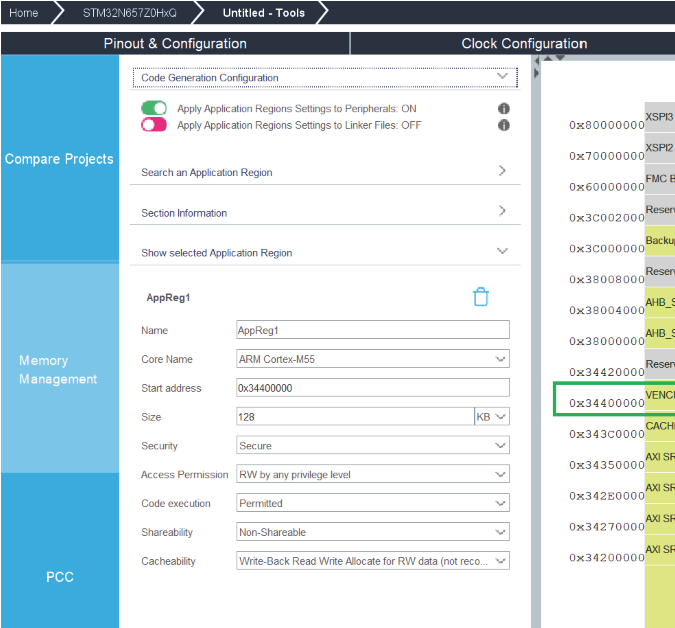
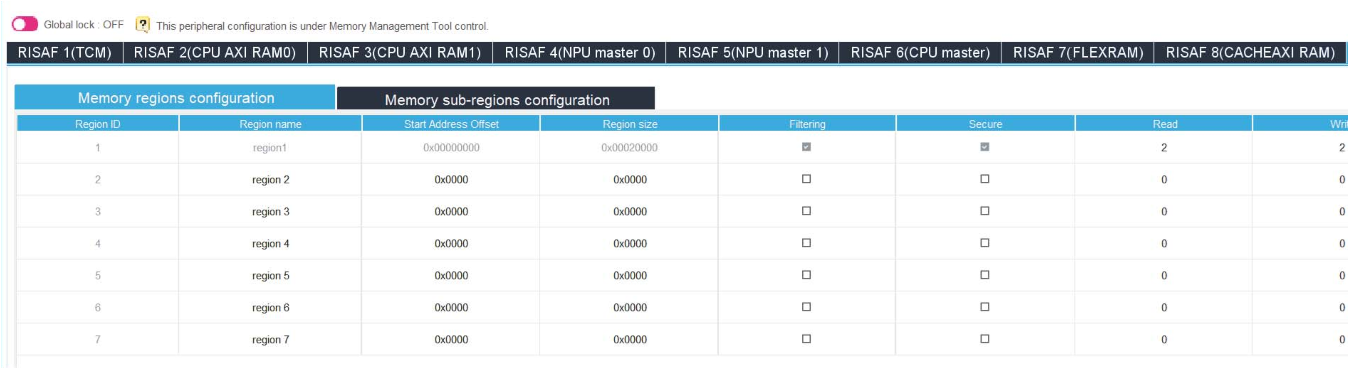
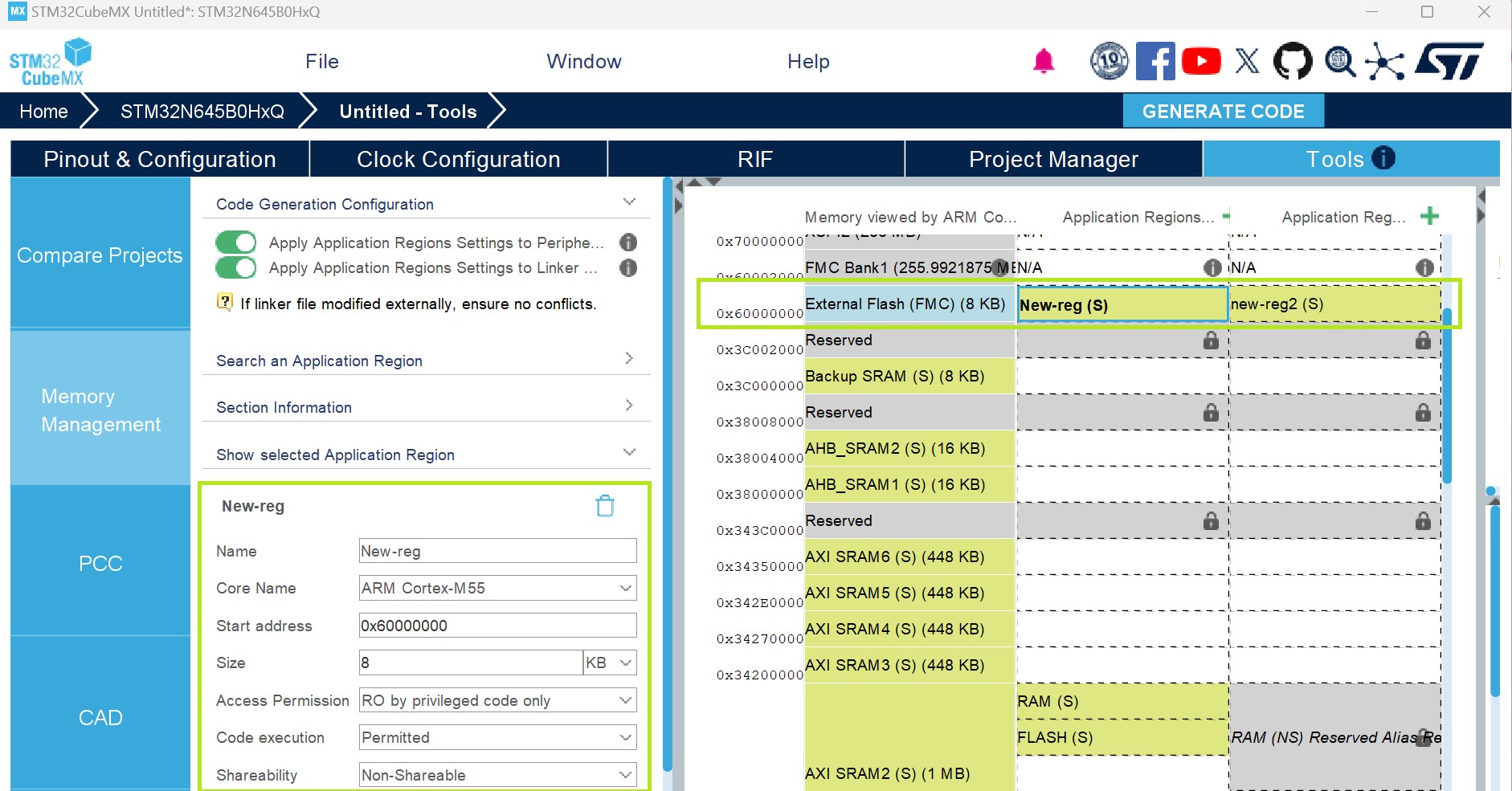
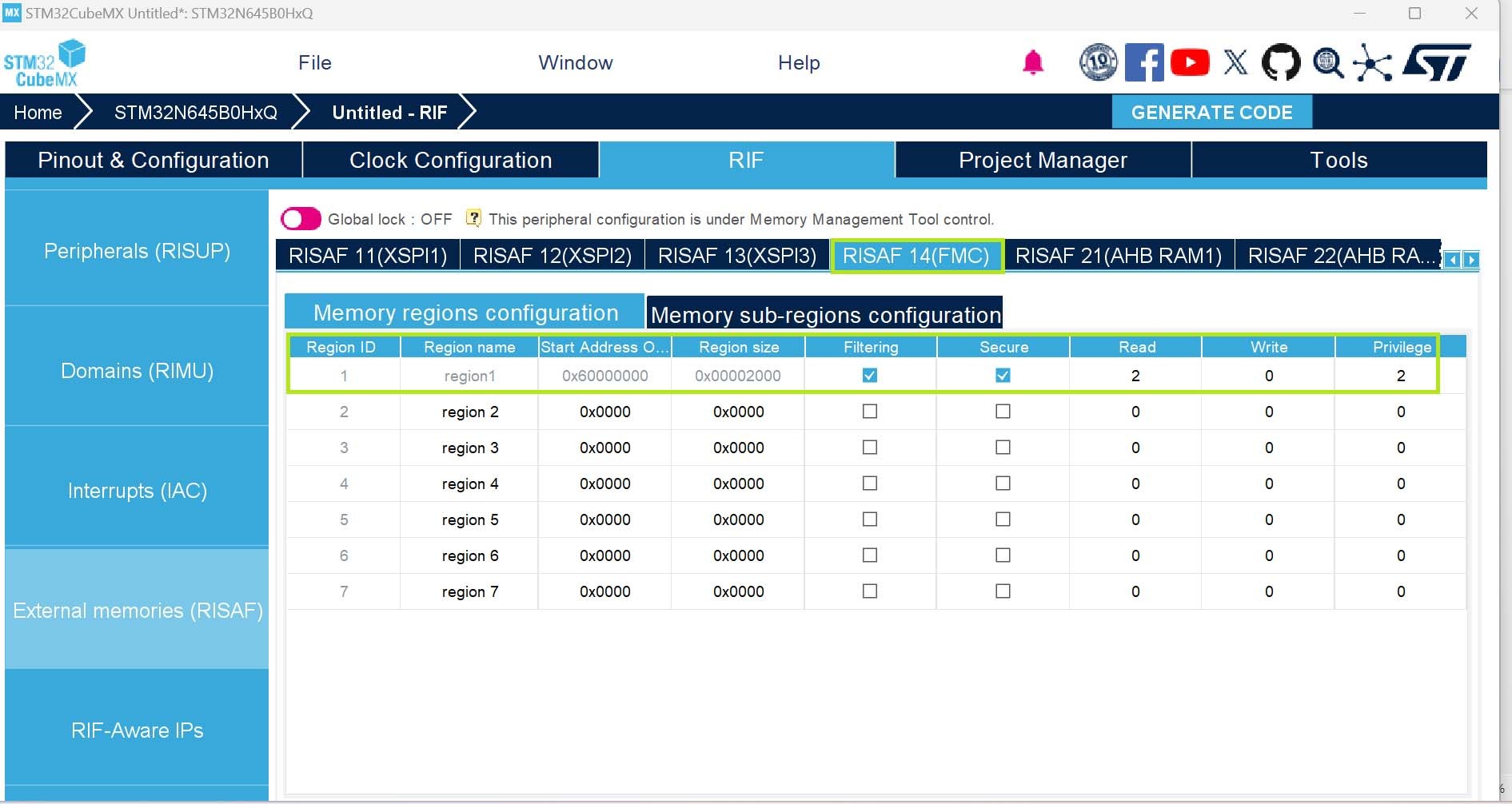
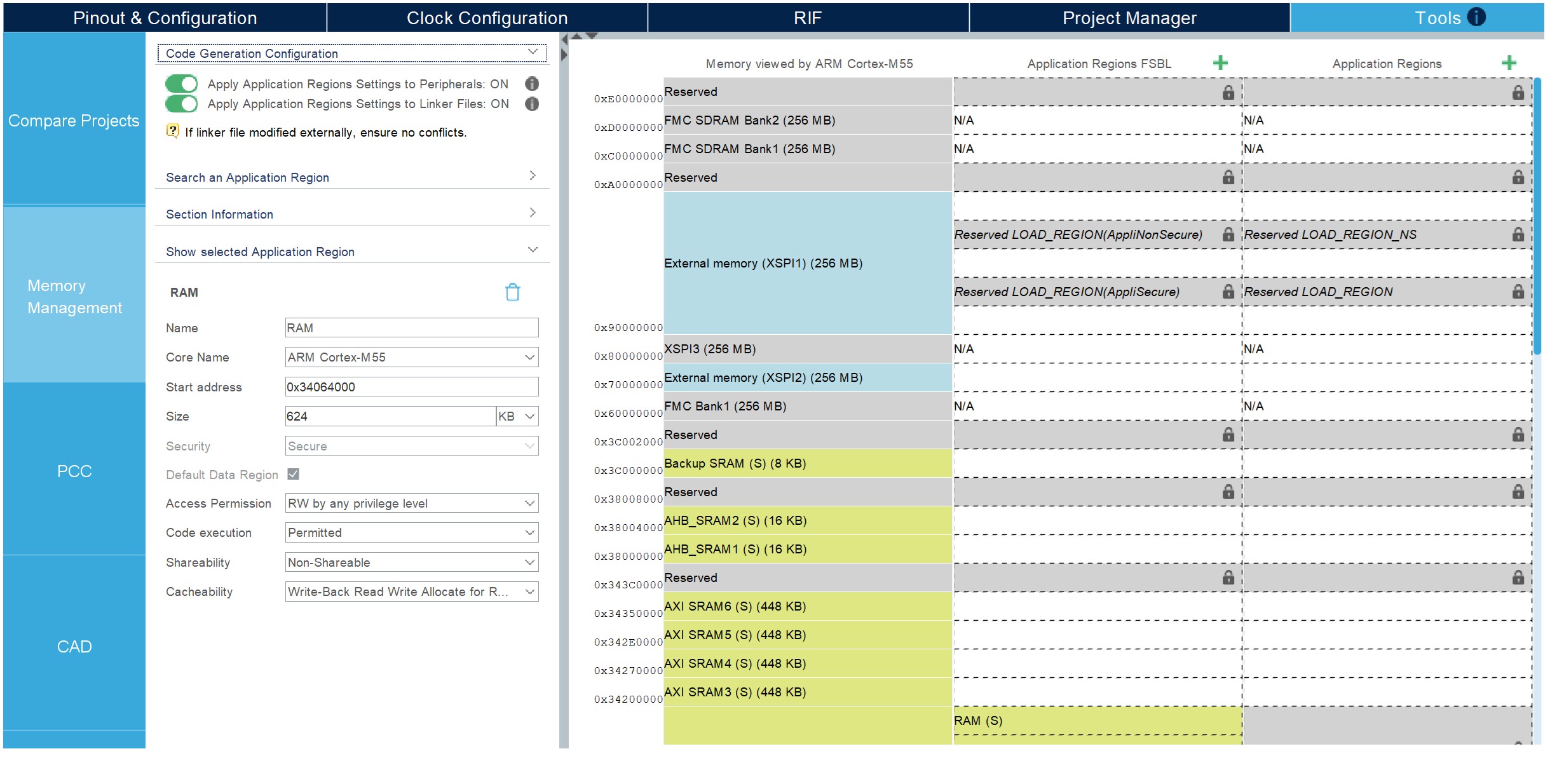
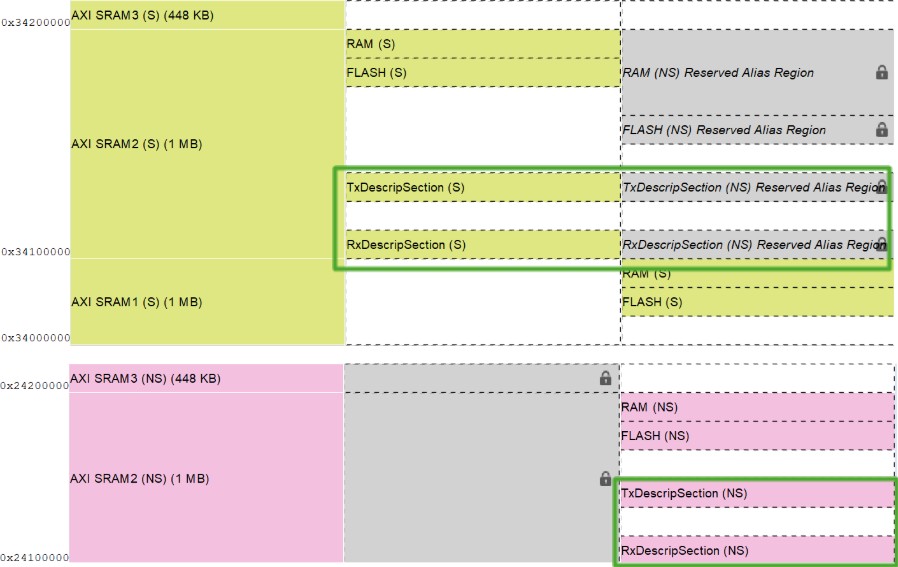
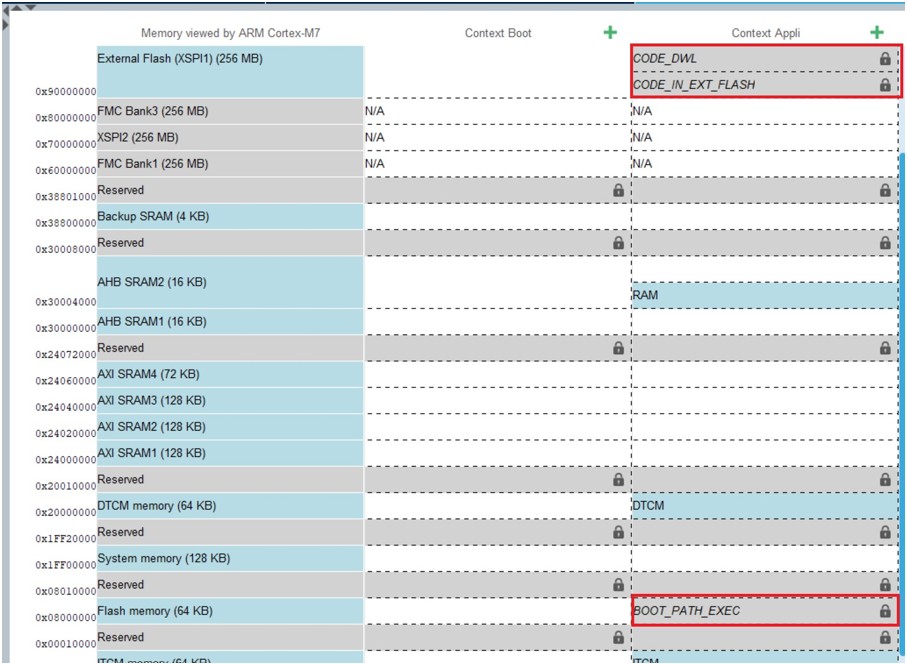
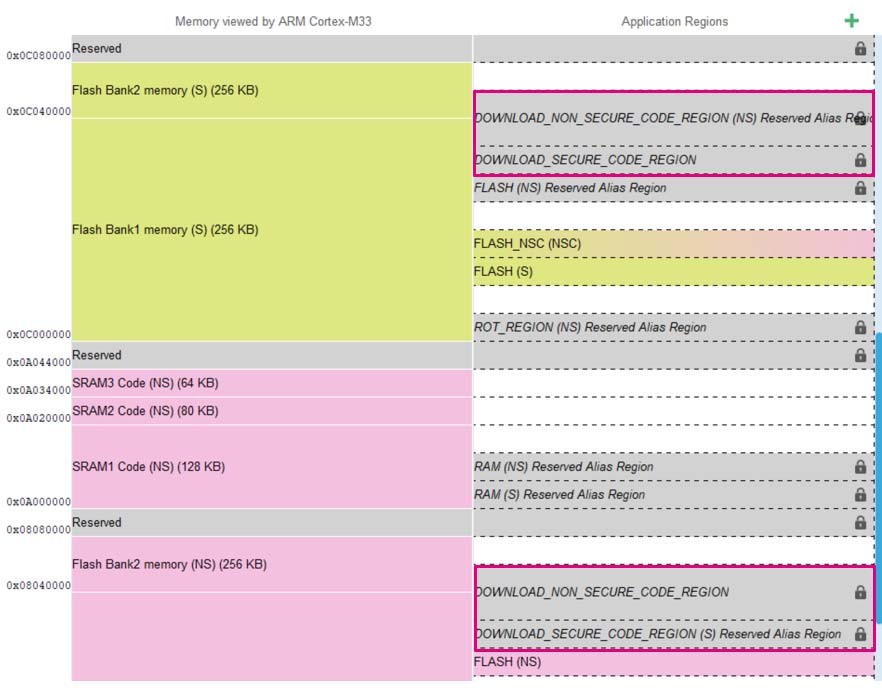
Added: Section 4.19: HSP middleware “HSP_Engine” Section 4.20: PLAY feature presentation Section 4.21: Notification Service Figure 416: Recommendation for the configuration of MMT Updated: Introduction Section 3.3.2: Running STM32CubeMX in command-line mode Table 1: Command line summary Figure 197: Template Settings window Table 22: Boot paths with TrustZone (TZEN = 1) Figure 231: Boot paths for STM32H57x devices Section 4.18.7: How to configure ST-iRoT boot path with STM32H7RS devices Figure 355: About window Figure 415: Regions settings to peripherals OFF Section 5.5.1: STM32H5, STM32U3, STM32U5, STM32WBA5, STM32WBA5M, and STM32WBA6 with TrustZone activated Figure 421: Default settings Figure 422: Region information Figure 427: Configure an external memory Figure 447: Default data region Figure 454: ETH MMT regions Figure 459: MMT configuration for STM32WB5x Figure 462: Default settings Figure 480: Default settings Figure 512: Details about the clicked region in the FSBL context Figure 513: Regions designation for secure and nonsecure domains Figure 514: Regions designation for secure domains Figure 520: Mapping between MMT regions and RISAF memory configurations Figure 527: Overlap with FLEXRAM Section 5.5.7: STM32WB0 Added: Figure 532: CACHEAXI enable Figure 533: MMT view for CACHEAXI Figure 534: Adding regions in CACHEAXI Figure 535: RISAF8 CACHEAXI Figure 536: VENC enable Figure 537: MMT view for VENCRAM Figure 538: Adding regions in VERCRAM Figure 539: RISAF9 VENCRAM Removed: Warning in case of overlap with FLEXRAM figure |
|
Date |
Revision |
STM32CubeMX release number |
Changes |
|
04-May-2026 |
51 |
6.17.0 |
Updated:
Removed:
|
634/636
|
Date |
Revision |
STM32CubeMX release number |
Changes |
|
|---|---|---|---|---|
|
04-May-2026 |
51 |
6.17.0 |
|
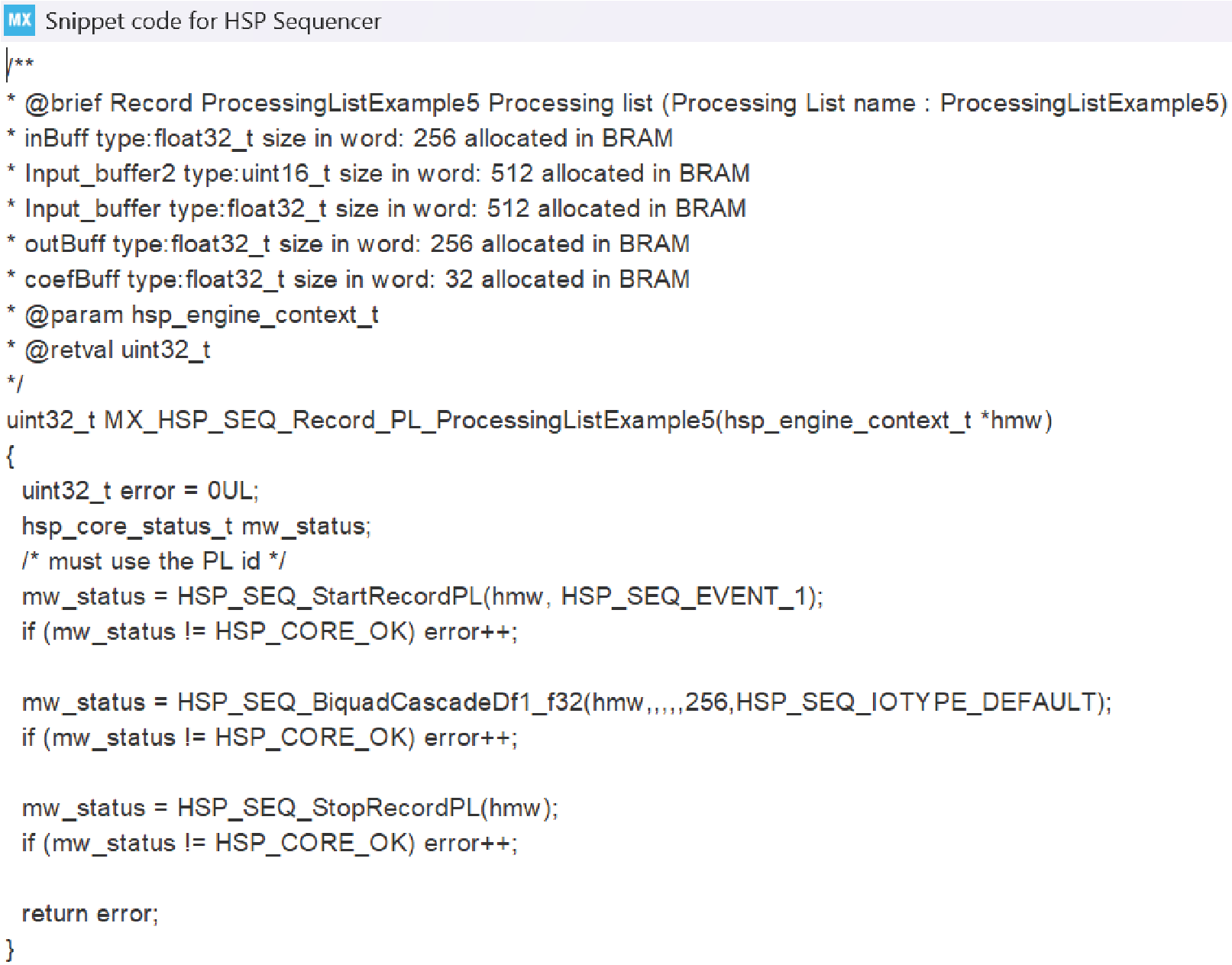
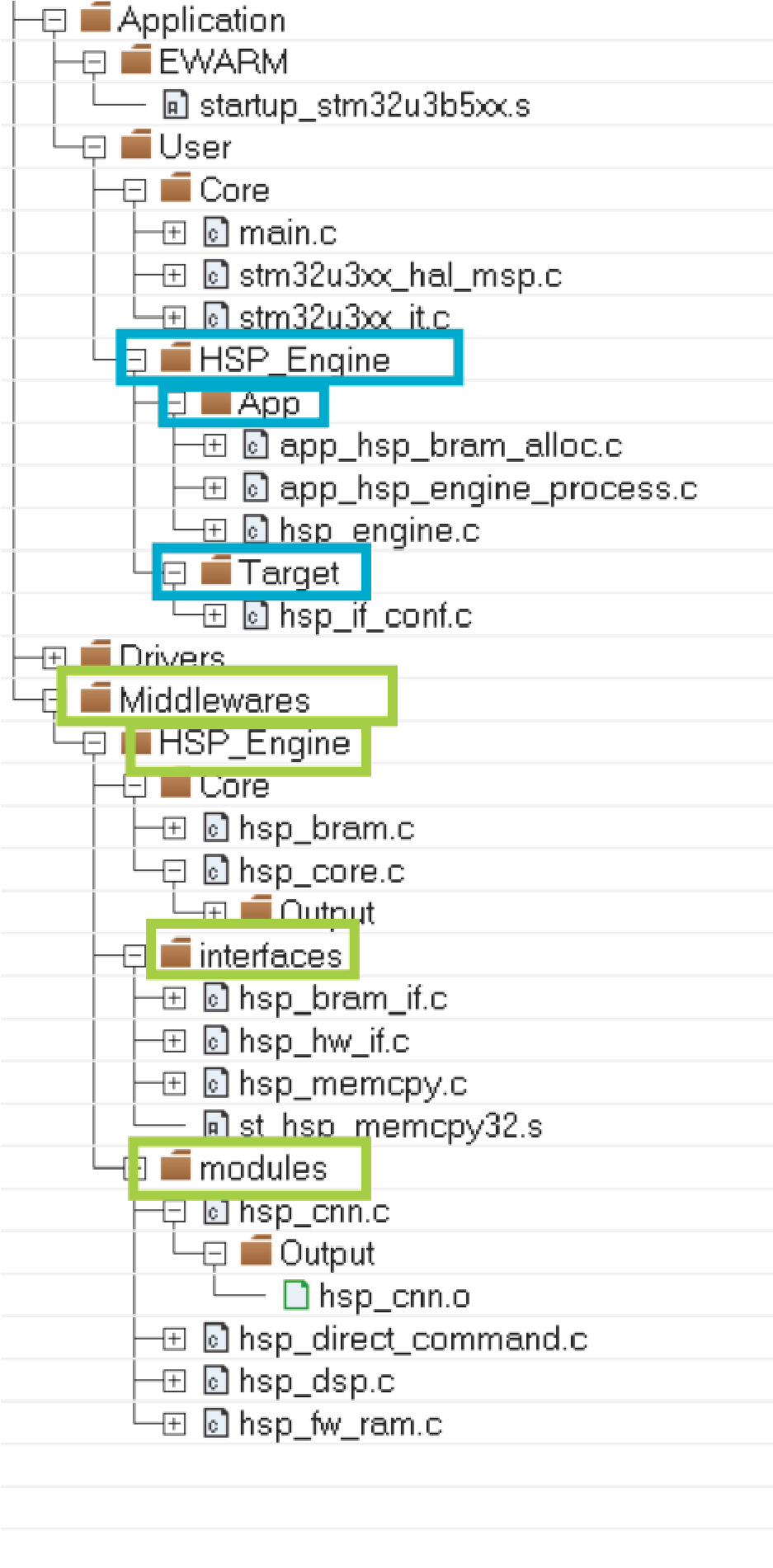
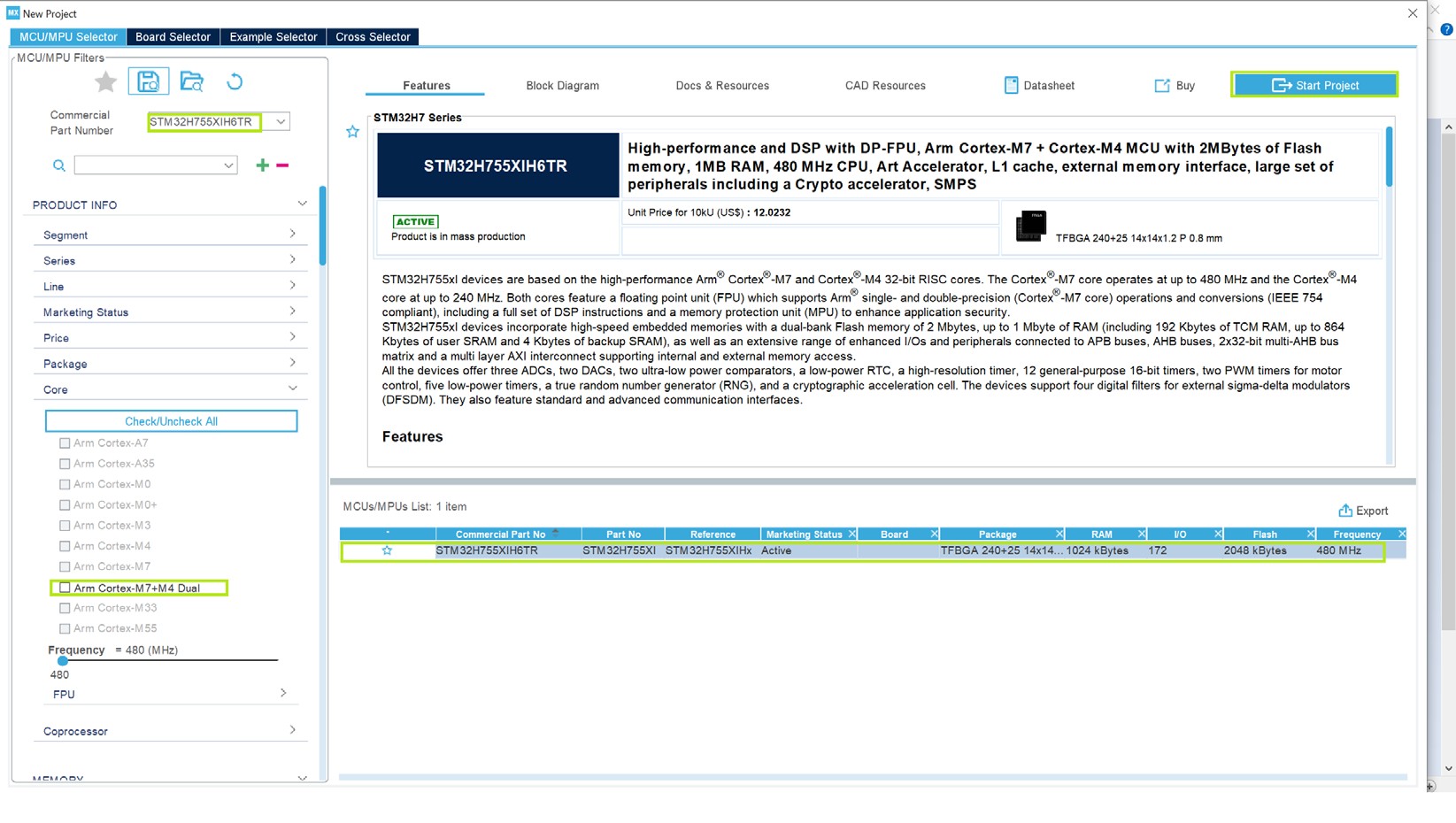
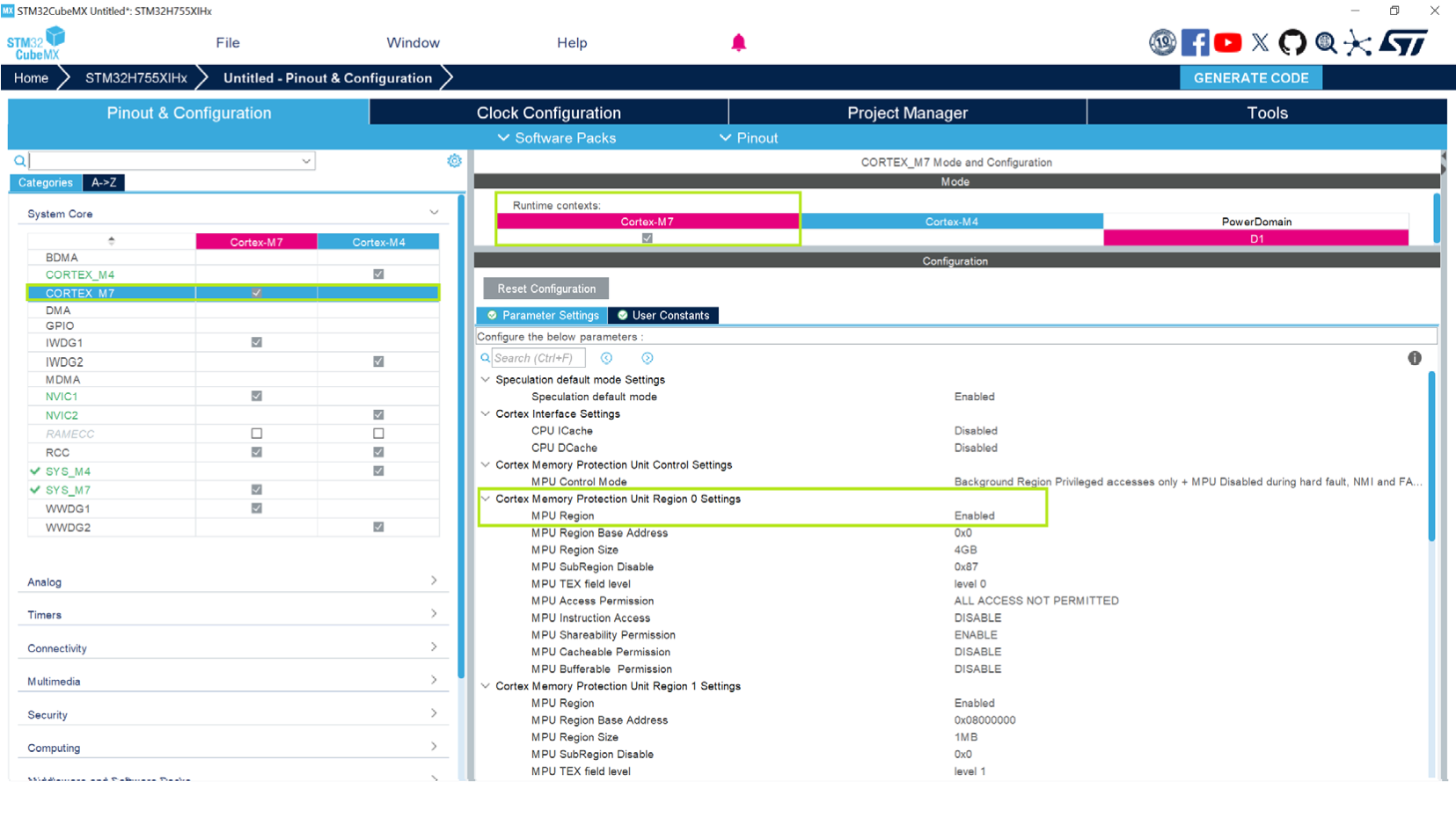
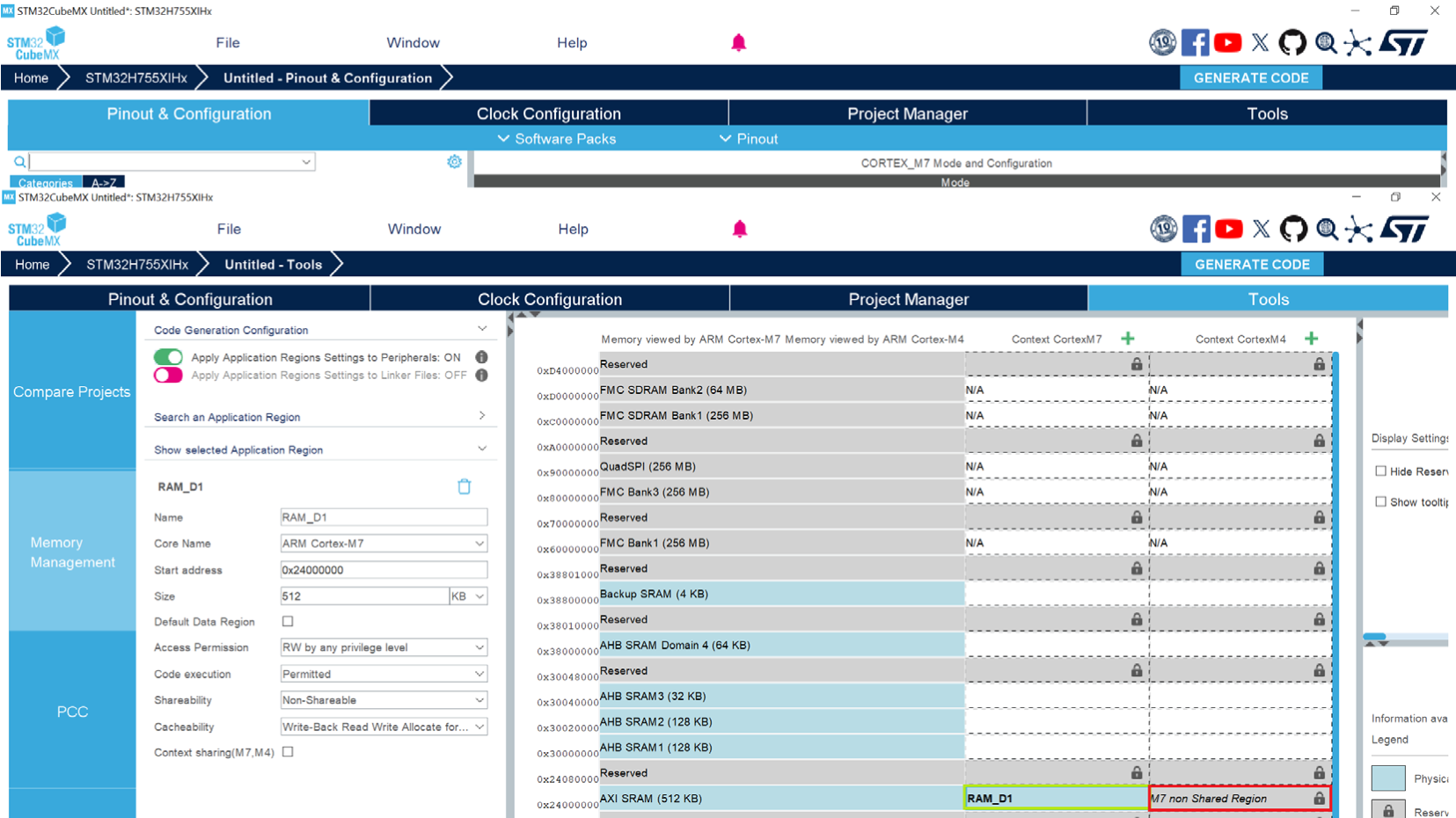
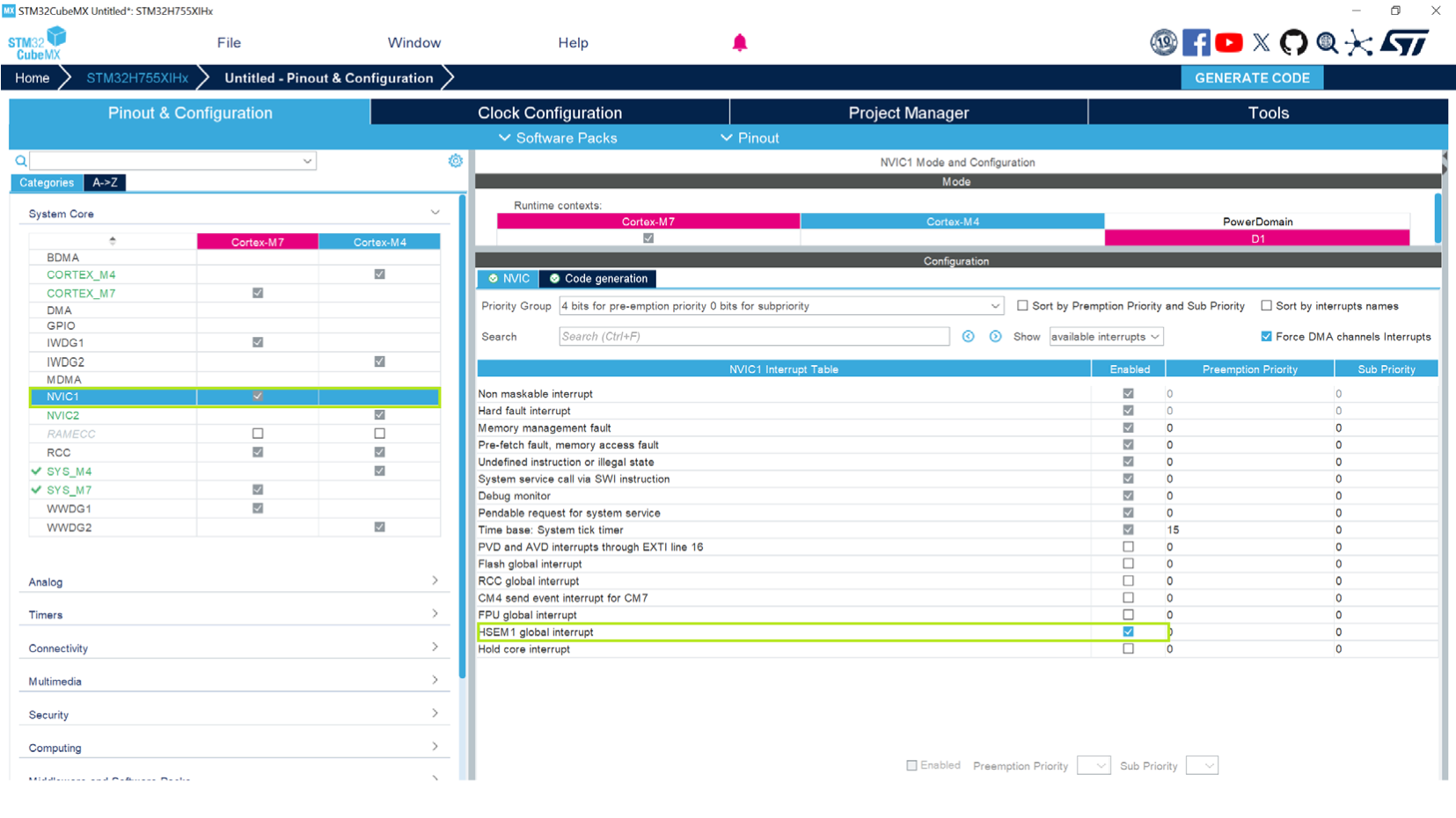
File implements the interface between the STM32 HSP MW and the HSP IP_sequencer mode (1/2) figure File implements the interface between the STM32 HSP MW and the HSP IP_sequencer mode (2/2) figure |
IMPORTANT NOTICE – READ CAREFULLY
STMicroelectronics NV and its subsidiaries (“ST”) reserve the right to make changes, corrections, enhancements, modifications, and improvements to ST products and/or to this document at any time without notice.
In the event of any conflict between the provisions of this document and the provisions of any contractual arrangement in force between the purchasers and ST, the provisions of such contractual arrangement shall prevail.
The purchasers should obtain the latest relevant information on ST products before placing orders. ST products are sold pursuant to ST’s terms and conditions of sale in place at the time of order acknowledgment.
The purchasers are solely responsible for the choice, selection, and use of ST products and ST assumes no liability for application assistance or the design of the purchasers’ products.
No license, express or implied, to any intellectual property right is granted by ST herein.
Resale of ST products with provisions different from the information set forth herein shall void any warranty granted by ST for such product.
If the purchasers identify an ST product that meets their functional and performance requirements, but that is not designated for the purchasers’ market segment, the purchasers shall contact ST for more information.
ST and the ST logo are trademarks of ST. For additional information about ST trademarks, the purchasers shall refer to www.st.com/trademarks. All other product or service names are the property of their respective owners.
Information in this document supersedes and replaces information previously supplied in any prior versions of this document.
© 2026 STMicroelectronics – All rights reserved
636/636