
 STM32CubeIDE

STM32CubeIDE documentation 
Welcome to the documentation portal for STM32CubeIDE.
This document covers the STM32CubeIDE tool only.
For information about STM32CubeIDE for Visual Studio Code , see the STM32CubeIDE for Visual Studio Code documentation
For users who want a brief introduction, watch our introductory YouTube video by clicking the image below and do not miss the video tutorials:
Introduction to STM32CubeIDE 
What is STM32CubeIDE? 
STM32CubeIDE is an all-in-one multi-OS development tool, which is part of the STM32Cube software ecosystem. For a complete description of STM32CubeIDE, as well as download links, refer to the STM32CubeIDE product page.
Getting started with STM32 and STM32CubeIDE 
Getting started in STM32CubeIDE. Maybe you are a completely new user to the STM32 products and ecosystem, or maybe you are looking to migrate a legacy STM32 project into STM32CubeIDE.
Regardless of your background and your ambitions with STM32CubeIDE, we recommend that you start by creating a simple Empty project to try out the build and debug related features on a minimal project. Consult the STM32CubeIDE Quick start guide for basic information and the STM32CubeIDE User manual for detailed information. Or why not watch a quick video tutorial on how to create an STM32Cube project?
If your ambition is to migrate a project from the Ac6 System Workbench for STM32 or Atollic TrueSTUDIO®, then the documentation on how to import and convert your project is available in the “Manuals and release notes” section below.
There are also specific application notes on how to get started with application development for more complex STM32 products such as STM32H7 dual-core and STM32L5 with TrustZone. These application notes are available in the Application Notes section below.
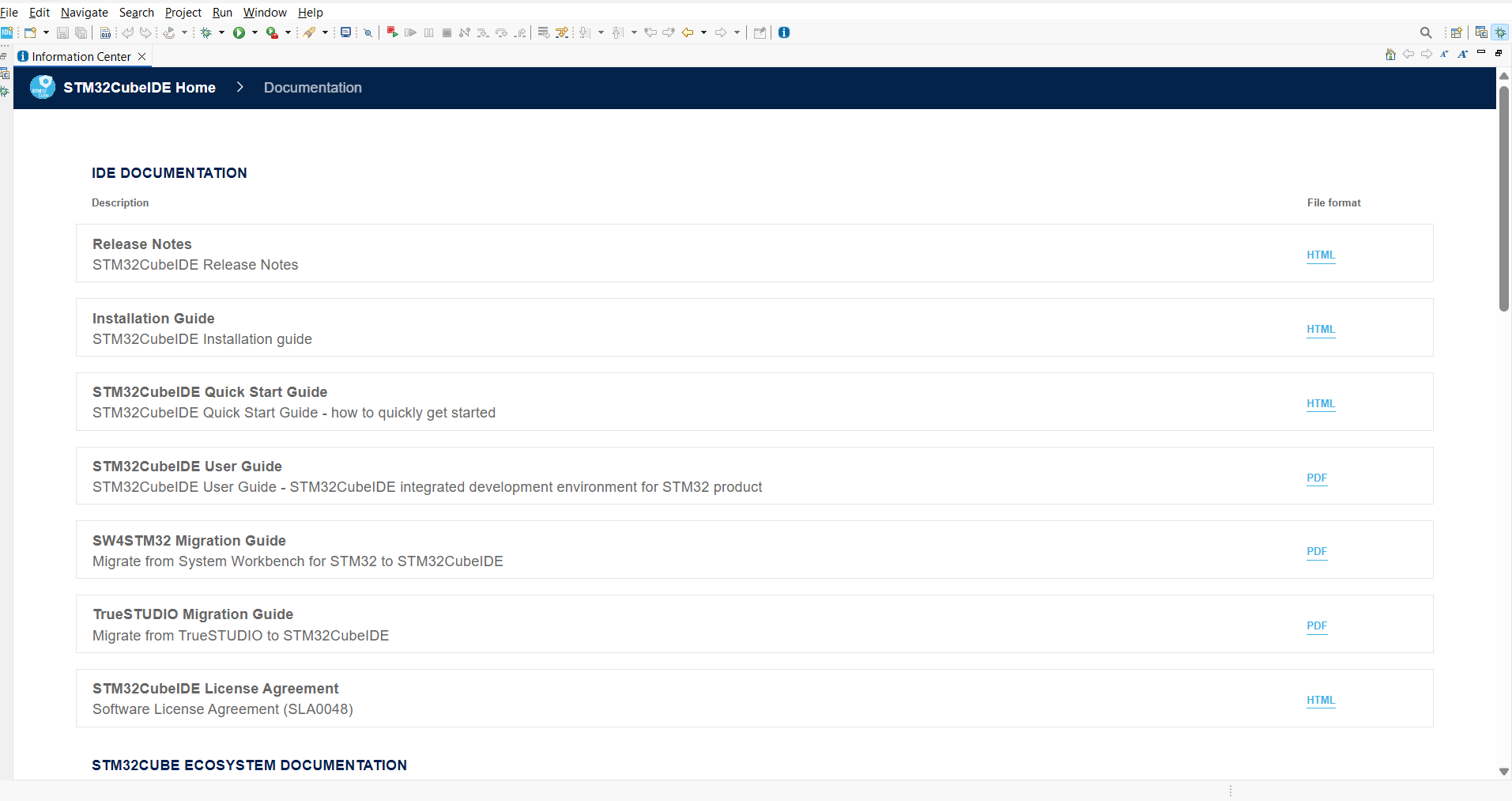
Documentation is also available as part of STM32CubeIDE installation. To access documentation, go to Help > Information Center, then click on STM32CubeIDE manuals.
The STM32 device-specific application notes are deliberately not part of installation since they may be updated more frequently.
Toolchain and Build tools manuals (GNU, Binary utilities, Newlib, Make, GDB…) 
The following manuals are available in STM32CubeIDE and can be opened from STM32CubeIDE Information Center. To access documentation, go to Help > Information Center, then click on STM32CubeIDE manuals.
GNU Assembler
GNU Compiler Collection
GNU C Library
GNU C Preprocessor
GNU Linker
GNU Binary Utilities
Red Hat Newlib C Library
Red Hat Newlib Math Library
Newlib nano readme
Make
Debugging with GDB
GDB Quick reference card
GNU Tools for STM32 patch list
Documentation 

Find Release details and limitations.

Getting Started with STM32CubeIDE
STM32CubeIDE Set Up

Find previous versions of release notes and user manual

Find Get support, and provide feedback.

Find Frequenly Asked Questions.