HAL2 Migrator

STM32CubeMX2 
This section is dedicated to provide essential steps to configure a project using STM32CubeMX2.
Open the STM32CubeMX2 
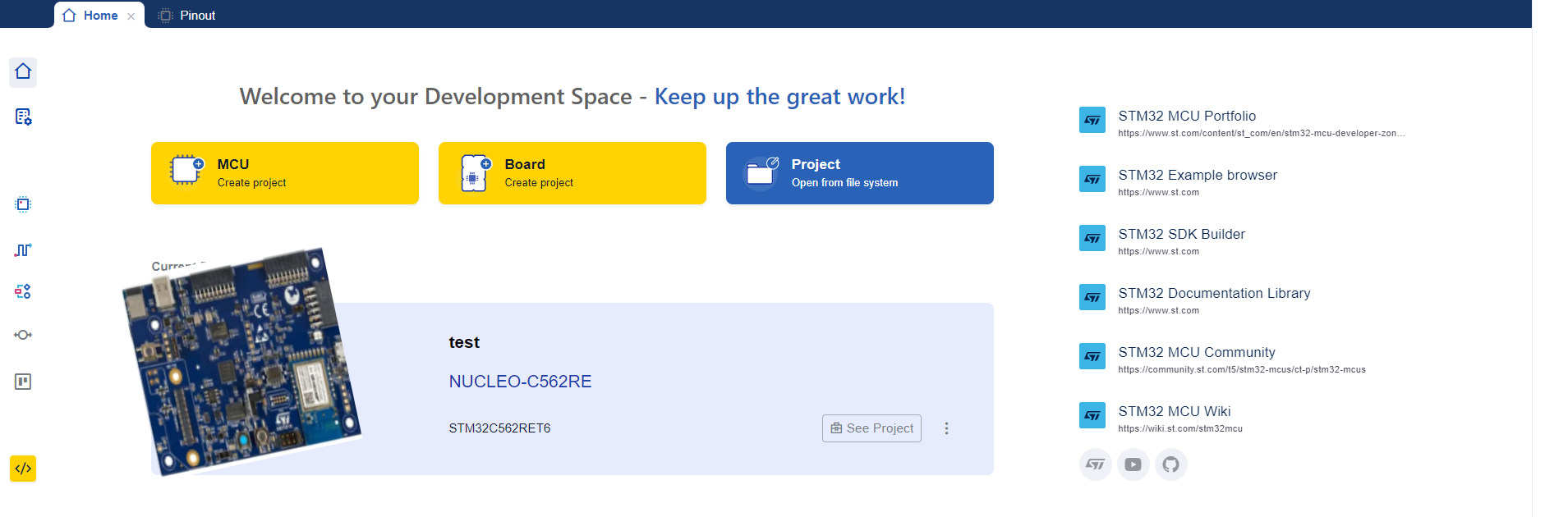
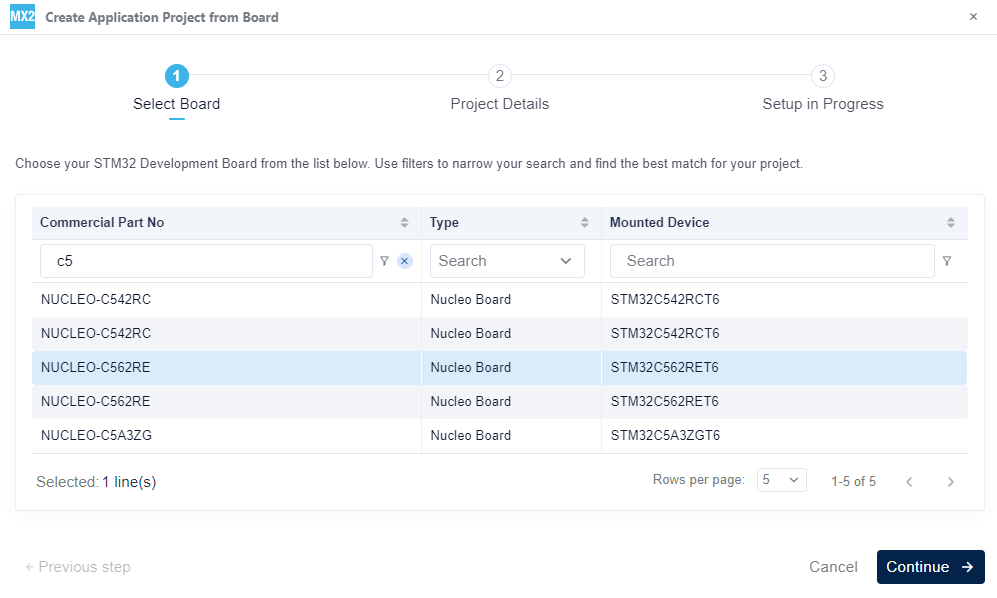
Select the Board 
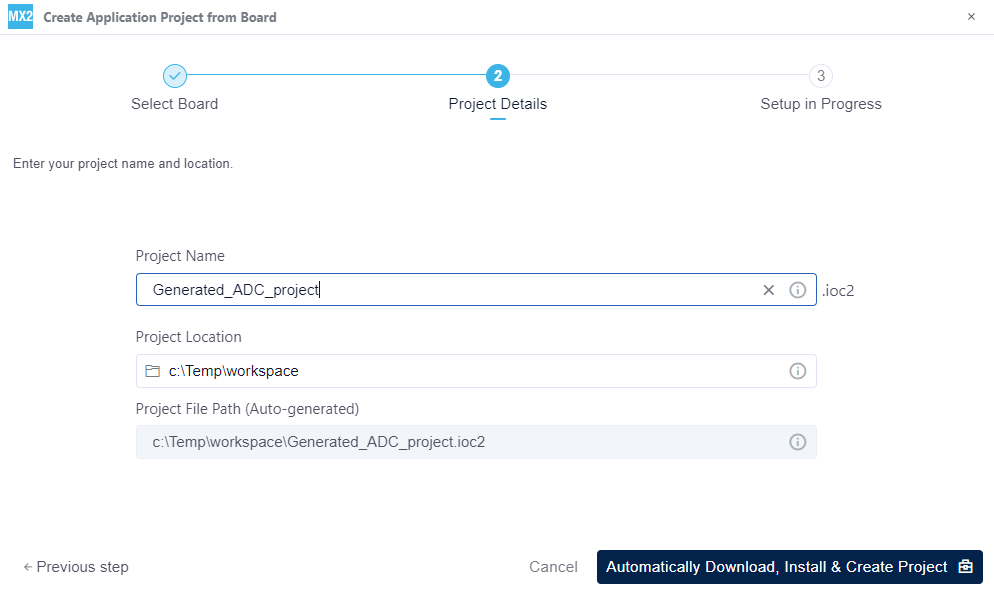
Create the project 
Peripheral configuration 
This section is dedicated to providing essential steps for configuring peripherals using STM32CubeMX2.
RCC 
Start by configuring the RCC, including:
System clock source.
AHB and APBx prescalers.
Cortex clock source and divider.
Peripheral kernel clock sources.
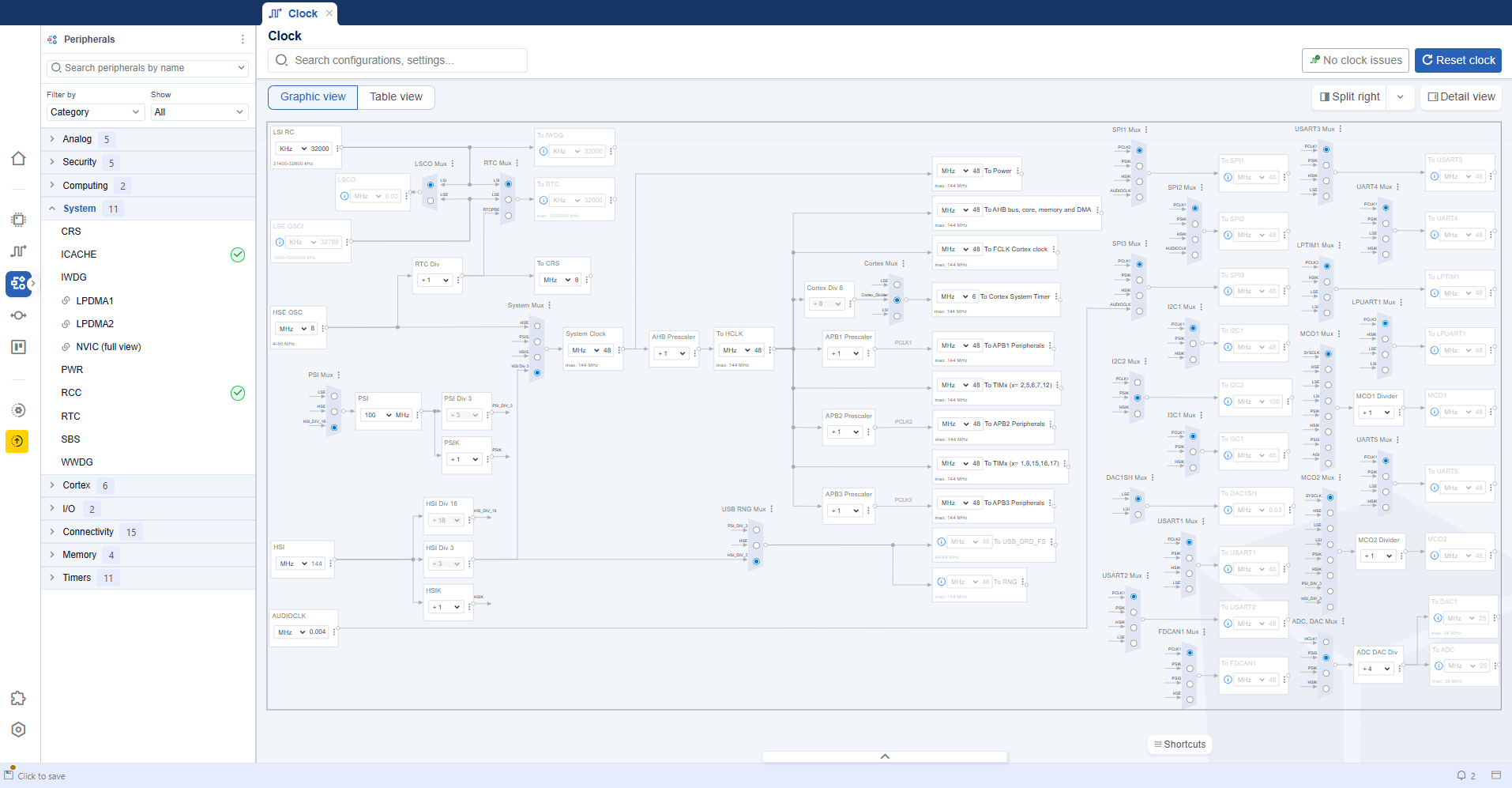
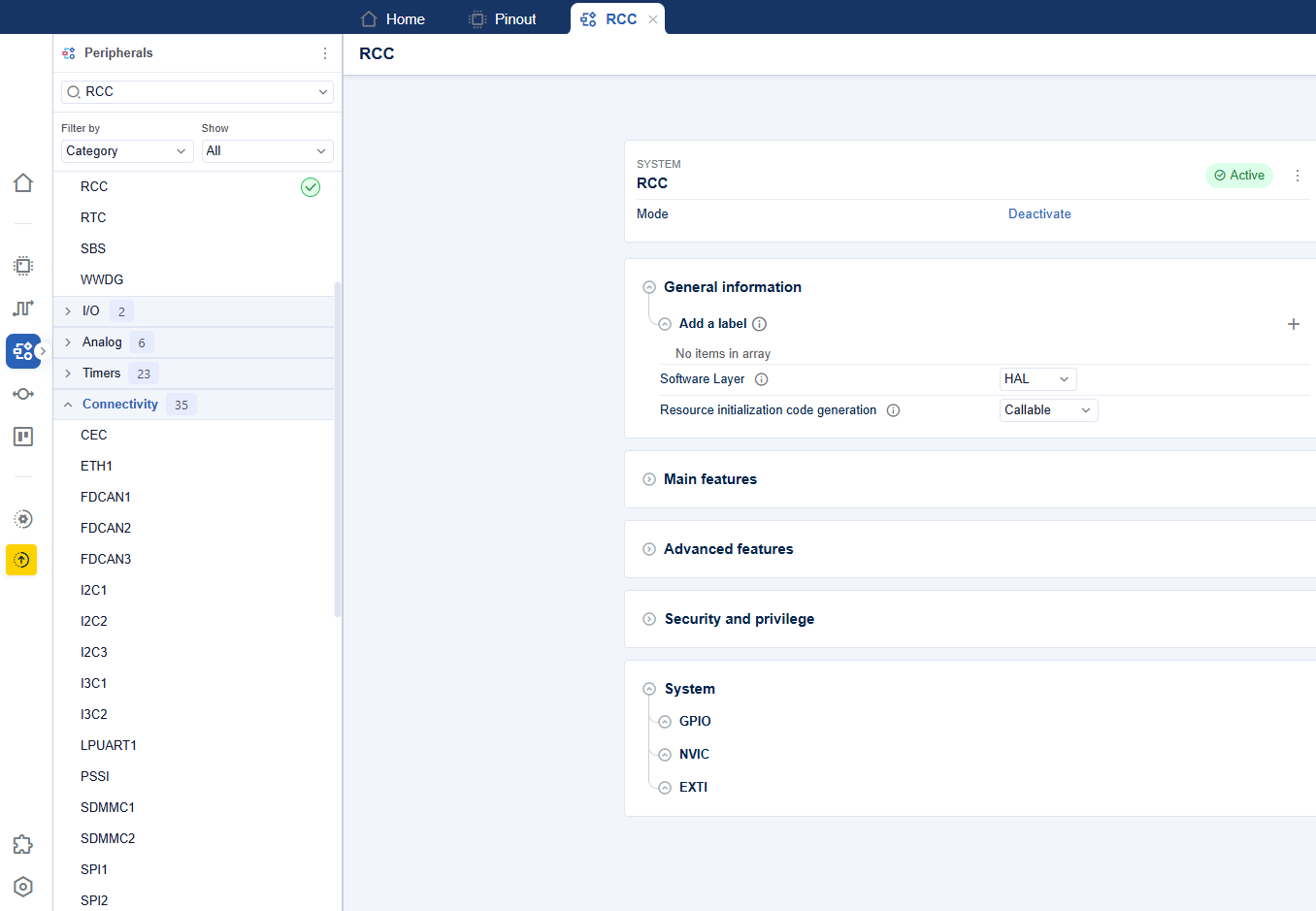
Then configure the other RCC settings:
Main features.
Additional features.
Security and privilege features.
GPIO, NVIC and EXTI features.
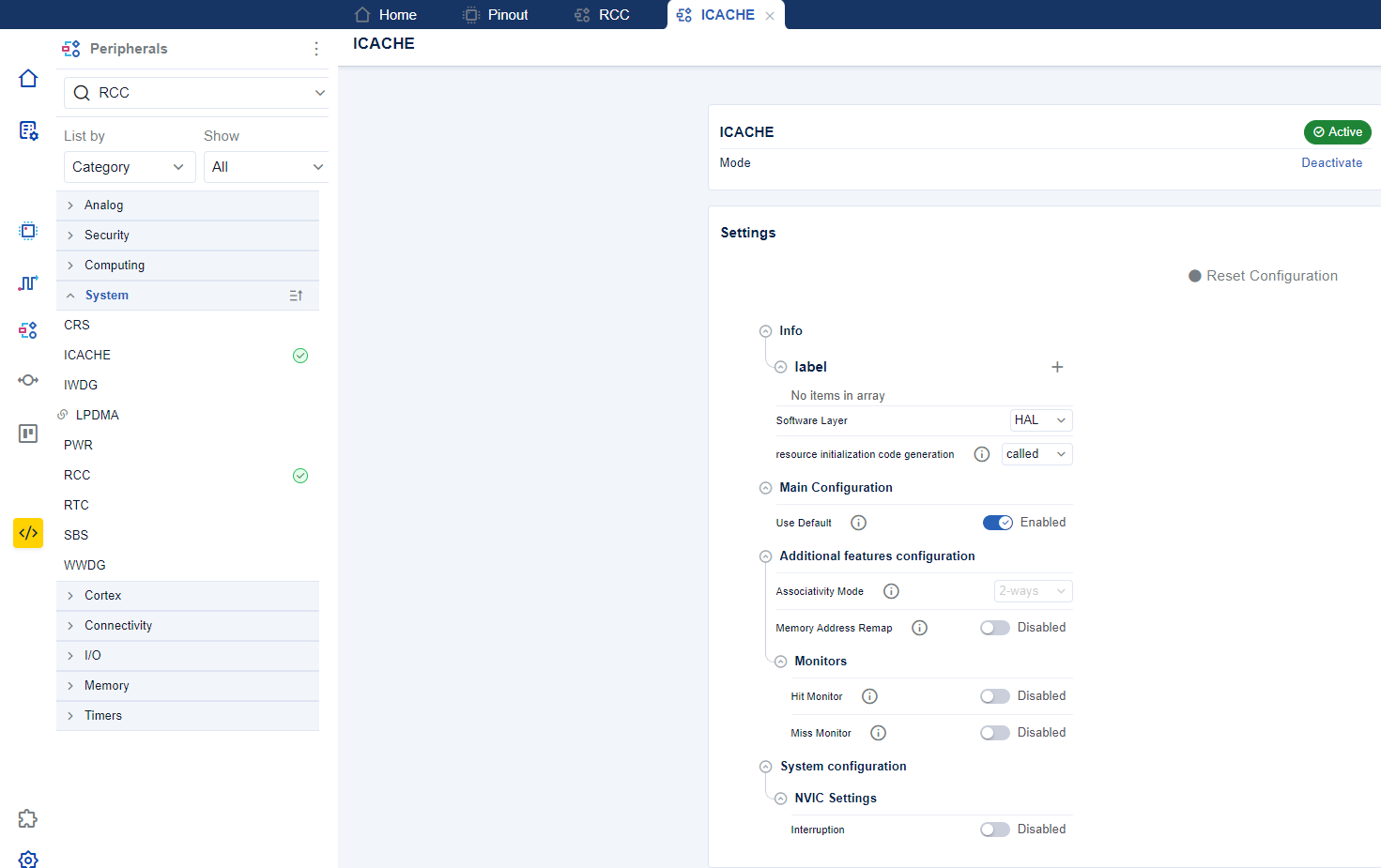
ICACHE 
Configure ICACHE.
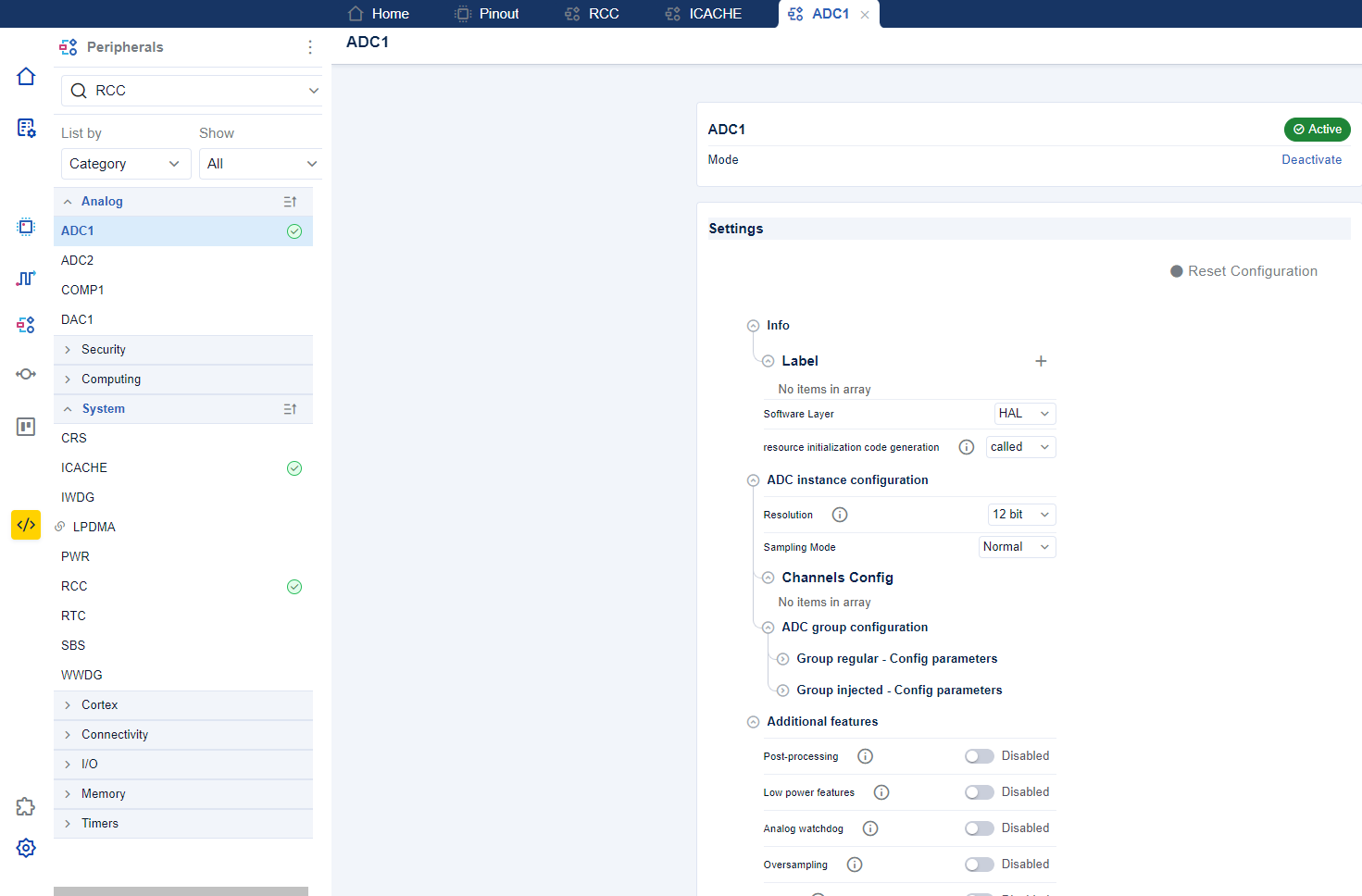
ADC 
Configure ADC.
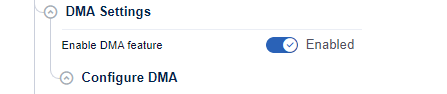
Configure DMA for ADC 
Configure DMA .
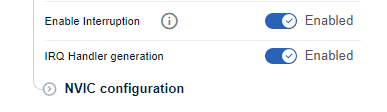
Configure NVIC for ADC 
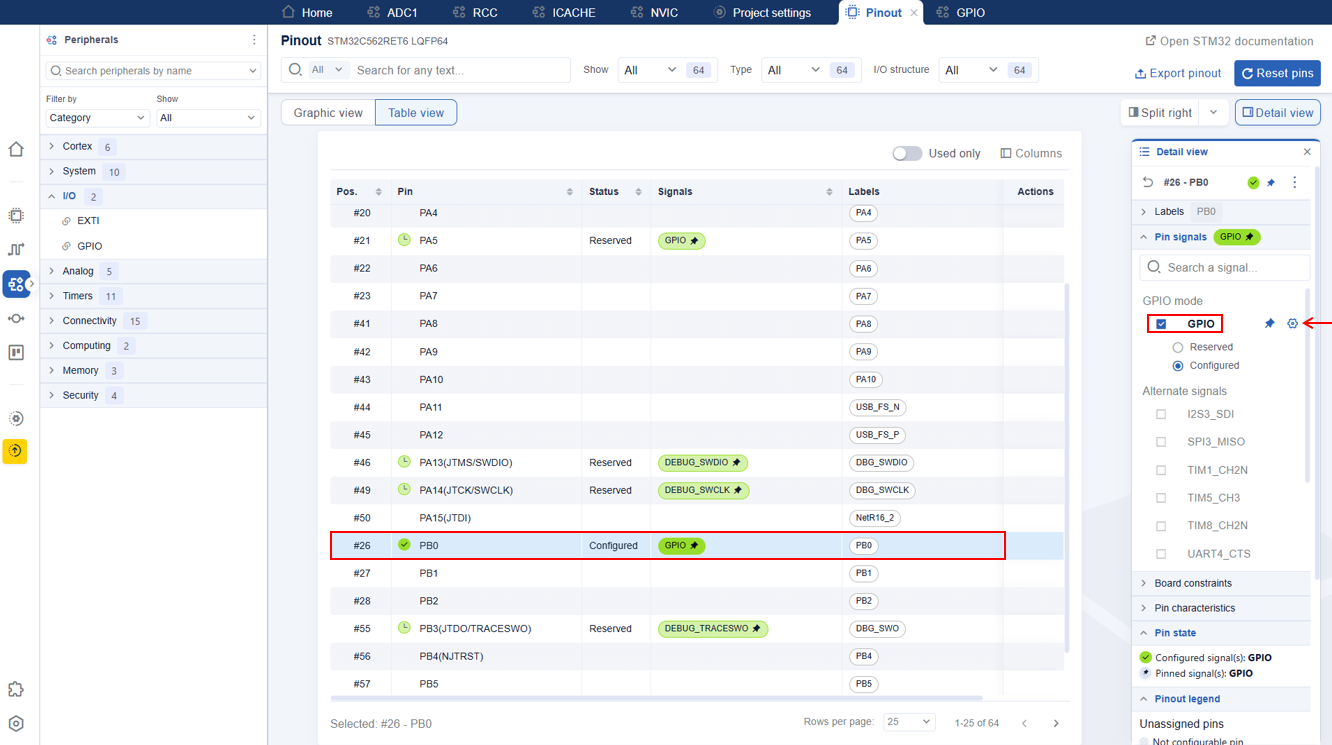
GPIO 
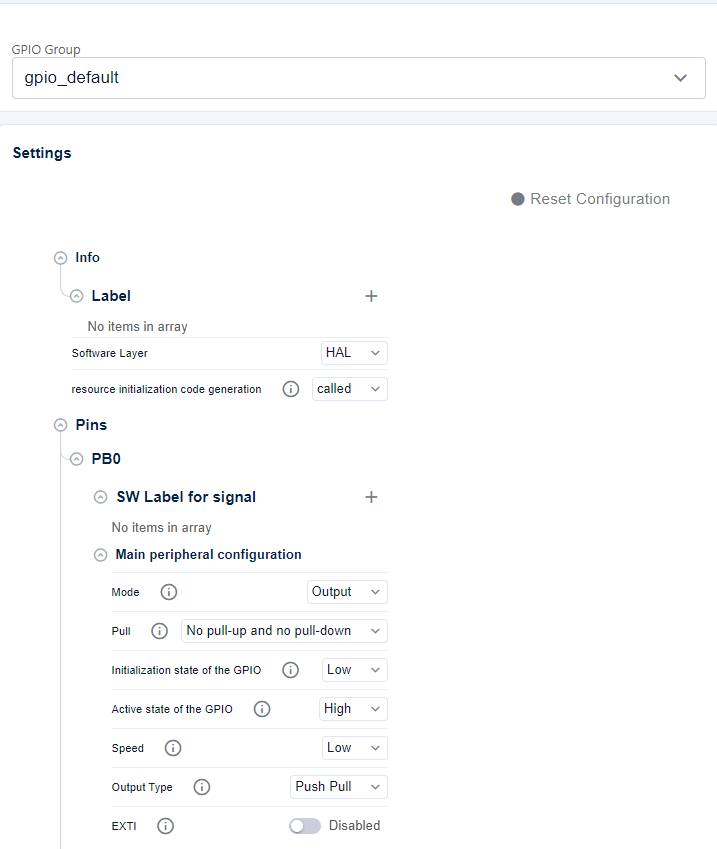
Configure GPIO .
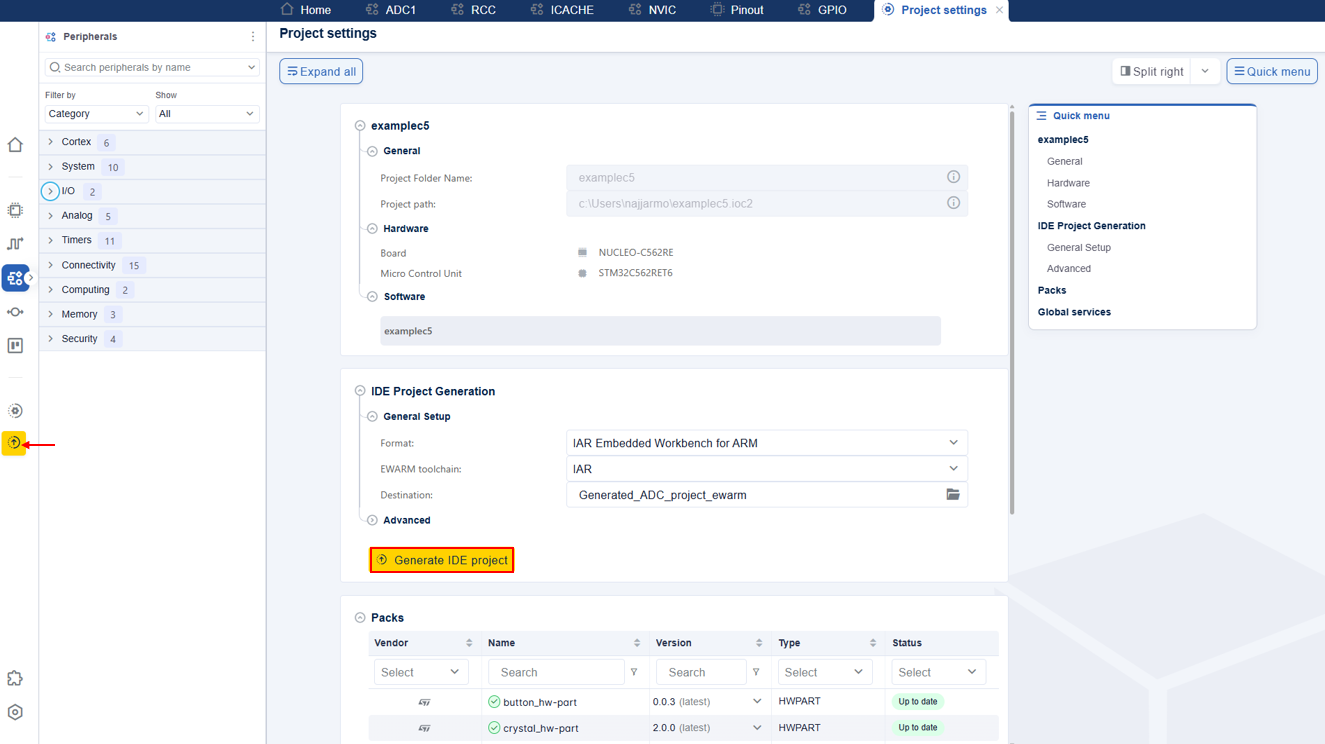
Once all peripherals have been configured, generate the project .
Generate STM32CubeMX2 project 
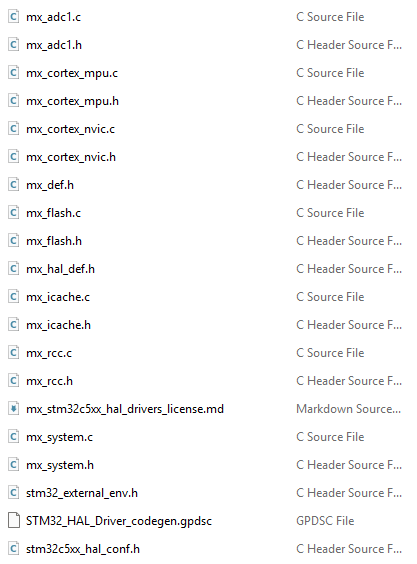
Generated Linker, startup, system, hal conf, external env files and drivers 
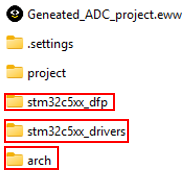
After generation, DFP pack, Drivers pack and CMSIS are generated under $YOUR_PORJECT_NAME$_ewarm.
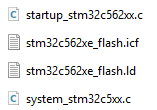
startup_stm32c562zitx.s, stm32c562xx_flash.icf, system_stm32c5xx.c and stm32_external_env.h are generated under $YOUR_PORJECT_NAME$_ewarm/project/user_modifiable/Device/STM32C562RET6
Use the stm32_external_env.h file located generated in the
STMicroelectronics.stm32c5xx_dfpfolder.All peripherals configuration and stm32c5xx_hal_conf.h are generated under $YOUR_PORJECT_NAME$_ewarm/project/generated/hal