
 HAL2 Migrator

Execute the automatic detection script 
This section demonstrates the process of using the HAL1_detection script to identify and migrate HAL1 references within the application code of the provided examples.
It covers the steps from script execution to log analysis and the subsequent refactoring of HAL1 references based on the HAL1 to HAL2 migration guidelines.
Change the working directory to the folder where you extracted the HAL2 Migrator ZIP package.
Execute the automatic detection script using the command line:
“Git Bash” terminal
./hal1_detection.exe -psrc "$YOUR_PROJECT_PATH$" -m all
“Command Prompt” terminal
hal1_detection.exe -psrc "$YOUR_PROJECT_PATH$" -m all
For the following example :
To execute the hal1 detection script :
./hal1_detection.exe -psrc "C:\STM32Cube_FW_H5_V1.5.0\Projects\STM32H563ZI\Examples\ADC\ADC_SingleConversion_TriggerSW_DMA" -m all
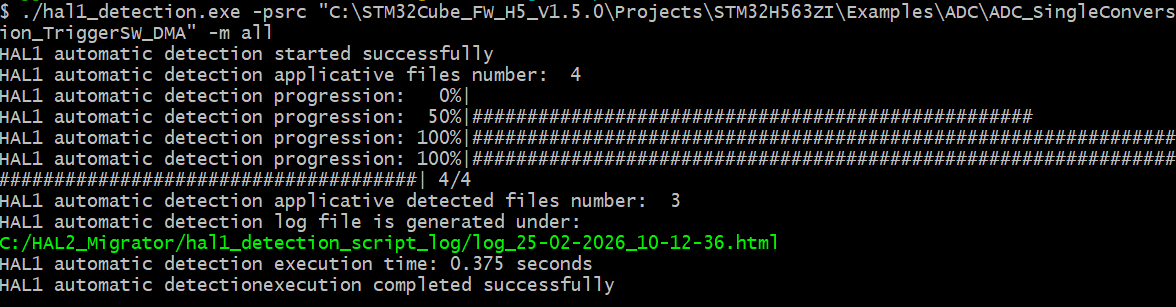
or
hal1_detection.exe -psrc "C:\STM32Cube_FW_H5_V1.5.0\Projects\STM32H563ZI\Examples\ADC\ADC_SingleConversion_TriggerSW_DMA" -m all
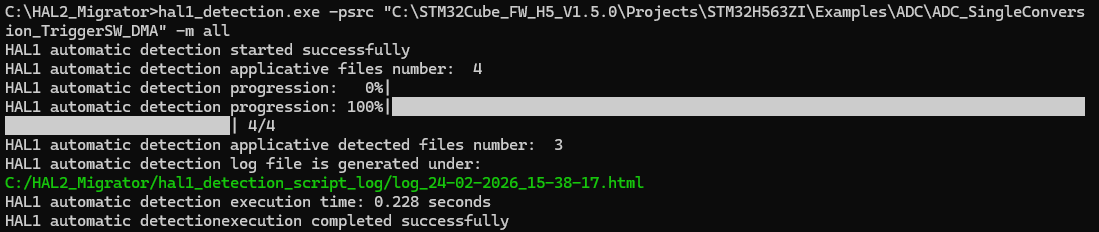
Build log after executing the detection script 
After executing the HAL1 detection script, a log file is generated and saved in the directory:
C:\HAL2_Migrator\hal1_detection_script_log
This log file contains a comprehensive list of all HAL1 references found in the application code. For each HAL1 reference, the log provides direct links to the corresponding sections in the HAL1 to HAL2 migration documentation.
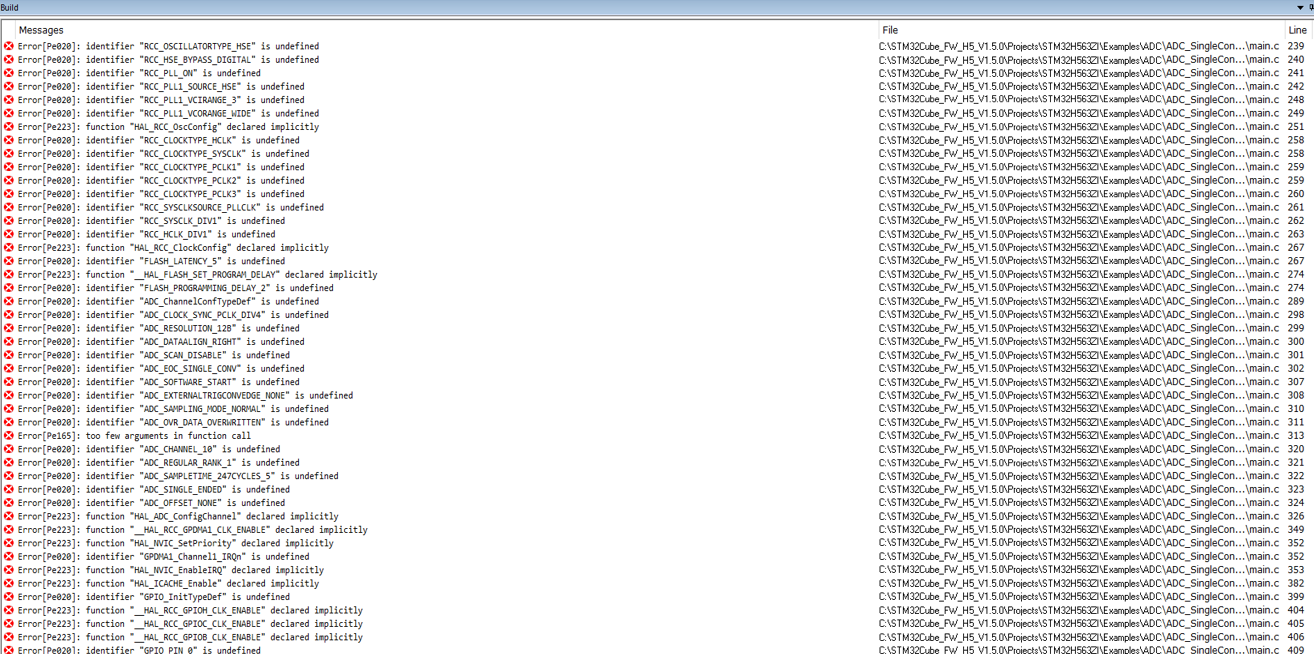
Next step: Resolve HAL1 detected references