
 STM32CubeProgrammer

Blank check operation 
The user can open the Fill memory window from different sub-menus.
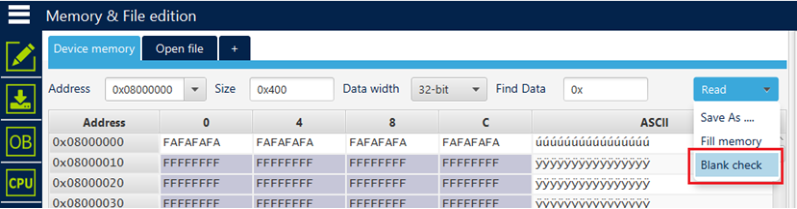
Fig. 62 Sub-menu displayed from Read combo-box 
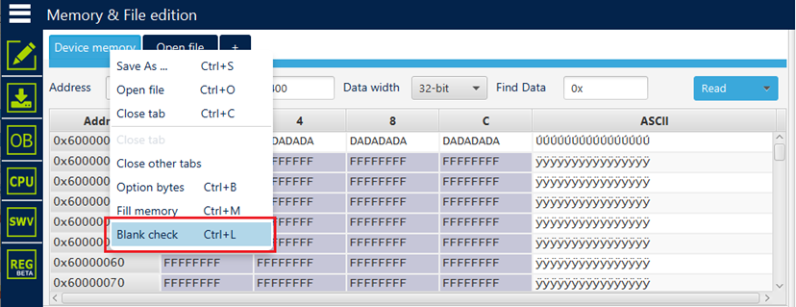
Fig. 63 Sub-menu displayed with right click on Device memory tab 
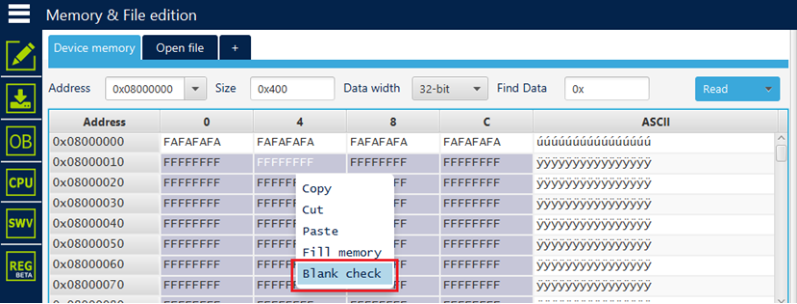
Fig. 64 Sub-menu displayed with right click on the cell of grid 
Note
In addition to sub-menus to display this window, the user can launch the operation directly by using the key combination Ctrl+L.
After clicking on Blank check sub-menu, the process starts to verify that the STM32 flash memory is blank. If the flash memory is not blank, the first address with data is highlighted in a message, as shown in the following figure.
The expected results are shown in the following figures.
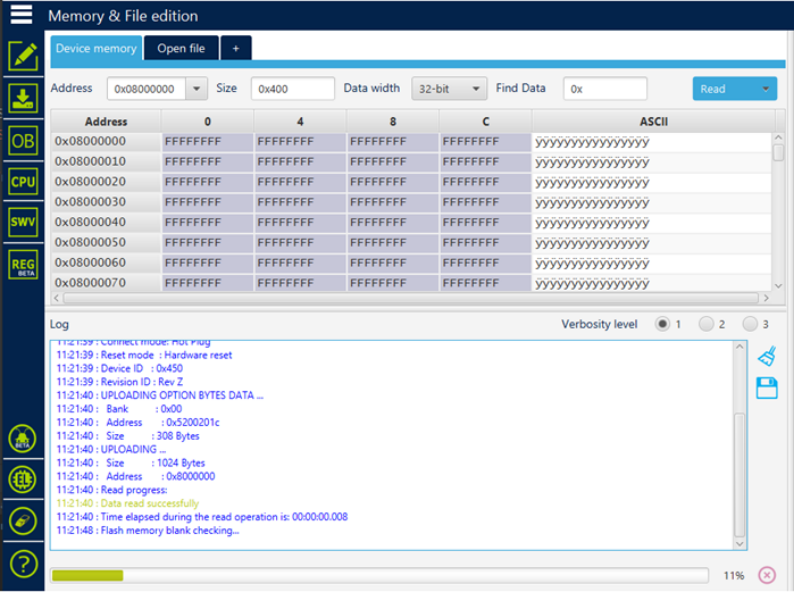
Fig. 65 First address with data 
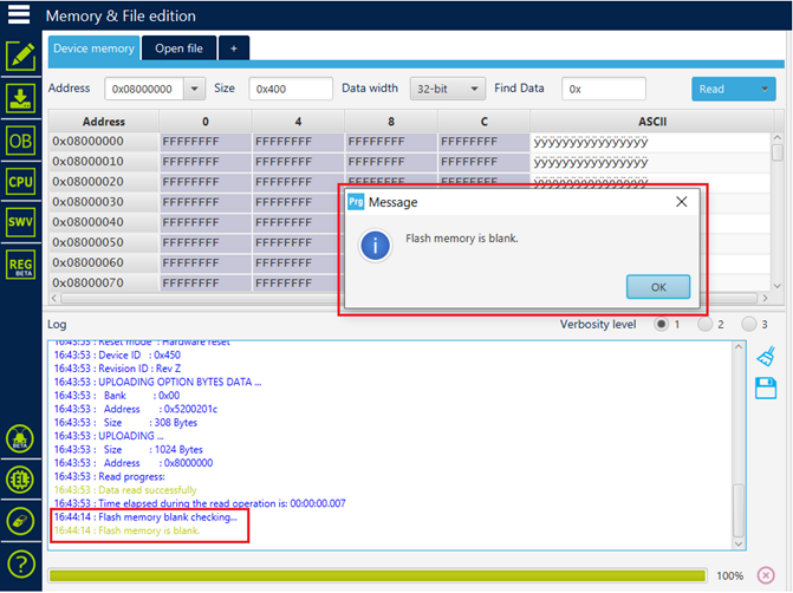
Fig. 66 Example 1: memory is blank 
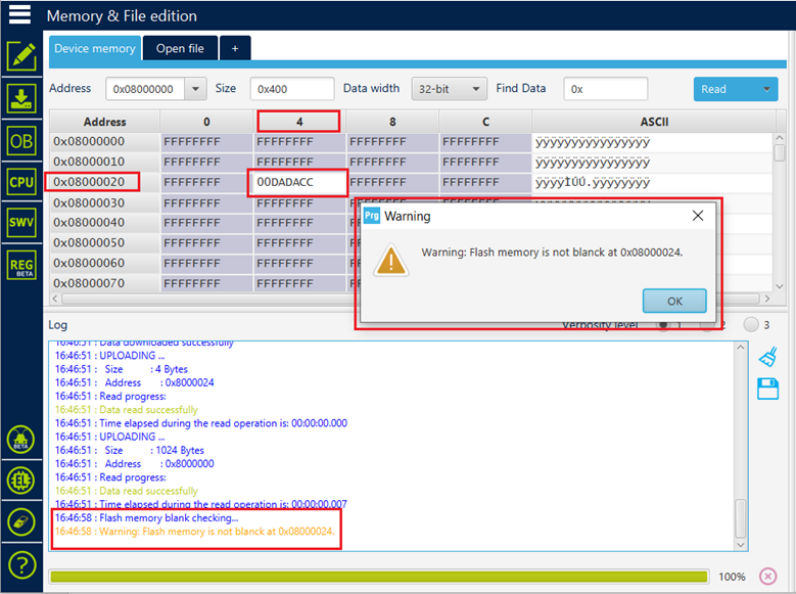
Fig. 67 Example 2: memory is not blank 